0:43
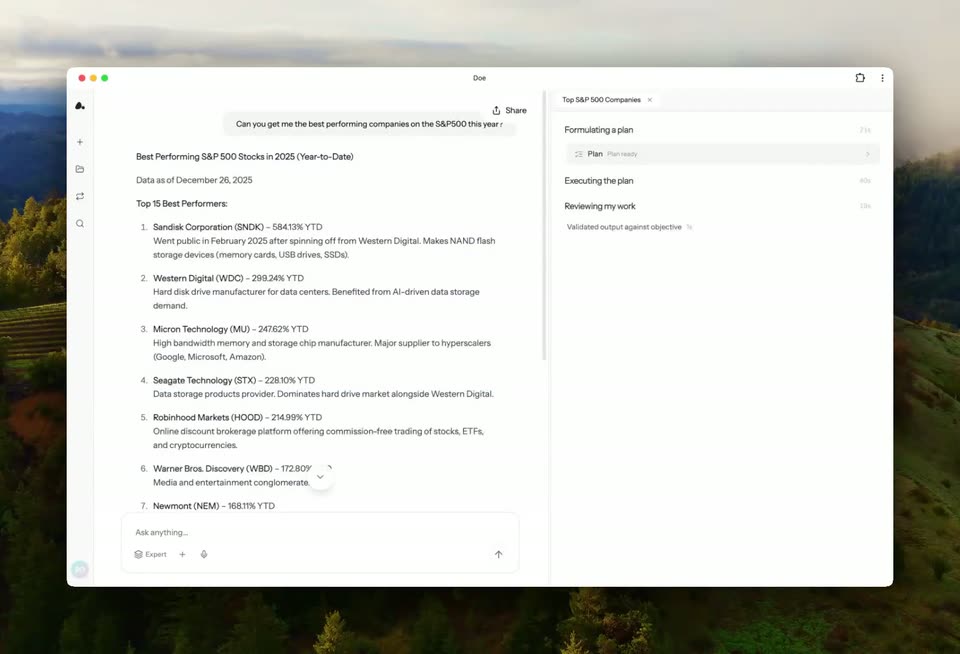

doe - Introducing the trace panel. You now have unprecedented observabilit
Doe · B2B · Jan 2026
Microsoft’s 0:12 clip runs 4 scenes, about 3.1 s each. The product is on screen from the first frame. A single continuous screen walkthrough that zooms from the Agent 365 overview cards into the agent network graph, then tilts the flat screen into a 3D perspective. Pacing is slow and steady, with smooth zooms and red connector lines as the signature moves.
Is this your launch? to your site or press kit.
Doe · B2B · Jan 2026
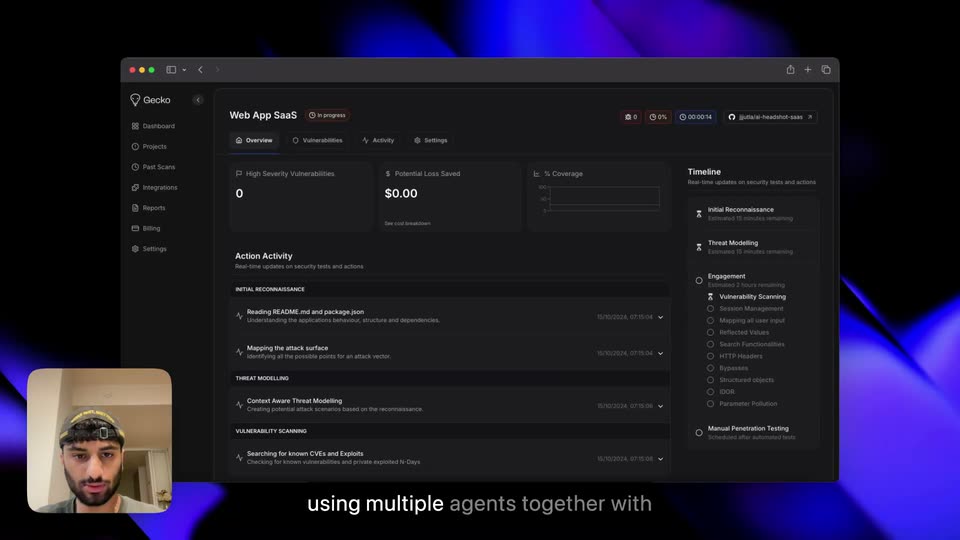
Gecko Security · B2B · Oct 2024
A flat browser window displays the Agent 365 overview dashboard. Metric cards fill in, the cursor moves to a button, the frame zooms into the action cards, then the view switches to a circular network graph of agents.
Techniques: Cursor demo, UI zoom
Camera: Push in
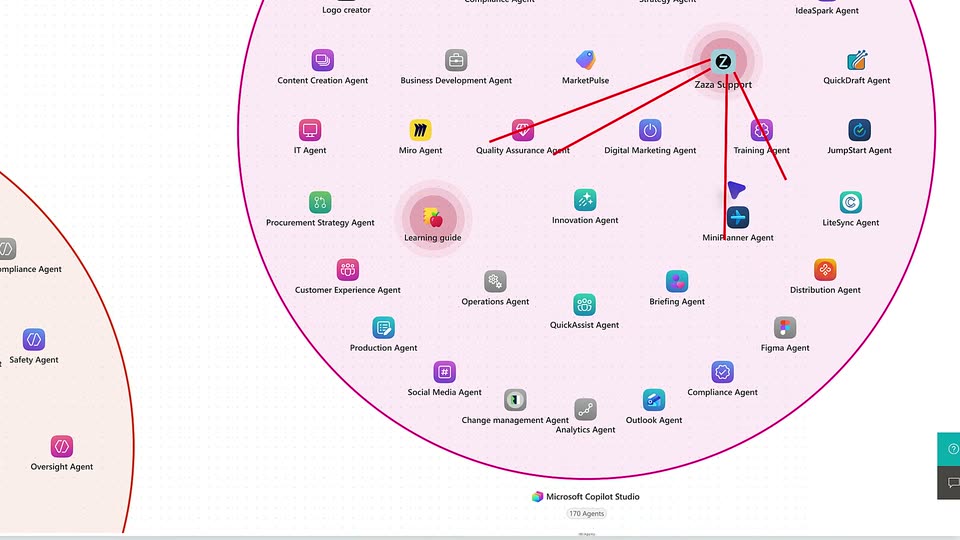
A browser window shows the Microsoft 365 admin center with a canvas of colored agent clusters. The view zooms into the magenta Copilot Studio cluster as red lines draw outward from the Zaza Support node to several linked agents.
Techniques: Cursor demo, UI zoom
Camera: Push in
The Microsoft 365 admin center fills the frame, a network of agent icons on the left linked by red lines to a central Zaza Support node, with a detail panel on the right. The flat screen tilts into a 3D perspective, rotating slightly on its axis.
Techniques: 3D mockup
Camera: Pull out
A static Microsoft 365 admin center view. The left panel holds a network graph of agent icons, the Zava Suport node ringed in pink with red lines linking four agents. The right panel shows the Zava suport detail card with logo, tabs and description text. No motion across the clip.
Camera: Static