1:00

Meet Notion Mail
Notion · Productivity · Apr 2025
Microsoft · Jun 2026 · 0:58 · Full motion · AI-annotated
Microsoft’s 0:58 launch film runs 24 scenes, about 2.4 s each. The product is on screen from the first frame and 3 features are revealed. The call to action lands at 0:51 (89% in). The video alternates plain type cards with 3D-tilted browser mockups and flat UI panels, building from a tagline intro through a single-feature demo to a closing CTA at a steady mid-tempo. Its signature moves are word-by-word text reveals, scrolling lists that highlight the active row in solid black, and a recurring line-drawn logo mark that bookends the piece.
Is this your launch? to your site or press kit.
Notion · Productivity · Apr 2025
OpenAI · AI · Nov 2026
Films whose music sounds like this one, voice left out
Opennote · Jazz
FurtherAI · Electronic, Dixieland Jazz
A plain off-white frame holds centered black text. The word Introducing appears first, then Autopilots fades in beside it. Above the line, a thin line-drawn icon morphs from one looped shape into another.
On-screen text: “Introducing Autopilots”
Techniques: Kinetic type, Morph
Camera: Static
On a white background, “Digital team” scales in at the center, then shrinks to the top left as “Working with you” slides in below. Oversized gray “Working” and dark “Non stop” rise into view on the left.
On-screen text: “Introducing Autopilots”, “Digital team”, “Working with you”, “Working”, “Non stop”
Techniques: Kinetic type
Camera: Static
A plain white background holds two lines of type: a large light-gray line reading Working with across the top, and a black line reading Non stop below it. The lines sit still in a locked-off frame for the duration of the shot.
On-screen text: “Working with”, “Non stop”
Camera: Static
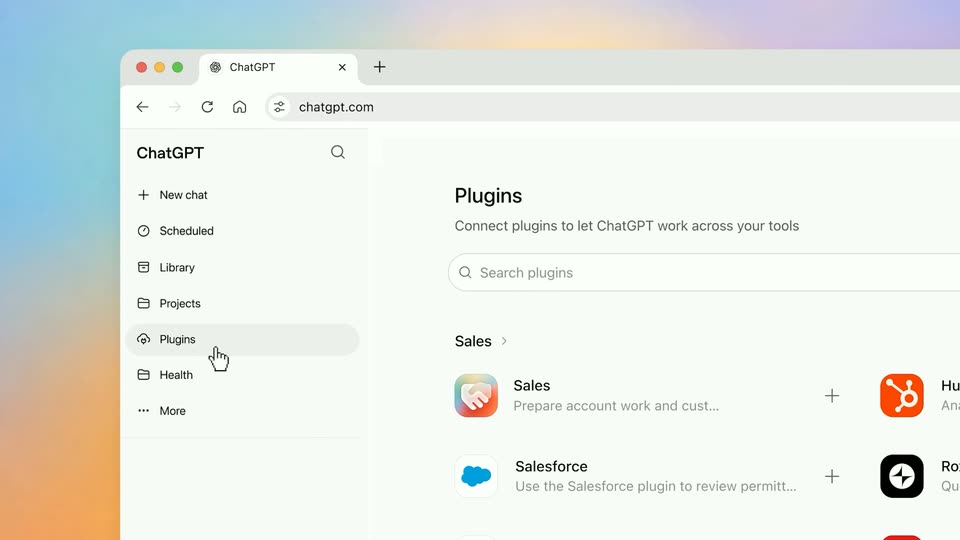
A flat Copilot header with bell, grid and card icons crossfades into a browser window that slides in from the right. The window settles into a tilted 3D perspective with a soft drop shadow, showing the Copilot Autopilot page.
On-screen text: “Working”, “Non stop”, “wit”
Techniques: 3D mockup
Camera: Static
A browser window in 3D perspective shows the Copilot autopilot page. The view zooms into the left sidebar as a cursor glides up and clicks the New autopilot plus button.
Techniques: 3D mockup, UI zoom, Cursor demo
Camera: Push in
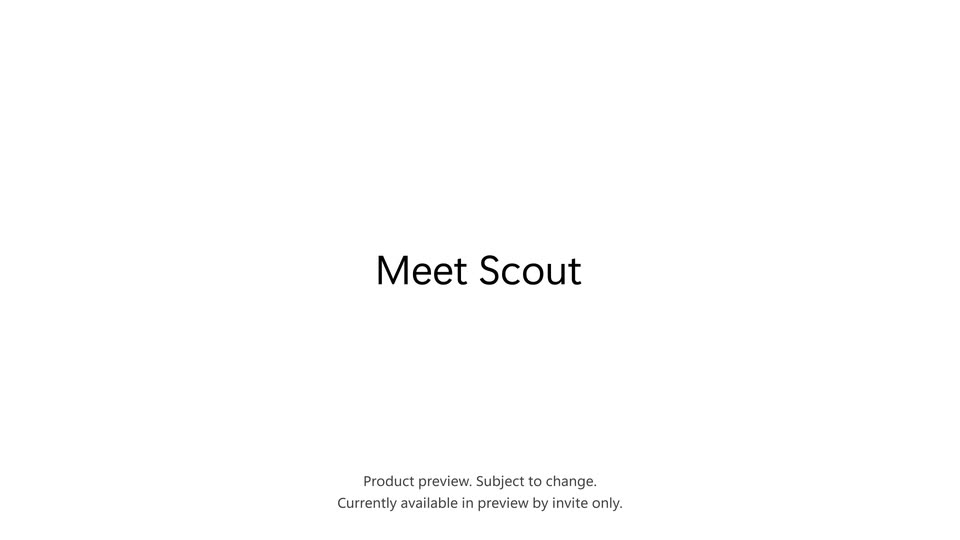
On a plain white background, the black heading “Meet Scout” sits centered while the word “Scout” slides horizontally with a touch of motion blur. A two-line gray disclaimer stays fixed at the bottom of the frame.
On-screen text: “Meet Scout”, “Product preview. Subject to change.”, “Currently available in preview by invite only.”
Techniques: Kinetic type
Camera: Static
A white rounded card on a pale blue background holds a peach circle with a 3D gradient S logo beside the bold black wordmark Scout, which slides in. Two lines of small gray disclaimer text sit below, static.
On-screen text: “Scout”, “Product preview. Subject to change.”, “Currently available in preview by invite only.”
Techniques: Kinetic type
Camera: Static
A white settings card on a lavender background scrolls up, carrying the Scout title and Create button out of frame. The Chief Assistant value fades in beside Personality, then Teams, Outlook, and OneDrive icons pop in next to Integrations.
Camera: Push in
A flat dark button labeled Create sits on a white background as a white cursor arrow slides in from the bottom right and presses the corner, the button darkening to black.
Techniques: Cursor demo
Camera: Static
A gray chat bubble on the right asks Scout to watch the inbox and Teams. It slides up as a pixel icon with “Working on it” fades in on the left, then the reply types out word by word beneath it.
Techniques: Kinetic type
Camera: Static
A white sidebar panel on a plain background. The Automations list builds line by line as Morning briefing, Teams monitoring and Outlook monitoring fade in with small flowchart icons. An Integrations section then appears with the purple Teams and blue Outlook icons, and the panel scrolls slightly upward at the end.
Camera: Static
A plain white card where three taglines stack up: “Powerful out of the box” writes in word by word, then “Personal by design” and “Extensible by nature” slide in below it, the newest line in black while the earlier lines fade to light gray.
On-screen text: “Powerful out of the box”, “Personal by design”, “Extensible by nature”
Techniques: Kinetic type
Camera: Static
A feature list with line icons scrolls upward on a plain off-white background. The active row, from Automations to Models, darkens to black while the surrounding rows stay light gray.
On-screen text: “Powerful out of the box”, “Personal by design”, “Extensible by nature”
Techniques: Kinetic type
Camera: Pan
A vertical menu list with line icons (Personality, MCPs, Models, Integrations) scrolls up on a light background, settling on the dark, enlarged Integrations item. The list clears and a small caption, Scout works, slides into the center.
On-screen text: “Scout works”
Techniques: UI zoom, Kinetic type
Camera: Static
Black text on a plain white background. “Scout works” slides into the center, then “where you work” appears on a second line below it. The frame stays locked off.
On-screen text: “Scout works”, “where you work”
Techniques: Kinetic type
Camera: Static
A plain light background holds two centered lines of text. The top line slides in from the side while the bottom line stays still.
On-screen text: “Scout works”, “where you work”
Techniques: Kinetic type
Camera: Static
A pale blue-gray field holds the centered gray headline, its first line sliding in. The headline then gives way to a Microsoft Teams notification card that fades in at center, showing the Scout logo, a pre-read line and a reply field.
On-screen text: “Scout works”, “where you work”
Techniques: Kinetic type
Camera: Static
A flat purple Microsoft Teams notification card shows a message from Scout and a reply field, centered on a pale blue-gray background. A white arrow cursor glides up the right edge to the close button.
Techniques: Cursor demo
Camera: Static
A Teams chat titled FY2027 Budgeting scrolls upward as messages appear in sequence: a shared file, a thank-you reply, a request to email a colleague, and a confirmation. The opening frame eases in from a soft blur into focus.
Camera: Static
A light chat screen titled FY2027 Budgeting shows a short message thread with a brand avatar, then the view transitions to a row of four rounded agent cards, each with a colored avatar circle and a role label.
Camera: Static
A horizontal row of white profile cards slides left across a plain white background. Each card holds a colored letter avatar with a green status dot, a bold name, and a gray role line, revealing a new card on the right.
Camera: Pan
A horizontal row of white profile cards, each with a colored avatar, name and role, slides and fades out on a white background, revealing a centered black headline with a smaller line of text beneath it.
On-screen text: “Try Scout today”, “Available in Frontier”
Camera: Pan
A white card holds the headline “Try Scout today” with “Scout” in bold and a smaller “Available in Frontier” line below. The text gives way to the Autopilots logo mark, which scales in above the wordmark.
On-screen text: “Try Scout today”, “Available in Frontier”, “Autopilots”
Camera: Static
On a plain off-white background, a thin line-drawn logo rotates and scales into place at center, above the word Autopilots. The word stays fixed and centered for the whole shot.
On-screen text: “Autopilots”
Camera: Static