1:06
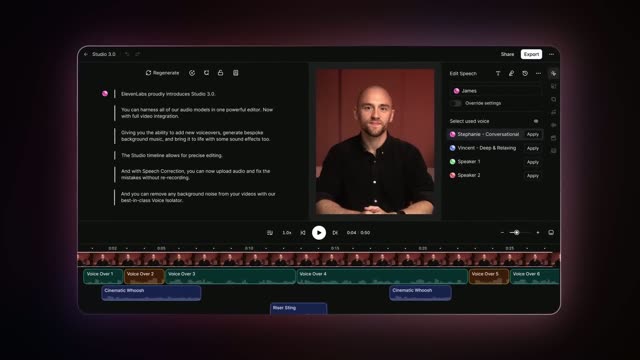

Introducing Studio 3.0 — The Best AI Audio Models in One Editor
ElevenLabs · AI · Sep 2025
Lovable · May 2026 · 0:51 · Full motion · AI-annotated
Lovable’s 0:51 launch film runs 28 scenes, about 1.8 s each. The product is on screen from the first frame and 4 features are revealed. There is no explicit call to action. Built as a rapid alternation of centered gradient title cards and tilted 3D interface shots that type prompts and reveal results, paced at a brisk ~14 cuts per minute. Signature moves are the blur-to-focus word reveals, the cartoon hand cursor tapping buttons, and the shift from flat black to a warm pink-blue gradient glow.
Is this your launch? to your site or press kit.
ElevenLabs · AI · Sep 2025
Resin Technologies · B2B · Oct 2026
Cognition · Nov 2026
Films whose music sounds like this one, voice left out
Spline · Tech house / Deep tech
Pika · High-energy electronic, blending trap, dubstep, and hyperpop elements.
editframe · Electronic dance music, UK Garage, Latin urban
On black, a small orange-to-purple gradient heart scales up beside the white wordmark “Lovable”. The pair then shrinks toward center-left as the smaller word “apps” fades in to its right, settling into the final lockup.
On-screen text: “apps”
Camera: Static
On a black field, a centered white tagline reads “Lovable apps”, the word “apps” in a pink-to-blue gradient. It swaps to the next line, “are built to be found”, with “found” in the same gradient. The frame stays locked off and centered.
On-screen text: “Lovable apps”, “are built to be found”
Camera: Static
The word found sits centered in white on a flat black background. The frame is locked off and the text holds still for the full duration.
On-screen text: “found”
Camera: Static
Extreme macro close-up of a dark screen, pixel grid visible, angled slightly. A gradient logo and the URL lovable.dev sit at the top. Below, a circular refresh icon spins beside a field where the word found types out letter by letter behind a blinking cursor.
On-screen text: “lovable.dev”
Techniques: Kinetic type, Cursor demo
Camera: Static
A faded search page with a search bar and trending list sits behind the word “Found,” which scales in the center, its fill cycling from rainbow pixels to a purple gradient with an exclamation mark, then to a thin black outline. A duck logo fades in above.
On-screen text: “Found”
Techniques: Kinetic type
Camera: Static
A macro close-up of a search screen on a purple pixel-grid background. A white “Found” label beside a two-square logo shrinks above an empty white search field that holds a microphone and a scan icon on the right.
Camera: Pull out
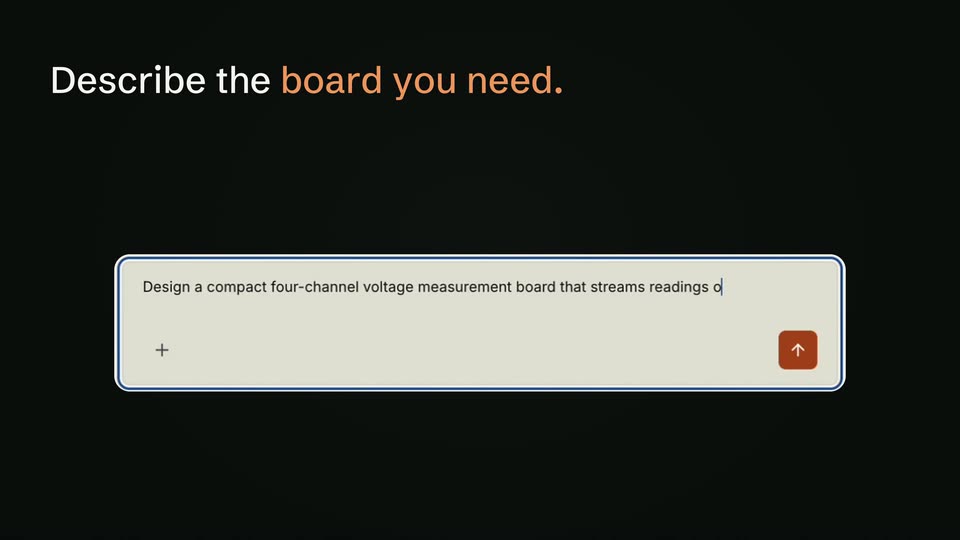
A tilted 3D view of an AI builder interface zooms into the chat input as 'Help users find my app' is typed word by word, then a white hand cursor clicks the send arrow and points to a property card.
Techniques: 3D mockup, UI zoom, Kinetic type, Cursor demo
Camera: Push in
On a black field, a blurred “Auto” snaps into focus as “Auto optimize” in a pink-to-blue gradient. Then “for” and “search” scale in around a rounded square holding a gradient magnifying glass, completing the phrase.
On-screen text: “Auto optimize”, “for”, “search”
Techniques: Kinetic type
Camera: Static
A dark search results page tilts in 3D perspective as the query is typed into the bar, a pink light sweeps across it, then the view reframes to the top result.
Techniques: 3D mockup, Light sweep, UI zoom
Camera: Pull out
On black, the gradient word Ensure sharpens from a blur, then crossfades into white AI Readability with a gradient flower icon in a rounded square popping in between the words.
On-screen text: “Ensure”, “AI”, “Readability”
Techniques: Kinetic type
Camera: Static
A dark chat UI with a left sidebar and a central prompt field. The typed text fills in to read “How should I manage my AI” behind a blinking caret, while the header and sidebar stay static on a locked-off frame.
Camera: Pull out
A dark chat interface: a hand cursor taps the blue send button, the question line slides up into a message bubble, and a trophy-topped list of BnB property management software fades in below, the first entry YourSpace with its URL.
On-screen text: “https://www.yourspace.com”
Techniques: Cursor demo, Morph
Camera: Pan
A dark chat screen holds a query bubble at the top right above a bold heading and a numbered list of BnB software entries with blue hyperlinks and short descriptions. The frame drifts slowly upward, bringing the second entry into view.
Camera: Static
A tilted 3D view of a dark chat interface lists BnB software recommendations, then a large gradient word Chat! scales in across the center over the angled list.
On-screen text: “Chat!”
Techniques: Kinetic type, 3D mockup
Camera: Pull out
On a black field, the word Chat types in with a white-to-pink gradient and a vertical cursor bar. With follows in pink as the line scales up, then the gradient washes out to plain white.
On-screen text: “Chat with”
Techniques: Kinetic type
Camera: Static
On a black background, the purple SEMRUSH wordmark and icon resolve from a horizontal motion blur into a sharp centered lockup. The white tagline then fades in beneath it.
On-screen text: “An Adobe Company”
Techniques: Masking
Camera: Static
A tilted 3D mockup of the app pairs a dark chat panel with a white website preview on a pink-orange gradient. The camera zooms into the chat bar while a prompt types out and a cursor clicks the send button.
Techniques: 3D mockup, UI zoom, Cursor demo
Camera: Push in
A dark chat interface: a user bubble asks Semrush how findable the site is, then a table of markets, ranked keywords and estimated traffic builds in. The view scrolls down to a follow-up line and the input bar.
Techniques: UI zoom
Camera: Static
A dark chat interface fills with a typed AI suggestion, letter by letter, above an input bar. A hand cursor types a short reply into the bar and clicks the send arrow, posting it as a right-aligned bubble while the bar resets.
Techniques: Cursor demo
Camera: Pull out
A close-up of a dark chat panel and a white property card pulls back to reveal the full workspace: the editor on the left and a browser preview of the Your Space site on the right, set over a blue-to-red gradient.
Techniques: UI zoom
Camera: Pull out
A tight close-up of a dark toolbar shows a cartoon hand cursor tapping the blue Publish button. The frame pulls back, then reframes onto an SEO review panel listing a truncated-text warning with a pink Fix all button, all over a colorful gradient.
Techniques: Cursor demo, UI zoom
Camera: Static
A dark rounded card titled Your SEO review floats over a blurred blue and pink glow. The camera slowly pushes in on the list, so the red cross and warning rows grow until the blue Fix all button leaves the frame.
Techniques: UI zoom
Camera: Push in
A dark SEO review panel is tilted in 3D perspective on a black background, with a blue and pink glow on the left edge. The camera trucks right across it, moving from the header and two flagged rows to a blue Fix all button.
Techniques: 3D mockup
Camera: Push in
A dark rounded interface panel tilts in 3D perspective against a blurred blue-to-pink gradient. A blue Fix all button sits on the panel with a white hand cursor icon pressing it; the pair drifts slightly while the frame stays locked.
Techniques: 3D mockup, Cursor demo
Camera: Static
On a dark-blue-to-pink gradient, the white heading “Server-Side” holds while the line below scales up from “Rendering” to “Pre-Rendering” as the small dark app icon beside it swaps from a window glyph to a database glyph. The gray caption “for new apps” stays fixed beneath.
On-screen text: “Server-Side”, “Rendering”, “for new apps”, “Pre-Rendering”
Techniques: Kinetic type, Morph
Camera: Static
A blue-to-pink gradient with a soft dark blur holds a dark rounded app icon left of the white title “Pre-Rendering”, with the subline “for existing apps” below. The lockup drifts right as the title scales up.
On-screen text: “Pre-Rendering”, “for existing apps”
Techniques: Kinetic type
Camera: Static
A dark field of outlined SEO keyword pills drifts behind a centered orange-to-purple heart logo. The view cuts to a 3D dark phone at an angle with a pink glow, beside a card where the headline scales in over a static subline.
On-screen text: “Pre-Rendering”, “for existing apps”
Techniques: Parallax, 3D mockup, Kinetic type
Camera: Pull out
Centered white text 'Build something' over a soft black, blue and pink gradient. A heart icon and the word 'Findable' slide in from the right with motion blur, then the word crossfades into 'Lovable' while the frame stays locked off.
On-screen text: “Build something Findable”, “Build something Lovable”
Techniques: Kinetic type
Camera: Static