0:39

Polemos Industries (YC F26)
Polemos Industries · Industrials · Nov 2026
Resin Technologies · Oct 2026 · 1:11 · AI-annotated · YC Fall 2026
A dark, near-black stage carries a single cream UI card or one 3D object per beat, with a two-tone headline (white lead, orange keyword) pinned top-left that swaps phrase by phrase to announce each step. Pacing is steady at about 112 bpm with a cut every few seconds, driven by self-drawing orange lines, letter-by-letter typing, and slow 3D camera drifts over the wireframe terrain and PCB, closing on a centered tagline and the stacked-trace Resin lockup.
Polemos Industries · Industrials · Nov 2026
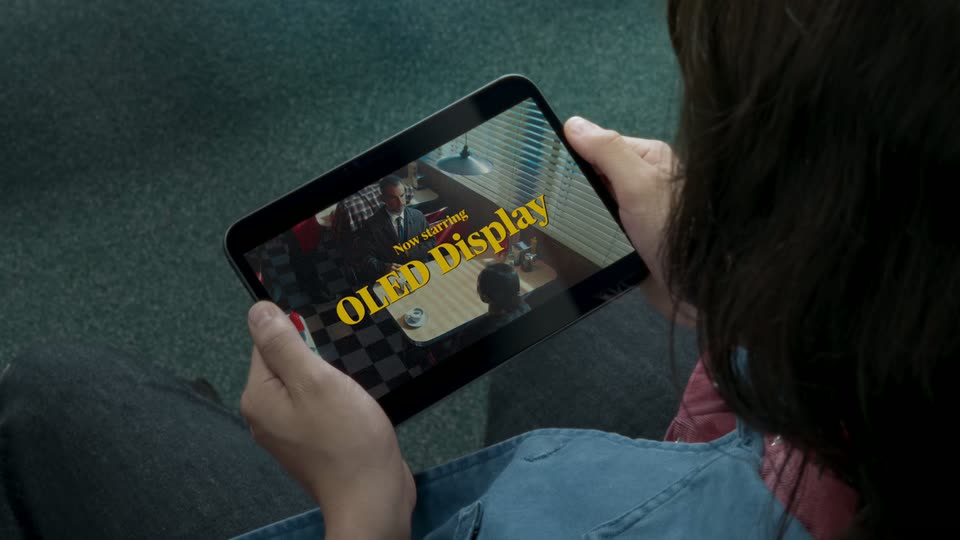
Apple · Hardware · Oct 2026
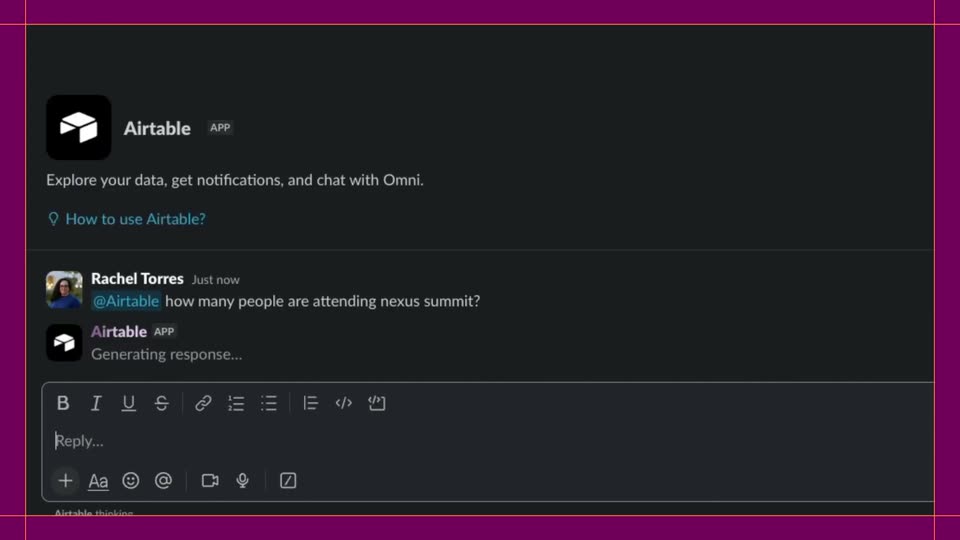
Airtable · Productivity · Oct 2026
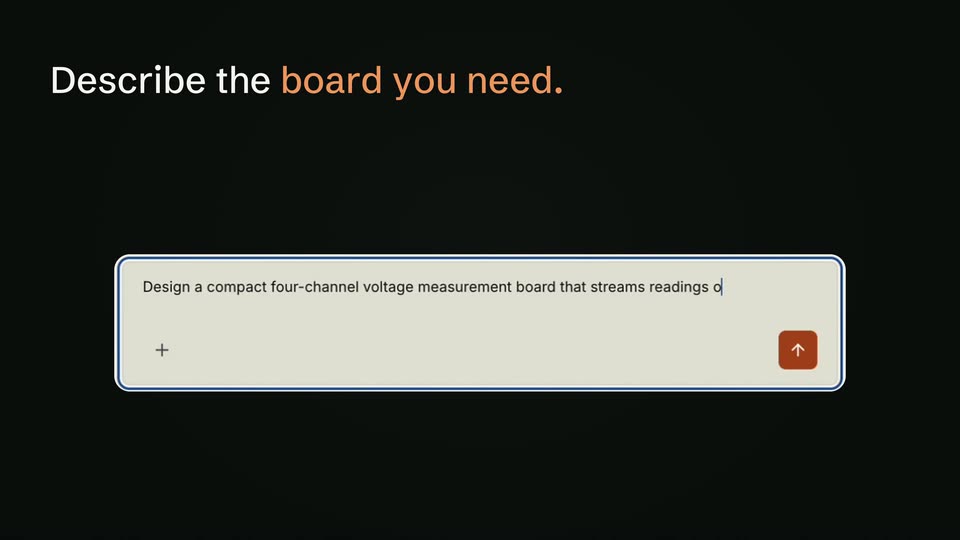
A gold circuit-trace P logo on a near-black field fills to flat white, then the frame cuts to a beige input box with a blue outline, a plus icon on the left and an up-arrow button on the right.
Camera: Static
A dark frame holds the headline Describe the board you need over a cream prompt box with a blue outline. The prompt types out letter by letter, then the box expands into a card headed Resin AI.
On-screen text: “Describe the board you need.”
Techniques: Kinetic type, Morph
Camera: Static
A locked-off dark frame pairs a static two-color headline with a light chat card below. Inside the card the header updates to the prompt and the assistant's response types out beneath the user's message bubble.
On-screen text: “Describe the board you need.”
Camera: Static
A dark 3D wireframe terrain of orange peaks sits under a grid ceiling, each peak tagged with a white spec label on a leader line. A faint chat panel with a typed prompt fades out as the headline “Resin reads the datasheets,” pops in top left, white then orange.
On-screen text: “one 4-channel SPI ADC + precision reference”, “four ADCs, simultaneous sampling”, “MCU’s own ADC, rail as reference”, “24-bit delta-sigma ADC”, “SPI ADC, rail as reference”, “isolated ADC per channel”, “Resin reads the datasheets,”
Techniques: Kinetic type, 3D mockup
Camera: Static
A dark 3D wireframe landscape of peaks sits in perspective, tagged with ADC option labels, while a wall of datasheet pages scrolls left behind it. An orange line traces a path across the surface. Top headlines swap phrase by phrase.
On-screen text: “Resin reads the datasheets,”, “explores the design space,”, “and finds the best fit for your spec.”
Techniques: Kinetic type, Parallax
Camera: Static
A dark background holds a white headline at top left and a light rounded card of body text below. The text fades in, then thin orange underlines draw across key phrases in the paragraph before the whole frame fades to black.
On-screen text: “Every choice, explained.”
Camera: Static
A black frame holds a white headline at top left with the last word in orange. Below, a flat schematic-editor window shows a green circuit diagram on a gridded sheet; the active tab switches from Root to Acquisition, swapping the diagram in place.
On-screen text: “Then draws the schematic.”
Camera: Static
A chat card on black shows a prompt and a Planning next step status as the headline You steer the design fades in and the assistant reply appears below. It cuts to a 3D view of a green PCB grid with rows of red components labeled C1 to R10.
On-screen text: “You steer the design.”
Techniques: Kinetic type, 3D mockup
Camera: Static
A green PCB grid floats in 3D perspective on black, with rows of red components at right. As the headline appears top-left, purple ICs and red resistors snap onto the board, linked by dashed lines to the bin. The camera pushes in on the populated board.
On-screen text: “Places every part.”
Techniques: 3D mockup, UI zoom
Camera: Push in
A green circuit board schematic floats in 3D perspective on a black background, tilted at an angle, with yellow component outlines, red resistor symbols and purple connector pads. The camera drifts slowly rightward, revealing the J3 connector at the far edge.
Techniques: 3D mockup
Camera: Static
A green PCB schematic with yellow traces, red pads and purple connectors floats in 3D perspective on a black background. The camera slowly rotates the board, tilting it up then down as the labeled components stay fixed.
Techniques: 3D mockup
Camera: Static
A green PCB with red and purple components sits tilted in 3D perspective over a faint black grid. In the top left, the headline builds word by word, “Routes” in white then “every net.” in orange.
On-screen text: “Routes every net.”
Techniques: Kinetic type, 3D mockup
Camera: Push in
A tilted circuit board with red components and yellow reference labels fills the frame on a dark grid. A red trace draws itself in a loop around the right column of parts while the camera slowly drifts across the layout.
Techniques: 3D mockup
Camera: Push in
A green PCB layout with red traces and purple pads sits in 3D perspective over a black grid. The camera drifts slowly across the board, passing over rows of labeled components.
Techniques: 3D mockup
Camera: Static
A circuit board layout hovers in 3D over a dark green grid, its red traces, purple pads and yellow reference labels glowing. The tilted perspective slowly rotates to a flatter top-down view.
Techniques: 3D mockup
Camera: Push in
A PCB layout with red traces and purple components sits in 3D perspective over a dark grid; the camera pulls back and levels to a flat top-down view, then cuts to a gray result card reporting all checks pass.
Techniques: 3D mockup
Camera: Pull out
A two-line headline fades in at the top left, the first line in white and the second in orange. Below it, a cream results card with check statistics fades in on a black background.
On-screen text: “All changes checked against ERC, DRC and an AI reviewer.”
Camera: Static
A near-black frame holds a static two-line headline at top left above a light gray results card. The card, listing electrical-check warnings and AI review suggestions, eases upward and settles into place beneath the text.
On-screen text: “All changes checked against”, “ERC, DRC and an AI reviewer.”
Camera: Static
A green PCB with black chips, surface-mount resistors and capacitors, and gold pin headers along its edges floats on a black background. The board tilts and rotates slowly in 3D, revealing its top face and components.
Techniques: 3D mockup
Camera: Static
On a black background, a single centered line of light gray text appears and holds. The line reads “A new way to design electronics.” and remains static, locked off for the duration.
On-screen text: “A new way to design electronics.”
Camera: Static
A centered gray tagline on a black background fades out, then a thin orange line mark shaped like an angled bracket draws in at the center and holds.
On-screen text: “A new way to design electronics.”
Camera: Static
An orange wireframe R mark sits centered on black, then fills to white as the word Resin appears beside it in white. A small orange resineda.com fades in below, and the lockup holds as the sign-off.
On-screen text: “Resin”, “resineda.com”
Camera: Static