3:35


Toothy.ai (YC W25)
Toothy AI · Healthcare · Feb 2025
Loom · Oct 2020 · 1:30 · Full motion · AI-annotated
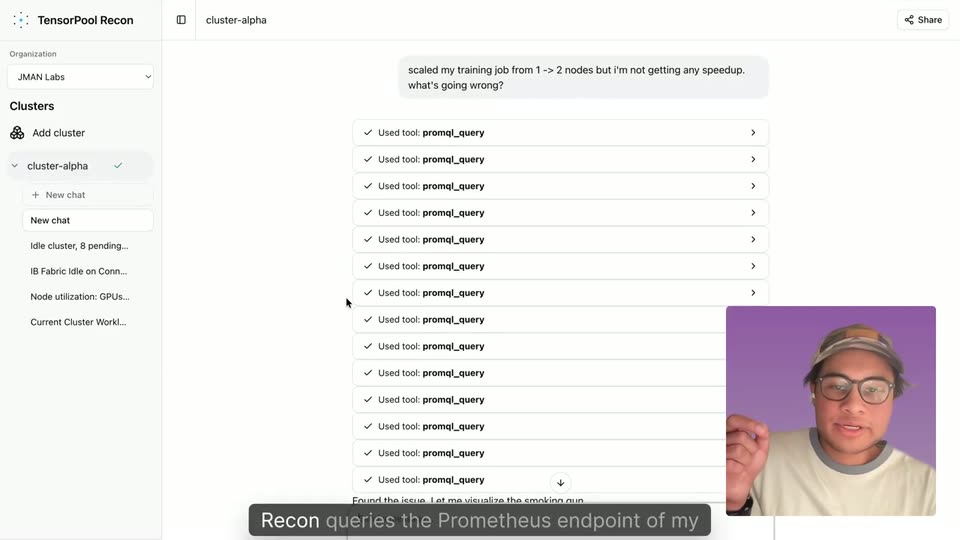
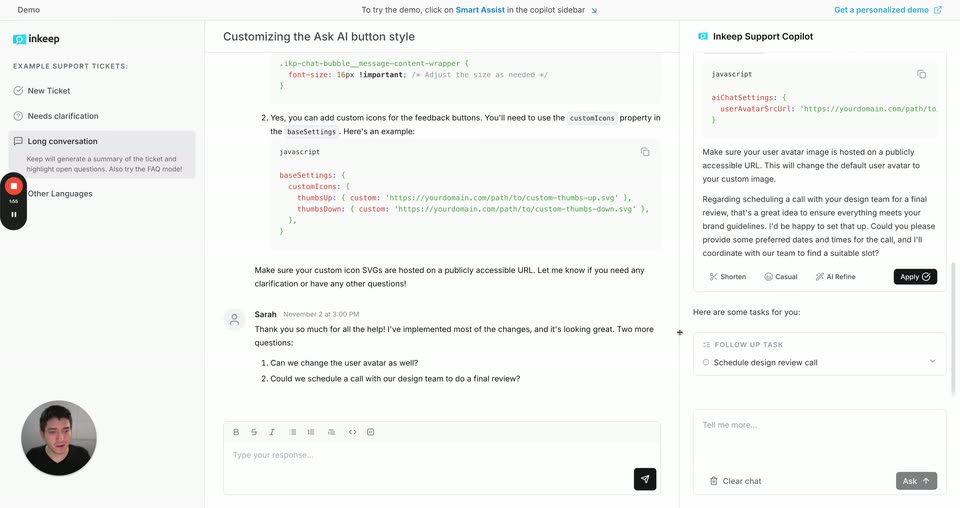
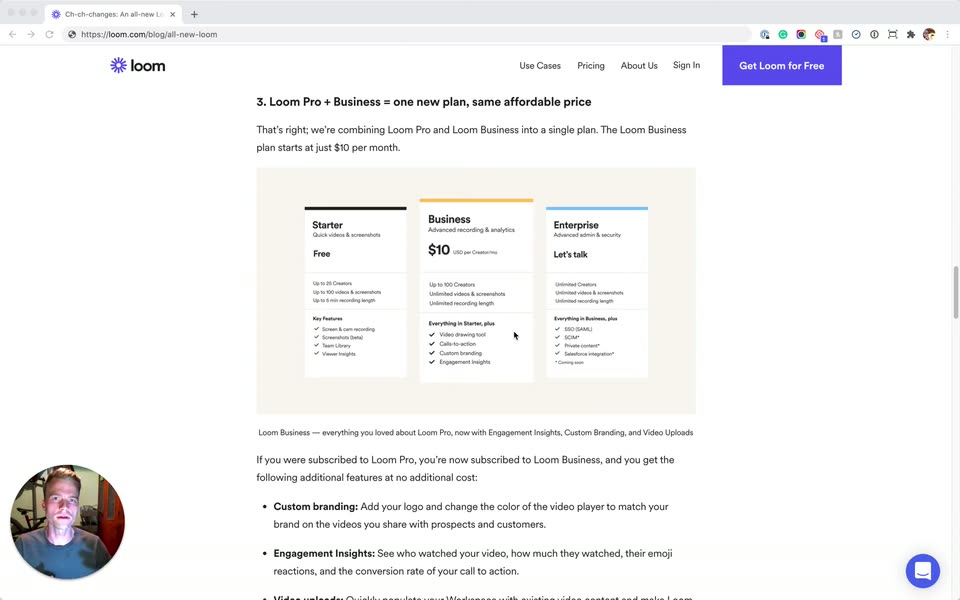
Loom’s 1:30 launch film runs 4 scenes, about 23 s each. The product is on screen from the first frame and 3 features are revealed. There is no explicit call to action; a voiceover carries the film. The video is a single continuous screen recording of a Loom blog post that scrolls top to bottom while the presenter in the circular webcam narrates five product changes, so the only motion is a slow vertical scroll plus a cursor clicking through embedded demos. The signature look is a flat, minimal white page with a bold purple hero and the Loom sun mark, anchored by the pinned circular presenter bubble in the lower-left corner.
Is this your launch? to your site or press kit.
Toothy AI · Healthcare · Feb 2025
TensorPool · B2B · May 2026
Inkeep · B2B · Nov 2024
A browser window shows the Loom blog post with its purple hero banner and logo; the page scrolls down through the article body and feature sections while a circular webcam of a man in a grey shirt talks in the lower-left corner.
Camera: Pan
Screen recording of a Loom blog page in a browser, with the presenter's webcam in a circular frame at lower left. The page scrolls down from the Team Workspaces section with a Team Library screenshot to a three-column pricing table, then to the Screenshots section.
Camera: Pan
A Loom blog page in a browser shows an embedded screenshot demo; a cursor types a caption and clicks a copy button, then the frame fades to a recording settings panel. A circular webcam of the presenter holds the lower-left corner.
Techniques: Cursor demo
Camera: Static
A screen capture of the Loom blog page, with a circular webcam bubble in the lower left. A cursor clicks the Screenshot tab and Start capture button in the embedded blue player, which switches to a flat window illustration. The page scrolls to the Education section and holds.
Techniques: Cursor demo
Camera: Pan