0:40
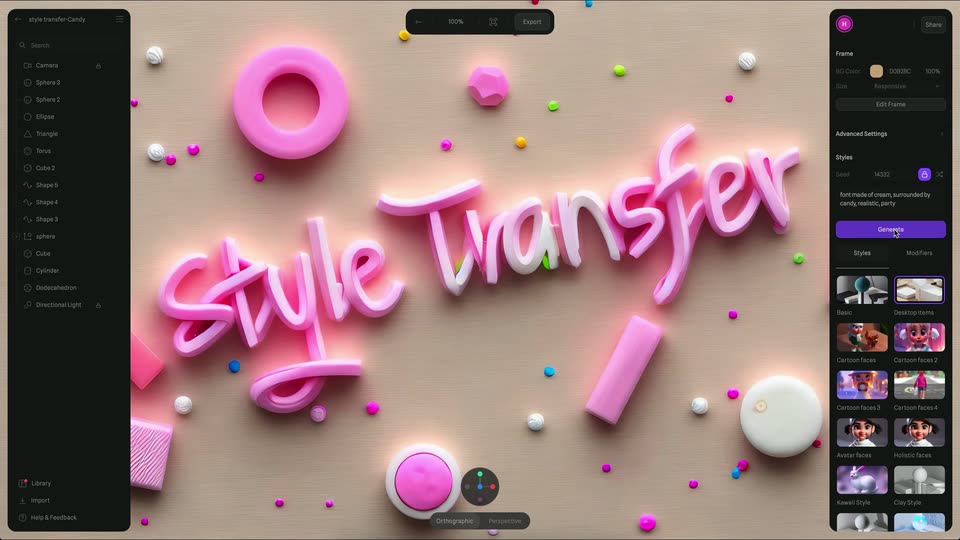

Update: Introducing AI Style Transfer for 3d scenes with Spline
Spline · Design · Jun 2023
Loom’s 2:07 launch film runs 10 scenes, about 13 s each. The product shows up at 0:04 and 4 features are revealed. The call to action lands at 1:55 (91% in), over a voiceover. A locked two-panel layout holds the presenter's circular webcam at lower left while flat UI mockups and bold white headlines play at right, one feature per beat. Pacing is slow (about two cuts per minute), so motion comes from the mockups, hand-drawn arrows, and crossfades rather than camera movement.
Is this your launch? to your site or press kit.
Spline · Design · Jun 2023
Sharpe · B2B · Jun 2025
Split frame: left, a plain indigo field with a circular webcam of a speaking man in the lower left and a small icon toolbar beneath; right, a yellow panel with a line-drawn column topped by a blue speech bubble reading hello. The frame is locked.
On-screen text: “hello”
Techniques: Split screen
Camera: Static
Locked-off purple layout: a white headline and a circular webcam clip of a man at left, a 3D-tilted Loom player mockup with a slide and webcam inset at right, plus a chat bubble and a woman's webcam circle below. The clips play while the layout stays still.
On-screen text: “Loom is video messaging for work.”
Techniques: 3D mockup
Camera: Static
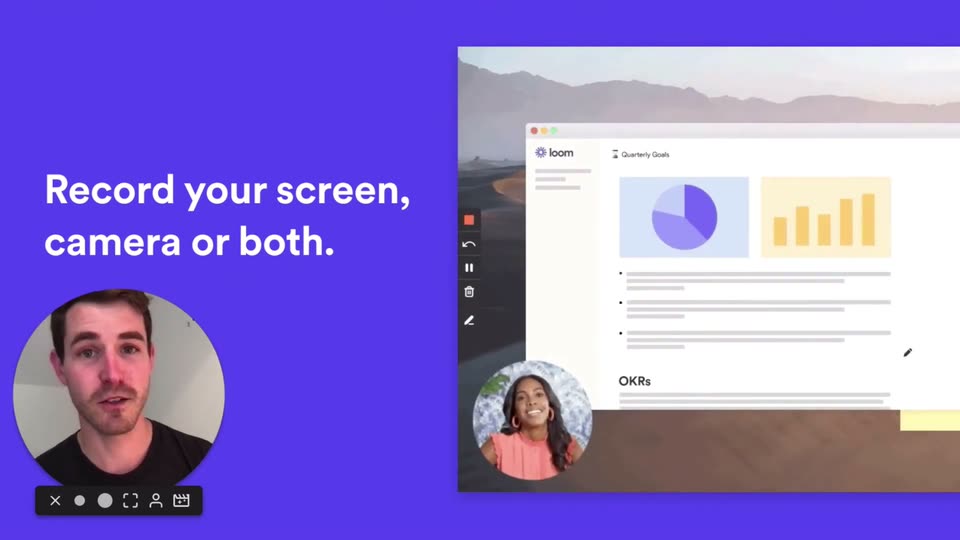
A purple panel holds the white headline and a circular webcam of a man with a recording toolbar; beside it, a Loom window shows a Quarterly Goals document with pie and bar charts and a webcam of a woman, and a pen cursor draws a red line.
On-screen text: “Record your screen, camera or both.”
Techniques: Split screen, Cursor demo
Camera: Static
A purple split layout: left, a white headline above a circular webcam clip of a man talking; right, a flat Slack chat window with a Loom video thumbnail and a hand-drawn arrow to a link, plus a white URL bar below. The man speaks while the graphics hold still.
On-screen text: “Share instantly with a link.”, “loom.com/share/17acb025cde3463...”
Techniques: Split screen
Camera: Static
On a purple field, a white headline sits above a circular webcam clip of a man, while a Slack window with an embedded Loom video and a share-link pill occupy the right. The Slack window crossfades into the Loom recorder and the headline fades out.
On-screen text: “Share instantly with a link.”, “loom.com/share/17acb025cde3463”
Camera: Static
A flat purple layout holds a white Loom settings panel on the right and a circular webcam preview of a talking man on the left, under a bold white headline. The composition stays static throughout while the man speaks.
On-screen text: “Record on any platform or device.”, “Available on Chrome, Mac, Windows, iOS, and Android”
Camera: Static
A cream slide titled 'Loom Use Cases:' holds six illustrated browser mockups in a grid, each captioned with a use case, while a presenter talks in a circular video inset at the lower left above a Loom control bar. The layout stays static.
On-screen text: “Loom Use Cases:”, “SHARE UPDATES”, “PROVIDE FEEDBACK”, “CONNECT WITH CUSTOMERS”, “DESIGN AND CODE REVIEWS”, “GIVE DEMOS”
Camera: Static
A locked purple layout pairs a white headline and a circular webcam tile of a talking man on the left with a Loom player mockup on the right, showing a Project Status doc, a blue CTA button, a comment bubble and an emoji reaction bar.
On-screen text: “Built for collaboration.”
Camera: Static
On a flat violet field, a white headline sits above a static collage of UI mockups: color picker, transcript panel, document card with cursor, flower-framed portrait, and speed chips, joined by a green dashed line. A man speaks in a circular webcam frame at lower left.
On-screen text: “And more features you'll love”
Camera: Static
A static split screen pairs a purple panel with the white URL and a small circular webcam of a talking man on the left, against a flat illustration of a woman on a floating platform with floating UI cards on the right.
On-screen text: “www.loom.com”
Techniques: Split screen
Camera: Static