0:44

Music Videos Rolling Out in Beta to Premium Spotify Users Across Select Markets — Spotify
Spotify · Consumer · Mar 2024
Help Scout · Jun 2024 · 0:15 · Code only · AI-annotated
Help Scout’s 0:15 launch film runs 4 scenes, about 3.8 s each. The product shows up at 0:01 and 1 feature is revealed. There is no explicit call to action; a voiceover carries the film. A three-beat structure: a question over a flat field of email cards, one UI demo where a reply types itself letter by letter, then a centered logo card. Pacing is quick at 100 bpm with headlines that assemble word by word, an auto-typing interface, and round avatars drifting at the frame edges over shifting pastel color fields.
Is this your launch? to your site or press kit.
Spotify · Consumer · Mar 2024
Films whose music sounds like this one, voice left out
Strawberry · Modern electronic
OpenWhispr · Upbeat electronic
A flat peach background holds a field of pale email-subject cards and a few round avatars that fade in around the edges, while a dark headline builds up word by word in the clear center.
On-screen text: “Too many customers writing in?”
Techniques: Kinetic type
Camera: Static
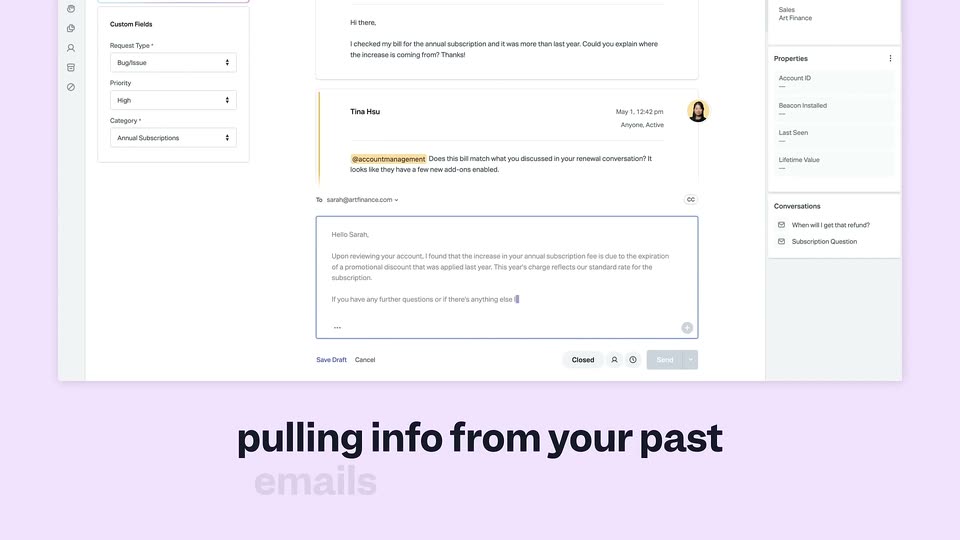
A ticket interface on a lavender field; the cursor clicks Reply, then the Ai draft option, and a reply types itself letter by letter into the compose box. Below, bold black headlines swap in word by word, ending on the Send button.
On-screen text: “Let AI draft your emails for you.”, “AI drafts writes a reply to any customer question”, “pulling info from your past emails and help content.”
Techniques: Kinetic type, Cursor demo
Camera: Static
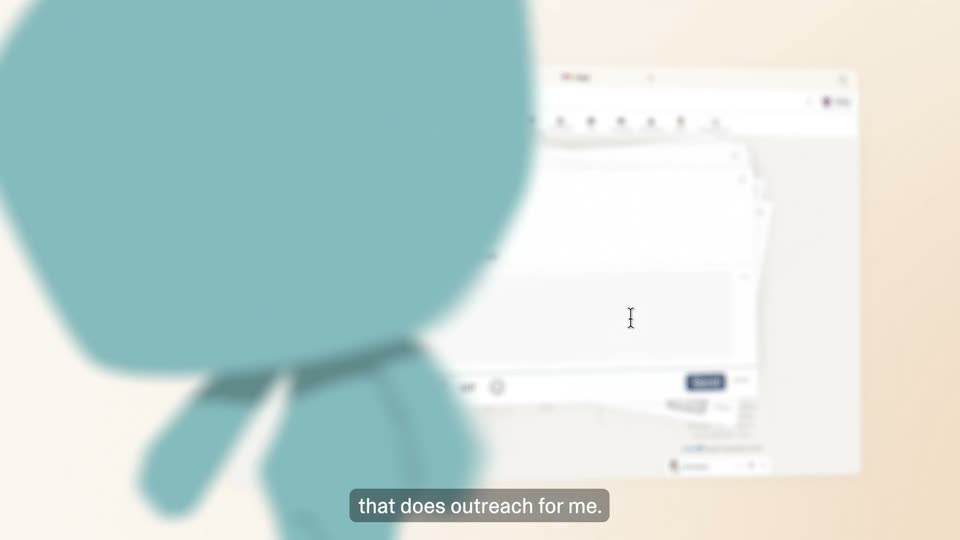
A light help desk screen with an email draft and a right-hand conversations panel dissolves to white. The large bottom caption fades out with the interface as the scene ends.
On-screen text: “emails and help content.”
Camera: Static
A plain white frame centers the Help Scout logo and wordmark, which fade in from light gray to full black and blue. Out of focus, circular headshot avatars and a blurred document panel sit at the edges.
Camera: Static