1:06

Motionfly - Introducing Motionfly V2.0. We trained motionfly with more than 10
Motionfly · Oct 2026
Google · Mar 2026 · 1:07 · Full motion · AI-annotated
Google’s 1:07 launch film runs 32 scenes, about 2.1 s each. The product is on screen from the first frame and 3 features are revealed. There is no explicit call to action. Clean, confident, and friendly, with a calm explanatory tone that lets the product speak through short centered lines. The look is precise and airy, built on white space and a single blue accent.
Is this your launch? to your site or press kit.
Motionfly · Oct 2026
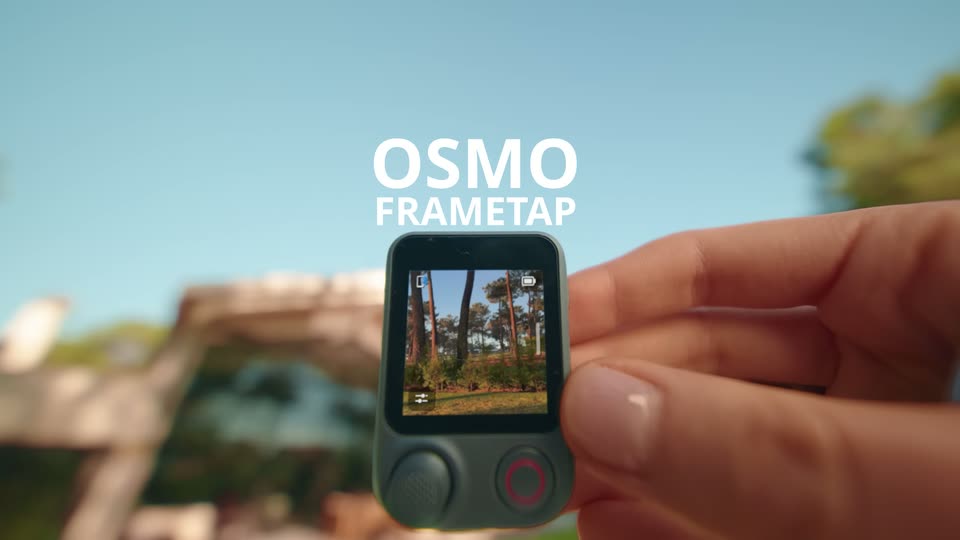
DJI · Hardware · May 2026
Lexius · B2B · Feb 2026
Films whose music sounds like this one, voice left out
Leap · Cinematic electronic
Supabase · Electronic
Exa Agent · Electronic, Synthwave
A soft blue glow blooms behind centered gray text reading Introducing Ask Maps as thin blue lines draw across the frame. The view then tilts into a 3D angle, revealing the Ask Maps wordmark and blue spark icon inside a pill outline over diagonal grid lines.
On-screen text: “Introducing Ask Maps”, “Ask Maps”
Techniques: Kinetic type
Camera: Push in
A blue-outlined pill button labeled Ask Maps with a magnifying-glass icon rotates in 3D on a white field with a soft rainbow glow, then the camera pulls back to reveal thin blue map lines and a navigation bar with a Home item.
Techniques: 3D mockup
Camera: Static
A Google Maps screen tilted in 3D shows a street map with a search bar and a glowing blue Ask Maps chip. The view starts blurry and angled, then sharpens and rotates to a flat frontal close-up.
Techniques: 3D mockup, UI zoom
Camera: Pull out
A tight close-up of the Google Maps home screen on a phone mockup. The blue Ask Maps pill glows beside the search bar as the map and chips drift slowly to the right.
Camera: Push in
A soft blue glow sits on a white field while the headline scales in from small to full size, with 'anything' and 'anywhere' in blue. A front-facing phone mockup then slides up from the bottom, revealing the Maps screen and a greeting.
On-screen text: “A new way to ask anything about anywhere”
Techniques: Kinetic type
Camera: Static
A tilted smartphone mockup with a soft blue glow slides up on a white background. Its screen shows a Maps header and a white Ask Maps card where a greeting types out and three suggestion rows fade in.
Techniques: 3D mockup, Kinetic type
Camera: Static
A phone mockup with a glowing blue outline sits center frame showing the Ask Maps screen, then slides left to reveal the headline on the right. The screen lists four suggested prompts under a greeting.
On-screen text: “Built with”
Techniques: 3D mockup
Camera: Pull out
A phone mockup in 3D perspective sits centered with a soft blue glow, flanked by 'Built with' on the left and 'Gemini 3' on the right. The camera zooms in, tightening the frame on the upper half of the screen showing the Ask Maps greeting and route list.
On-screen text: “Built with”, “Gemini 3”
Techniques: 3D mockup, UI zoom
Camera: Pull out
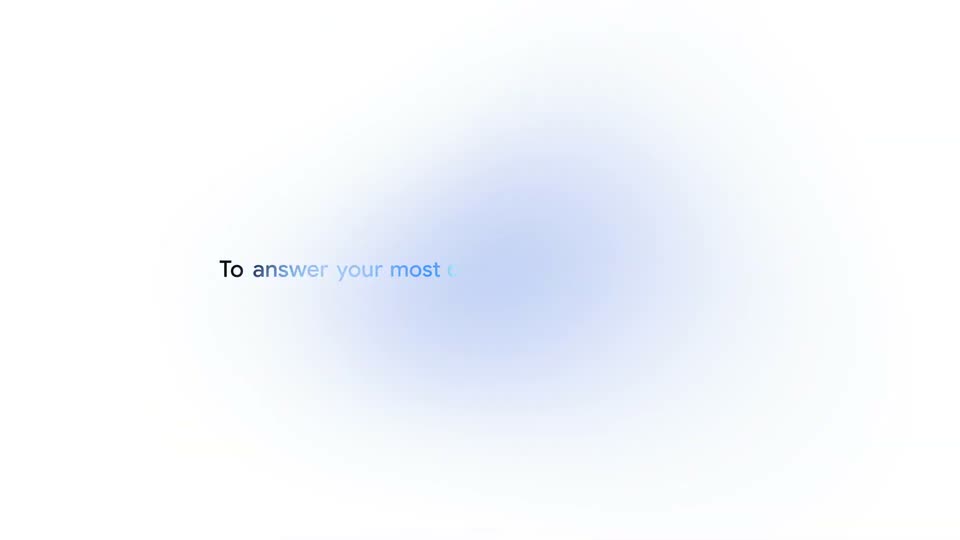
A soft blue glow pulses at center of a white field as the headline resolves left to right from blur, while a gray Gemini 3 mark sits at the right edge.
On-screen text: “To answer your most complex, specific questions”
Techniques: Kinetic type
Camera: Static
A soft blue radial glow fills the center of a white field. A single line of dark gray text slides in from the left with a brief motion blur, then locks into place at the center of the frame.
On-screen text: “To answer your most complex, specific questions”
Techniques: Kinetic type
Camera: Static
A white rounded search bar with a blue gradient border, mic and send icons, sits centered on a soft blue glow, locked off. A restaurant query types in word by word with a blinking cursor, the newest words in blue, and the box resizes as the text wraps.
Techniques: Kinetic type
Camera: Static
A chat card with a blue outline sits on a pale background, a user bubble above an assistant reply and a map of restaurant pins. The card zooms in as the reply bubble detaches, scales up and sharpens while the rest blurs, ending on the map.
On-screen text: “Midway Meetups”
Techniques: UI zoom
Camera: Pull out
A soft blue glow sits on a white field as the line “With recommendations tailored to you” appears word by word, “you” in blue. The line fades and a white restaurant listing card with a blue border slides up from the bottom.
On-screen text: “With recommendations tailored to you”
Techniques: Kinetic type
Camera: Pull out
A tilted phone mockup on white shows a restaurant listing app. The card scrolls from one bistro listing to the next as a rounded callout bubble slides in to highlight a saved note, then a second bubble appears over the next listing and fades out.
Techniques: 3D mockup
Camera: Pull out
On a plain white field, the phrase 'All grounded in' builds up in the center, each word fading in from a soft blue blur. The words are dark gray except the final 'in', which is blue, and a faint blue glow lingers behind the line.
On-screen text: “All grounded in”
Techniques: Kinetic type
Camera: Static
A soft blue radial glow fills the center of a white frame while the line “All grounded in” holds steady in the middle. A faint gray Google wordmark fades in at the top left.
On-screen text: “All grounded in”
Camera: Static
A thin blue wireframe grid fills a dark screen and dissolves into a soft blue glow as 'All grounded in' fades in above 'Google Maps' unmatched understanding of the world', the word Google in blue. Blurred interface cards drift in at the edges at the end.
On-screen text: “All grounded in”, “Google Maps' unmatched understanding of the world”
Techniques: Kinetic type
Camera: Pull out
A grid of map and traffic interface cards drifts rightward across a dark background while the white headline Real-time traffic holds center. The cards settle vertically into place as new panels slide in at the left and right edges.
On-screen text: “Real-time traffic”
Camera: Pull out
A dark blue field of rounded product cards, maps, photos, reviews and ratings, drifts in horizontal rows at different depths. A centered blue tagline reads Real-time traffic, then becomes Billions of photos and reviews.
On-screen text: “Real-time traffic”, “Billions of photos and reviews”
Techniques: Parallax
Camera: Pull out
A dark, blurred map interface serves as the background for two rows of white, rounded cards displaying photos and reviews. A central headline reads 'Billions of photos and reviews'. The cards feature a subtle blue glowing border.
On-screen text: “Billions of photos and reviews”
Camera: Pull out
A wall of blurred restaurant info cards fills a dark blue field. The view pushes in as “and business information” fades in at the center, and six sharp cards with blue outlines, including a menu, a live-busy chart and an accessibility list, rise to the foreground.
On-screen text: “and business information”
Techniques: UI zoom, Parallax
Camera: Pull out
A white rounded card in 3D perspective, carrying the line “Imagine a map that's more”, floats over a dark blurred grid of listing cards. It tilts flat and scales up until it fills the frame, leaving the line centered on a plain light background.
On-screen text: “Imagine a map that's more”
Techniques: 3D mockup
Camera: Push in
A phone mockup fades in on the left showing a restaurant page, while the word Personal appears on the right in blue and dark blue.
On-screen text: “Imagine a map that's more”, “Personal”
Techniques: Kinetic type
Camera: Static
The word Personal sits centered in blue on a pale blue field while four floating phone mockups of Maps reviews and a chat drift slowly at offset speeds.
On-screen text: “Personal”
Techniques: Parallax
Camera: Static
A blue headline reads “Conversational” in the center, its letters sliding into place, over a grid of blurred Maps app screens on a pale blue background. A phone showing a florist map appears at the right edge.
On-screen text: “Conversational”
Techniques: Kinetic type
Camera: Static
A grid of softly blurred phone screens showing the Ask Maps interface fills a light blue field while a large blue word in the center morphs from Conversational to Intelligent.
On-screen text: “Conversational”, “Intelligent”
Techniques: Kinetic type, Morph
Camera: Static
A collage of tilted phone screens showing the Maps interface drifts slowly upward on a light blue gradient, while the word Intelligent sits centered in blue.
On-screen text: “Intelligent”
Techniques: 3D mockup, Parallax
Camera: Push in
A bank of phone screens in 3D perspective shows Maps search results and photo cards. The array tilts and slides to reveal new screens as it recedes into depth, while the blue word Intelligent stays fixed at the bottom.
On-screen text: “Intelligent”
Techniques: 3D mockup, Parallax
Camera: Push in
A grid of phone screens showing map and travel app cards lies flat on a pale blue plane, viewed at a low angle. The camera pushes forward through the field, the screens blurring and sliding past until only the empty background remains.
Techniques: 3D mockup, Parallax
Camera: Push in
A plain white background with a soft blue glow at the center. The line “All you have to do is ask” sits in the middle, scaling up from a blurred, overlapping state into a sharp, centered phrase.
On-screen text: “All you have to do is ask”
Techniques: Kinetic type
Camera: Static
Centered on a plain white background, the multicolor Google Maps pin and black wordmark hold still. The frame opens out of focus with the tagline scaling in, snaps to sharp focus, then blurs and fades to white.
On-screen text: “All you have to do is ask”
Camera: Static
A plain white background holds a centered gray Google Maps wordmark. The mark blurs and fades out quickly in a short locked-off shot.
On-screen text: “Google Maps”
Camera: Static