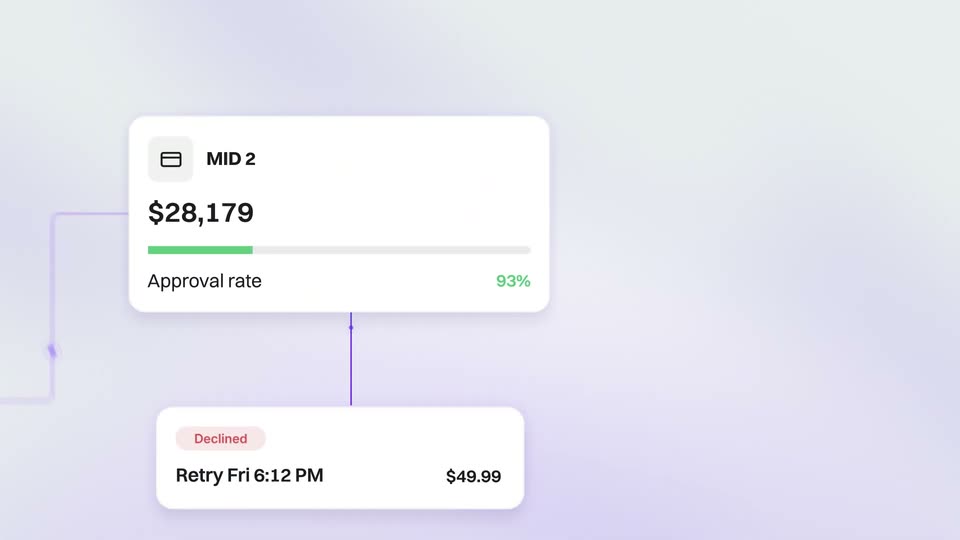
0:31

Introducing Interactive Knowledge Cards
Perplexity · AI · May 2024
ElevenLabs · Aug 2026 · 0:45 · Code only · AI-annotated
ElevenLabs’s 0:45 launch film runs 21 scenes, about 2.2 s each. The product shows up at 0:03 and 2 features are revealed. There is no explicit call to action; a voiceover carries the film. The video is one continuous walkthrough: a floating-chip hook, a title card, then a chain of macro zooms that follow the cursor through install, chat, and permission screens, ending on a static logo card. Its style is flat near-black frames at a steady 120 BPM, letter-by-letter typing with a coral highlight on new text, and defocus blur used as the only transition.
Is this your launch? to your site or press kit.
Perplexity · AI · May 2024
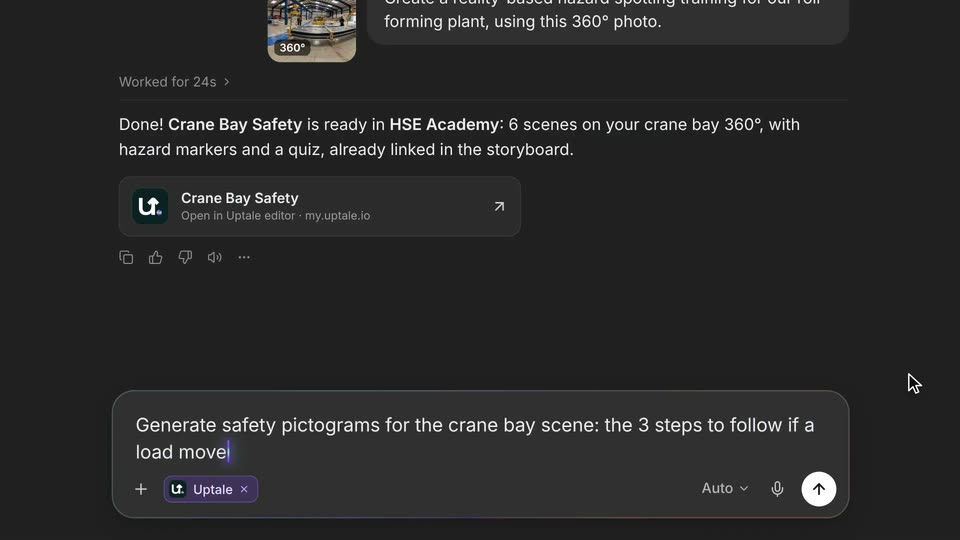
Uptale · Nov 2026
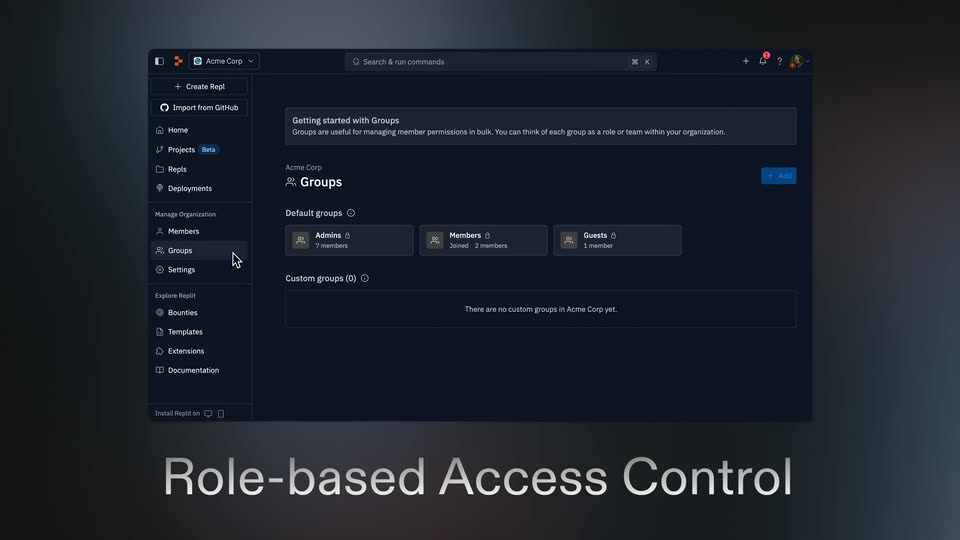
Replit · Developer tools · Jul 2024
Films whose music sounds like this one, voice left out
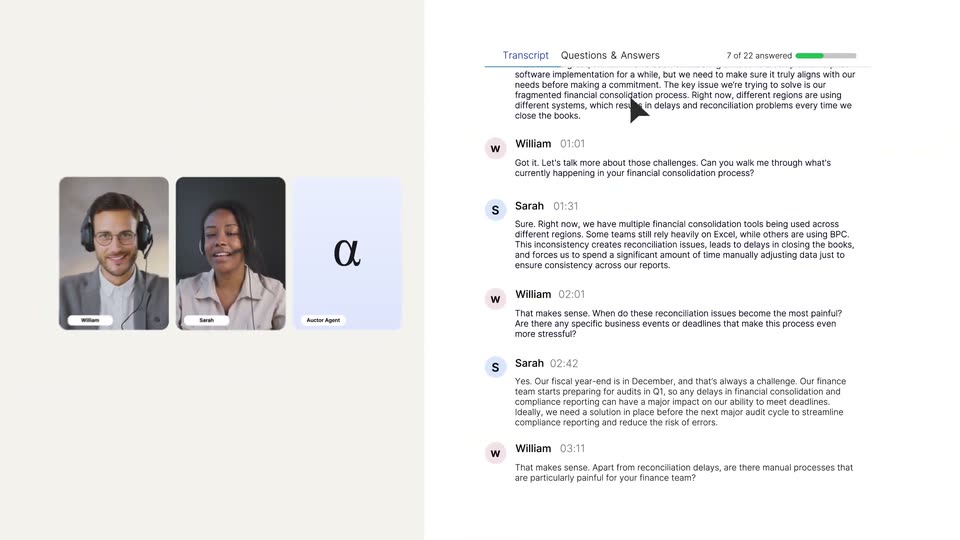
Auctor · Modern electronic
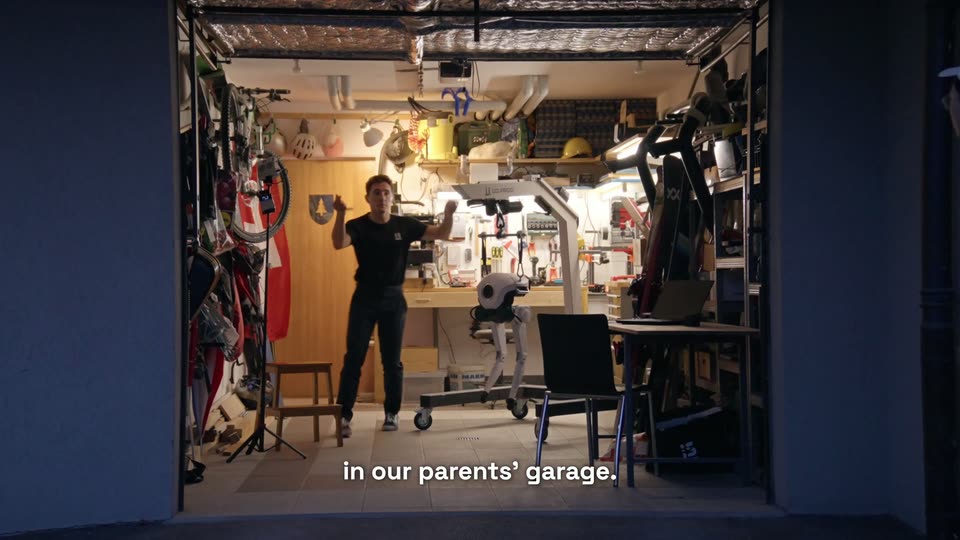
Reign · Electronic dance music
On a near-black background, rounded dark chips with colorful gradient sphere icons and agent labels overlap in the center, spread apart, then scroll upward as Sales Agent exits the top and Booking Agent enters the bottom, before stacking together again.
On-screen text: “Sales Agent”, “Marketing Agent”, “Support Agent”, “Booking Agent”
Camera: Static
On a flat dark gray field, a vertical column of glossy multicolor spheres forms a central shape inside a thin rounded-square outline. The shape scales down and the spheres scatter outward as the lens defocuses, leaving soft blurred orbs and a small orange tile drifting left.
On-screen text: “8”
Camera: Static
A heavily blurred multicolor background holds a centered pause icon, one bar orange and one white. The icon shrinks to a small white glyph as the backdrop darkens into a muted brown gradient.
Camera: Static
A flat dark background holds a centered line that assembles word by word: the ElevenLabs mark, the word MCP, then the coral Claude spark and word. Once the line settles, MCP changes from gray to coral.
On-screen text: “IIElevenLabs MCP — Claude”
Techniques: Kinetic type
Camera: Static
The Claude wordmark slides in over a dark field, then a chat input bar with the greeting appears. The view zooms into the field as a cursor rests on the plus icon.
On-screen text: “ElevenLabs MCP — Claude”
Techniques: Kinetic type, UI zoom, Cursor demo
Camera: Static
On a dark background, a rounded Connectors button with a grid icon sits left of center, a white outlined cursor below it. The button slides left as a matching Add connector button appears to its right, the cursor drifting onto it.
Techniques: Cursor demo
Camera: Static
A dark interface shows three buttons in a row: Connectors, Add connector, Browse connectors, with a cursor hovering the middle one. The view zooms into the Browse connectors button, which enlarges to fill the frame as the cursor scales up below it.
Techniques: Cursor demo, UI zoom
Camera: Static
A dark rounded button with a line icon and the label Browse connectors sits on black. A large white cursor glides left to right across it as the icon and text warm from white to peach.
Techniques: Cursor demo
Camera: Static
A dark connector card with the ElevenLabs logo and name fades in at center, captioned 'Create and manage ElevenLabs voice agents in your chat'. A white cursor arrow glides to the plus button and clicks it, which flips to a checkmark.
On-screen text: “Browse connectors”
Techniques: Cursor demo
Camera: Static
White text is typed into a rounded pill on a dark background with a blinking caret. The pill shrinks and slides to the upper right as a 'Launch day support agents' label fades in at the upper left and a faint caption appears at the bottom.
On-screen text: “What's new in our support conversations?”, “Create and manage ElevenLabs voice agents in your chat”
Techniques: Kinetic type
Camera: Static
A dark chat interface scrolls upward on a locked-off frame. The user's question bubble gives way to a vertical list of agent steps, then a serif report lists support stats as bullets and ends with a follow-up question.
Camera: Pan
On black, a dark rounded input card. The sentence 'Can we split billing into its own agent?' types letter by letter, newest characters in salmon pink, a caret trailing. The card vanishes, revealing an 'Update agent' label with a small orange pause icon at top left.
Techniques: Kinetic type
Camera: Static
A dark chat view shows an agent message with a three-column table; it scrolls up, then zooms into a large rounded card where salmon text types out beside a white plus icon.
Techniques: UI zoom
Camera: Static
A gray rounded card holds a sentence with a plus icon at the lower left. The sentence scrolls left word by word, the newest word tinted pink, while the card widens to a full-width band.
On-screen text: “Make sure we never offer a discount that's not approved”
Techniques: Kinetic type
Camera: Static
A large serif line, e never offer a discount that's not approved, overlays a dimmed settings table, then fades as the table brightens to white. The On violation row tints red, and the whole table scales down and fades out.
On-screen text: “e never offer a discount that's not approved”
Camera: Pull out
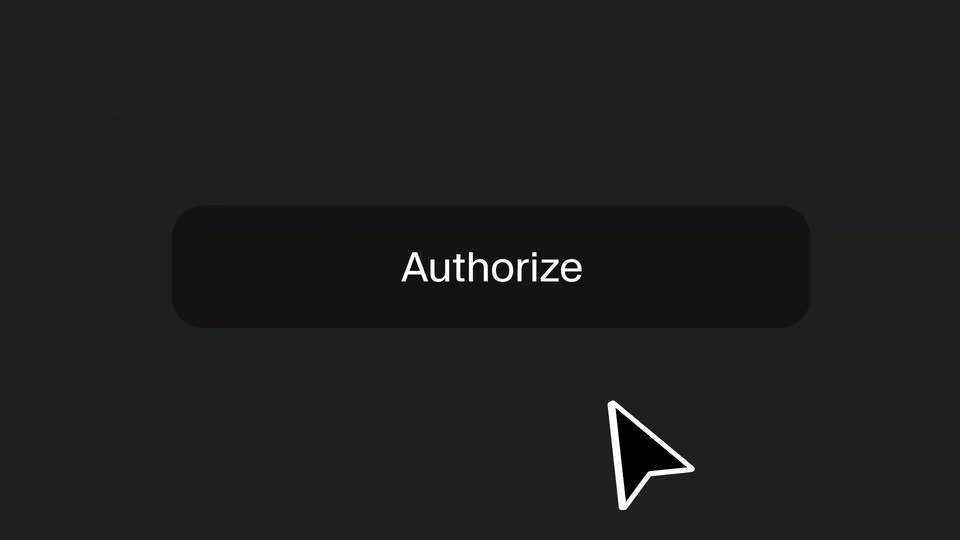
A dark Claude MCP sign-in modal sits centered on a black field. An email address types into the input as the cursor glides up to the Authorize button, then the word Authorize scales up to fill the frame.
On-screen text: “Authorize”
Techniques: Cursor demo, Kinetic type
Camera: Pull out
A black rounded button reading Authorize in peach text is centered on a dark background. A white outlined cursor rests over its lower edge, drifting slightly down and right as the label scales a touch.
Techniques: Cursor demo
Camera: Static
A dark rounded button with a red outline and a small hand glyph sits centered on black. It morphs into a segmented control showing a check, a raised hand, and a no-entry icon, the hand highlighted in the middle as the Authorize label scales away.
Techniques: Morph
Camera: Static
A rounded permission bar with a green check, a hand and a crossed-circle icon sits centered on a dark field; the frame pulls back to reveal a three-row list, each row pairing a small gray label with its own control bar.
Techniques: UI zoom
Camera: Static
A dark list of six agent permissions, each row pairing a three-state toggle (green check, yellow hand, red X) with a status chip, fades in staggered, holds, then blurs out.
Camera: Static
Two white bars slide inward on a dark background and sharpen into the centered II mark. The wordmark IIElevenLabs MCP then appears beside it, and the tagline Manage your agents from Claude fades in below, holding static.
On-screen text: “IIElevenLabs MCP”, “Manage your agents from Claude”
Techniques: Kinetic type
Camera: Static