
1:03
Explore
00:00:00 / 01:34:09
- Length
- 1:34
- Scenes
- 28 · 3.4 s avg
- Product on screen
- 0:13
- Features shown
- 7
- Call to action
- 1:25 · 91%
- Voiceover
- Yes
- Views
- 16K on YouTube
as of November 26, 2026
Discord’s 1:34 launch film runs 28 scenes, about 3.4 s each. The product shows up at 0:13 and 7 features are revealed. The call to action lands at 1:25 (91% in), over a voiceover. A patch-notes roundup built as a rapid run of feature beats: a comedic cold open, a purple title card, then each feature introduced by an oversized white caption and cut between live-action hosting and dark UI demos. Signature moves are push-in camera moves, kinetic uppercase captions, purple logo-pattern backdrops, and physical props standing in for UI concepts.
Footage neededEstimated needs: 3 capture groups — your screens or recordings · 1 official logo — reused across the film · 20 filmed passages — shoot, supply or replace · 1 graphic passage — draw or supply
Is this your launch? to your site or press kit.
More like this

2:10
Pig Official Launch
Butter · B2B · Feb 2025
0:31

Arc for Students | Everything in its right place
The Browser Company · Productivity · Sep 2023
Similar soundtrack
Films whose music sounds like this one, voice left out
2:45
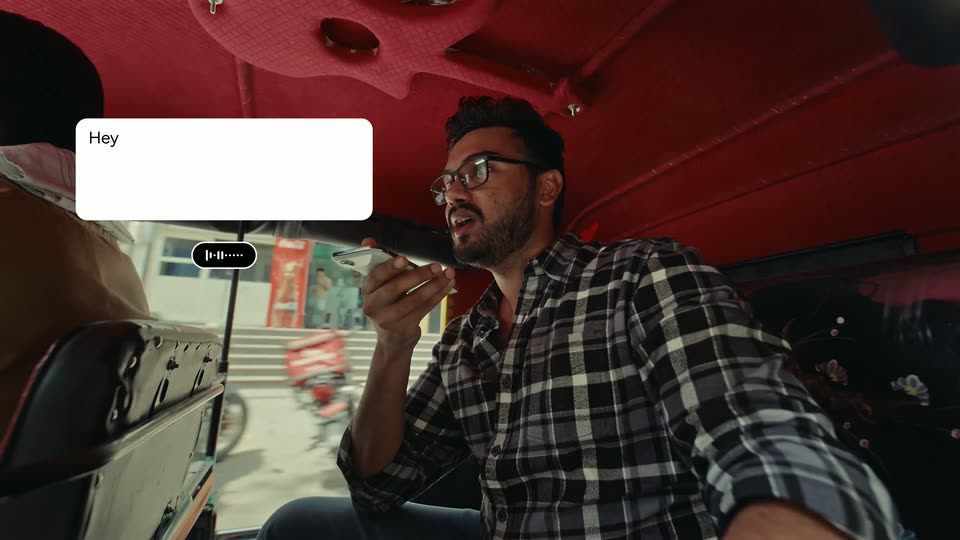

Wispr Flow takes on India
Wispr Flow · Electronic dance music
1:23
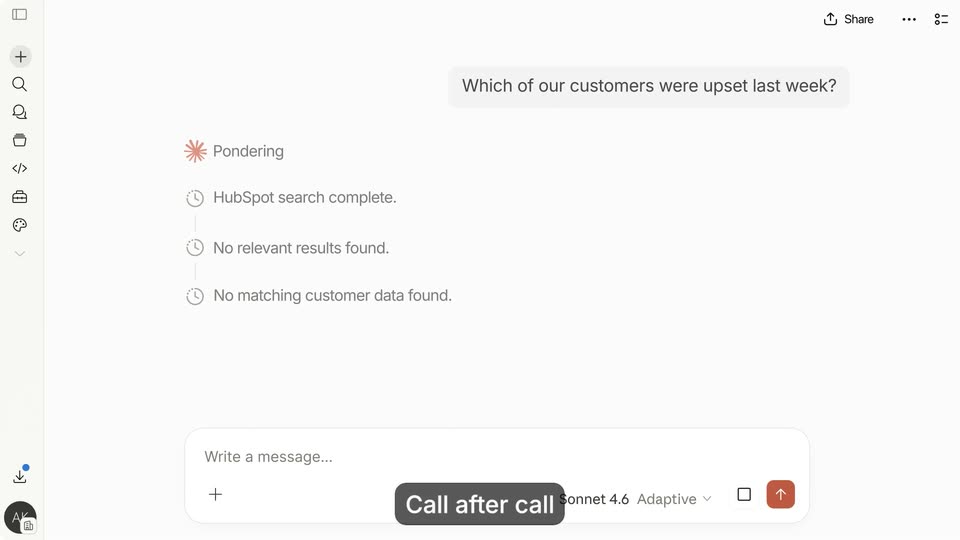
Shensi Ding - Introducing Merge’s Universal Context Layer. It substantially decre
Merge · Modern electronic
1:41
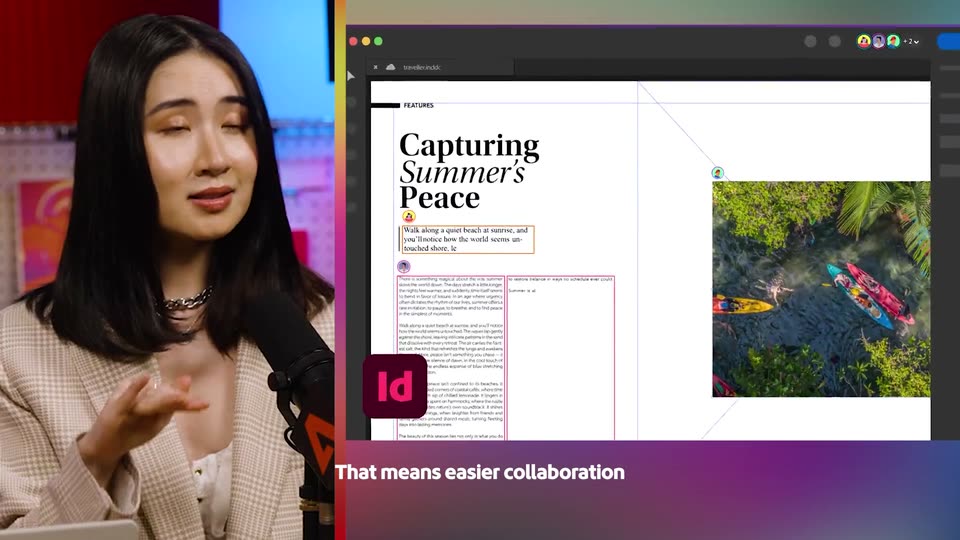

Exploring the Latest Release for Adobe Illustrator and InDesign | The Update | Adobe Creative Cloud
Adobe · Upbeat electronic
What's New on Discord | October & November 2026 Updates, scene by scene
· 28 scenes as text
01 · Problem · 0:00–0:03
A blonde man sits at a desk in a bright open office, hand over his mouth, staring at a laptop. A vertical color palette overlays the left edge; a cursor selects the top blue logo tile and drags it down as the color swatches reorder.
Techniques: Cursor demo
Camera: Static
02 · Problem · 0:03–0:07
Two men in an open office: one seated at a laptop rests his head on his hand, then turns to talk and gesture; the other stands behind, scrolling a phone. A strip of colorful rounded squares with a cursor slides off the left edge, and the camera pushes in.
Techniques: Cursor demo
Camera: Static
03 · Problem · 0:07–0:13
In a bright open office, a bleached-haired man sits at a laptop while a man in a cap and denim jacket stands behind. He buries his face in his hand, the standing man leans in, then both turn to the camera and smirk as the shot pushes in.
Camera: Push in
04 · Product intro · 0:13–0:16
A purple gradient field carries a faint diagonal watermark of Discord logos. The bold white headline WHAT'S NEW and the date line below it sharpen into focus from a blur, the date line sliding in as the frame locks off.
On-screen text: “WHAT'S NEW”, “OCTOBER - NOVEMBER 2026”
Techniques: Kinetic type
Camera: Static
05 · Product intro · 0:16–0:19
A blond man in a gray shirt stands center frame in a bright Discord-themed studio, gesturing as he speaks. A large blue robot mascot hovers at right, and two Discord gaming stations sit behind him by a windowed wall.
On-screen text: “WHAT'S NEW”, “OCTOBER-NOVEMBER 2026”
Camera: Static
06 · Feature reveal · 0:19–0:20
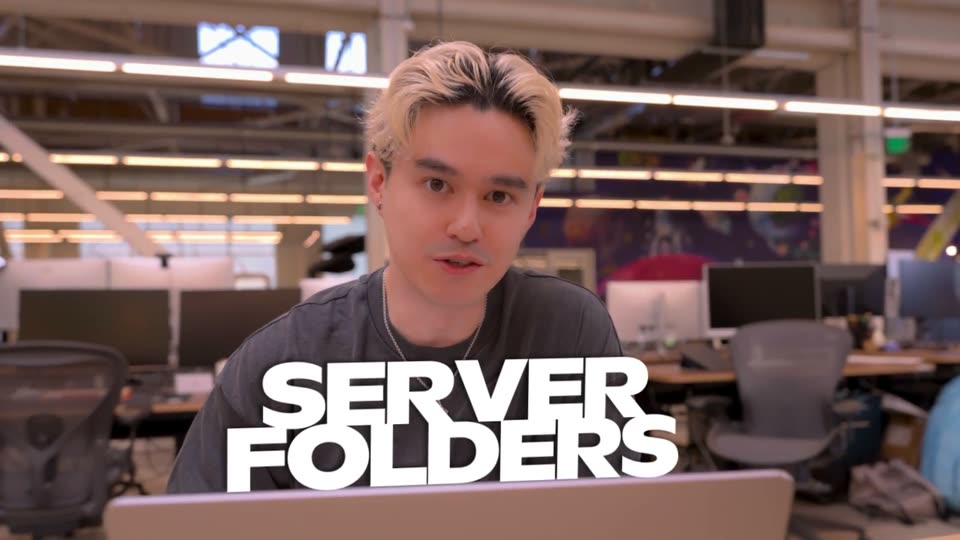
A blond man in a black T-shirt sits at a laptop in an open-plan office, speaking to camera. A bold white caption reading SERVER FOLDERS sits across his chest and scales up as the frame pushes in toward him.
On-screen text: “SERVER FOLDERS”
Techniques: Kinetic type
Camera: Push in
07 · Feature reveal · 0:20–0:24
A dark chat app screen. A cursor right-clicks a server icon, opening a context menu. It moves to Move to..., then Folder, each opening a nested submenu, and hovers over SuperSecret Folder. The main panel stays on an empty friends list.
Techniques: Cursor demo
Camera: Push in
08 · Feature reveal · 0:24–0:26
A young man with bleached blonde hair sits at a desk in a bright open-plan office, talking to the camera behind a silver laptop. The shot opens in near-darkness and brightens to full light. Rows of empty desks, monitors and a blue plush toy fill the blurred background.
Camera: Static
09 · Feature reveal · 0:26–0:33
A man in a gray shirt sits in a wooden chair against a mint wall, gesturing as he talks, with a shelf of collectibles behind him. The framing tightens to a medium shot as oversized light-blue text, 1GB over UPLOADS, pops in on the left with a blur and holds.
On-screen text: “1GB”, “UPLOADS”
Techniques: Kinetic type
Camera: Push in
10 · Feature reveal · 0:33–0:37
A blond young man sits on a white chair on a plant-filled balcony, talking and gesturing as the camera slowly pushes in. The white outlined title SCHEDULE MESSAGES pops in on the left.
On-screen text: “SCHEDULE MESSAGES”
Camera: Push in
11 · Feature reveal · 0:37–0:40
The chat interface scales into frame on a purple patterned background. A cursor clicks the plus button, opens the message menu, hovers over Schedule Message and a time option, then types into the input bar.
On-screen text: “SCHEDULE MESSAGES”
Techniques: Cursor demo
Camera: Push in
12 · Feature reveal · 0:40–0:41
A dark Discord-style direct-message screen framed by a purple neon glow. The input bar shows a scheduled message, then the camera whips right with heavy motion blur across the profile card and DM list.
Techniques: UI zoom
Camera: Push in
13 · Feature reveal · 0:41–0:43
A dark profile panel on the right shows an avatar, a name and a bio, with a green toast at the top noting a scheduled message. The panel blurs and slides right, then cuts to a blonde young man talking in a room with colorful posters.
Camera: Static
14 · Feature reveal · 0:43–0:47
A man with bleached hair in a dark long-sleeve shirt sits on a pink sectional sofa against a purple wall with two colorful framed prints, gesturing with open hands as he speaks. The framing tightens to a medium close-up of his upper body.
Camera: Push in
15 · Feature reveal · 0:47–0:49
A dark direct-message view shows an open message context menu on the right. A white cursor travels down the list and stops on the Bookmark Message option.
Techniques: Cursor demo
Camera: Push in
16 · Feature reveal · 0:49–0:50
A dark chat app fills the frame with an inbox panel on the right. A cursor moves to the Bookmarks tab and clicks it, swapping the empty caught-up state for a single saved message row.
Techniques: Cursor demo
Camera: Static
17 · Feature reveal · 0:50–0:57
A blond man in a gray sweatshirt sits on a pink couch in a purple room, holding a phone. A dark Discord context menu with a Remind Me submenu appears on the left. He mimes a phone call, then stands and walks out of frame to the left.
Camera: Push in
18 · Feature reveal · 0:57–1:01
Three round alarm clocks with small white cards reading Los Angeles, New York and London sit on a light wooden table between two seated people, seen from behind. The camera slowly pushes in on the clocks while the two stay still.
Camera: Static
19 · Feature reveal · 1:01–1:05
A man sits at a desk in an open office, three small clocks labeled Los Angeles, New York and London in front of him. He gestures while speaking as bold white text @TIME ON MOBILE animates in across the lower frame.
On-screen text: “@TIME ON MOBILE”
Techniques: Kinetic type
Camera: Push in
20 · Feature reveal · 1:05–1:07
A man with blonde hair sits at a desk behind three labeled clocks, talking to camera. A dark UI card pops in at the top left listing time formats. Bold white text reading @TIME ON MOBILE holds across the lower frame.
On-screen text: “@TIME ON MOBILE”
Camera: Static
21 · Feature reveal · 1:07–1:09
A man in a dark sweatshirt holds a framed pin board in a sunlit loft, gesturing with one hand. The white headline NEW BADGES and four rounded badge cards stay fixed over the left side of the frame.
On-screen text: “NEW BADGES”
Camera: Static
22 · Feature reveal · 1:09–1:16
Four black rounded badge cards pop in one by one from left to right on a purple gradient with a drifting Discord logo pattern. Each card pairs a colorful illustration, a pink sword, glowing armor, a game monitor, a pink crystal, with white labels.
On-screen text: “Game Time”, “IRONCLAD”, “Game Variety”, “UNIVERSALIST”, “Streaming”, “STAR”, “Account Age”, “STROMATOLITE”, “NEWBADGES”
Camera: Static
23 · Feature reveal · 1:16–1:17
A blonde man in a black shirt sits at a wooden table, holding a framed corkboard covered in colorful cards and pins. He points at the board with one finger while talking. The static medium shot frames him against a staircase, plants, and bright windows.
Camera: Static
24 · Feature reveal · 1:17–1:18
A man with bleached hair sits at a wooden table holding a framed corkboard of colorful pinned cards, talking and gesturing. A vertical product panel with a row of tab icons slides in from the left edge.
Camera: Push in
25 · Feature reveal · 1:18–1:19
A blonde man in a black sweatshirt stands beside a board covered in colorful badges, glancing toward the camera. A dark panel titled Customize your badges, with a grid of icons and a View Badges button, scales in on the left.
Camera: Push in
26 · Feature reveal · 1:19–1:23
A man in a dark grey sweatshirt holds a purple Discord gift card, white logo facing the camera, gesturing with his free hand as he talks. Behind him, neon strip lights and two arcade cabinets fill the arcade space.
Camera: Static
27 · Feature reveal · 1:23–1:25
Locked-off medium shot of a man with glasses in an arcade, holding up an orange and white Christmas stocking and reaching into it with one hand. Arcade cabinets and a blue neon Discord sign fill the gray background behind him.
Camera: Static
28 · CTA · 1:25–1:34
A young man with bleached hair sits on a blue couch in an open office, talking to camera and gesturing with both hands. At 6s a tilted dark-blue 'PATCH NOTES' card with a robot illustration pops in at the left edge.
On-screen text: “BaJousc”, “PATCH NOTES”, “DISCORD PATCH NOTES:”, “NOVEMBER 9, 2026”
Camera: Push in