0:22
Explore
Turn Technical Notes Into Professional Updates In Seconds | BridgeOpsOne
BridgeOpsOne · Jun 2026 · 0:32 · Full motion · AI-annotated
- Length
- 0:32
- Scenes
- 6 · 5.3 s avg
- Product on screen
- 0:08
- Voiceover
- Yes
- Views
- 19 on YouTube
as of November 28, 2026
00:00:00 / 00:32:02
- Length
- 0:32
- Scenes
- 6 · 5.3 s avg
- Product on screen
- 0:08
- Voiceover
- Yes
- Views
- 19 on YouTube
as of November 28, 2026
BridgeOpsOne’s 0:32 launch film runs 6 scenes, about 5.3 s each. The product shows up at 0:08. There is no explicit call to action; a voiceover carries the film. The video is built as a text-led problem statement that zooms from flat blue icon tiles into a live app tour, then resolves on a white logo card. Its style is defined by kinetic center-screen type with blue accent words, flat blue iconography, and a single icon-to-interface zoom.
No filming indicatedEstimated needs: 2 capture groups — your screens or recordings · 1 official logo — reused across the film · 1 graphic passage — draw or supply
Is this your launch? to your site or press kit.
More like this
2:15

Introducing Galaxy Tab S12 Ultra | Samsung
Samsung · Sep 2026
1:17
Sky Yang - Today we're launching the Imagine AI V2 agent that runs ur team's lin
Imagine AI · B2B · Oct 2026
Similar soundtrack
Films whose music sounds like this one, voice left out
1:24
Thais Castello Branco - We’re excited to introduce Taste Labs. Our mission is to end AI slop
Taste Labs · Upbeat electronic
1:08
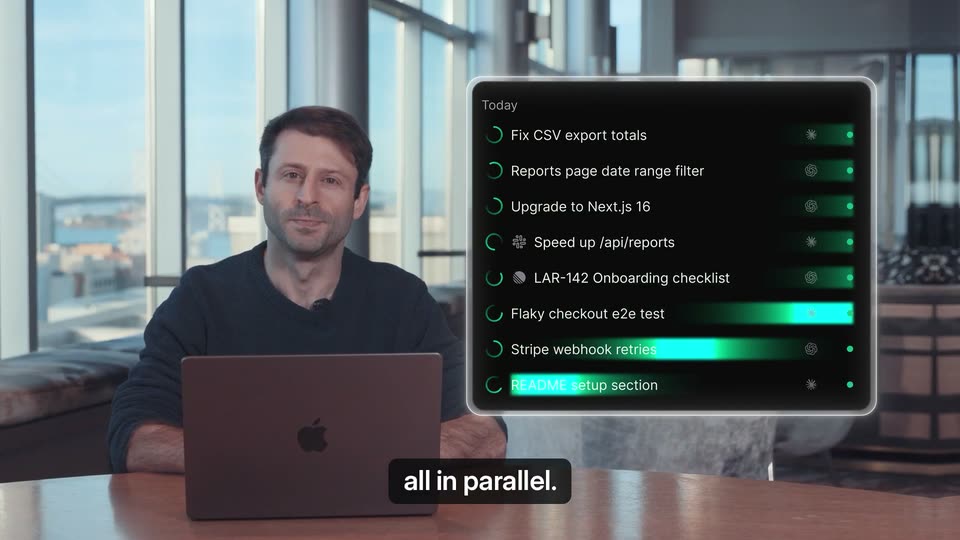
Nick Bushak - Laptops weren’t built for parallel agents. Introducing @boxesdotdev
Boxes.dev · Modern electronic
1:28
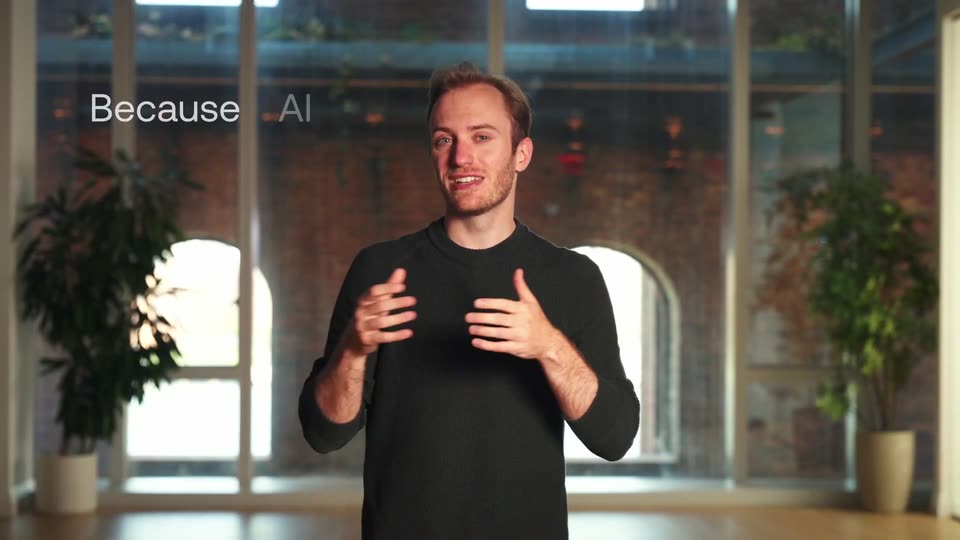

Best AI Product Launch Video | Arist
Arist · Modern electronic
Turn Technical Notes Into Professional Updates In Seconds | BridgeOpsOne, scene by scene
· 6 scenes as text
01 · Hook · 0:00–0:04
A dark navy backdrop holds the headline 'Still turning rough incident notes', which scales into focus with 'notes' in blue. It gives way to 'Into customer updates manually?', sliding in with 'manually?' in blue. Two flat blue icons, a headset agent and a person, pop in below.
On-screen text: “Still turning rough incident notes”, “Into customer updates manually?”
Techniques: Kinetic type
Camera: Static
02 · Problem · 0:04–0:06
Two blue square icons, an engineer at a laptop and a person silhouette, sit on a dark blue field linked by dashed loop arrows. The headline “Engineers send technical details” fades out as the icons slide left, the silhouette gains a question mark, and “Leadership needs answers” fades in.
On-screen text: “Engineers send technical details”, “Leadership needs answers”
Techniques: Kinetic type
Camera: Static
03 · Problem · 0:06–0:08
On a dark navy field, the headline “Leadership needs answers” hovers above a blue line icon of a person at a desk, question marks drifting around it. The line swaps to “Customers need clarity” over a head icon, then the blue tile zooms into the workspace panel with sample buttons.
On-screen text: “Leadership needs answers”, “Customers need clarity”
Techniques: Kinetic type, UI zoom
Camera: Pull out
04 · Demo · 0:08–0:24
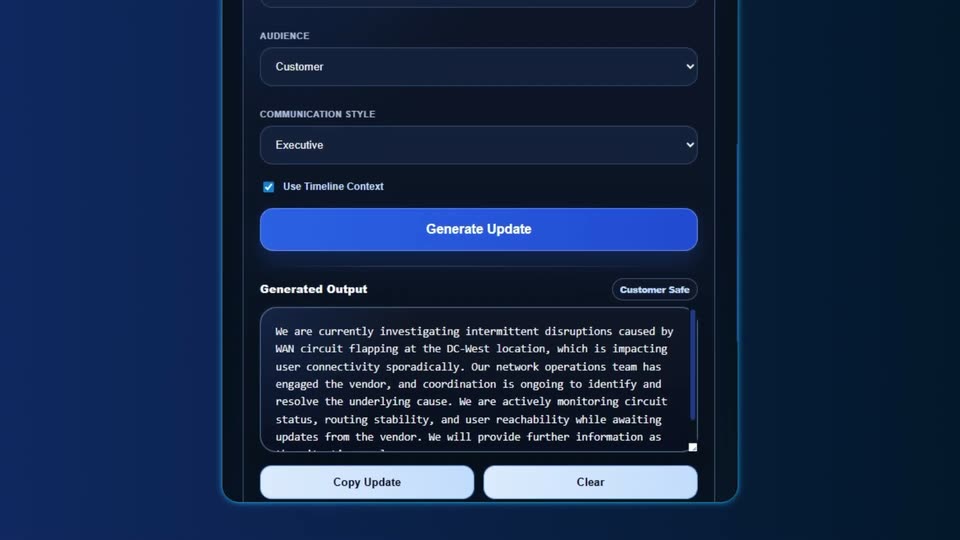
A dark app panel scrolls as a cursor types incident notes, picks Customer from the audience dropdown, and clicks Generate Update. The frame zooms into the form fields, then pulls back to show three output cards on the right filling with text in turn.
Techniques: UI zoom, Cursor demo, Split screen
Camera: Pan
05 · Other · 0:24–0:27
A dark blue field holds a thin rounded-rectangle outline. Inside, the phrase Less time writing blurs and swaps to More time solving incidents, the final word tinted blue. The frame stays locked off throughout.
On-screen text: “Less time writing”, “More time solving incidents”
Techniques: Kinetic type
Camera: Static
06 · Outro · 0:27–0:32
On a white background, scattered navy and blue fragments snap together into the BridgeOpsOne mark, a B with a bridge arch, which scales into place. The wordmark appears below, then the gray tagline fades in, and the frame holds.
On-screen text: “BridgeOpsOne”, “AI-POWERED OPERATIONAL INTELLIGENCE”
Techniques: Morph
Camera: Static