0:36

Meet Nano Banana Pro: Next-Level AI Image Generation & Editing
Google · AI · Nov 2025
Artil’s 0:36 launch film runs 16 scenes, about 2.3 s each. The product is on screen from the first frame and 4 features are revealed. The call to action lands at 0:33 (92% in). A quiet, text-led product film that withholds the brand until the final card, built from flat UI mockups and serif headline cards on a cream field. Pacing is steady and typographic: headlines type or fade in word by word, interface cards drift and cross-dissolve, and terminal lines build row by row, with the Artil Connect logo and URL held as the closing beat.
Is this your launch? to your site or press kit.
Films whose music sounds like this one, voice left out
Formality · Electronic dance music (Eurodance/Trance style)
Cohere · Electronic dance music (House/EDM)
ernd · Electronic, House, Lo-fi Hip-hop, Chillwave
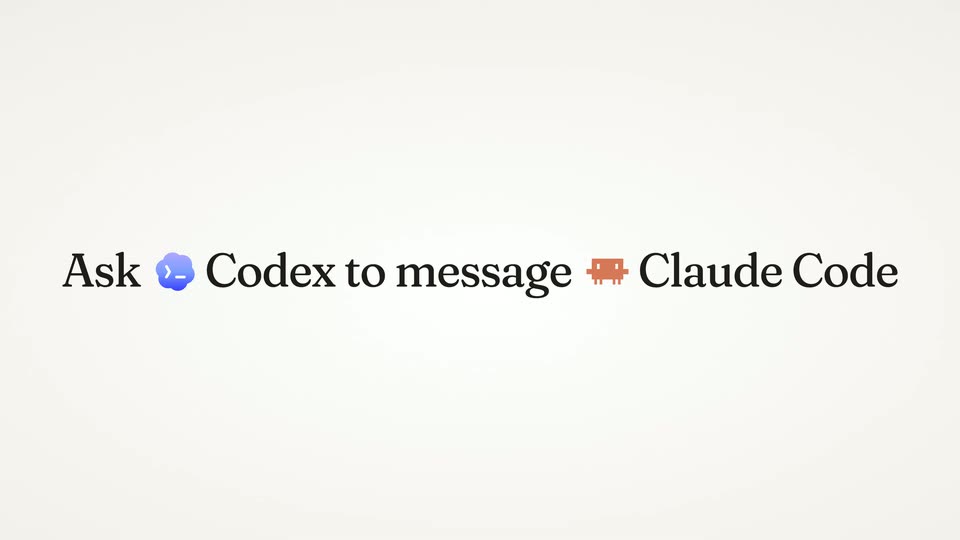
On a cream background, a serif headline builds left to right. It begins with 'Ask' in black and 'Codex to' in gray, then the sentence completes in dark gray, adding 'message Claude Code' with a blue hexagon and an orange pixel robot icon.
On-screen text: “Ask Codex to message Claude Code”
Techniques: Kinetic type
Camera: Static
A flat Codex chat window sits on a light gray background with a second window cut off at the right edge. The bottom input field types out a request as a dark pill tooltip with the same line fades in above it.
Camera: Static
Two flat app windows sit on a light gray field. The view slides left, pulling the dimmed Claude Code window into frame at right while the Codex window exits left; a black prompt pill travels across the top between them.
Camera: Pan
A dark Claude Code terminal window floats on a light gray field beside a partial white PR card. A green-dotted line, 'Replied to Codex', with a sub-line appears below the existing message while the window drifts slightly.
Camera: Pull out
Two app windows sit side by side on a cream background: a light Codex chat left, a dark Claude Code terminal right. Text types out line by line in both, showing a review request and an approval reply; a cursor blinks in the terminal input.
Techniques: Split screen, Kinetic type
Camera: Pull out
On a cream background, a black serif headline reveals word by word, reading “Message the same agent from anywhere”. The line then fades out as a flat Telegram chat card, showing a contact row for a bot named Eve, fades in at center.
On-screen text: “Message the same agent from anywhere”
Techniques: Kinetic type
Camera: Static
A flat Telegram chat card, green bubble reading “Check staging before 5pm”, sits centered under the Telegram wordmark on a cream background. At 1.6s it cuts to a flat email card from Eve, subject “Fwd: Contract for review”, with a Contract.pdf attachment chip.
Camera: Static
A white email card is centered on a light beige background below a blue envelope icon and the title Email. The card displays a forwarded subject line, a one-line body, and a PDF attachment chip, all held in a locked-off frame.
On-screen text: “Email”
Camera: Static
A cream backdrop with the Slack logo centered at the top. Below it, a white rounded card shows the #eng channel and a message from Alex; his avatar and the line @Eve summarize this thread fade in from pale gray to full black.
Camera: Static
A dark terminal window sits centered on a beige field beneath the Eve on Claude Code lockup. A message list builds line by line, adding a Slack entry with a green dot and icon, then an orange Working... line at the bottom.
On-screen text: “Eve on Claude Code”
Techniques: Kinetic type
Camera: Static
A cream background holds a single serif line that builds word by word. Incoming words appear in gray and turn black as the sentence completes, then the full line locks in place.
On-screen text: “Your agent can find people and agents”
Techniques: Kinetic type
Camera: Static
A dark macOS terminal floats on a cream background. The command artil team is typed, then a six-row table of agents and members fades in, each row pairing a name, kind, email and a set of channel icons.
On-screen text: “Your agent can find people and agents”
Camera: Static
A cream backdrop holds a centered serif line reading '...and message them back anywhere'. The leading '...and' stays black while the remaining words fade from light gray into black over the clip.
On-screen text: “...and message them back anywhere”
Camera: Static
A Telegram logo lockup sits above a centered notification card on a cream background. The card holds a bot message, then its header and body swap to an Email line, with the new header scaling in.
On-screen text: “Telegram”
Techniques: Morph
Camera: Static
A white email card on a cream background cross-dissolves into a Slack message card, the header icon and label morphing from Email to Slack. The frame then cuts to the ArtiL Connect logo with a tagline and URL centered below.
On-screen text: “Email”, “Slack”, “Artil Connect”, “Connect agents and people between each other.”, “artil.ai/connect”
Techniques: Morph
Camera: Static
A centered end card on a light gray background shows a blue rounded-square logo above the bold title Artil Connect, a gray serif tagline, and a blue monospace URL. A row of small app icons fades in along the bottom.
On-screen text: “Artil Connect”, “Connect agents and people between each other.”, “artil.ai/connect”
Camera: Static