0:37
Claude - We've redesigned Claude Code on desktop. You can now run multiple Cl
Claude Code · Apr 2026
Anthropic’s 0:37 launch film runs 9 scenes, about 4.1 s each. The product shows up at 0:02. The call to action lands at 0:29 (79% in). One continuous product take: the launcher opens, a prompt is typed, and the camera zooms and pulls between chat, editor, live preview, diff, terminal and tasks as the agent builds a demo. It closes on black with the pixel mascot, an availability line and the Claude Code wordmark.
Is this your launch? to your site or press kit.
Claude Code · Apr 2026
Context.dev · Developer tools · Oct 2026
Films whose music sounds like this one, voice left out
ClickUp · Upbeat funk, rock, and electronic
AgentSky · Upbeat electronic, funk
Claude · Lo-fi hip-hop
A black pill holding icons and a Code button sits centered on a pale green patterned background, then expands horizontally into a dark panel that reveals a menu list reading New session, Scheduled, Customize and an Acme Co. label at the bottom.
Techniques: Morph
Camera: Push in
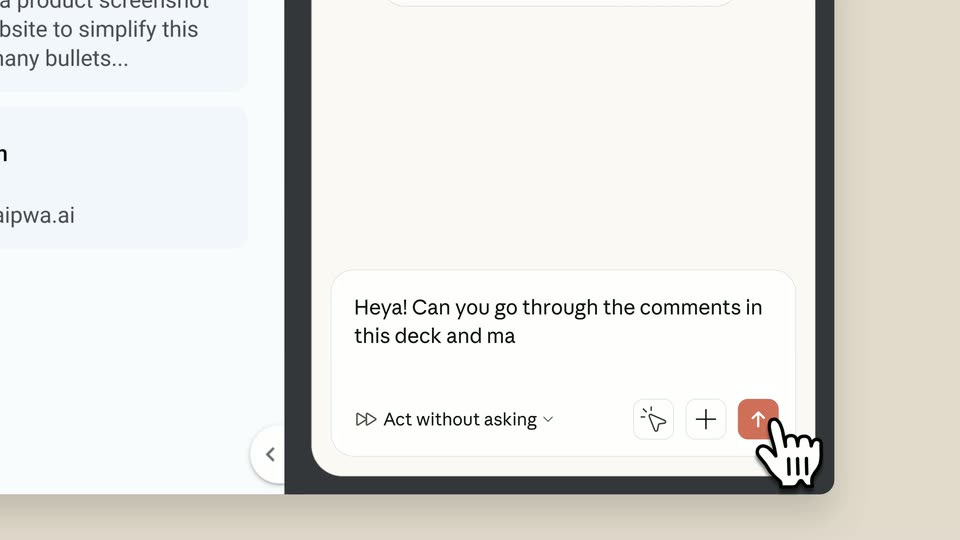
A dark app window sits on a mint line-art background. The prompt types into the input field, then the frame zooms into the chat panel, revealing file edits and a constraint table, while an orange pixel alien icon rests in the black canvas.
Techniques: UI zoom
Camera: Push in
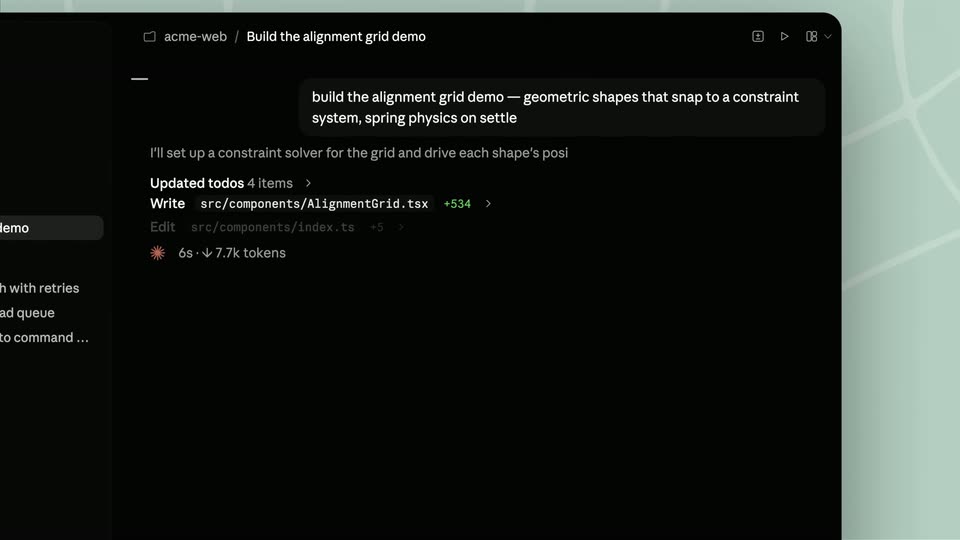
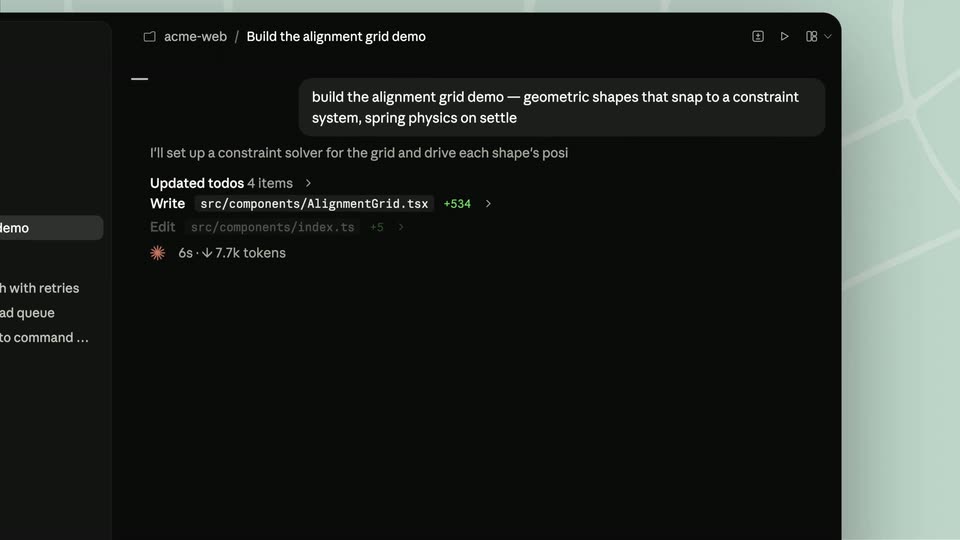
A dark code editor and a browser preview sit on a pale green backdrop. The camera zooms from the editor's comment and constraint table into the browser, where a purple square, green rectangle and pale circle spring into a grid.
Techniques: UI zoom
Camera: Pan
Close-up of a dark IDE: a dropdown menu opens over a canvas of colored tiles, then the panel scrolls to a code diff where a red line is replaced by a green one and the change count ticks up, while the menu reopens and highlights Plan.
Camera: Pan
A dark code editor and terminal fill the frame. A right-side menu opens with the cursor on Terminal, then closes while the terminal types a command and prints an error, a reload, and a resolved line. The left diff counter ticks up and the menu reopens on Tasks.
Techniques: Cursor demo
Camera: Static
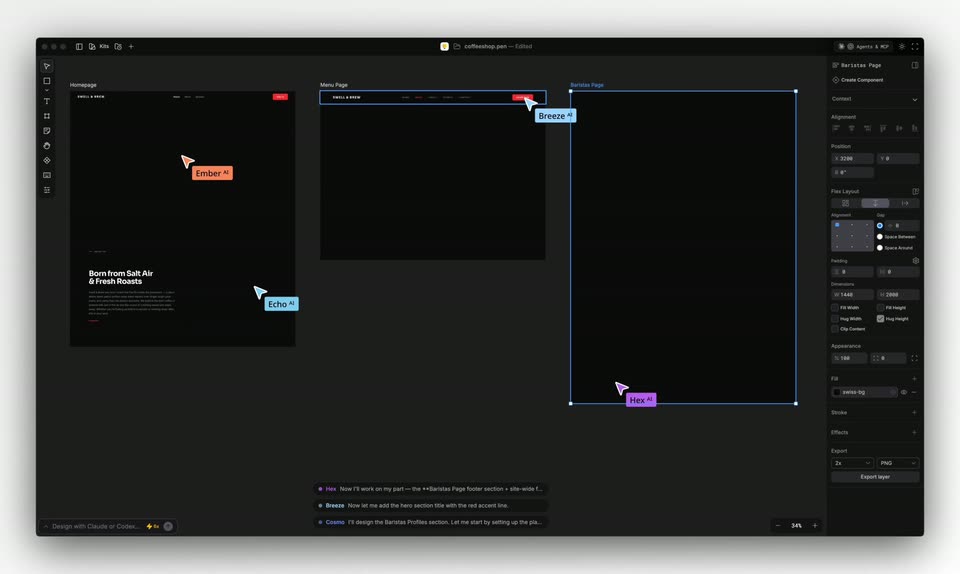
A tight crop on a dark code diff and terminal pulls back to reveal the full agent app window, its sidebar, chat feed, and live browser preview. A hand cursor then hovers over the right panel, blurring it and opening an Open agent tooltip with an Add split button.
Techniques: UI zoom, Cursor demo
Camera: Pull out
A dark IDE window with columns of code, tasks and a browser preview sits flat on a pale background, locked in place. Two large white mouse cursors drift on the right edge, then fade out.
Techniques: Cursor demo
Camera: Pull out
On a black background, a small orange pixel-art creature paces and changes pose above a centered white serif line, New desktop app now available, which appears and holds. The creature ends facing forward with a small TM mark, then the frame cuts to black.
On-screen text: “New desktop app now available”
Camera: Static
A small orange starburst rotates and drifts left on a black field, then the white serif wordmark Claude Code appears to its right and holds still in a locked-off frame.
On-screen text: “Claude Code”
Camera: Static