0:37

The new Claude Code desktop app, redesigned for parallel agents
Anthropic · AI · Apr 2026
Claude Code · Apr 2026 · 0:37 · Code only · AI-annotated
Claude Code’s 0:37 launch film runs 9 scenes, about 4.1 s each. The product shows up at 0:02. There is no explicit call to action. The video is built as one continuous workflow: the app window blooms from a pill, a prompt builds an alignment grid, and the camera tours the diff, preview, terminal, and 3D multi-pane layout before a black end card. Its style is a dark UI floating on a pale mint contour-line field, with smooth zooms and slides and a pixel invader mascot that bookends the piece.
Is this your launch? to your site or press kit.
Anthropic · AI · Apr 2026
Samsung · Aug 2026
A dark pill at center expands into a full app window over a pale green line-grid background. The window fills with a left sidebar listing sessions, while a black canvas shows a red pixel invader. The Code tab stays lit at the top.
Techniques: Morph
Camera: Push in
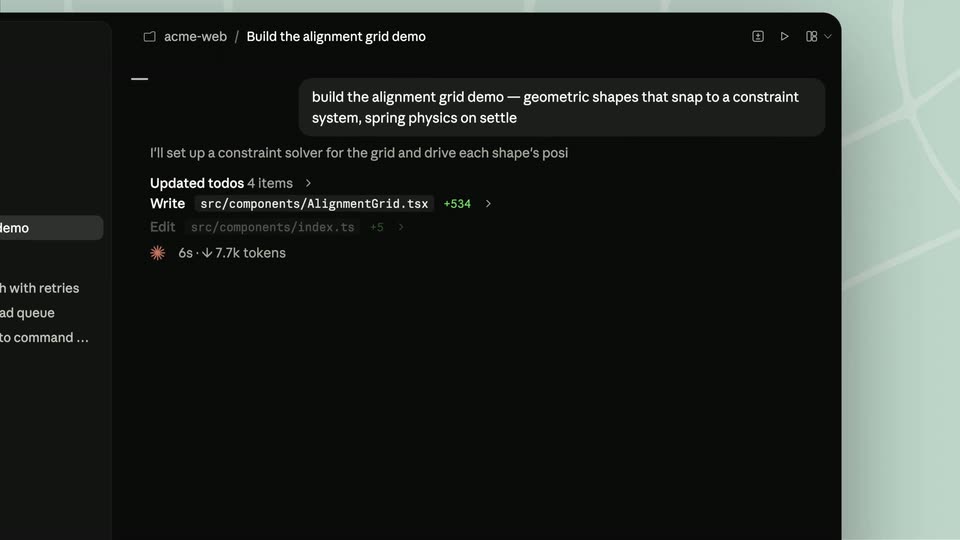
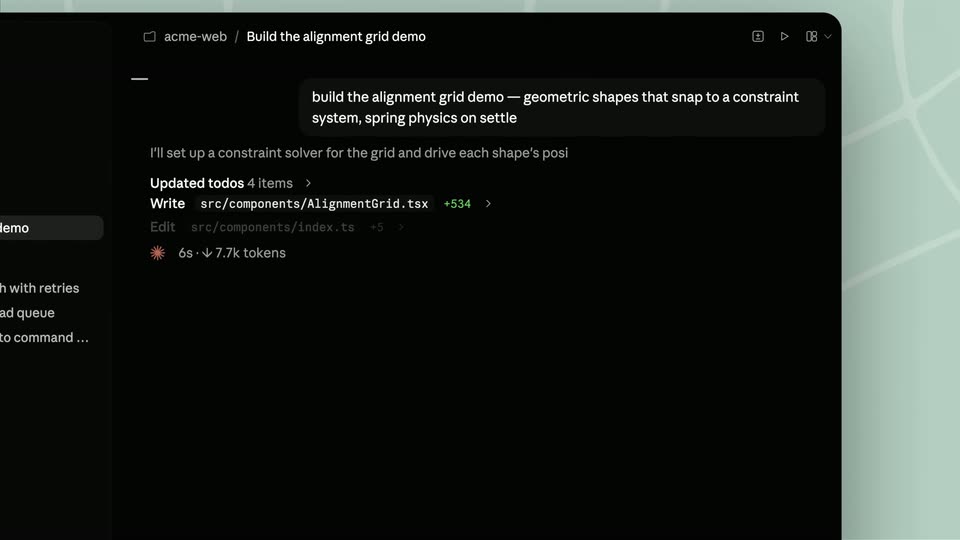
A dark app window floats on a mint background with faint white curves. An orange pixel invader pulses in the empty canvas as a command types into the input bar. The view zooms into the panel, settling on a constraint table and a pull-request bar at the bottom.
Techniques: UI zoom
Camera: Push in
A dark code-diff panel with a constraint table and a tooltip sits over a pale green field of white curved lines. The whole composition slides left while a cursor clicks an icon at the panel's top-right corner.
Techniques: Cursor demo
Camera: Pan
A dark IDE screen shows a chat panel beside a live browser preview of colored shapes; the page scrolls to reveal two more squares, then a dropdown menu opens and the cursor selects Diff, sliding in a code diff panel with red and green lines.
Techniques: UI zoom, Cursor demo
Camera: Pan
A dark code editor displays a file diff with a red removed line and a green added line over a terminal panel. The terminal prints a dev command, a Vite error, then 'error resolved', and a git push. A context menu on the right opens and closes.
Camera: Static
A dark IDE interface on a pale green blurred backdrop. A floating menu closes, the diff view scrolls, the terminal logs 'error resolved', and the view drifts left to reveal the branch header and a file list with ticking diff stats and a Create PR button.
Camera: Pull out
A dark code-editor window floats in 3D perspective against a mint background of thin contour lines. The camera eases out from a tight crop to reveal the full interface while the middle feed updates with new file edits and a hand pointer icon.
Techniques: 3D mockup
Camera: Pull out
A dark code editor reflows from two panes into three side-by-side panels: a file list, a browser preview with a small alignment grid, and a task panel. A white cursor appears and moves through the right panel while the preview grid animates.
Techniques: Cursor demo
Camera: Pull out
A small orange pixel-art animal trots in place on a black field above the line “New desktop app now available,” then collapses into the orange asterisk mark as the “Claude Code” wordmark appears to its right.
On-screen text: “New desktop app now available”
Techniques: Morph
Camera: Static