0:40
The new HomePod mini 2: Rich, room-filling sound in a compact design.
Apple · Hardware · Oct 2026
Apple’s 0:35 launch film runs 25 scenes, about 1.4 s each. The product is on screen from the first frame and 10 features are revealed. There is no explicit call to action; a voiceover carries the film. The video is built on a 120 BPM staccato beat, alternating locked-off black title cards with brief product demos so that every cut lands on the beat. Its signature moves are the verb-plus-it headline swaps, icons pulsing in sequence, and the Creator Studio lockup bookending the piece.
Is this your launch? to your site or press kit.
Apple · Hardware · Oct 2026
Nothing · Hardware · Mar 2024
Films whose music sounds like this one, voice left out
UX Pilot · Electronic Dance Music (EDM)
Photoroom · Electronic dance music, big beat
CapCut · Upbeat modern electronic
On black, the white Apple Creator Studio lockup scales into the center of the frame. A dim, blurred collage of product screenshots fades in behind the text, filling the background.
On-screen text: “Creator Studio”
Techniques: Kinetic type
Camera: Static
A dense grid of video project thumbnails and editing interfaces fills the screen. The thumbnails show varied content, including a green illustration of a giraffe with the word FANTASTICAL, a woman in a white dress, and a 3D render of a figure in a red room. The grid scrolls slowly, revealing more project files.
On-screen text: “FANTASTICAL”, “BENEFITS”, “LEPTOGORGIA”, “One”, “WHAT IS AN URBAN CANOPY?”, “Pitch Correction”
Camera: Pan
On a plain black background, white words enter one by one, first reading “One subscription.”, then the line is replaced by “Endless creativity.” The frame stays locked off and centered throughout.
On-screen text: “One subscription.”, “Endless creativity.”
Techniques: Kinetic type
Camera: Static
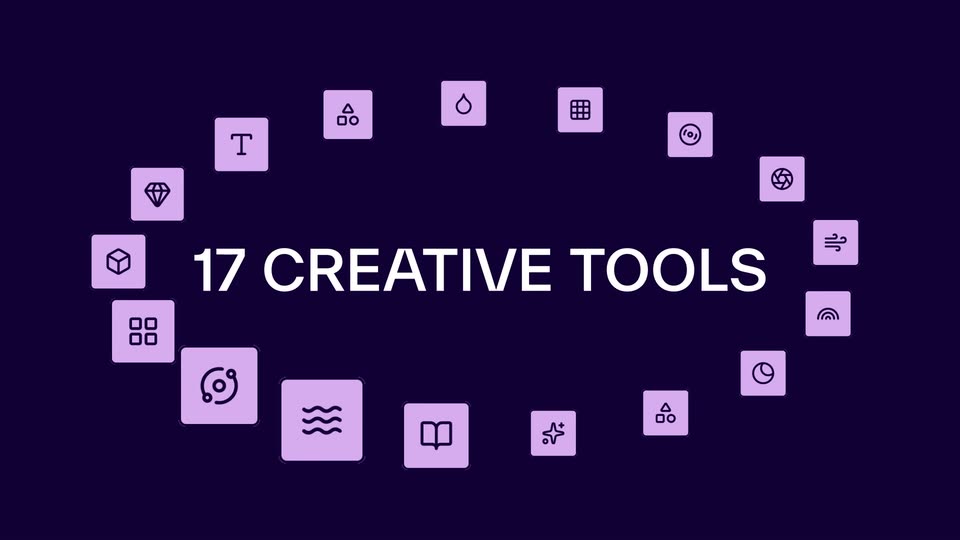
A row of ten colorful app icons sits in a dark rounded dock on a black background. A pulse travels left to right, scaling each icon up and back in sequence to a staccato beat.
Camera: Static
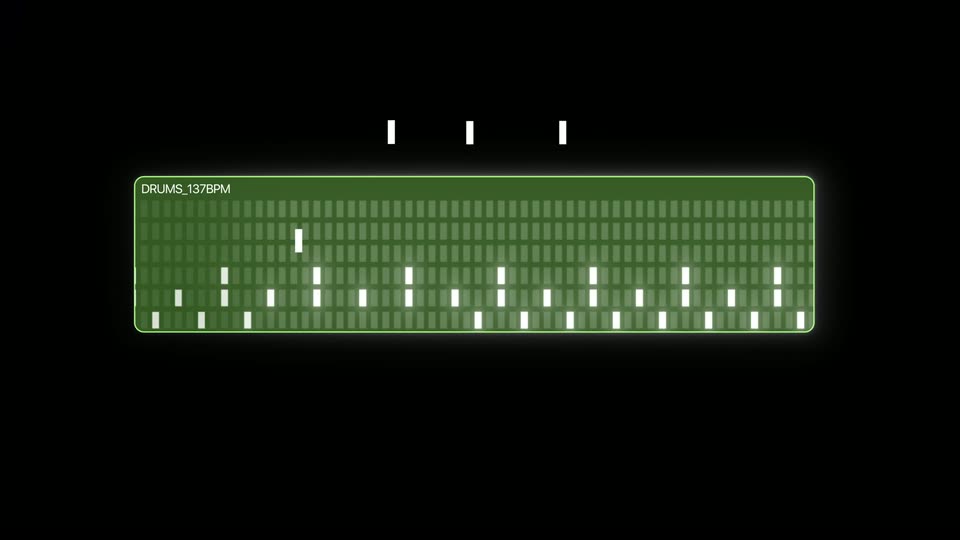
The white headline “Make a beat.” fades out as a glowing green audio clip and a purple step-sequencer grid assemble in the center, with right-pointing arrows ticking in beneath the grid.
On-screen text: “Make a beat.”
Techniques: Kinetic type, Morph
Camera: Static
On black, colored track lanes stack vertically, each a horizontal bar with a white pattern or waveform. As new lanes for bass, harmony and vox slide in from the bottom, the whole stack scrolls upward and shrinks to fit, like a sequencer building a song.
Camera: Pull out
On a black background, the glowing purple words Edit a slide into the upper center while video. in white scales in below. The frame stays locked off as the two lines settle into a stacked headline.
On-screen text: “Edit a”, “video.”
Techniques: Kinetic type
Camera: Static
White headline flanks a glowing blue video strip showing a basketball clip. The words scale up and slide over the strip, which swaps to a drum clip, then the frame cuts to a giant word crossed by a thin blue line.
On-screen text: “Edit a”, “video.”, “It's”
Techniques: Kinetic type, Masking
Camera: Static
A black laptop sits centered on a dark background, its screen showing a vector editor with the white word Take and a tool rail on the right. A selection box with corner handles and a baseline appear around the word as the frame holds.
Techniques: 3D mockup
Camera: Static
A flat laptop mockup sits centered on a black background. Its screen holds a dark maroon design canvas where the white words sit inside two selection boxes with corner handles, and a slim vertical icon toolbar runs down the right edge. The frame stays locked off.
On-screen text: “Take your”
Camera: Static
A tablet rests flat on black. Its screen shifts from a dark purple canvas with a boxed text selection to a green and yellow gradient, completing the headline; a pencil docks along the top edge and a hand reaches in from the right.
On-screen text: “Take your design anywhere.”
Techniques: Kinetic type
Camera: Static
A tablet with a stylus resting on top floats on black, its screen showing green gradient blobs under the white headline. A hand enters from the right and taps the screen as the tablet tilts in 3D perspective.
On-screen text: “Take your design anywhere.”
Techniques: 3D mockup
Camera: Static
On a black background, the phrase “Prompt it.” sits centered. Its daisy-filled letter texture melts into glossy blue water, and small droplets burst outward around the letters.
On-screen text: “Prompt it.”
Techniques: Morph, Particles
Camera: Static
Two hands reach up from below and tap a row of four dark gray tiles. Above them, the word Perform it. glows, its letters shifting between white, blue, purple and orange as the fingers press.
On-screen text: “Perform it.”
Camera: Static
On a black background, the white word “it.” slides out as a thin vertical line draws in, then “Select it.” scales up in gray with a lime-green hand-drawn loop and a white circle outline.
On-screen text: “Loop it.”, “Select it.”
Techniques: Kinetic type
Camera: Static
On a black background, the phrase Write it. assembles letter by letter, Write in white and it. in glowing yellow, underlined by a thin orange curve. A vertical cursor bar holds at the end as the line completes.
On-screen text: “Write it.”
Techniques: Kinetic type
Camera: Static
On black, the white words “Write it.” sit arched along a thin copper line. They give way to “Scrap it.” centered above a small gray trash bin icon.
On-screen text: “Write it.”, “Scrap it.”
Techniques: Kinetic type
Camera: Static
On a black field, the white headline “Scrap it.” hovers above an empty gray trash can, then slides out of frame as the can turns white and fills with crumpled paper and colorful scraps.
On-screen text: “Scrap it.”, “K”
Camera: Static
A frosted white trash bin filled with crumpled paper balls in white, yellow, blue and pink sits centered on a black background. The shot is static and locked off, holding the object still as a single letter K is held on screen.
On-screen text: “K”
Camera: Static
On black, scattered and rotated white letters drift inward and lock into the centered word “Move it.” The letters settle with a slight stagger, then hold still in a bold geometric sans.
On-screen text: “Move it.”
Techniques: Kinetic type
Camera: Static
Centered text on a black background swaps in place. White 'Move it.' is replaced by 'Upscale it.', then by blue 'Share it.', then back to 'Move it.' as the clip loops.
On-screen text: “Move it.”, “Upscale it.”, “Share it.”
Techniques: Kinetic type
Camera: Static
Glowing purple abstract shapes drift and rotate across a black field, then clear as a white price line slides in and locks off center, with a small gray disclaimer fixed at the bottom.
On-screen text: “Get it for $12.99/mo.”, “Subscription required.”
Techniques: Kinetic type
Camera: Static
On a black background, app names with their icons scale in and swap: purple Final Cut Pro and magenta Motion appear, then Motion slides up as red Pixelmator Pro takes the second line.
On-screen text: “Final Cut Pro”, “Motion”, “Pixelmator Pro”
Techniques: Kinetic type
Camera: Static
On a black field, three rows of app icons and names flash in sequence: Numbers, Mainstage, Freeform, then the rows shuffle to Keynote and Logic Pro, then Logic Pro and Creator Studio, before the screen cuts to black. The swaps land on a percussive beat.
On-screen text: “Numbers”, “Mainstage”, “Freeform”, “Keynote”, “Logic Pro”, “Creator Studio”
Techniques: Kinetic type
Camera: Static
The Apple logo and the white wordmark Creator Studio sit centered on a black field. A blue glint flickers across the letter t at the start, then the lockup holds and fades to black.
On-screen text: “Creator Studio”
Techniques: Light sweep
Camera: Static