
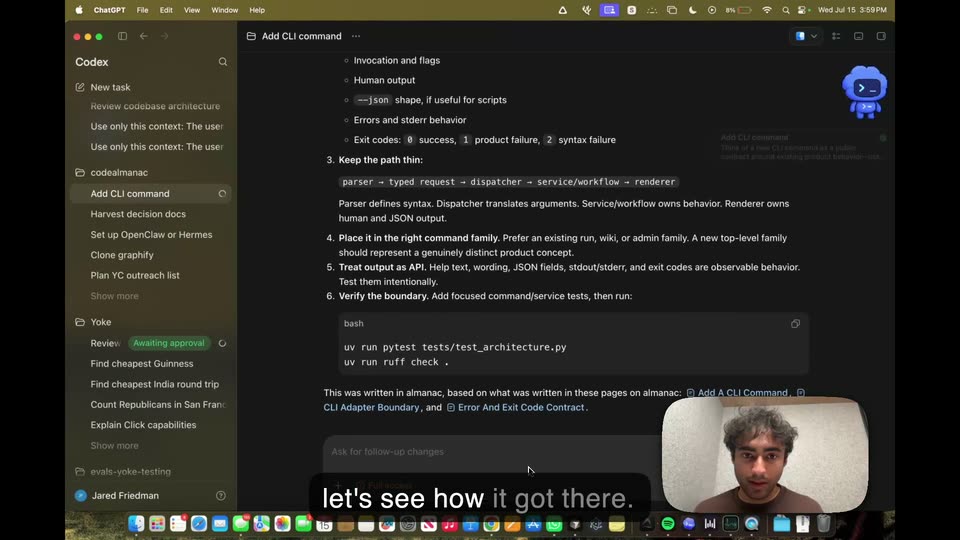
0:31
Explore
Demo for Codealmanac
Almanac · Jul 2026 · 1:35 · Full motion · AI-annotated
- Length
- 1:35
- Scenes
- 5 · 19.1 s avg
- Product on screen
- 0:00
- Call to action
- 1:11 · 75%
- Voiceover
- Yes
- Views
- 186 on YouTube
as of November 28, 2026
00:00:00 / 01:35:41
- Length
- 1:35
- Scenes
- 5 · 19.1 s avg
- Product on screen
- 0:00
- Call to action
- 1:11 · 75%
- Voiceover
- Yes
- Views
- 186 on YouTube
as of November 28, 2026
Almanac’s 1:35 launch film runs 5 scenes, about 19 s each. The product is on screen from the first frame. The call to action lands at 1:11 (75% in), over a voiceover. One continuous screen capture with a fixed face cam and rolling captions, moving from a file tree tour to a Codex chat demo. Pacing is slow and cursor driven, with occasional zoom ins on UI panels instead of hard cuts.
No filming indicatedEstimated needs: 3 capture groups — your screens or recordings
Is this your launch? to your site or press kit.
More like this
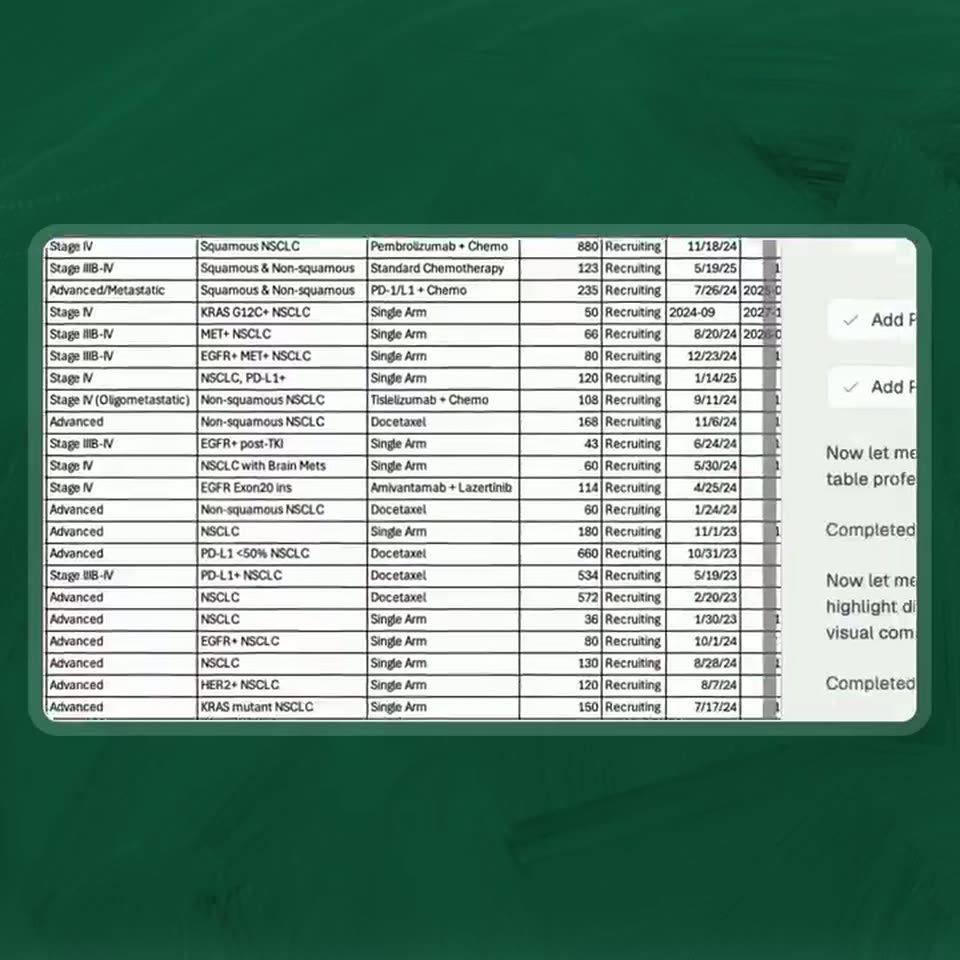

1:06
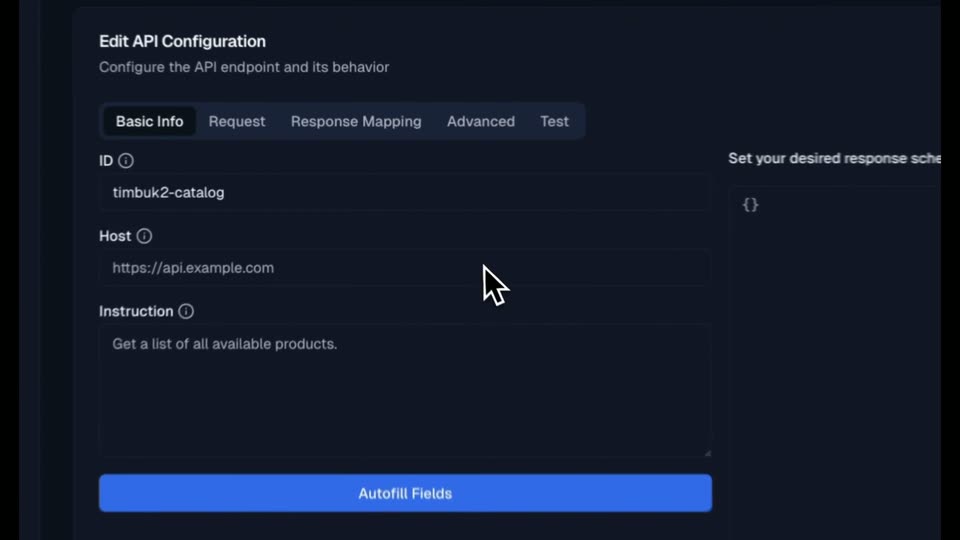

superglue (YC W25) - product demo
superglue · B2B · Feb 2025
1:34
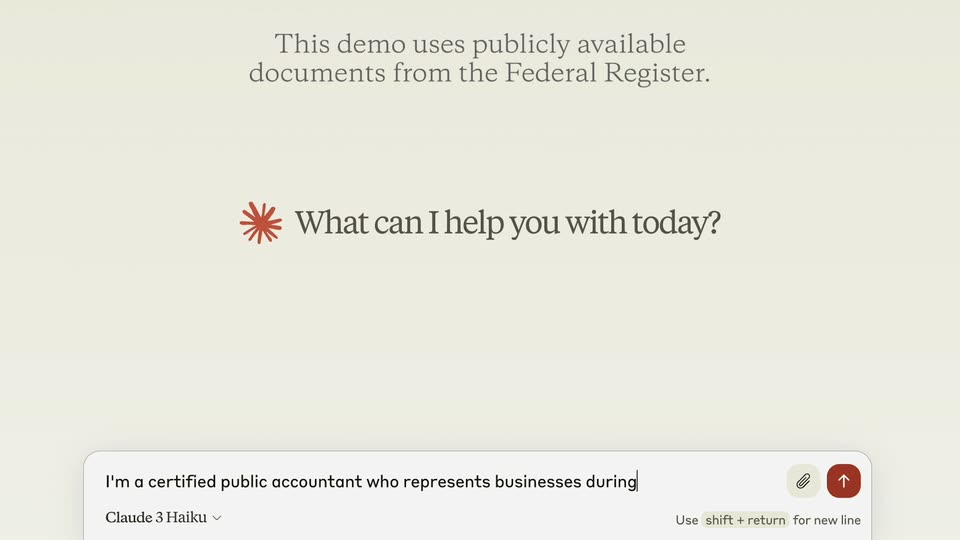

Claude 3 Haiku for fast document analysis
Anthropic · AI · Mar 2024
Demo for Codealmanac, scene by scene
· 5 scenes as text
01 · Product intro · 0:00–0:33
A dark code editor fills the frame, file tree on the left. The cursor moves down the tree and expands folders as a rounded webcam inset of the speaker sits bottom right and white captions roll across the bottom. The view zooms into the sidebar twice.
On-screen text: “Hi everyone, I'm Rohan and I'm”, “going to give a quick demo”, “of how Almanac works.”, “So Almanac is a wiki that lives”, “inside your repository and it”, “automatically updates every”, “time you have a conversation”, “with Claude or Codex.”, “From these conversations, it”, “extracts the decisions that you have taken, it documents the concepts and the architecture of our codebase and it also makes reusable skills which we call Alman”
Techniques: UI zoom, Cursor demo
Camera: Pull out
02 · Demo · 0:33–1:07
A dark Codex chat screen fills the frame. A typed question is sent, and an answer streams in with a numbered list and document cards. The view then zooms into a list of ran commands as the cursor hovers each row. A webcam view of the presenter sits bottom right.
On-screen text: “Okay, so we are in codex, let's”, “ask it a question Hey codex, I”, “am trying to add a new”, “command to our public CLI, can”, “you tell me how I should think”, “about it? So the way that codex”, “interfaces with the wiki is”, “through a CLI, let's wait for it to”, “come back and then we will see”, “let's see how it got there. So the way it's working is through the CLI as I said, codex can search for different things in the wiki, for example for the CLI adp”
Techniques: Cursor demo, UI zoom
Camera: Push in
03 · Demo · 1:07–1:10
A dark agent chat interface shows a terminal block of JSON scrolling upward. A cursor moves to the Ran commands header and clicks it, collapsing the code to reveal markdown text. A facecam inset sits bottom right, with a subtitle bar across the bottom.
On-screen text: “back a list of files, all of this is in”, “JSON so that it's very agent”
Techniques: Cursor demo
Camera: Static
04 · Demo · 1:10–1:11
A dark interface scrolls upward, revealing a list of commands and text. A small video feed of a man and a subtitle box sit in the lower right corner.
On-screen text: “friendly and it can also then”
Techniques: UI zoom, Cursor demo
Camera: Static
05 · CTA · 1:11–1:35
A close-up of a command log scrolls as the cursor hovers and clicks a chevron to expand an entry, then the view zooms out to the full app window with a task sidebar and a numbered guide. A small face-cam inset sits bottom right.
On-screen text: “choose any file and then show”, “them, so like for example the”, “guide that we saw before, it”, “actually ended up reading that”, “through the show command and”, “then based on these it did not”, “even look at any code right now,”, “it did not need to and then it”, “gave me back the answer based”, “on the wiki', 'So yeah, please check it out, it's', 'completely free, it's completely', 'open source and it's completely', 'local as well.', 'So yeah, thanks, '”
Techniques: Cursor demo, UI zoom
Camera: Pull out