2:40
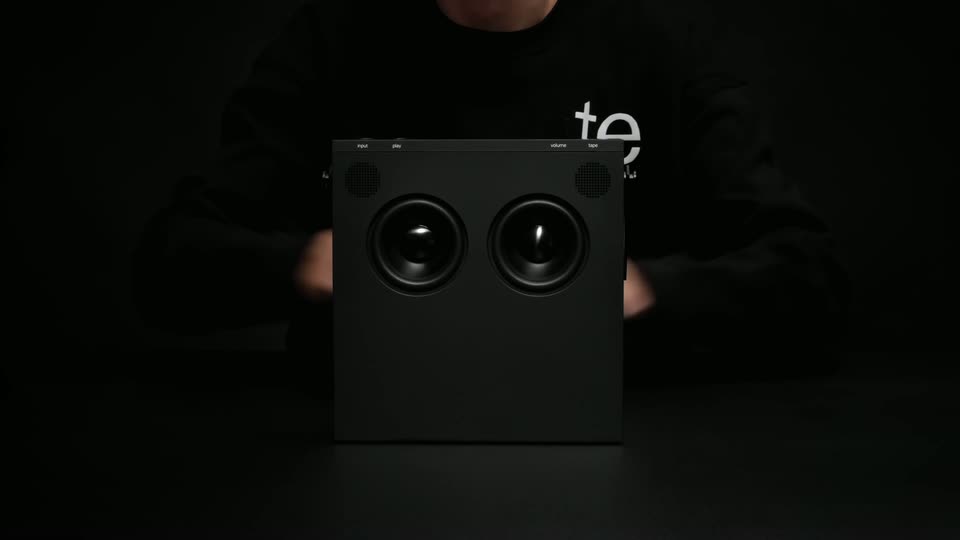

OB–4 overview
Teenage Engineering · Hardware · Oct 2020
Sandbar’s 0:59 launch film runs 16 scenes, about 3.7 s each. The product is on screen from the first frame and 3 features are revealed. There is no explicit call to action; a voiceover carries the film. One monochrome studio set where a single ringed hand performs every action, with slow push-ins on device screens and caption lines that complete across cuts. The film runs from logo to product statement, through a cross-device voice demo, and back to the logo, keeping the silver ring as the constant anchor.
Is this your launch? to your site or press kit.
Teenage Engineering · Hardware · Oct 2020
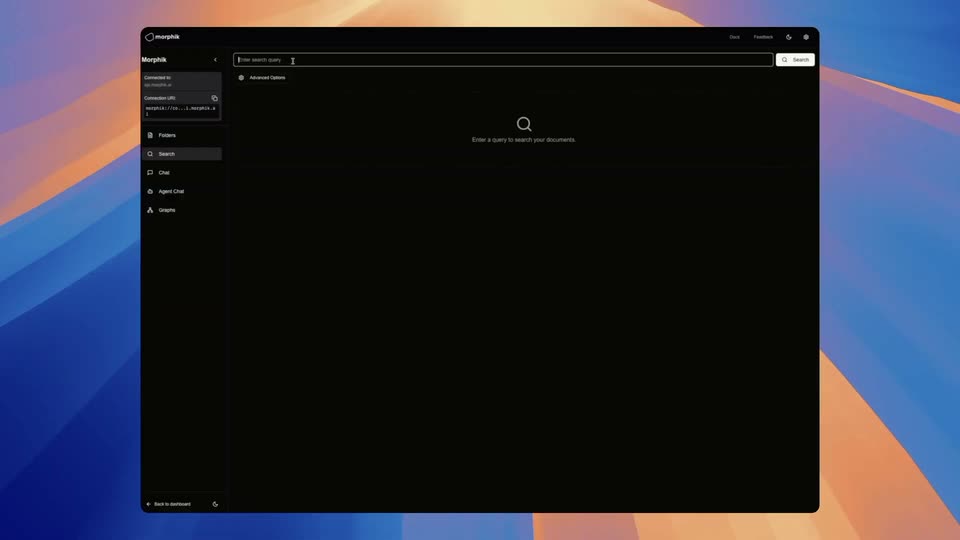
Morphik · B2B · May 2025
Zaplar · B2B · Nov 2026
A small white tilde-like wavy line sits centered on a black field, holding still in a locked-off frame with no motion.
Camera: Static
A man in a black shirt sits at a ribbed desk while the camera orbits from his back to his side. He turns a ring on his finger, then taps a phone on a stand. A caption reads “Stream is a private voice ring.”
On-screen text: “Stream is a private voice ring.”
Techniques: 3D mockup
Camera: Push in
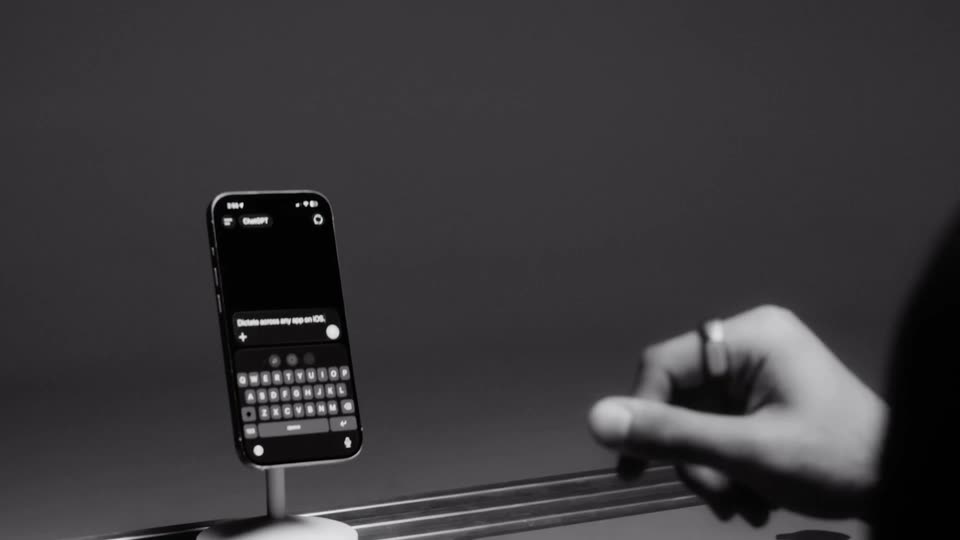
Black-and-white studio shot: a bearded man in a dark shirt sits at a table with two phones on stands showing a chat app. He gestures as captions appear below. The camera pushes in on one phone, its screen shows the dictated message, then goes dark as his hand moves away.
On-screen text: “Dictate across any app”, “on iOS.”, “Then”, “seamlessly handoff to Mac.”
Techniques: UI zoom
Camera: Push in
A dark phone on a white stand rests on a desk against a gray backdrop. The camera pans right to bring the edge of a closed laptop into frame at the lower right. White caption text sits along the bottom.
On-screen text: “seamlessly handoff to Mac.”, “No app switching,”
Techniques: 3D mockup
Camera: Pull out
In a black-and-white shot, a hand lays a tablet flat on a laptop, its screen showing a terminal with typed text. The hand rests at the right edge, fingers tapping, as the camera pushes in on the screen. White captions sit at the bottom.
On-screen text: “No app switching,”, “no reconnection.”, “Let's start a project.”
Techniques: UI zoom
Camera: Push in
Grayscale angled close-up of a laptop terminal showing a Claude Code prompt, a ringed hand taps the trackpad. White captions cycle at the bottom while the camera slowly pushes in on the screen.
On-screen text: “And your voice can do more:”, “swipe to chat”, “and instantly recall notes.”
Camera: Push in
A black-and-white close-up of a laptop at an angle shows a dark terminal with a blinking cursor and a small loading bar. A ringed hand taps the trackpad at right while the camera slowly pushes in on the screen.
Techniques: UI zoom
Camera: Pull out
Black-and-white side view of a laptop on a desk. A ringed hand taps the screen; a long prompt fills the terminal input line, then the hand lifts the laptop. White captions appear at the bottom.
On-screen text: “Tap to paste.”, “Handoff back to iOS.”, “And keep your thinking”
Camera: Pull out
Monochrome close-up of a phone on a stand against a dark backdrop. A hand enters from the right and taps the screen, which lights up with a short list. Static subtitles at the bottom carry the voiceover line.
On-screen text: “And keep your thinking”, “organized in the Stream app.”
Camera: Pan
Grayscale close-up of a phone on a stand showing a ChatGPT chat with an open keyboard. A hand with a ring on the index finger hovers over the screen, then presses the microphone key at the bottom right.
Camera: Push in
In black and white, a hand wearing a ring reaches toward a phone on a stand and taps its home button. The dark screen showing a few app icons flashes white as the frame ends.
Camera: Static
A phone on a stand, tilted in 3D perspective, shows a notes app filled with paragraphs of text. A black-and-white hand writes with a pen at the right edge while the caption fades in at the bottom and out again.
On-screen text: “Notes, chat, dictation.”
Techniques: 3D mockup, Kinetic type
Camera: Static
Black-and-white shot of a phone on a stand showing a page of transcribed text, beside a hand wearing a ring with a small oval button. The hand gestures and the screen blurs as its content refreshes.
On-screen text: “Stream—a new voice interface.”
Camera: Pull out
A black-and-white low-angle shot of a ribbed metal desk. A hand wearing a ring slides a small silver oval puck across the grooves from right to left, past a phone on a stand showing a page of text and a closed laptop.
Camera: Pull out
In soft black-and-white focus, a hand sets a white phone upright on a desk beside a closed laptop, the frame locked off and the image blurred throughout.
On-screen text: “1”
Camera: Pull out
A small white wavy line, shaped like a tilde with a dot at its left end, holds the center of a flat black field. The mark stays still and the frame is locked off for the whole shot.
Camera: Static