1:48


OpenAI Developers - Building apps with GPT-Live-1? Give them a voice that fits. Here’s h
OpenAI · AI · Oct 2026
Ramp · Dec 2023 · 1:17 · Full motion · AI-annotated
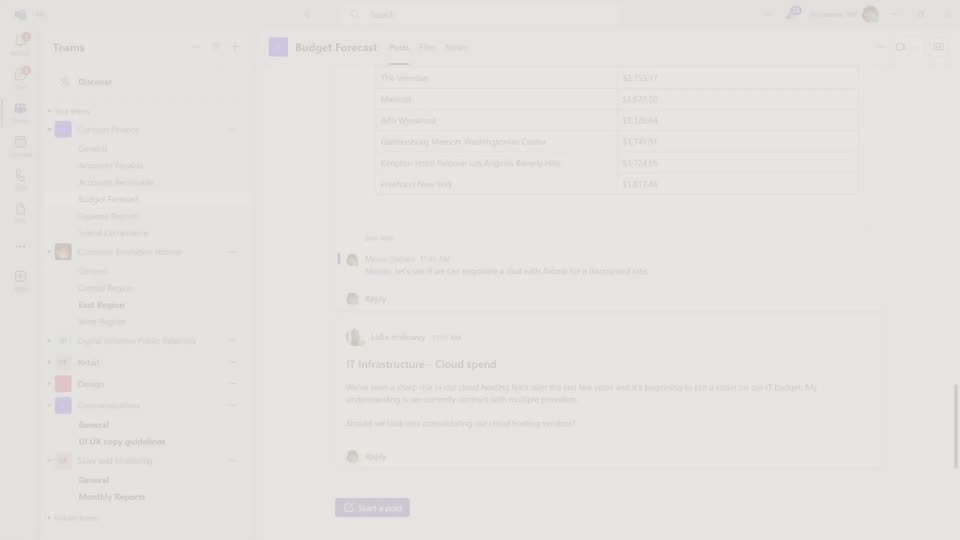
Ramp’s 1:17 launch film runs 10 scenes, about 7.8 s each. The product is on screen from the first frame and 1 feature is revealed. The call to action lands at 1:09 (90% in), over a voiceover. The film is a long, slow screen recording of the Microsoft Teams interface framed by two minimalist brand cards, with the cursor typing commands and Ramp replies popping in as the main motion. Zooms in and out of the window punctuate each bot answer, and the low cut rate lets the UI read clearly.
Is this your launch? to your site or press kit.
OpenAI · AI · Oct 2026
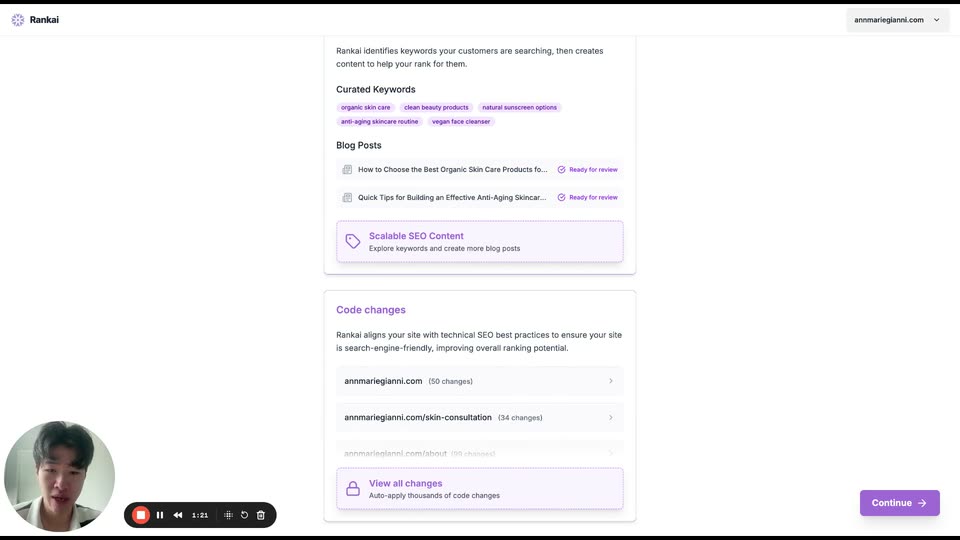
Rankai · B2B · Nov 2024
Films whose music sounds like this one, voice left out
Phone Harness · Modern electronic
Blue · Modern electronic
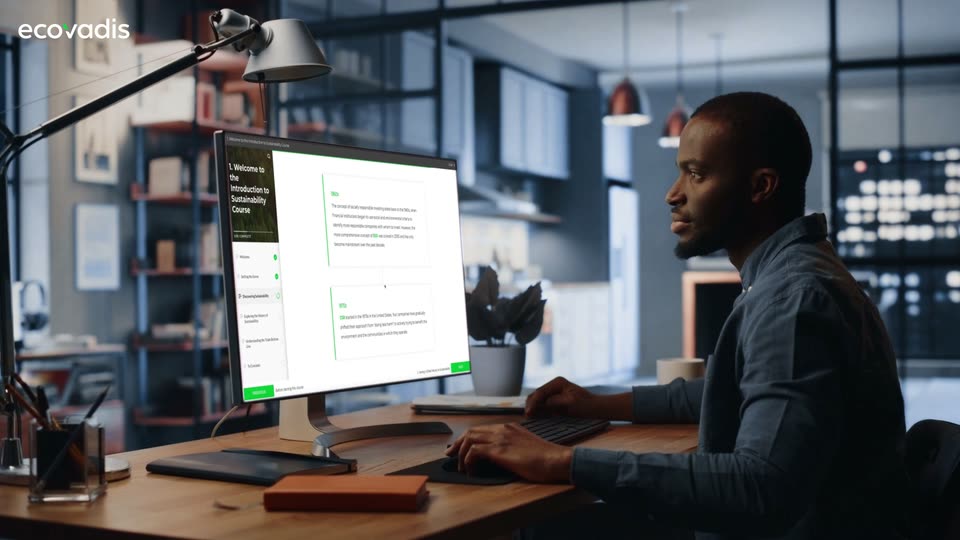
Ecovadis · Upbeat corporate electronic
A solid black screen holds for the full duration with no visible content, text, or motion, reading as a fade-in or transition frame before the next element appears.
Camera: Static
On a white background, the black Ramp wordmark and swoosh sit left of a thin vertical divider, with the purple Microsoft Teams logo to the right. The lockup fades in over the first second, then holds still for the rest of the clip.
Camera: Static
A pale gray card holds the ramp wordmark and the Microsoft Teams logo side by side, split by a thin vertical line, then the frame cuts to a Teams channel view showing a Budget Forecast table and two chat posts.
Camera: Static
The Microsoft Teams Budget Forecast channel scrolls vertically, moving past a hotel price table and two threaded posts to settle on the Start a post button at the bottom.
Camera: Push in
A flat view of a light team-messaging thread. A cursor clicks the Reply row under a post titled IT Infrastructure - Cloud spend, the input expands with a toolbar, the cursor types a message that triggers a Ramp mention autocomplete, then hovers the send arrow.
Techniques: Cursor demo
Camera: Static
A Teams chat thread with a cloud-spend table stays in view as a cursor types a reply in the box below; an @mention popup lists a contact, the message completes, then the frame zooms out to reveal the full Teams window and left sidebar.
Techniques: Cursor demo, UI zoom
Camera: Pull out
A Microsoft Teams window shows the Budget Forecast channel with a thread on cloud spend and a two-row data table. A cursor drifts slowly down the left sidebar list of teams.
Techniques: Cursor demo
Camera: Static
A Microsoft Teams channel view zooms in as a cursor opens reply boxes, types commands to the Ramp bot, and sends them. The bot replies with policy and card-limit confirmations, then the cursor scrolls to the next post and types another request.
Techniques: UI zoom, Cursor demo
Camera: Push in
A close-up of a Microsoft Teams thread shows a Ramp bot reply appearing under a 'Month end books' post, a cursor resting at the reply box, then the view zooms out to reveal the full app window and team sidebar.
Techniques: UI zoom
Camera: Pull out
On black, a white crescent mark grows and rotates in the center. The wordmark ramp fades in to its left, and a small caption get started at ramp.com appears below. The lockup holds, then fades to black.
On-screen text: “get started at ramp.com”, “ramp”
Camera: Static