
0:28
Explore
Image Vectorization with Arrow 2
QuiverAI · Nov 2026 · 0:44 · Full motion · AI-annotated
- Length
- 0:44
- Scenes
- 10 · 4.5 s avg
- Product on screen
- 0:00
- Features shown
- 1
- Call to action
- 0:41 · 94%
- Voiceover
- No
- Views
- 52 on YouTube
as of November 28, 2026
00:00:00 / 00:44:20
- Length
- 0:44
- Scenes
- 10 · 4.5 s avg
- Product on screen
- 0:00
- Features shown
- 1
- Call to action
- 0:41 · 94%
- Voiceover
- No
- Views
- 52 on YouTube
as of November 28, 2026
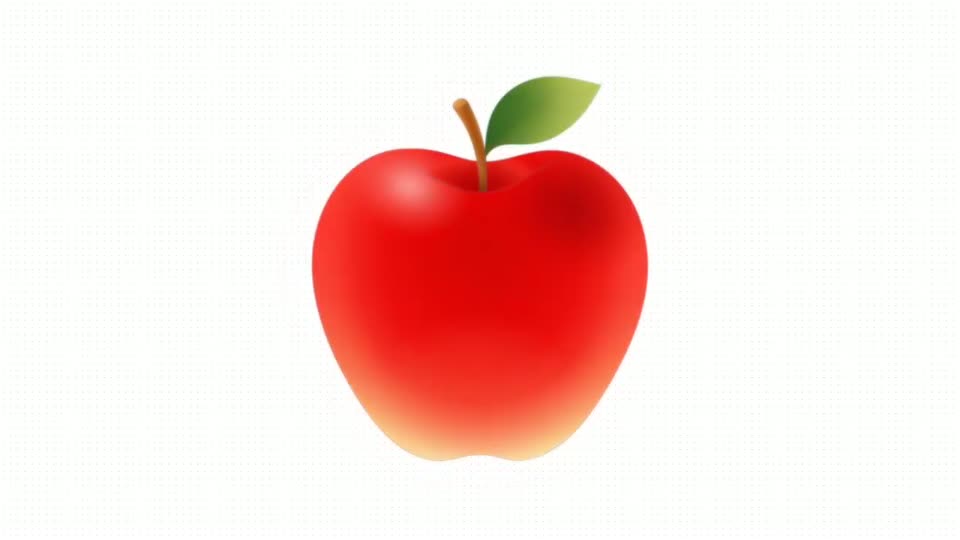
QuiverAI’s 0:44 launch film runs 10 scenes, about 4.5 s each. The product is on screen from the first frame and 1 feature is revealed. The call to action lands at 0:41 (94% in). The video is built as a before-and-after argument on a dotted off-white grid: a dense 1,365-point traditional trace is set against Arrow's clean 26-point result, each step held as a centered animation. Signature moves are the draw-on blue splines, the blur-to-crisp snap of the apple, and the gray-to-black headline cards that mark the switch from problem to solution.
No filming indicatedEstimated needs: 3 capture groups — your screens or recordings · 1 official logo — reused across the film · 4 graphic passages — draw or supply
Is this your launch? to your site or press kit.
More like this


Similar soundtrack
Films whose music sounds like this one, voice left out
2:12

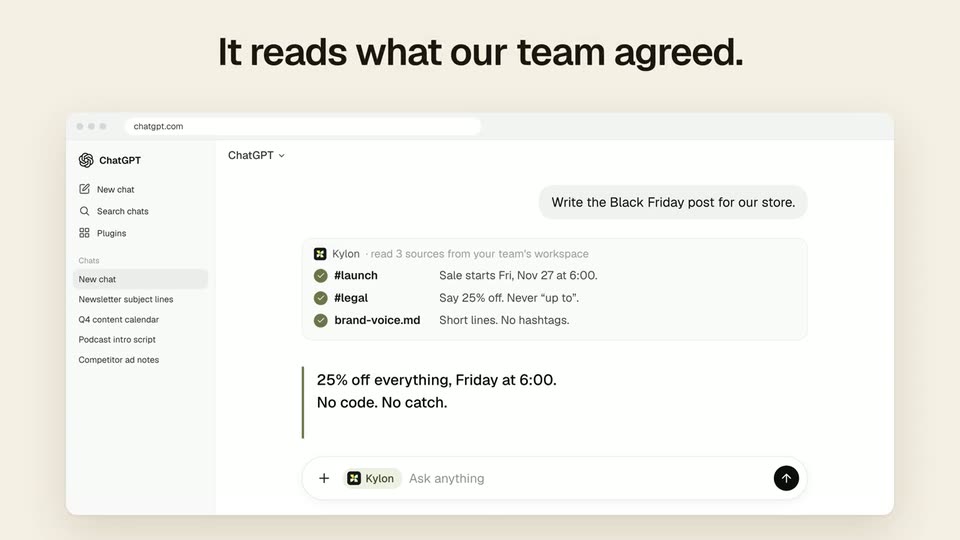
Introducing the new Craft Assistant, MCP & API and more!
Craft · Lo-fi hip-hop
0:30


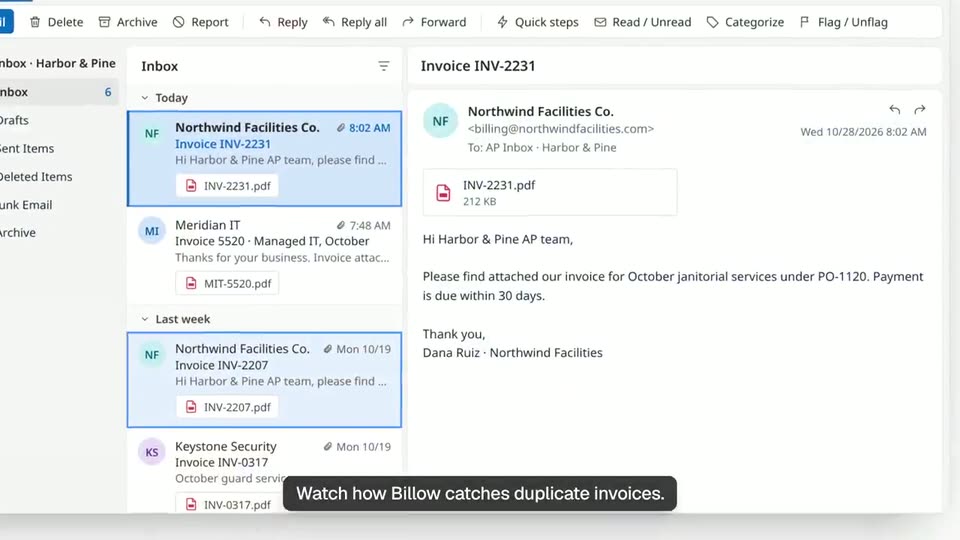
ZeroEntropy Launch
ZeroEntropy · Lo-fi hip-hop, jazz, chillwave
0:30

Recraft - Say hello to V4.1 This model is built for images that captivate you.
Recraft · Lo-fi hip-hop
Image Vectorization with Arrow 2, scene by scene
· 10 scenes as text
01 · Product intro · 0:00–0:02
Two red apples with leaves sit side by side on a white dot grid, labeled Traditional vectorizers and QuiverAI. Each apple fades from a solid fill to bare blue vector paths, the left dense with nodes, the right clean. Captions below read 1,365 and 26 anchor points.
On-screen text: “Traditional vectorizers”, “QuiverAI”, “1,365 Anchor points”, “26 Anchor points”
Techniques: Split screen
Camera: Static
02 · Demo · 0:02–0:06
A Vectorizer window on a dotted grid. A tilted apple card is dragged into the dashed drop zone and fills the canvas. The cursor clicks the black Vectorize button, then the view zooms into the window as comparison captions appear.
On-screen text: “Traditional vectorizers”, “QuiverAI”, “1,365 Anchor points”, “26 Anchor points”
Techniques: Cursor demo, UI zoom
Camera: Static
03 · Problem · 0:06–0:09
A textured flat illustration shows a red wave, a brown stem and a green leaf on a cream field. A blue dashed spline with square anchor points draws itself, growing from a short line into a V and a curve, then closing into a loop around the stem base.
Camera: Push in
04 · Problem · 0:09–0:12
A grainy red apple illustration is shown in tight close-up, its stem, leaf and crown traced by a blue vector selection outline with handles. The outline fades, then the view pulls back to reveal the whole apple centered on a cream background.
Camera: Pull out
05 · Problem · 0:12–0:23
A painterly red apple resolves into a vector outline studded with blue anchor points under a count caption, then a headline card. A chat input field appears; a cursor drops the apple in as a thumbnail, types a prompt, and clicks send as a blurred apple blooms behind.
On-screen text: “1,365 Anchor points”, “This is traditional tracing.”
Techniques: Morph, Cursor demo
Camera: Static
06 · Feature reveal · 0:23–0:29
On a white dotted canvas, a blurred red apple is traced by a blue vector path while a tooltip reads Analyzing shape, then Marking anchor points as dots pop along the outline. The path and tooltip fade out and the apple snaps to a crisp vector illustration.
Techniques: Cursor demo, Morph
Camera: Static
07 · Feature reveal · 0:29–0:35
On a dotted grid, a red apple builds from floating gradient blobs that merge into a solid fruit. The fill then fades to pale pink as a blue vector path with anchor points draws over it. A gray caption swaps from shapes and gradients to anchor points.
On-screen text: “20 shapes · 15 gradients”, “26 Anchor points”
Camera: Static
08 · Feature reveal · 0:35–0:38
A thin light-blue line drawing of an apple with a leaf sits centered on a dotted white field, then dissolves out as the headline This is Arrow. fades in and holds in the center.
On-screen text: “This is Arrow.”
Camera: Static
09 · Other · 0:38–0:41
A centered line of text on a white dotted background. The phrase starts out of focus, sharpens into a crisp gray-and-black line, holds, then blurs and fades to white.
On-screen text: “Smarter vectors. Cleaner results.”
Camera: Static
10 · CTA · 0:41–0:44
A black rounded icon with a white pointer sits left of the black wordmark QuiverAI, with the gray URL app.quiver.ai centered beneath. The lockup holds static on a plain off-white background, locked-off frame.
On-screen text: “app.quiver.ai”
Camera: Static