0:52
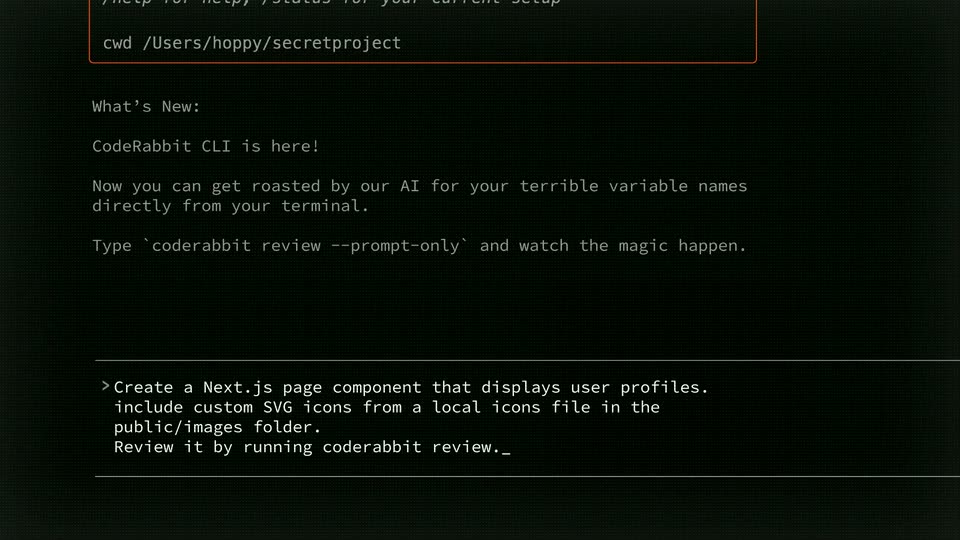

CodeRabbit - Introducing CodeRabbit CLI! 🎉 CodeRabbit's smart CLI reviews act as
CodeRabbit · Sep 2025
Pleom’s 1:12 launch film runs 16 scenes, about 4.5 s each. The product shows up at 0:07 and 3 features are revealed. The call to action lands at 1:03 (87% in), over a voiceover. The video types its copy out word by word in a monospace face, opens with a challenge over live action, names pleom, then presents three modes as flat black title cards each followed by a phone-panel demo layered over footage, and closes on a vision line and a slowly scaling hand-drawn URL. Its signature moves are the typewriter text with red and green accent words, the locked black cards, and the recurring yellow hand-drawn ring and wordmark.
Is this your launch? to your site or press kit.
CodeRabbit · Sep 2025
Particularity · Government · Oct 2026
Films whose music sounds like this one, voice left out
Remster · Calm, minimalist corporate advertisement soundtrack
YouArt · Ambient, Corporate Electronic
Korso · Electronic
A hand holds a tilted smartphone in a soft-lit room, the thumb resting on the screen. On the right, three lines of typewriter text appear one after another, with 'texting' in red and 'your AI' in teal.
On-screen text: “Are you”, “still texting”, “your AI in 2025...”
Techniques: Kinetic type
Camera: Static
A bearded man with glasses talks on a phone held to his ear, seated at a desk with an open laptop in a bright home office. Typewriter-style captions build word by word across the lower frame, with 'speaking' in green and 'typing' shifting from gray to red.
On-screen text: “Are you”, “still texting”, “your AI in 2025...”, “When speaking with your voice”, “is quicker than typing”
Techniques: Kinetic type
Camera: Static
A bearded man in glasses holds a phone to his ear and looks down at a laptop, a houseplant blurred behind him. A two-line monospace caption overlays his chest, “speaking” in teal and “typing” in red, then eases down and fades.
On-screen text: “When speaking with your voice”, “is quicker than typing”
Camera: Static
A flat phone mockup sits left, its dark UI showing a glowing yellow voice ring and a row of control icons. Right, white serif text reads 'So we built' above a large yellow 'pleom.com' and a subline, while the dim background of a person with glasses fades to black.
On-screen text: “So we built”, “pleom.com”, “Accessible on phones or laptop devices”
Camera: Static
A flat phone mockup on the left shows a voice assistant screen with a yellow hand-drawn ring looping in the center. On the right, static serif text reads So we built pleom.com above a smaller caption, all on a black background.
On-screen text: “So we built”, “pleom.com”, “Accessible on phones or laptop devices”
Camera: Static
A black frame holds the white words Voice Mode centered in a typewriter-style font. The text stays locked and still for the full duration of the clip.
On-screen text: “Voice Mode”
Camera: Static
A vertical phone voice-assistant panel is centered over live-action footage of a man serving a tennis ball in a hangar. A yellow voice circle pulses as he swings his racket. Then a question bubble appears, followed by the assistant's answer text.
Camera: Static
A translucent dark chat panel sits centered over a low-angle shot of a player holding a racket beneath a stadium roof. The panel displays a question bubble and a typed answer, with a row of mode icons along the bottom.
Camera: Static
A dark semi-transparent chat panel sits centered over low-angle live-action footage of a tennis player under a white steel truss roof. The player in a dark sweater and beanie holds a racket as a yellow ball bounces past. The panel displays a question and a short answer about court types.
Camera: Static
A phone assistant panel sits centered over a filmed tennis player in a stadium, showing a question and answer about court types. The white title Camera Mode scales in at the center over the player's chest.
On-screen text: “Camera Mode”
Techniques: Kinetic type
Camera: Static
White 'Camera Mode' in a monospace face sits centered on a black field, scaling up over the first half second and then holding still. A faint dark phone silhouette lingers behind it at the open.
On-screen text: “Camera Mode”
Techniques: Kinetic type
Camera: Static
A dark chat panel is centered over a bright kitchen, where a person in a striped shirt shakes flour from their hands. The panel shows a salmon recipe and a live video inset of a fillet searing in a pan.
On-screen text: “Camera Mode”
Camera: Pull out
A black frame holds a single centered caption in white monospace type reading “Share your Screen” Mode. The text stays static and locked-off for the full duration, with no motion or additional elements.
On-screen text: ““Share your Screen” Mode”
Camera: Static
A locked-off browser window shows a Wikipedia article on organic chemistry, a vitamin B12 structure diagram left and body text right, over a shifting purple gradient. A cursor rests on the cobalt atom as the voiceover notes its charge.
On-screen text: “Share your Screen Mode”
Techniques: Cursor demo
Camera: Static
On a black background, typewriter text types out word by word: “Today pleom is software that you can ask anything. Tomorrow, it will be hardware that can do anything.” The brand name is gold with a small umbrella icon above it, and “ask anything” and “do anything” appear in red.
On-screen text: “Today pleom is software that you can ask anything. Tomorrow, it will be hardware that can do anything.”
Techniques: Kinetic type
Camera: Static
A yellow, rough hand-drawn serif URL, pleom.com, sits centered on a flat black background. The text stays locked in place while it slowly scales up across the clip, its distressed edges flickering slightly.
On-screen text: “pleom.com”
Techniques: Kinetic type
Camera: Static