1:46
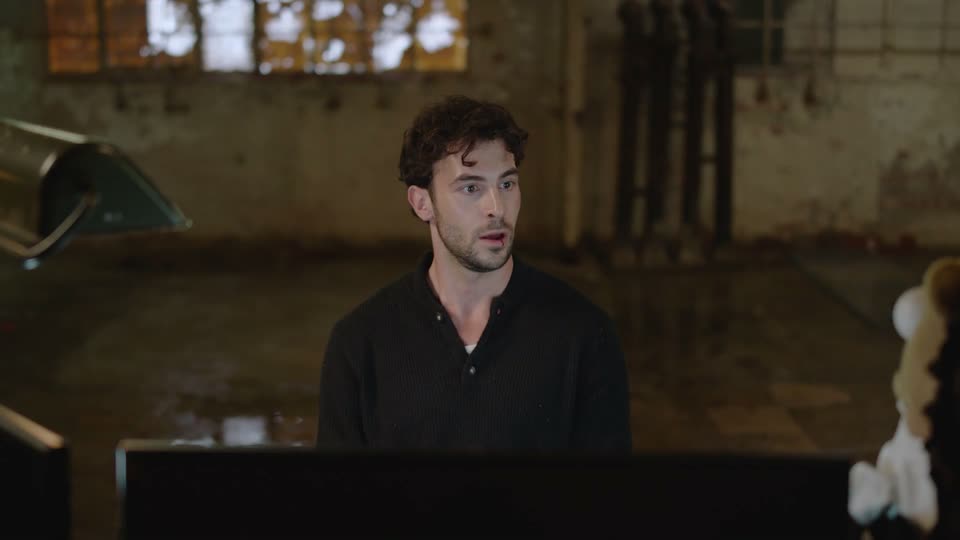

PostHog - He's been watching your session the whole time.
Posthog · Sep 2026
Pitch · Mar 2022 · 0:24 · Full motion · AI-annotated
Pitch’s 0:24 launch film runs 13 scenes, about 1.9 s each. The product shows up at 0:02 and 1 feature is revealed. There is no explicit call to action. The video builds a single feature, the brand library, by alternating full-bleed headline cards on a violet gradient with app windows that rotate in 3D and then flatten into cursor-driven UI tours. Signature moves: headlines that compress or scale into place, windows that tilt in perspective and settle flat, and a final wordmark that scales in on a locked-off frame.
Is this your launch? to your site or press kit.
Films whose music sounds like this one, voice left out
ZeroDrift · Electronic dance, chiptune, and a cappella
CURA · Upbeat corporate electronic
A white two-line headline holds center on a blue field with soft curved shapes, then a 3D-tilted mockup of the app dashboard rotates into view, filling the frame.
On-screen text: “Staying on-brand has never been easier”
Techniques: 3D mockup
Camera: Pull out
The SpaceWork app window sits tilted in 3D on a purple gradient, then the camera zooms into a flat close-up of the sidebar as the cursor moves down to the Library row.
Techniques: 3D mockup, UI zoom, Cursor demo
Camera: Push in
A white app window showing a Videos library zooms out and settles centered on a purple gradient background. Two video thumbnails, Stacked Spheres and Spinning Circles, sit in the main panel while a cursor rests at the left sidebar.
Techniques: UI zoom
Camera: Pull out
A static view of a web interface displaying a grid of templates. A cursor moves down the left sidebar from the Templates item to Fonts.
Techniques: Cursor demo
Camera: Static
A flat product window rests on a purple gradient. A cursor slides down the sidebar from Fonts to Images, and the card grid crossfades from font previews to image thumbnails as the heading and upload button update.
Techniques: Cursor demo
Camera: Static
A flat browser window showing a video library with two thumbnails slides left over a purple gradient filled with abstract 3D shapes, while the Videos heading scales up.
Camera: Pan
Soft 3D cones and a sphere sit on a purple gradient as a white media panel slides off the left edge. The large white headline 'Manage templates, fonts, images, and videos' compresses from a stretched state into place.
On-screen text: “Manage templates, fonts, images, and videos”
Techniques: Kinetic type
Camera: Pan
A violet gradient backdrop with soft 3D shapes holds a two-line white headline. The headline slides left off-frame as a tilted 3D window of the presentation app slides in from the right.
On-screen text: “Manage templates, fonts, images, and videos”
Techniques: Kinetic type, 3D mockup
Camera: Pan
A presentation app window sits on a purple gradient. A media library panel opens with image thumbnails, the cursor clicks the SPACEWORK logo, and it drops onto the slide canvas, selected with a floating toolbar.
Techniques: Cursor demo
Camera: Static
A presentation app window in 3D perspective slides left across a purple gradient background as the white headline 'All in one' fades in on the right side.
On-screen text: “All in one”
Techniques: 3D mockup
Camera: Pan
Centered white headline on a purple gradient, with a rounded 3D cone at the lower left and a curved form at the upper right drifting slowly. The text stays locked in place.
On-screen text: “All in one central place”
Techniques: Parallax
Camera: Static
A purple gradient fills the frame while the white tagline sits oversized across the screen, only its middle letters visible. It then rapidly scales down toward the center, collapsing to a tiny fragment. The camera stays locked off throughout.
On-screen text: “All in one central place”
Techniques: Kinetic type
Camera: Static
The white “Pitch” wordmark sits centered on a purple gradient background. It scales in with a slight settle during the first second, then holds perfectly still on a locked-off frame.
On-screen text: “Pitch”
Techniques: Kinetic type
Camera: Static