1:55
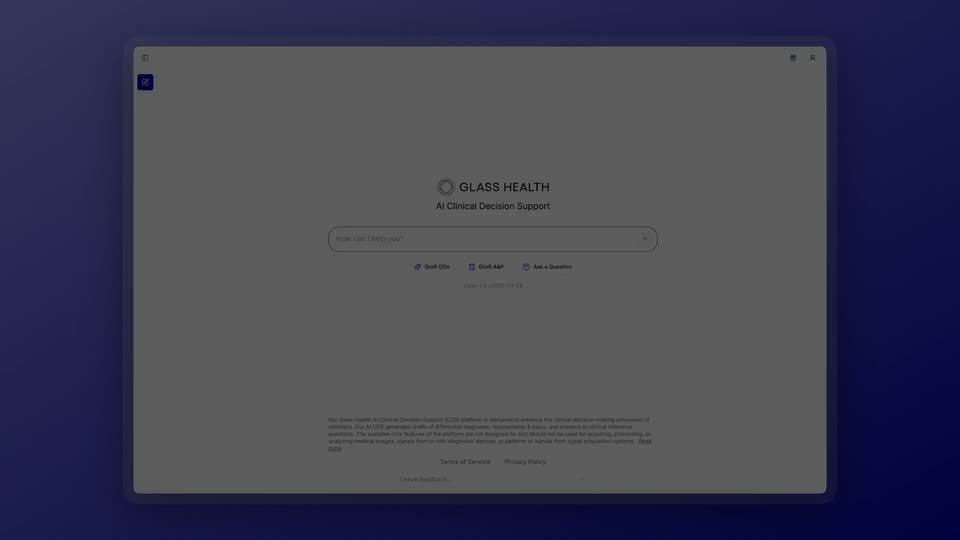
Glass Health Workspace Announcement
Glass Health · Apr 2025
Paradev · Nov 2026 · 3:31 · Full motion · AI-annotated
Paradev’s 3:31 launch film runs 15 scenes, about 14 s each. The product is on screen from the first frame and 6 features are revealed. There is no explicit call to action; a voiceover carries the film. A single locked-off screen recording with a corner webcam, cut only when the presenter moves to a new UI area, so each improvement gets its own tight segment. In-app zooms, 3D window tilts and keycap badges carry the emphasis, keeping the pace steady and the look consistent throughout.
Is this your launch? to your site or press kit.
Glass Health · Apr 2025
Paragon · Oct 2023
Confident AI · B2B · Feb 2025
Films whose music sounds like this one, voice left out
Confident AI · Voiceover
Ekpa · Spoken word / Tech tutorial
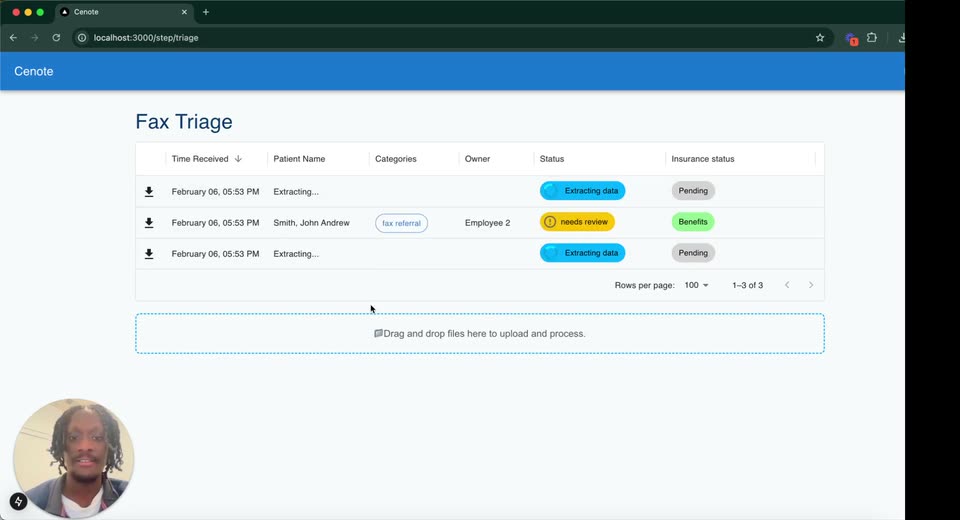
Cenote · Corporate tech presentation
A dark three-panel agent workspace fills the frame, pairing a chat log with a pull request summary. A circular webcam feed of a man in a blue jacket sits bottom right as he talks. The cursor drifts across the panels on a locked-off frame.
Camera: Static
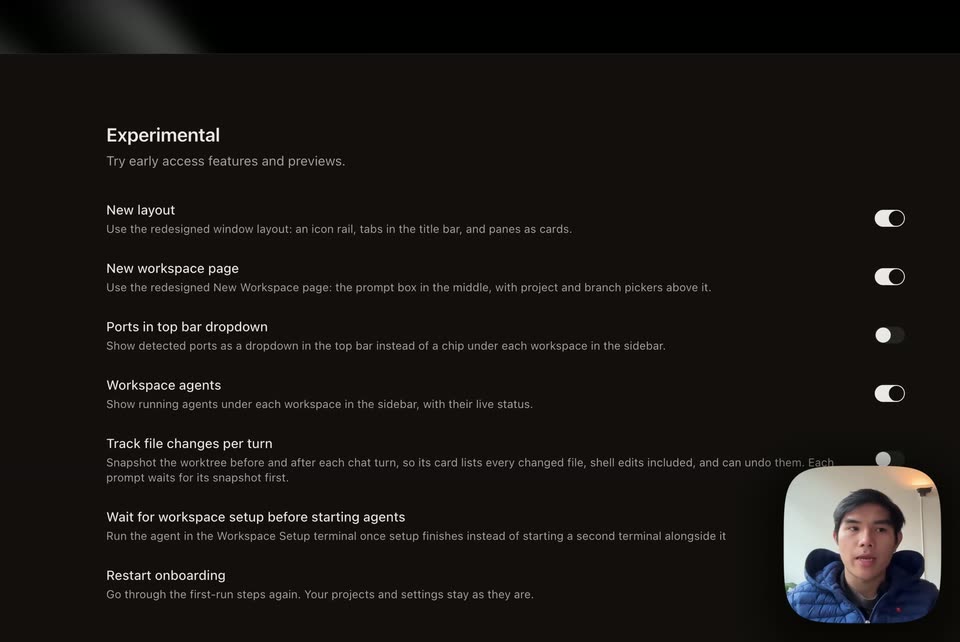
A dark settings window shows the Account page; the cursor clicks Experimental in the sidebar and the panel swaps to a list of feature toggles. The view then zooms into the toggle list while a small webcam feed of a presenter and a command-key badge stay overlaid.
On-screen text: “command”
Techniques: Cursor demo, UI zoom
Camera: Static
A dark code editor fills the screen, showing a chat log and a pull request view, with a man in a blue jacket in a rounded webcam inset at bottom right. The cursor moves through the interface as the view zooms into the pull request panel, then the chat panel.
Techniques: UI zoom, Cursor demo
Camera: Push in
A dark app window fills the frame, a command palette open in the center. The cursor hovers over palette items, then clicks a sidebar icon to expand a workspaces panel and open a menu. A small video call of a man in a blue jacket sits in the bottom-right corner.
Techniques: Cursor demo
Camera: Push in
A dark app window shows an open sidebar menu with Workspaces, Chat, Pages and more. A cursor moves down the list, hovering the pin and menu icons. Chat text fills the main pane, and a small webcam bubble of a presenter in a blue jacket sits bottom right.
Techniques: Cursor demo
Camera: Pan
A dark app window in 3D perspective, with a presenter webcam in the corner. A cursor opens a sidebar menu, drags the Plugins row up to reorder it, then closes it. The view zooms to the lower-left as the cursor hovers a usage icon, opening a compact Claude Code panel.
On-screen text: “linear is connected”
Techniques: 3D mockup, Cursor demo, UI zoom
Camera: Push in
A dark chat interface fills the frame; a cursor moves down the left sidebar and a usage popover swaps from a Claude Code panel to a Codex panel. A rounded webcam self-view of a person in a blue jacket sits in the lower right.
Techniques: Cursor demo
Camera: Static
A dark app screen shows a chat transcript; a hand cursor climbs the left sidebar and hovers over two icons, opening a usage panel that flips from Codex to Claude Code with percentage bars. A small webcam feed of a man sits in the lower right corner.
Techniques: Cursor demo
Camera: Static
A dark app interface fills the frame with documentation text and a left sidebar, where a hand cursor slides down the icons. The camera pulls back to reveal the full window, and a small video inset of a man in a blue hoodie sits in the lower right.
Techniques: Cursor demo
Camera: Pull out
A dark settings screen shows a usage dashboard with a leaderboard and token-usage chart; a cursor glides up the sidebar and clicks Back. The view cuts to a chat panel beside an open pull request. A presenter in a blue jacket watches from a small webcam inset in the corner.
Techniques: Cursor demo
Camera: Pull out
A dark app window shows a chat panel left and a pull request panel right, with a rounded webcam bubble of a man in a blue jacket in the corner. The cursor taps the top bar, then the frame zooms into the top bar and the right tools panel.
Techniques: Cursor demo, UI zoom
Camera: Push in
A dark developer interface tilts in 3D perspective and flattens as a dropdown menu opens in the right panel; a small video-call window of a man in a blue jacket sits in the corner, and a command-W shortcut badge fades in at the bottom.
On-screen text: “command”, “W”
Techniques: 3D mockup, UI zoom
Camera: Pull out
Dark agent chat on screen with a corner webcam of the presenter. A command-W keycap hint flashes at the start, then the cursor toggles the right sidebar between activity and tools views, scrolls the thread, and opens a page card.
On-screen text: “command”, “W”
Techniques: Cursor demo
Camera: Pan
A dark chat panel scrolls through agent messages left of a fixed light research document. A man in a blue jacket talks in a rounded video-call bubble at bottom right. A cursor clicks the top-right tab, emptying the right pane.
Techniques: Cursor demo
Camera: Static
A dark app window fills the frame with a chat thread and pull-requests panel; a rounded facecam of a man in a blue jacket sits bottom right. At 20s the left sidebar expands to list workspaces and tasks as he talks and gestures.
Techniques: Cursor demo
Camera: Pan