1:22
Explore
Introducing Nekod | Product Launch Teaser Created by Beliv8 Motion
Nekod · Jun 2026 · 0:52 · Full motion · AI-annotated
studio Beliv8 Motion
- Length
- 0:52
- Scenes
- 26 · 2.0 s avg
- Product on screen
- 0:21
- Features shown
- 2
- Call to action
- 0:40 · 77%
- Voiceover
- Yes
- Views
- 5.9K on YouTube
as of November 27, 2026
00:00:00 / 00:52:16
- Length
- 0:52
- Scenes
- 26 · 2.0 s avg
- Product on screen
- 0:21
- Features shown
- 2
- Call to action
- 0:40 · 77%
- Voiceover
- Yes
- Views
- 5.9K on YouTube
as of November 27, 2026
Nekod’s 0:52 launch film runs 26 scenes, about 2.0 s each. The product shows up at 0:21 and 2 features are revealed. The call to action lands at 0:40 (77% in), over a voiceover. The video runs a problem-to-solution arc: a serif headline narrative sets up the viewer as someone who built an app with AI, error notifications dramatize the pain, then the NEKOD reveal leads into a 360° assessment demo and a URL sign-off. Signature moves are rack-focus serif type with video-filled letters, halftone rolling numerals, and UI cards drifting in 3D depth over a mint gradient.
No filming indicatedEstimated needs: 3 capture groups — your screens or recordings · 1 official logo — reused across the film · 5 graphic passages — draw or supply · 4 3D passages — build or supply
Is this your launch? to your site or press kit.
More like this
Similar soundtrack
Films whose music sounds like this one, voice left out
1:45
Versine: Send money with AI
Versine · Electronic, Hip-Hop, Rock
2:16
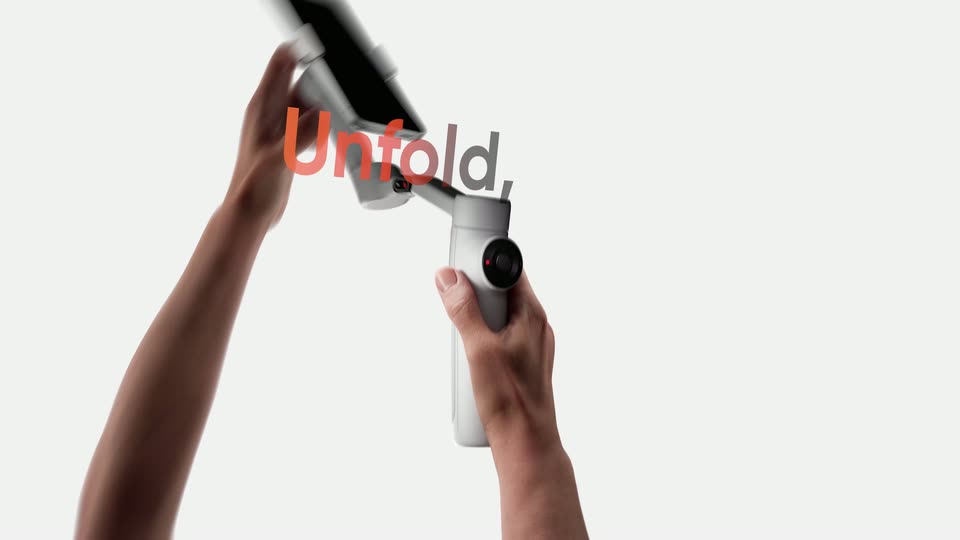
Meet Flow 2 – Your Everyday AI Gimbal
Insta360 · Electronic dance, pop
0:46
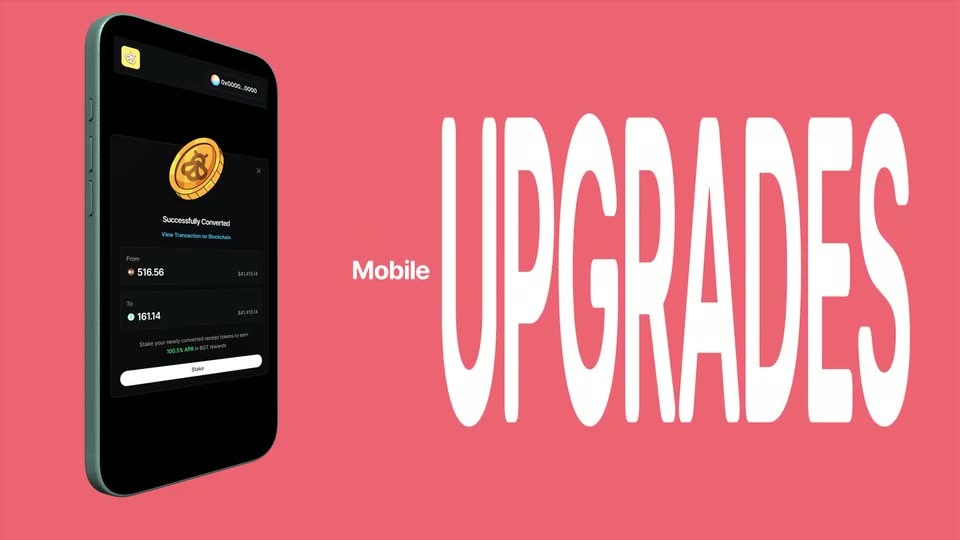
Berachain Foundation 🐻⛓ - Welcome to the New Hub.
Berachain · Electronic dance music with orchestral and Latin percussion elements
Introducing Nekod | Product Launch Teaser Created by Beliv8 Motion, scene by scene
· 26 scenes as text
01 · Hook · 0:00–0:01
A large black serif word You opens blurred on a pale cyan gradient, racks into focus as the letter o fills with a video of a smiling man waving, then the o switches to an office clip and are slides in to complete You are.
On-screen text: “beliv8.”, “You”, “You are”
Techniques: Kinetic type, Masking
Camera: Static
02 · Hook · 0:01–0:04
A light teal gradient holds the word You in large black serif, its middle letters hidden behind a rectangular video window cycling clips of people. The window shrinks into a circular play button as the type swaps to Built An App.
On-screen text: “You”, “Built An App”
Techniques: Masking, Morph
Camera: Static
03 · Hook · 0:04–0:05
On a pale teal gradient, the serif words Built and An App slide in from the left and right edges. Seven white rounded app icon tiles, including a play button, a heart and a cube, pop into the gap between them and settle into a single row.
On-screen text: “Built”, “An App”
Techniques: Kinetic type
Camera: Static
04 · Hook · 0:05–0:07
A white prompt bar with a dark up-arrow button sits centered on a mint gradient, flanked by the large serif words With and AI. The bar holds the typed query about monitoring finance, and the composition holds still.
On-screen text: “With”, “AI”
Camera: Static
05 · Hook · 0:07–0:09
A collage of floating app dashboard cards drifts across a pale blue field. A prompt pill reads a half-typed finance sentence, then fills black to become a Publish button as a mouse cursor arrives.
On-screen text: “With”, “Build an app that help monitor financel”, “AI”, “Publish”
Techniques: Cursor demo, Morph, Parallax
Camera: Pull out
06 · Hook · 0:09–0:10
A black pill button reading Publish with a right arrow and a cursor floats at the center over a field of pastel UI cards. The pill fades out and the cards drift and reframe, the Patients and Funding widgets sliding into the foreground.
On-screen text: “beliv8.”
Techniques: Cursor demo, UI zoom
Camera: Push in
07 · Problem · 0:10–0:11
A blurred dashboard sits behind a white Slack-style card that pops in at center. The line 'can you help with this?' slides in beneath the ticket subject, while 'not working' stays highlighted in red. A beliv8 logo badge holds in the top-left corner.
On-screen text: “Requester: Rachel • Organization: Acme.co”
Camera: Static
08 · Problem · 0:11–0:13
A white notification card with a Gmail icon floats centered over a blurred dashboard. A red highlight bar wipes in across the second line, revealing white text and expanding the card.
On-screen text: “Email • 4:32 PM”, “No longer able to login”, “Critical Login Issue • auth errors”
Camera: Static
09 · Problem · 0:13–0:13
A white Stripe notification card sits over a blurred dashboard that pulls into focus. The card reads 'There was a problem, Transaction failed!', and the final line is marked with a red highlight box while a smaller card below disappears.
On-screen text: “beliv8.”
Camera: Static
10 · Problem · 0:13–0:14
A white Stripe notification card with a red 'Transaction failed!' bar floats over a blurred dashboard. The card slides down and shrinks slightly while the beliv8 logo holds the top-left corner.
Camera: Static
11 · Problem · 0:14–0:16
A blurred pastel dashboard fills the frame while a large black serif line scrolls left across it, reading “Your worst nightmare hidden.” The beliv8 badge stays fixed in the top-left corner throughout.
On-screen text: “Your worst nightmare hidden”
Techniques: Kinetic type
Camera: Static
12 · Problem · 0:16–0:17
A large dark serif headline reads across the frame over a blurred pastel dashboard backdrop. The words slide right while the background pans left, and the beliv8 logo stays pinned top left.
On-screen text: “nightmare hidden”
Techniques: Kinetic type, Parallax
Camera: Static
13 · Problem · 0:17–0:19
Split frame: left, a blurred dashboard UI with a green metric card and a large green figure; right, a dark teal code panel fading into a bright teal gradient with a wavy line. Large serif text 'are hidden' and 'inside the AI code?' stays static across both halves.
On-screen text: “are hidden”, “inside the AI code?”
Techniques: Split screen
Camera: Pull out
14 · Problem · 0:19–0:21
A pale blue field with an animated teal wave running along the bottom. Large dark teal halftone numerals sit center, rolling down from -3,978 to -2,018 then -1,714, the digits blurring as each value swaps. A small beliv8 logo box holds the top-left corner.
On-screen text: “-3,978”, “-2,018”, “-1,714”
Techniques: Kinetic type
Camera: Static
15 · Product intro · 0:21–0:25
Black serif “Introducing” with a teal “g” scrolls left across a pale mint gradient, then scales to a small centered word. It is replaced by bold black “NEKOD” with a teal bar behind the E, inside a thin teal rounded border that draws in.
On-screen text: “Introducing”, “NEKOD”
Techniques: Kinetic type
Camera: Pull out
16 · Feature reveal · 0:25–0:26
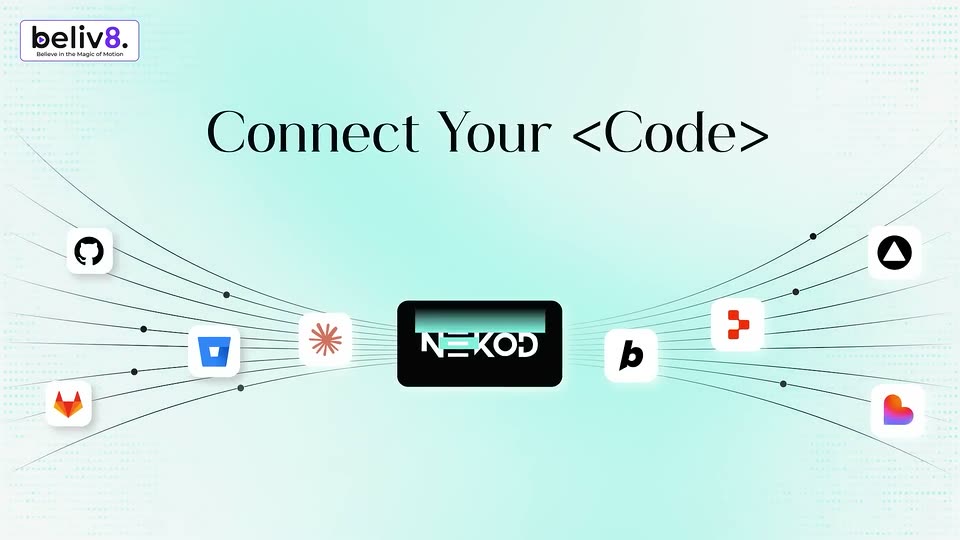
Thin curved lines fan out from a central black NEKOD badge to a ring of app icons on a pale teal dotted background. The icons sharpen from faded to solid as the serif headline “Connect Your <Code>” types in above.
On-screen text: “Connect Your <Code>”
Techniques: Kinetic type
Camera: Static
17 · Feature reveal · 0:26–0:27
A light teal field holds the NEKOD logo at the center of a web of app icons and curving lines under the serif headline 'Connect Your <Code>'. It cuts to a tilted 3D dashboard sliding up into frame while 'NEKOD runs 360° assessment' assembles above it.
On-screen text: “Connect Your <Code>”, “NEKOD runs”, “360° assessment”
Techniques: Kinetic type, 3D mockup
Camera: Static
18 · Feature reveal · 0:27–0:28
A dark serif headline reads 'NEXOD runs 360° assessment' above a tilted 3D dashboard mockup on a mint gradient. The top line slides in and the second line scales up as the interface settles from a steep angle.
On-screen text: “NEXOD runs”, “360° assessment”
Techniques: Kinetic type, 3D mockup
Camera: Pull out
19 · Feature reveal · 0:28–0:30
On a pale cyan dotted grid, two white rounded finding cards stack vertically while a teal blur lifts off the lower one. Each card carries a number, a colored dot, a bold headline, a metadata line and a pill tag, with the same headline ghosted large behind the card before settling.
Techniques: Masking, Parallax
Camera: Static
20 · Feature reveal · 0:30–0:34
On a light cyan dotted field, two overlapping white finding cards crossfade into a clean two-row list. A black cursor glides in and hovers the dark Fix-all buttons while the frame zooms in on them.
Techniques: Cursor demo, UI zoom
Camera: Pan
21 · Feature reveal · 0:34–0:36
A vertical feature checklist on a soft blue gradient scrolls upward. Section titles Compliance, Security and Data Protection pass by with their bullet rows, while numbered circles on the left and green check or red cross icons on the right travel with the list.
On-screen text: “beliv8.”, “Believe in the Magic of Motion”, “Compliance”, “GDPR”, “PCI-DSS”, “AI Act”, “MFA”, “Access Control”, “Security”, “RLS API Security Backups Encryption Audit Logs”
Camera: Pan
22 · Feature reveal · 0:36–0:37
A light teal gradient holds a vertical checklist with circled step numbers on the left, gray headings and sub-items, and a column of green checks and red crosses on the right. The list drifts upward while a white Slack notification card slides in from the right edge.
On-screen text: “beliv8.”, “Data Protection”, “RLS”, “Backups”, “Audit Logs”, “Governance”, “Documentation”, “Dependencies”, “Slack • 4:32PM”, “4:46 PM”
Camera: Static
23 · Feature reveal · 0:37–0:39
Notification cards for Slack, Stripe and Email float in a teal 3D space, some blurred by depth of field, drifting slowly past the camera. The beliv8. logo sits fixed in the top left corner.
On-screen text: “beliv8.”
Techniques: 3D mockup, Parallax
Camera: Pull out
24 · Feature reveal · 0:39–0:40
A mint background fills the frame with Slack, Email and Stripe notification cards floating at varying depths, some softly blurred. The cards drift slowly while the beliv8 logo stays fixed in the top-left corner.
On-screen text: “beliv8.”
Techniques: 3D mockup, Parallax
Camera: Pull out
25 · CTA · 0:40–0:44
On a soft teal gradient, the bold black NEKOD logo assembles at center, a teal bar crossing the E. The serif tagline and a white URL pill fade in below, then a cursor glides in to hover over the URL.
On-screen text: “Quality Assurance for vibe coding”, “www.nekod.com”
Techniques: Cursor demo
Camera: Pull out
26 · Outro · 0:44–0:52
On a soft white-to-lavender gradient, a purple arc sweeps the top while a purple play-triangle forms at center. The triangle fills, then slides left into the bowl of a black “b” as the word “beliv8” assembles, the 8 in purple. A thin tagline fades in below.
On-screen text: “beliv8.”, “Believe in Magic of Motion”
Techniques: Morph, Kinetic type
Camera: Static