2:24
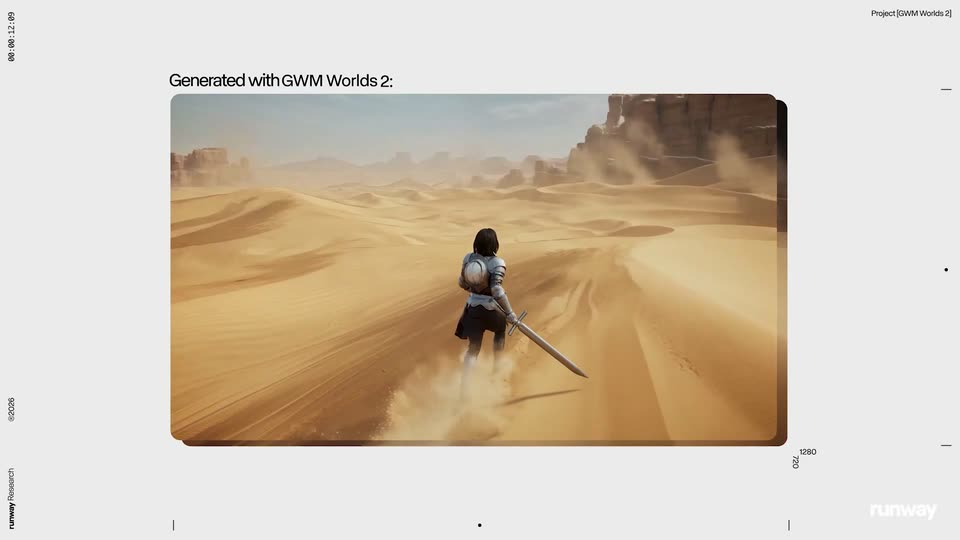

Runway - Today, we're sharing new research on GWM Worlds 2. Our latest General
Runway · AI · Sep 2026
Microsoft’s 0:28 launch film runs 26 scenes, about 1.1 s each. The product is on screen from the first frame and 6 features are revealed. There is no explicit call to action. The film is built as a rapid verb montage: a macro beauty open, then six short feature beats (Touch, Tap, Zoom, Glide, Flip, Flow) that pair tactile close-ups and split screens with app demos, then a use-case reel and a logo card. Signature moves are the split-screen macro textures, the 3D renders on a cream backdrop, and a steady cut rate of about 1.1 seconds per shot.
Is this your launch? to your site or press kit.
Films whose music sounds like this one, voice left out
H.I.M · Electronic Dance Music (EDM), Punjabi Pop, Hardstyle
Versine · Electronic, Hip-Hop, Rock
Polestar · High-energy fusion of funk, big band jazz, and electronic dance music.
A pair of hands holds a closed green laptop, tilting it slightly to show the back panel and a side port against a blurred, light background.
Camera: Static
A locked split screen pairs an extreme close-up of a hazel eye with glitter on the lid, left, against a hand resting on the edge of a copper device, right. A white caption sits centered across the divide.
On-screen text: “Surface the difference.”
Techniques: Split screen
Camera: Static
A macro close-up of a thumb sliding along the milled edge of a green device, the dark lower surface mirroring the hand against a soft beige set. A small static tagline overlays the frame.
On-screen text: “Surface the difference.”
Camera: Static
A green Surface laptop shows its lid with the Windows logo while a second Surface with a brown keyboard and a colorful abstract wallpaper sits in front. Both float in 3D on a beige backdrop as the camera slowly pushes in.
Techniques: 3D mockup
Camera: Static
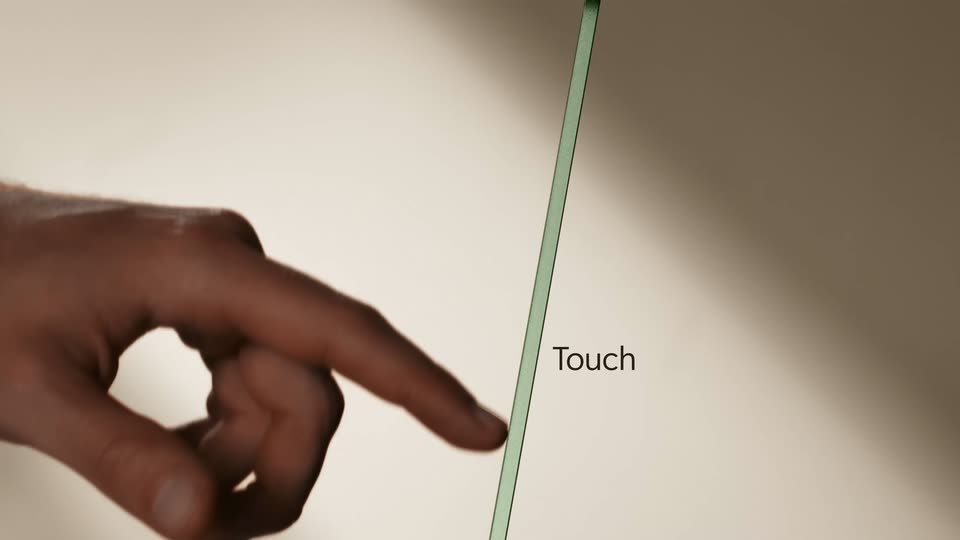
A hand enters from the left and the index finger taps the thin green edge of a tablet held against a cream backdrop. The word Touch sits to the right in a small dark sans, the frame locked off.
On-screen text: “Touch”
Camera: Static
A split screen pairs a close-up of hands typing on a laptop with a macro view of white fabric, where key-shaped indentations appear in sync with each keystroke. The caption 'Touch' holds still on the frame.
On-screen text: “Touch”
Techniques: Split screen
Camera: Static
A close-up finger presses a glossy green surface as the word Tap appears over the fingertip. Below, an arc of thin white ticks and a center dot flex upward like a touch meter.
On-screen text: “Tap”
Camera: Static
A close-up finger points upward against a soft cream backdrop. A grid of glowing white particle squares assembles around the fingertip, the lines flickering as they form. The hand stays centered, tip in sharp focus, base blurred.
On-screen text: “Tap”
Techniques: Particles
Camera: Push in
A horned goat lies on a misty grassy ridge as the camera pushes in from a hazy wide shot. A thin rounded frame with two circular plus handles grows around the animal, and the word Zoom scales up at its center.
On-screen text: “Zoom”
Camera: Push in
A split-screen shows a hand tapping a tablet edge on the left, while a design workspace on the right assembles cards with typography, a 3D shoe, and color tools.
On-screen text: “Aa”, “Light”, “Regular”, “Medium”, “Bold”, “Prototype 01”, “01”, “02”, “03”, “04”
Techniques: Split screen, Kinetic type
Camera: Static
A filmed hand holds a black stylus, drawing a wavy line on a gridded white sheet above a tilted 3D board of connected image cards. The word Glide slides in at the seam as the board pans left, revealing a keys card.
On-screen text: “Glide”
Techniques: 3D mockup, Parallax
Camera: Pan
Split screen: left shows a close-up of a hand gliding fingers across a laptop trackpad on a warm beige background; right shows stacked wavy fabric layers in green and lavender sliding apart on white. The word Glide slides across the frame.
On-screen text: “Glide”
Techniques: Split screen, Kinetic type
Camera: Pull out
A rose gold flip phone stands half-open at an angle against a beige background, the hinge and top port in sharp focus. The word Flip sits to the right of the device in a static close-up.
On-screen text: “Flip”
Camera: Static
A hand reaches down to tap a tablet resting on a fabric keyboard base. The screen shows a grid of architectural photos that shift as the index finger swipes across it.
On-screen text: “7.7”
Camera: Pull out
A split screen pairs a hand drawing a black wavy line with a pen on white, left, and a green fuzzy shape tracing the same curve, right. The word Flow sits centered between them in thin type.
On-screen text: “Flow”
Techniques: Split screen
Camera: Push in
A closed green laptop with the Windows logo on its lid sits in 3D perspective on a plain cream background. The frame is locked off and the tagline holds steady below the device.
On-screen text: “Flow”, “Built for this world.”
Techniques: 3D mockup
Camera: Static
A rose-gold laptop with a black keyboard sits centered on a beige background in a 3D render. Its screen shows a soft pastel gradient with the dark centered line “So you can”, while the frame stays locked.
On-screen text: “Built for this world.”, “So you can”
Techniques: 3D mockup
Camera: Push in
A radial pinwheel of sage green laptops, each with a dark screen or backlit keyboard, points toward a central hub. The whole array rotates slowly clockwise around the center against a soft cream background.
Techniques: 3D mockup
Camera: Push in
A macro close-up of a brown eye fills the frame, locked off and still. White lowercase text reading “create the next.” sits centered over the dark pupil, static for the whole shot.
On-screen text: “create the next.”
Camera: Static
A split screen shows a purple fluid simulation on the left, where orange and blue flow lines wrap around a pale wing cross-section, and a 3D modeling viewport on the right holding a white airplane on a gray grid. The simulation pulses and the view gizmo rotates slightly.
Techniques: Split screen
Camera: Static
A hand pinches the right edge of a tablet held against a cream backdrop. As the fingers release, the 3D isometric map on the screen updates, drawing a white rounded selection and a blue outline among the green cone trees.
Techniques: 3D mockup
Camera: Static
A sage-green laptop rests on a desk before a soft beige wall. Its screen shows a video editor: a rotating cluster of orange and white nodes spins in the preview window above a timeline of purple, pink and orange clips.
Techniques: 3D mockup
Camera: Static
A sage-green laptop rests on a wooden desk against a beige wall, its screen showing a 3D kitchen design app with a rendered room and wireframe cabinet blocks. The camera slowly pushes in on the device.
Techniques: 3D mockup
Camera: Static
A sage-green laptop rests on a desk before a soft beige wall, its screen showing a 3D terrain of purple and yellow buildings. A cursor drifts across the map while two metric values tick and rescale, the camera held still.
Techniques: 3D mockup
Camera: Static
A sage green laptop rests open on a beige surface before a softly lit wall. Its screen displays a white flower wallpaper that shifts from a muted green cast to a bright white background over the clip.
Techniques: 3D mockup
Camera: Static
Green laptop and gold tablet with keyboard stand sit on a light wood table against a cream wall, the laptop screen showing the Windows 11 flower wallpaper. The Surface wordmark next to the Microsoft logo fades out. A small disclaimer line sits at the bottom.
On-screen text: “Copilot+ PC experiences and some features require 16GB+ RAM. Accessories and some apps sold separately. Color availability may vary.”
Camera: Static