1:15
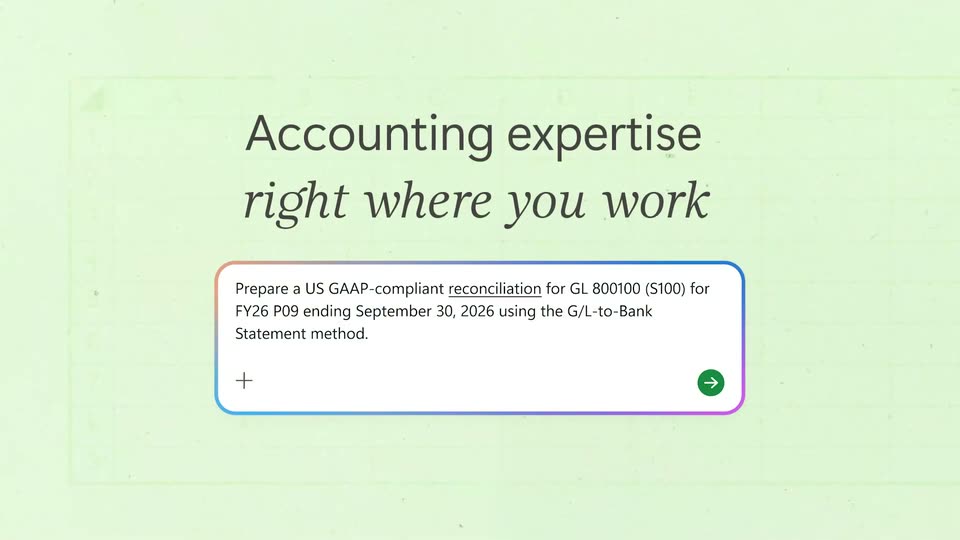
New accounting skills in Copilot in Excel
Microsoft · AI · Oct 2026
Microsoft’s 2:09 launch film runs 18 scenes, about 7.2 s each. The product is on screen from the first frame. There is no explicit call to action; a voiceover carries the film. The video alternates live-action presenter segments in a warm wood-and-moss lounge with a continuous full-screen recording of the Copilot app, marking each cursor action with a red ring. Pacing holds near 100 BPM with about 7 cuts per minute, and the signature moves are rounded lower-third cards, a lavender title chip, and the Copilot-to-Microsoft logo morph.
Is this your launch? to your site or press kit.
Microsoft · AI · Oct 2026
MyUnisoft · Nov 2026
Attio · Business software · Feb 2025
Films whose music sounds like this one, voice left out
Genesis · Modern corporate electronic
Replit · Electronic
Adobe · Corporate Electronic
A woman in a dark vest walks through a warm-lit cafe lounge and sits at a wooden table by the window. She places a silver tablet on the table. The camera tracks her from behind. A thin white rounded-rectangle outline appears at the lower right.
Camera: Push in
A woman in a dark vest sits at a wooden table by a window. She taps a closed silver laptop, then lifts the lid open and looks at the screen. A lavender rounded card with the label holds on the right side of the frame.
On-screen text: “PowerPoint Agent”
Camera: Push in
A woman in a green vest sits at a round table with a closed silver laptop, speaking to camera and gesturing, against a moss wall with wooden slats. A white rounded lower-third card slides in from the left at 1.0s holding her name and title, then slides out near 6.0s.
On-screen text: “Callie August”, “Director, Product Marketing”
Camera: Static
A woman in an olive vest sits in a wood-paneled lounge, speaking and gesturing toward a silver laptop at the frame edge. The camera trucks right, turning her from three-quarter to profile and sliding the laptop out of view.
Camera: Pull out
A woman in a black turtleneck and olive vest sits at a table behind an open silver laptop, speaking to camera and gesturing with one hand. The set has a moss wall with wooden slats and a sofa with navy cushions. At the end she looks down at the laptop screen.
Camera: Static
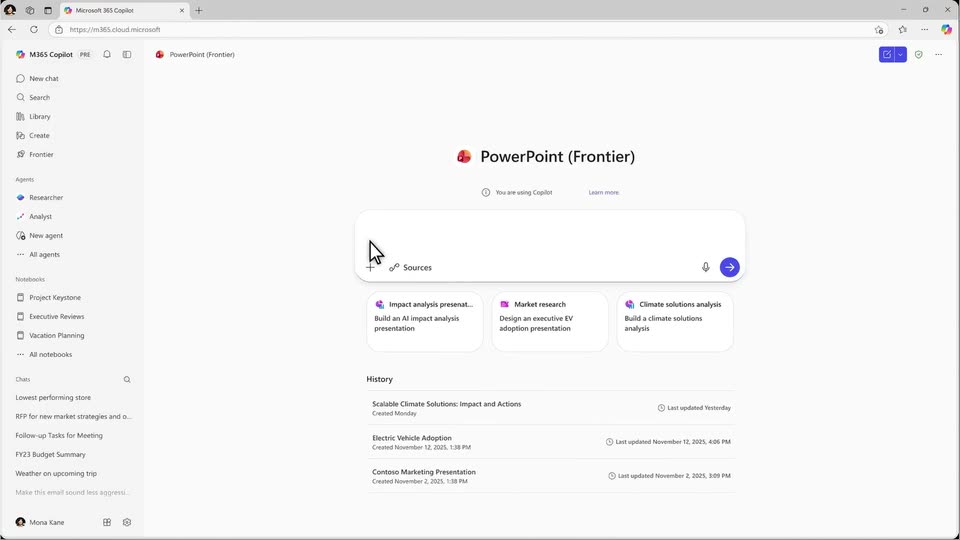
A browser window shows the Copilot PowerPoint agent screen. A cursor moves to the prompt box, the plus icon highlights, and the field expands to reveal a Sources label and send button. Text is typed into the prompt, then the cursor clicks the send button.
Techniques: Cursor demo
Camera: Static
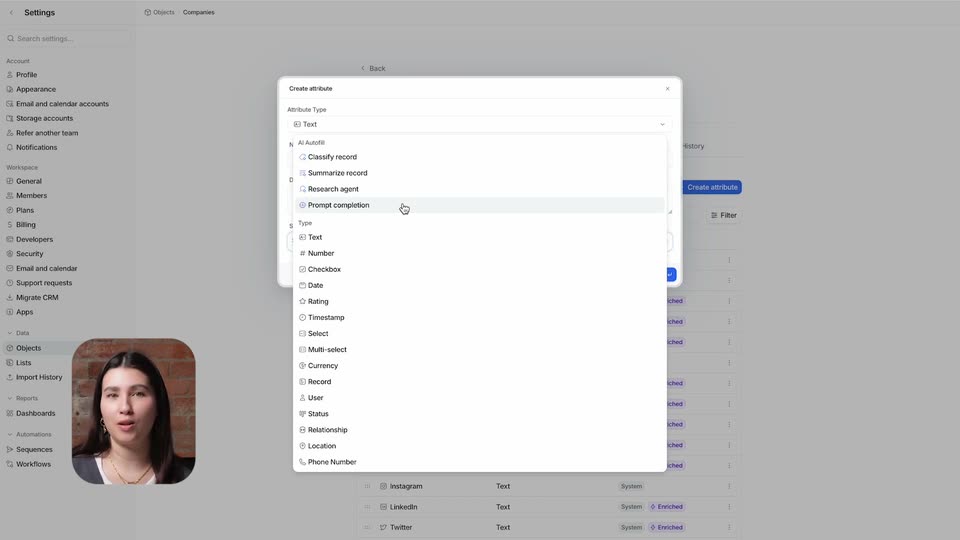
A Copilot chat window in a browser shows the PowerPoint agent posing a presentation-options form. The cursor scrolls it, picks the Bronze theme and clicks Let's go, each action ringed in red, then the agent lists its build steps.
Techniques: Cursor demo
Camera: Static
A browser window shows the Copilot interface. The left panel lists numbered generation steps while a dark title slide, 'Zava Account Rollout Progress', assembles on the right. A mouse cursor hovers in the gap between the two panels.
Techniques: Cursor demo
Camera: Static
A split-view web interface shows a chat log on the left and a slide preview on the right. The preview updates to a dark slide with large orange statistics. A cursor clicks a suggestion chip, types a prompt into the input box, and clicks the send button.
Techniques: Cursor demo
Camera: Static
A cursor glides from the chat send button to a bar chart, then clicks the Open in PowerPoint button at the top right. The screen cuts to the PowerPoint desktop window showing the title slide and a Copilot side pane.
Techniques: Cursor demo
Camera: Static
Full-screen view of PowerPoint in a browser: a dark title slide with a gold serif headline, a thumbnail rail on the left, and a Copilot panel on the right. The cursor rests on the Present button while a prompt about adding a fourth slide on customer sentiment by geography sits in the agent box.
Camera: Static
A woman in an olive vest sits in a lounge chair, talking to camera and gesturing. An open laptop faces her on a small table, its lid showing a Windows logo. Wood slats and a mossy green wall form the backdrop, with a cushioned bench at right.
Camera: Static
A woman in an olive vest and black top sits on a beige couch, speaking and gesturing with both hands toward a laptop at the right edge. The camera slowly pushes in on her against a wood-paneled wall with dark acoustic panels.
Camera: Static
A woman in a black turtleneck and olive vest sits in an armchair, speaking to camera and gesturing with one hand. An open laptop with its lid to camera rests on a round table in front of her, against a slatted wood wall.
Camera: Static
A woman in a black turtleneck and olive vest sits in a warm wood-paneled room, speaking and gesturing with both hands toward a laptop at the right edge. The medium shot holds steady as she explains.
Camera: Pan
A woman in a black turtleneck types on a silver laptop at a wooden table. The camera pulls back slowly, widening the frame to show plaid booth seating and floor-to-ceiling windows overlooking apartment buildings.
Camera: Pull out
On black, the gradient Copilot mark and white lockup sit centered, then shrink and slide right as the four-color Microsoft square fades in at left and the wordmark re-forms beside it.
On-screen text: “Microsoft 365”, “Copilot”
Camera: Static
The Microsoft logo, four colored squares beside a white wordmark, sits centered on a black field. The wordmark wipes in from left to right in a quick reveal, then the lockup holds still.
Techniques: Masking
Camera: Static