0:43
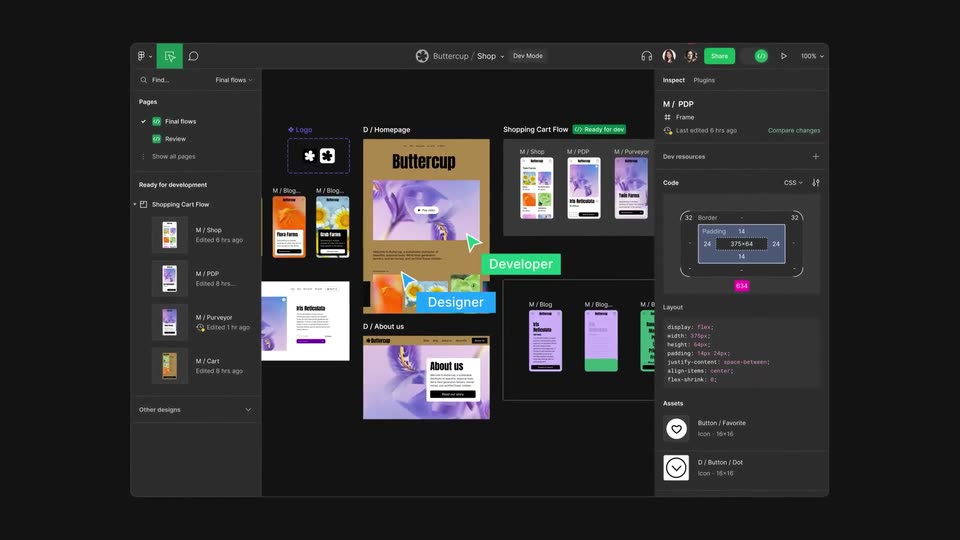

Dev Mode Teaser (Config 2023)
Figma · Design · Jun 2023
Microsoft · Jan 2024 · 1:05 · Full motion · AI-annotated
Microsoft’s 1:05 launch film runs 7 scenes, about 9.4 s each. The product is on screen from the first frame. There is no explicit call to action. The video opens on a 3D two-device hero that pushes into the phone, then runs one continuous flat-lay UI walkthrough on a lavender field covering camera input, chat, email drafting, image generation, and a cross-device activity panel, and closes on an animated logo lockup. Its style is defined by slow camera push-ins, soft gradient washes, a scrolling prompt pill, sped-up UI sequences, and the 3D folding-ribbon logo reveal.
Is this your launch? to your site or press kit.
Figma · Design · Jun 2023
Spotify · Consumer · May 2026
A silver laptop and a smartphone float on a soft pink-to-lavender gradient, both angled in 3D, showing the Copilot web page and app. The camera pushes in on the phone as a static caption reads “Sequences sped up” at the bottom.
On-screen text: “Sequences sped up”
Techniques: 3D mockup
Camera: Push in
A front-facing smartphone on a pale lavender background shows the Copilot app. The splash logo and tagline shrink as a vertical list of prompt suggestions scrolls up behind a highlighted pill, then the screen cuts to the onboarding and chat home views.
Techniques: Kinetic type
Camera: Static
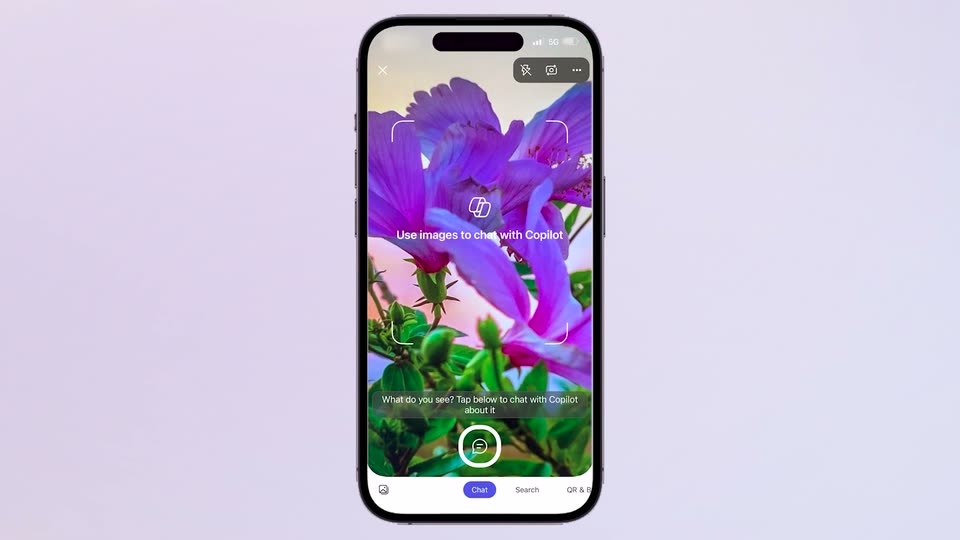
A phone mockup sits centered on a plain lavender background. Its camera viewfinder shows a close-up of pink flowers that slowly shifts, while the Copilot logo, prompt line, and bottom tabs stay fixed.
Techniques: 3D mockup
Camera: Static
A front-on iPhone mockup on a pale lavender field runs a Copilot chat demo: a flower photo is identified, an email drafts itself, then a grid of singing-dog images pops in. The frame widens to reveal the desktop app beside the phone.
Techniques: Split screen
Camera: Push in
A Copilot interface on a light screen with a dark device bezel, set against pale lavender. The recent activity panel fades in, then the view zooms in on it, showing the task list and a Travel suggestion card.
Techniques: UI zoom
Camera: Push in
A light interface window dissolves away to a plain lavender field, where the Copilot logo and wordmark fade in centered and hold still.
On-screen text: “Copilot”
Camera: Static
On a pale lavender field, the Copilot mark forms from a flat pastel loop into a vivid 3D folded ribbon as its gradient colors flow, while the blue wordmark 'Copilot' sits static and centered below.
On-screen text: “Copilot”
Techniques: Morph
Camera: Static