0:43
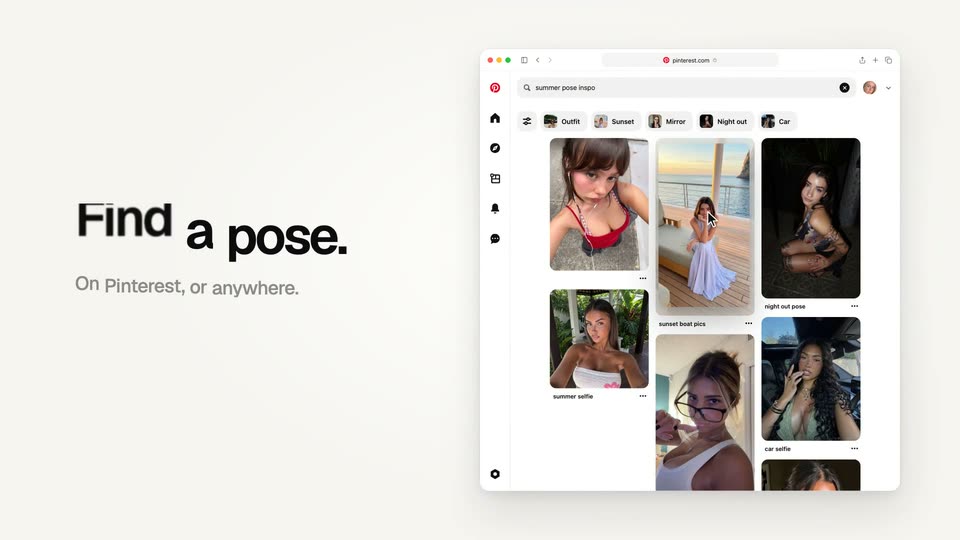
Orior - you don’t need a prompt anymore. find a pose. drag it in. one click.
Orior AI · AI · Oct 2026
Luma AI · May 2026 · 1:02 · Full motion · AI-annotated
Luma AI’s 1:02 launch film runs 34 scenes, about 1.8 s each. The product is on screen from the first frame and 3 features are revealed. The call to action lands at 1:00 (97% in). The video opens on a product title card, then runs three feature chapters, each led by a two-line tagline over the dotted ring logo and followed by a UI or node-graph demo, and closes on a static URL card. Signature moves are drifting dot fields that assemble into the ring logo, image cards that morph between photos and flat shapes, and thin connector lines that link thumbnails into a branching storyboard, all cut fast over alternating light-gray and near-black fields.
Is this your launch? to your site or press kit.
Orior AI · AI · Oct 2026
Google · AI · Dec 2025
Films whose music sounds like this one, voice left out
Gojiberry · Cinematic sound design montage
Neverbell · Sound design montage
Webild · Cinematic trailer and news parody
A light gray field holds a loose scatter of rounded image cards that drift and rotate around the centered title. The cards then morph into flat geometric shapes, a blue faceted blob, a light blue circle and rounded squares, while the headline stays fixed.
On-screen text: “Introducing”, “UNI-1.1 API”
Techniques: Morph
Camera: Pan
Blue circles of varying sizes drift on a light gray field as the words Cultured, Directable, Intelligent slide past. The dots converge into a loose ring on the left while the headline First unified intelligence model fades in on the right.
On-screen text: “Cultured”, “Directable”, “Intelligent”, “First unified”, “intelligence model”
Techniques: Kinetic type, Particles
Camera: Pull out
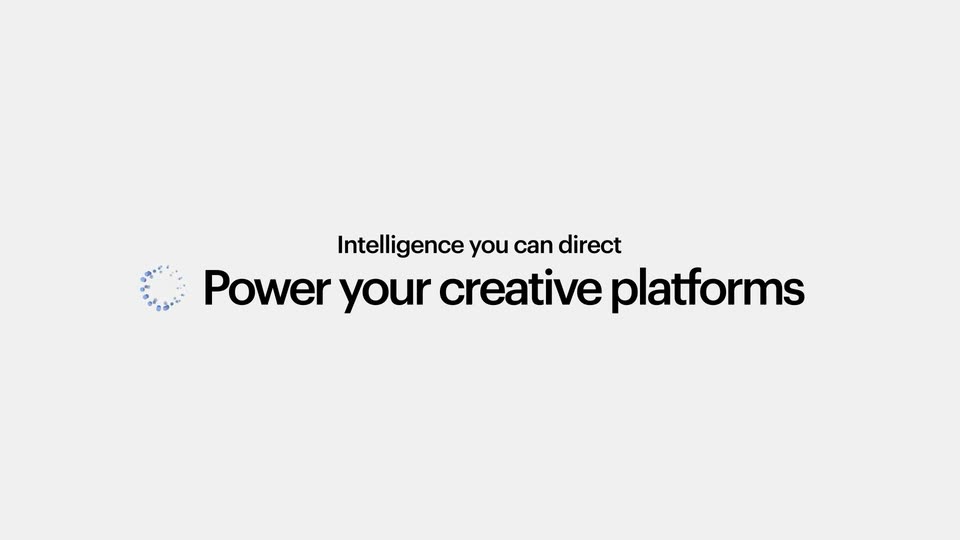
A dotted spiral logo sits left of a lockup where the tagline and headline fade in from light gray to dark. A dark rounded rectangle then wipes up over the headline, and the new two-line text, First unified intelligence model, appears.
On-screen text: “Intelligence you can direct”, “Power your creative platforms”, “First unified”, “intelligence model”
Techniques: Masking, Kinetic type
Camera: Static
On a light gray field, a black code card types the line model = “uni-1.1”, then expands into a numbered six-line snippet. The card shrinks and fades while a gray label Model slides in at its right edge, ending centered alone.
On-screen text: “Model”
Techniques: Kinetic type
Camera: Static
On a black field, a thin gray 'Model' label slides left as a small outlined box expands into a wide dropdown. The field settles showing 'Luma | Uni-1.1' in white with a down chevron at the right edge.
Camera: Static
On a black background, a form field labeled Model shows Luma | Uni-1.1 in a dropdown. A large empty text box grows below it and the word Skincare types in. The Image Generation label slides in at the top, shifting the form down.
Camera: Static
A dark image-generation panel fills the frame. A prompt types itself into the description box, then the view scrolls down to the model and aspect-ratio fields. A white cursor moves onto the green Generate button and clicks it.
Techniques: Cursor demo
Camera: Pull out
A centered line fades in on a near-black field as gold and gray bokeh dots drift and multiply; the status word then swaps from Reasoning to Generating while the particles keep floating.
On-screen text: “Luma | Uni-1.1 · Reasoning...”, “Luma | Uni-1.1 · Generating...”
Techniques: Particles, Kinetic type
Camera: Pull out
A swarm of small yellow and white particles drifts and twinkles across a black field as centered white text reads Luma | Uni-1.1 · Generating, scaling gently in place.
On-screen text: “Luma | Uni-1.1 · Generating.”
Techniques: Particles, Kinetic type
Camera: Pull out
A dark app interface fades in from black. The center shows a generated hero image of an amber bottle on a stone block against a green wall with the white text Glow naturally, flanked by a left menu and a right Image Generation panel.
Camera: Static
A dark image-generation interface frames a skincare product photo on the left beside a prompt panel on the right. The white slogan overlaid on the photo morphs from English to Japanese, then to Thai.
Techniques: Morph
Camera: Static
On a plain light-gray field, a small blue dotted ring sits left of two centered lines of text. The lines fade from pale gray to near black, the lower line spelling out the word pipeline. After a brief hold the text dissolves and the ring drifts to the center.
On-screen text: “Cinematic quality everytime”, “Scale across your pipeline”
Techniques: Kinetic type
Camera: Static
Three white cards with 3D thumbnails (a boy character, a costume set, a city environment) slide into a staggered layout on a light gray background. A blue dotted spinner fades out as the labels appear, then thin gray connector lines with endpoint dots are drawn between the cards.
On-screen text: “Environment”, “Costume”, “Character”
Camera: Pan
A node graph on light gray shows three image cards, Character, Costume and Environment, linked by curved lines to a settings panel with prompt, model, seed and ratio fields plus a black Generate button. The view zooms and pans left so the panel fills the frame.
Techniques: UI zoom
Camera: Pan
A light-gray node editor reframes from a settings card to two image cards showing a 3D boy in a sunlit harbor. A cursor glides to a small black sun node, and a dark tooltip labeled Change light scales in beside it.
Techniques: UI zoom, Cursor demo
Camera: Pan
A minimal node graph on a black background drifts left. A rounded 'Change light' node links two thumbnails with thin curved white lines; the right 3D render of a boy on a dock fades up from black into a moonlit night scene while the left thumbnails show the sunny version.
On-screen text: “Change light”
Techniques: Kinetic type
Camera: Static
A 3D rendered illustration of a boy sitting on a wooden dock at night, inside a rounded rectangle on black, shifts from dim to bright moonlight as the caption scales in.
On-screen text: “Change light”
Techniques: Kinetic type
Camera: Push in
A rounded frame on a black background holds an illustration of a barefoot boy on stone steps in a misty alley. The image fades from dim to full brightness as the gray frame edge sharpens.
Camera: Static
A painted illustration of a boy standing on a rooftop, gazing over a moonlit coastal town with glowing windows and harbor ships. The artwork sits in a rounded rectangle frame on a black background and slowly scales up while brightening.
Camera: Static
On a black field, small rectangular frames from an animated story branch outward, joined by thin white lines with dotted ends. The frames show a boy in a ruined street, hands holding a red apple, a cat, and a wanted poster, as the network expands.
Camera: Pan
On a black field, a branching network of small animated film stills is joined by thin white curved lines with node dots. The camera pans slowly left and downward, drifting across the constellation of frames.
Camera: Pan
A constellation of rounded film stills drifts rightward across a black field, linked by thin white curves with node dots, each thumbnail playing a short animated clip of a boy with a lantern.
Camera: Pan
On black, a web of small storyboard thumbnails linked by thin white lines drifts left and exits frame. The lines converge toward the center, where a small ring of blue and white dots swirls into a tight cluster.
Techniques: Particles
Camera: Pan
On a plain light gray field, a small blue dotted-circle logo sits left of two black text lines. The smaller top line and the larger bold bottom line slide in from the right and fade from gray to black, then hold on a locked-off frame.
On-screen text: “Aesthetics you can ship”, “Build with full control”
Techniques: Kinetic type
Camera: Static
On a near-black background, the gray uppercase line POWERED BY scales in above a thin rounded pill that slides up and fades in. Inside the pill, Luma in off-white sits beside Uni-1.1 in gold, split by a vertical bar.
On-screen text: “Build with full control”, “POWERED BY”, “Luma Uni-1.1”
Techniques: Kinetic type
Camera: Static
A dark interior-design app screen shows an isometric 3D living room on the left, every piece tagged with a label, while the right panel holds a loading spinner. The viewport eases out to a wider framing and the top badge settles into place.
Techniques: UI zoom
Camera: Pull out
A split-screen interior design interface: the left panel holds an isometric 3D room with tagged furniture, the right shows a photorealistic render of the same living room. The frame is locked off and static.
Techniques: Split screen, 3D mockup
Camera: Static
A dark product interface stays locked off. The left column holds a character reference photo, a prompt field and a grid of style thumbnails, while the output area shows a 2x2 grid of black-and-white manga panels of a girl in a rainy city.
Camera: Static
A photo editor screen shows two canvases: a grayscale diamond necklace left, the same piece with a red selection mask right. A refine edge panel, color wheel and sliders flank it; a gold UNI-1.1 badge sits in the corner.
On-screen text: “UNI-1.1”
Camera: Static
A product interface fills the frame, its central viewport showing a 3D render of a modern two-story house at dusk. Material swatches line the left, lighting dials the right. A pill tag and a progress bar sit along the viewport's bottom edge.
Camera: Static
A dense product dashboard fades in from a washed-out state to full opacity, centered on a studio preview of a glass bottle on a wooden chair, surrounded by control panels for lighting, materials, and export.
Camera: Pull out
Several floating interface windows on a pale background: a central fashion-design tool with a 3D mannequin and parameter panel, flanked by windows for a watch, a jewelry sketch, and image grids. The windows drift at different speeds while the central view switches layouts.
Techniques: Parallax
Camera: Pull out
A dark room-design app window sits at the center, pairing an isometric furniture layout with a photorealistic living-room render. Around it, product interface cards for a watch, a necklace, a video editor and a fashion grid drift across a pale gray field at differing depths.
Techniques: Parallax
Camera: Pull out
A light gray card holds a bold black headline reading Build with UNI-1.1 in the center, with a smaller gray URL below it. The frame stays locked and static for the full duration.
On-screen text: “Build with UNI-1.1”, “lumalabs.ai/api”
Camera: Static