1:37
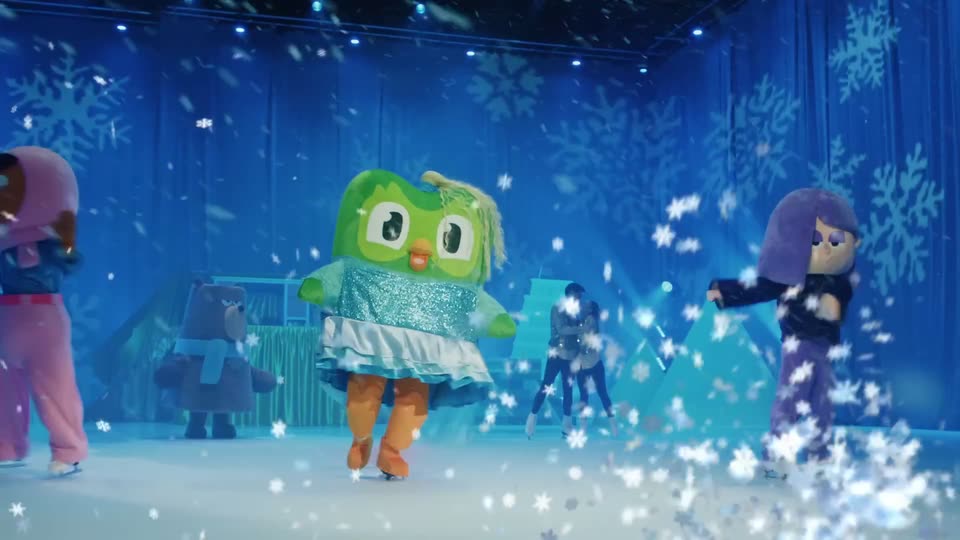

Introducing Duolingo On Ice!
Duolingo · Consumer · Apr 2024
Loom · May 2024 · 0:42 · Full motion · AI-annotated
Loom’s 0:42 launch film runs 14 scenes, about 3.1 s each. The product is on screen from the first frame and 3 features are revealed, with social proof. The call to action lands at 0:38 (90% in). The video alternates centered white headlines on a dark purple field with white UI panels that slide in from the right, each feature announced by a title card and proven by a quick cursor-driven demo. Pacing holds near 100 bpm with about 12.6 cuts per minute, using drifting pastel bokeh orbs, confetti bursts on success, and a pale lavender logo-and-URL close as its signature moves.
Is this your launch? to your site or press kit.
Films whose music sounds like this one, voice left out
Google · Electronic dance music with Latin and house influences
Pletor · Modern funk and Latin-infused electronic dance music
Polylane · Electronic dance music with funk and disco elements
On a flat dark purple field, a small purple radial burst at center expands and rotates into the full Loom sunburst mark. The lowercase white wordmark loom scales in to its right, settling into the centered lockup.
On-screen text: “You record it, Loom”
Camera: Static
Centered white text builds line by line on a dark purple field, while soft pastel bokeh orbs drift and blur across the background. The headline completes by the second second, then fades as the orbs keep floating.
On-screen text: “You record it, Loom writes it. Share-ready docs in one click.”
Techniques: Kinetic type
Camera: Static
A deep purple title card where the white headline “Use AI to produce docs and how-to guides” scales in at center and holds, while soft pink and violet bokeh circles drift across the frame edges.
On-screen text: “You record it, Loom”, “writes it. Share-ready”, “docs in one click.”, “Use AI to produce docs”, “and how-to guides”
Techniques: Kinetic type
Camera: Static
A Loom editor view, locked off: a video preview of an order summary page on the left, an AI panel on the right. A cursor moves onto the Write a doc button and clicks it while two headline lines scale in.
On-screen text: “Use AI to produce docs”, “and how-to guides”
Techniques: Cursor demo, Kinetic type
Camera: Static
A white document panel slides in from the right over a dimmed app screen, listing three numbered steps. A hand cursor moves down the text and presses the Copy text button. The shot then dissolves to a dark field with two soft glowing orbs as the word With fades in.
On-screen text: “With”
Techniques: Cursor demo
Camera: Static
A centered white headline fades in over a dark purple field, while large soft-focus orbs in pink and blue drift slowly across the background behind the text.
On-screen text: “With Loom AI, you can report bugs faster in Jira”
Camera: Push in
A flat Loom editor screen sits static: a purple video card with an order summary mockup, a center play button and a circular host portrait, beside a right panel listing Loom AI actions and an editing suite, with a summary paragraph below.
On-screen text: “With Loom Al, you”, “can report bugs faster”, “in Jira”
Camera: Static
A white Jira issue panel slides in from the right over a dimmed Loom player. A hand cursor opens the Priority dropdown, selects High, then clicks Create in Jira, releasing a small confetti burst.
Techniques: Cursor demo, Particles
Camera: Pan
A centered white headline sits over a dark purple field while soft pink and blue spheres drift at different depths, some sharp and some blurred, floating behind the text throughout the shot.
On-screen text: “Let Loom AI write the perfect note to share with your video”
Techniques: Parallax
Camera: Static
A Loom interface fills the frame, a video player with a centered play button and a circular headshot of a man in a yellow shirt, while a hand cursor hovers over the Write a note tile in the Loom AI panel on the right.
On-screen text: “Let Loom AI write the perfect note to share with your video”
Techniques: Cursor demo
Camera: Static
A white message panel slides in from the right over a dimmed document. A hand cursor taps the Copy text button and confetti bursts, then a purple quote card slides up from the bottom.
On-screen text: “It managed to capture accurate steps in a doc with 20 (ONLY TWENTY)”
Techniques: Cursor demo, Particles, Light sweep
Camera: Static
A rounded purple quote card with a white quote mark and four-line testimonial scales down from a close-up to center frame. Blurred pink and purple orbs drift on the dark purple background while a blurred interface panel fades out at the top right.
On-screen text: “It managed to capture accurate steps in a doc with 20 (ONLY TWENTY) seconds of video. I am amazed. It really felt like the future.”
Techniques: Kinetic type
Camera: Pull out
A blue twelve-spoke mark grows from a small burst at the center of a pale lavender field, its spokes stretching outward as the dark purple wordmark appears to its right. The logo cuts to a centered two-line tagline, held still.
On-screen text: “Get started at”, “www.loom.com”
Camera: Static
A static end card holds two lines of dark purple text centered on a pale lavender field. The top line gives the call to action and the bottom line shows the brand URL, both locked in place for the full duration.
On-screen text: “Get started at”, “www.loom.com”
Camera: Static