1:09
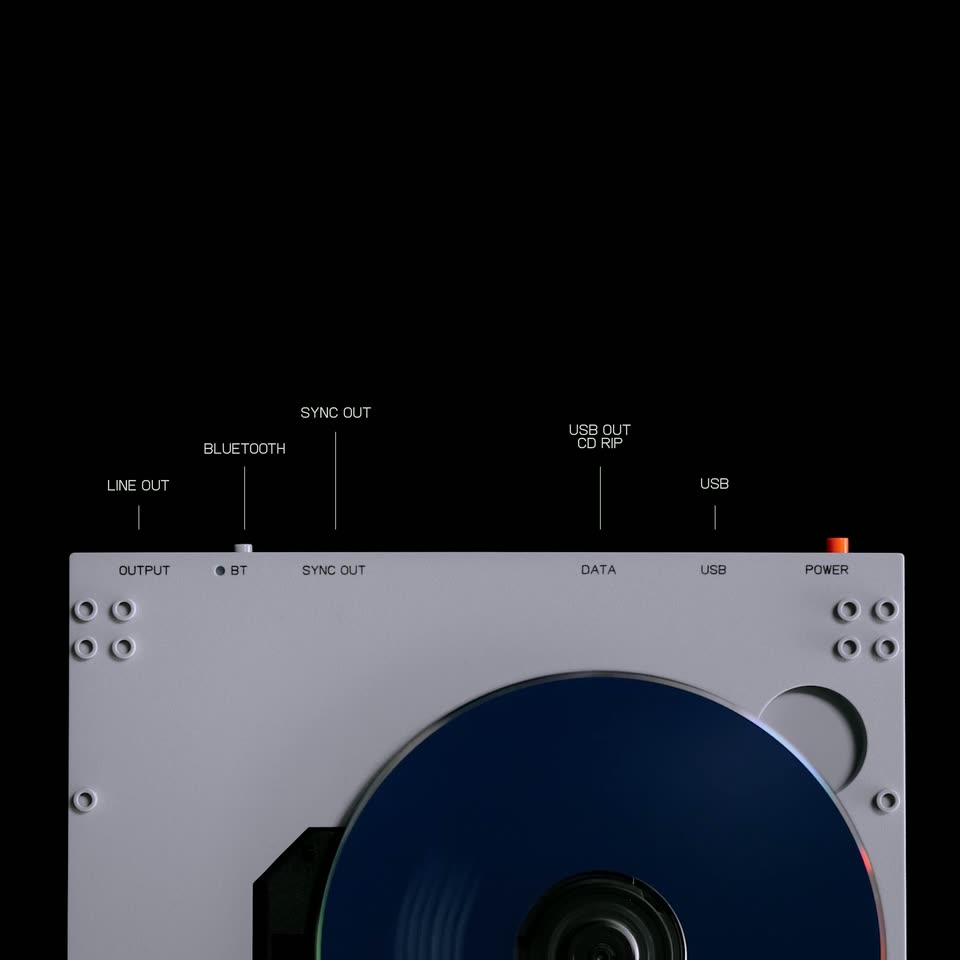

introducing EP/BC–1 professional CD player
Teenage Engineering · Hardware · Nov 2026
Logitech’s 0:20 launch film runs 12 scenes, about 1.7 s each. The product shows up at 0:12 and 3 features are revealed. There is no explicit call to action. The video alternates quiet live-action lifestyle shots, tight UI and macro close-ups, and clean 3D renders at a steady mid-tempo, with short white captions announcing each benefit in turn. Signature moves include slow push-ins on the desk, the macro pad's backlight swapping between icon sets, and the closing morph from the MX wordmark into the lowercase Logitech sign-off on a plain gray field.
Is this your launch? to your site or press kit.
Teenage Engineering · Hardware · Nov 2026
Samsung · Dec 2025
Films whose music sounds like this one, voice left out
Summer Engine · Electronic dance music
Showdown · Hard Techno / Hardstyle
Odessia · Tech House / Electronic Dance Music
A man in a cream sweater lowers himself into a chair at a desk set before glowing curtains, then begins typing on a keyboard beside a laptop and a white sphere lamp. A slow push-in tightens the frame on his hands.
On-screen text: “Will Wang”, “Software builder”
Camera: Push in
Close-up on a light desk: a hand reaches in from the right and taps a key on a small black macro pad with a 3x3 grid of backlit app icons. A keyboard sits blurred in the upper right corner.
On-screen text: “Will Wang”, “Software builder”
Camera: Static
A tight angled close-up of a tablet screen shows a horizontal row of app icons. A finger swipes along the top edge and the icons slide leftward, while shallow focus blurs the far end of the dock.
Camera: Push in
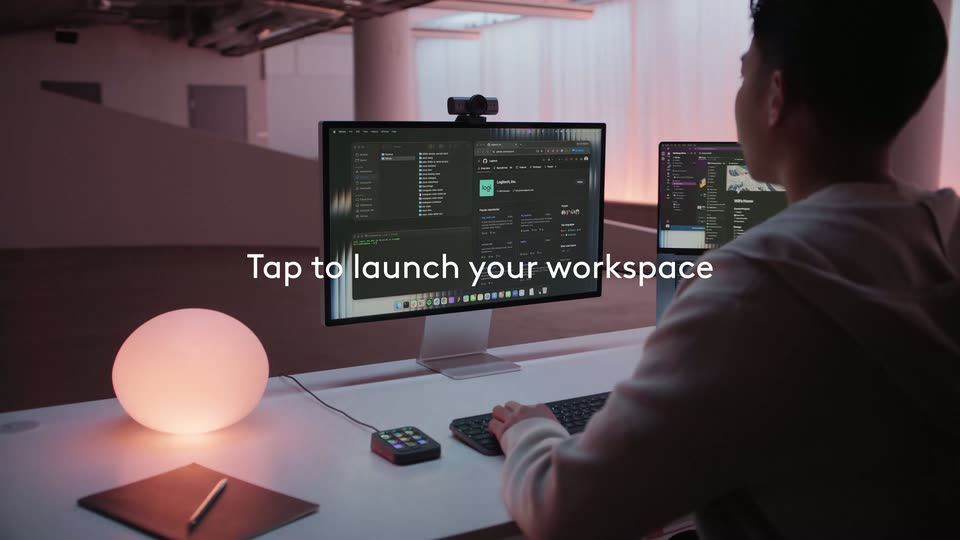
A person works at a warm-lit desk with a large monitor and laptop, a glowing sphere lamp and a small button pad in front. A white caption reads across the center of the frame. The camera holds a slow over-the-shoulder angle.
On-screen text: “Tap to launch your workspace”, “logi”
Camera: Push in
A man in a cream zip hoodie sits at a desk in a pink-lit office, gazing at a screen while a blurred warm lamp glows in the foreground. White caption text sits centered over him as the camera holds a locked-off medium shot.
On-screen text: “Tap to launch your workspace”, “Shift context instantly”
Camera: Static
A hand hovers over a black 3x3 macro pad on a pale desk, its app icons flashing to blue backlit keys, then sweeps toward a keyboard. A warm lamp glows at left; a notebook and pen sit below. The frame stays locked.
On-screen text: “Shift context instantly”
Camera: Static
A man types at a white desk holding a large monitor with a video call and a laptop with code. The camera pulls back from a soft close-up to a wide shot, revealing a glowing sphere lamp and a tablet. White text 'And master the moment' sits centered.
On-screen text: “And master the moment”
Camera: Pull out
A black 3x3 keypad sits angled on a soft pink desk beside a keyboard, its backlit keys swapping from a colorful icon set to a uniform purple set. White headline text holds at the top while the product name fades in at the bottom.
On-screen text: “Your keys to flow”, “MX Keypad”, “And master the moment”
Techniques: 3D mockup
Camera: Pull out
On a plain white field, a cluster of 3D peripherals, a white keyboard, black keyboard, webcam, stylus, mouse and a small icon-grid device, drifts in from the frame edges and scales up toward the camera.
Techniques: 3D mockup
Camera: Pull out
A top-down flat-lay of Logitech peripherals, two keyboards, a mouse, a webcam, a stylus, a dial and an app remote, drifts gently on a pale gray field while the remote's screen swaps its app icons.
Camera: Pull out
A blurred row of MX keyboards, mice and trackpads dissolves into a plain light gray field. The dark gray MX wordmark holds center, then its letters reshape into the lowercase logitech sign-off.
On-screen text: “MX”, “logitech”
Techniques: Morph
Camera: Static
The Logitech wordmark holds centered on a plain light gray background for the full shot. The frame is locked off with no motion, serving as the sign-off.
Camera: Static