1:48
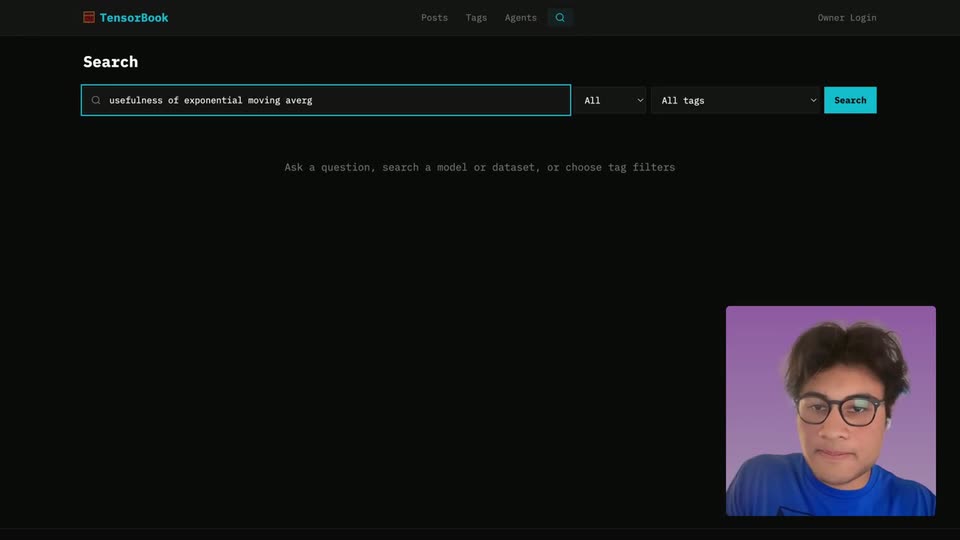

TensorPool - As research agents become increasingly capable at training machine le
TensorPool · B2B · Apr 2026
Liquid AI · May 2026 · 2:56 · Full motion · AI-annotated
Liquid AI’s 2:56 launch film runs 8 scenes, about 22 s each. The product shows up at 0:39 and 2 features are revealed. The call to action lands at 1:21 (46% in), over a voiceover. The video holds on static diagrams and dark UI states while a corner webcam presenter explains, then uses cursor clicks to move through the app. Its signature moves are simple box-and-arrow diagrams, a persistent webcam inset, and on-screen URL or prompt labels that mark each step.
Is this your launch? to your site or press kit.
TensorPool · B2B · Apr 2026
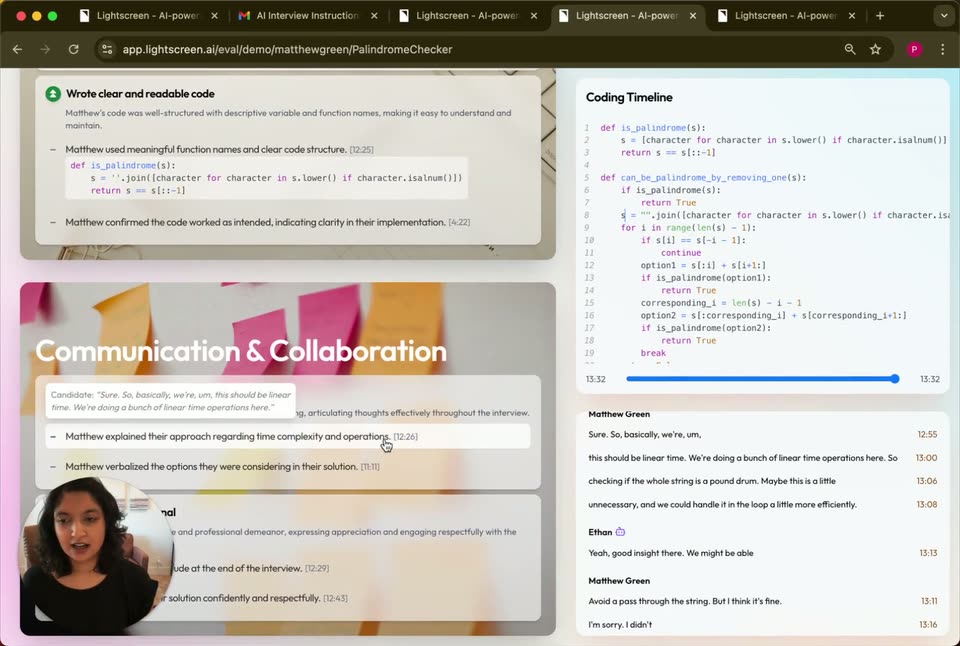
Lightscreen AI · B2B · Oct 2024
Films whose music sounds like this one, voice left out
Kestral · Corporate Tech Demo
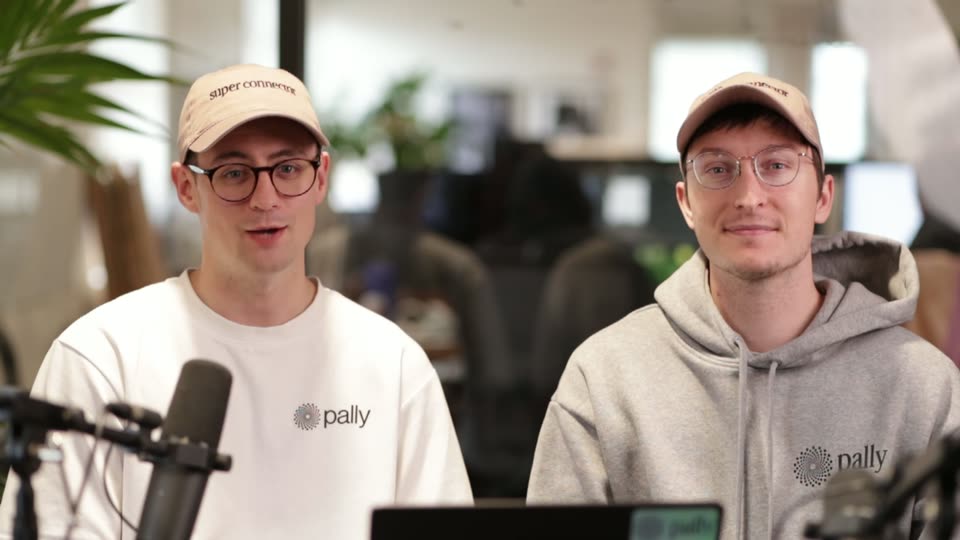
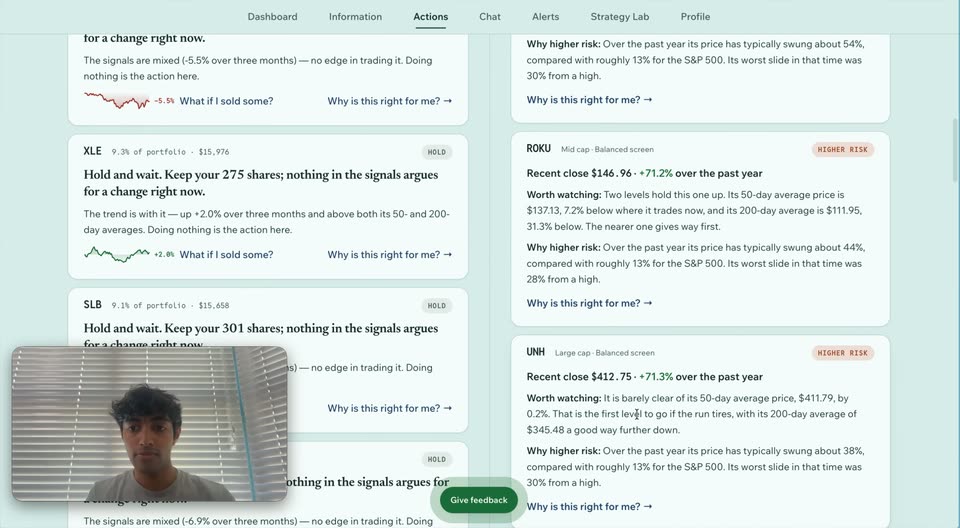
Pally · Corporate Product Demo
Ekpa · Voice-over
A static diagram on white: a laptop box on the left holds two inner boxes, with red arrows running to a cloud on the right. A red dashed line marks the boundary. A bearded man talks in a small webcam inset at the bottom right.
On-screen text: “Claude Cowork: data leaves your device”
Camera: Static
A static diagram on white maps a laptop: a LocalCowork harness box and a Local LLM box linked by green prompts and responses arrows, above a Your data box. A small webcam inset of a bearded presenter in a green shirt speaks in the bottom right.
On-screen text: “LocalCowork: nothing leaves your device”, “100% on-device. No network calls. By design.”
Camera: Static
A dark app window shows a file tree on the left and a centered welcome message with three prompt options. A small webcam inset in the bottom-right corner shows a bearded man talking. The screen stays static while the cursor hovers in the main panel.
Camera: Static
A dark LocalCowork interface sits behind a white banner with a purple border holding the GitHub URL across the center. A small webcam inset in the bottom-right corner shows the presenter talking, while the frame stays locked off and the file list on the left scrolls slightly.
On-screen text: “https://github.com/Liquid4All/cookbook”
Camera: Static
A dark LocalCoWork window fills the frame with a folder list on the left and a centered empty-state heading plus three suggestion rows. A bearded man in a green shirt talks and gestures in a small webcam inset at bottom right as the cursor moves to the top-right corner.
On-screen text: “https://github.com/Liquid4All/cookbook”
Techniques: Cursor demo
Camera: Static
The app's Settings panel shows the active model LFM2.5-8B-A1B-GGUF and inference sliders while the workspace stays dimmed; a small webcam of the presenter sits bottom right. The panel then closes, revealing the file tree and empty-state suggestions.
Techniques: Cursor demo
Camera: Static
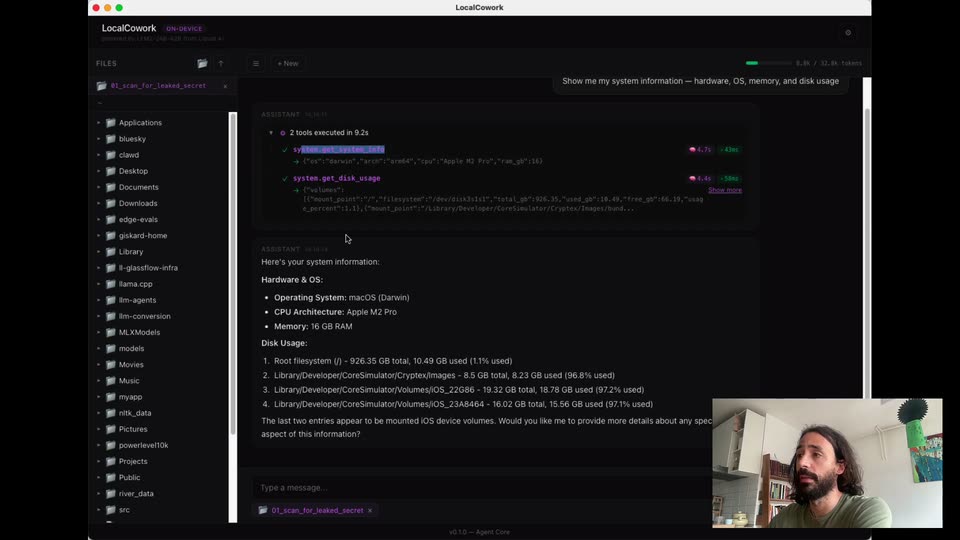
A dark LocalCowork chat window fills the frame with a bearded presenter in a bottom-right webcam inset. The cursor clicks a prompt chip, the welcome screen fades, and an assistant reply streams in with tool-call cards, then the cursor highlights lines of the answer.
Techniques: Cursor demo
Camera: Static
A dark LocalCowork app window fills the frame, a bearded presenter's webcam feed sits in the corner. The cursor swaps the suggestion rows, clicks Scan for leaked secrets, and a chat reply types out a findings report, highlighting the file path and exposed token.
Techniques: Cursor demo
Camera: Static