1:15

Ramp - Every company used to start with paperwork. The next generation will
Ramp · Finance · Jul 2026
Grok · Jan 2025 · 0:09 · AI-annotated
Grok’s 0:09 launch film runs 5 scenes, about 2.0 s each. The product is on screen from the first frame and 1 feature is revealed. The call to action lands at 0:06 (62% in). Sleek, minimal product film for the Grok app: two 3D iPhone mockups rotate into frame on pure black, the camera orbits the device while the chat and image grid fill in, then the film settles on a static wordmark and app icon card with an App Store badge. Signature moves are the slow orbital 3D camera around the titanium phone, staggered fade-ins of the generated rocket images, and a particle light arc that builds the final call to action.
Is this your launch? to your site or press kit.
Ramp · Finance · Jul 2026
Retool · Developer tools · Jun 2023
Framer · Design · Apr 2025
Two dark iPhone mockups in 3D perspective rotate from a side angle into a frontal view on black. The right phone shows the Grok onboarding screen with a glowing grid horizon, the left shows a chat thread, and the Grok wordmark slides in.
Techniques: 3D mockup
Camera: Static
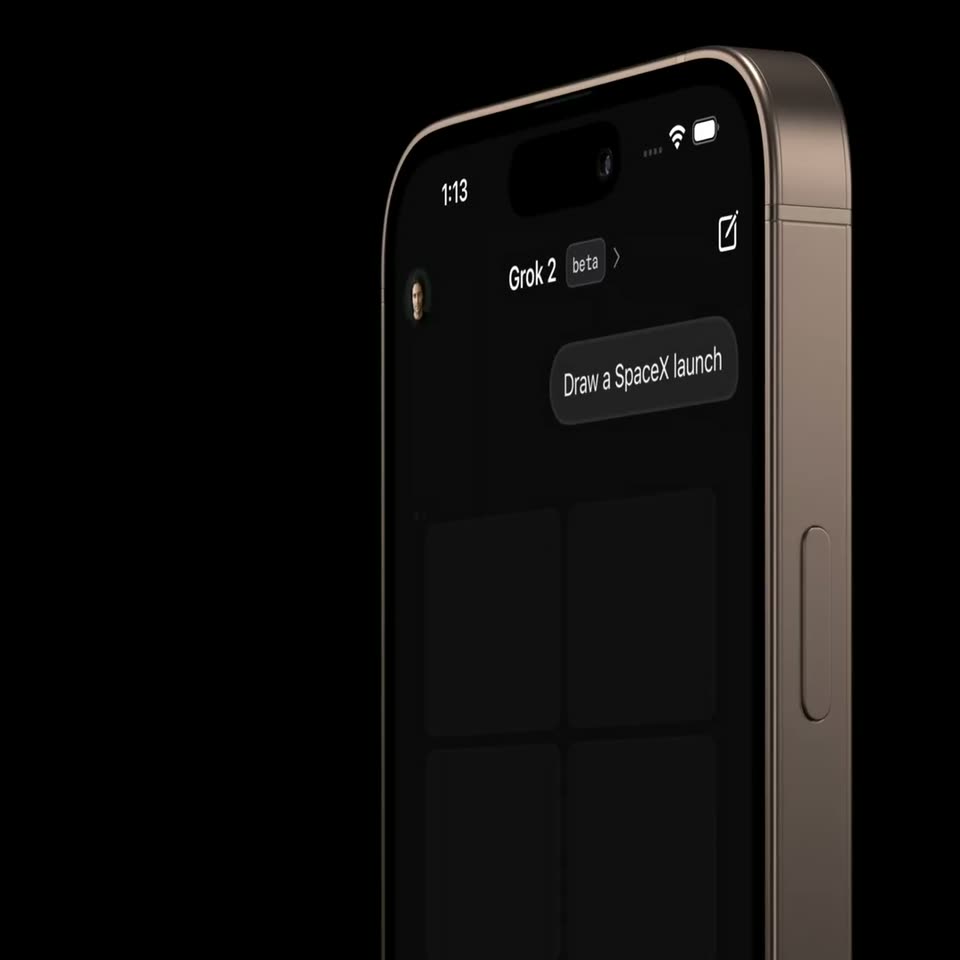
A dark iPhone mockup rotates in 3D on a black background; the screen shifts from the Grok sign-in view to a chat with a “Draw a SpaceX launch” prompt and empty loading tiles, while the camera orbits to show the metal side rail.
Techniques: 3D mockup
Camera: Pan
A tilted 3D iPhone on a black background shows a dark chat screen. The prompt bubble 'Draw a SpaceX launch' sits above a 2x2 grid where four rocket-launch renders fade in one by one as the camera slowly pushes in.
Techniques: 3D mockup
Camera: Push in
The white Grok wordmark holds center on a black field above an App Store badge. A glowing arc of fine particles gathers and brightens along the lower right edge over the two seconds.
On-screen text: “Grok”, “Download on the App Store”
Techniques: Particles
Camera: Static
A dark rounded-square app icon with a white X mark holds centered on a black field, the frame locked off. The Grok wordmark and a Download on the App Store caption sit static around it.
On-screen text: “Grok”, “Download on the”, “App Store”
Camera: Static