1:00
Reka - We use Reka Flash 3 to power Nexus, our new platform for organization
Reka Nexus · Mar 2025
Fireflies · Aug 2025 · 0:56 · AI-annotated
Fireflies’s 0:56 launch film runs 20 scenes, about 2.8 s each. The product shows up at 0:14 and 3 features are revealed. There is no explicit call to action. The video alternates locked-off text cards that type on word by word with UI demos that blur into sharp focus and back out again, using defocus as the main transition between beats. Each use case is introduced by a single word card, then shown as a typed prompt and a streaming reply, and the whole arc opens and closes on the radial starburst reveal and the paired app icons.
Is this your launch? to your site or press kit.
Reka Nexus · Mar 2025
Paragon · Aug 2026
On a dark navy field, white sans-serif text builds line by line. Each phrase fades in from dim gray to bright white, then the next line appears beneath it, replacing the previous block. The frame stays locked while the copy carries the rhythm.
On-screen text: “Meetings capture more than conversations...”, “they capture opportunities.”, “What if you could unlock all of it,”, “in seconds?”
Techniques: Kinetic type
Camera: Static
On a dark purple field, a light gray line, “What if you could unlock all of it,” fades in at left. A dark rounded prompt card with a “Claude Sonnet 4” tag and an orange send button glides from center to the right edge.
On-screen text: “What if you could unlock all of it,”
Camera: Static
A dark chat input bar floats on a blurred blue and purple gradient. A cursor clicks the plus icon, a dropdown menu drops in, and the cursor flips the Fireflies toggle on. The menu fades out, then a question types itself into the field as the box softens.
Techniques: Cursor demo
Camera: Static
A dark interface card holding a prompt line and a red action button sits centered on a deep purple field, soft and out of focus, then blurs and contracts to a tiny glowing point as the frame fades to black.
Camera: Static
On a dark indigo field, a purple starburst of rounded spokes expands from the center. Two white app icons, an orange asterisk and a magenta F, pop in over it, flanked by the white text Connect Claude and With Fireflies as the background brightens into a radial purple burst.
On-screen text: “Connect Claude”, “With Fireflies”
Techniques: Kinetic type
Camera: Static
A dark navy card holds the line “Connect Claude” and “With Fireflies” on either side of two white app icons, the Claude mark and the Fireflies mark. The whole row blurs and resolves into the centered line “One Click. Instant Answers. Better insights.”
On-screen text: “Connect Claude”, “With Fireflies”, “One Click. Instant Answers. Better insights.”
Camera: Static
On a dark blue gradient with a soft central glow, a white headline types out letter by letter in the center, then fades out as a second centered line fades in. The frame stays locked off throughout.
On-screen text: “One Click. Instant Answers. Better insights.”, “Faster decisions at the speed of light.”
Techniques: Kinetic type
Camera: Static
A blurred dark blue background holds a bright light streak that sweeps diagonally across the frame. White text reads “Faster decisions at the speed of light” and slides into the center.
On-screen text: “Faster decisions at the speed of light”
Techniques: Light sweep, Kinetic type
Camera: Static
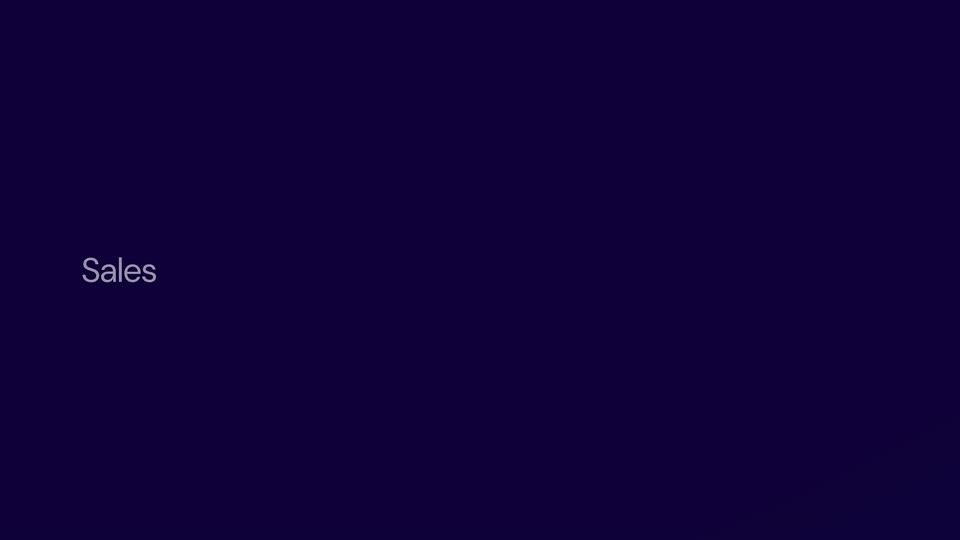
A dark navy gradient with a soft blue glow on the right edge. The word Sales fades in on the left in light gray sans-serif and holds. The frame stays locked off.
On-screen text: “Sales”
Techniques: Kinetic type
Camera: Static
A dim Fireflies.ai workspace brightens into a full-screen view as the typed prompt completes in the input box. Action buttons sit below, and a 'Reply to Claude...' field scales in at the bottom of the frame.
On-screen text: “What's new, Fireflies?”
Techniques: UI zoom
Camera: Push in
A dark chat interface streams a Claude reply to a user prompt. The assistant's answer types out word by word, tool-call boxes labeled search and get_summary pop in between paragraphs, and the view scrolls down to follow the growing text.
Techniques: Kinetic type
Camera: Push in
A dark indigo report fills the frame, white sans-serif text scrolling upward past bold headings like “Key Sales Insights from Last Month” and “Customer Segments & Performance.” Bullet points with bold lead-ins pass by with a slight motion blur as the document advances.
Techniques: Kinetic type
Camera: Push in
On a dark indigo field, the word Support is spelled out letter by letter, bright white ahead of a dimmer gray tail, then the full word fades to black. The frame stays locked off with the text set low on the left.
On-screen text: “Support”
Techniques: Kinetic type
Camera: Static
A dark rounded prompt bar floats centered on a blue-purple gradient. It opens blurred, sharpens as a question types out letter by letter, then blurs out again on the cut.
Techniques: Kinetic type
Camera: Static
On a dark indigo gradient, the word Product fades in at left as a chat input bar resolves from blur to sharp in the center, showing a placeholder prompt, two small icon buttons, and a model selector with an up-arrow key.
On-screen text: “Product”
Camera: Static
A dark rounded chat input box sits centered on a blurred blue-purple gradient. A prompt is typed character by character into the field, then the whole box blurs and fades out of frame.
Techniques: Kinetic type
Camera: Static
A dark purple background with the text 'No Compromises.' appearing on the left side.
On-screen text: “No Compromises.”
Camera: Static
On a plain dark navy field, two text lines sit at the lower left. 'No Compromises.' holds the top line above 'Privacy Protected.', then the pair shifts as 'No Data Training.' fades in beneath 'Privacy Protected.'; both lines clear by the end, leaving the empty background.
On-screen text: “No Compromises.”, “Privacy Protected.”, “No Data Training.”
Techniques: Kinetic type
Camera: Static
A dark indigo card holds a left-aligned white sans headline. The line builds word by word from the left, each new word fading in as the previous ones settle, until the full sentence appears across the mid-frame.
On-screen text: “Do More With Your Meetings With”
Techniques: Kinetic type
Camera: Static
A deep blue gradient fills the frame as two white app icons, a magenta F and an orange starburst, fade in on the left above a white headline. The composition then holds still.
On-screen text: “Do More With Your Meetings With”, “Fireflies + Claude.”
Camera: Static