1:10

Vocci - Today, we're launching Vocci. Your AI is smart. It just missed the c
Vocci Ring · Aug 2026
Infragrid · Oct 2026 · 0:30 · AI-annotated
Infragrid’s 0:30 launch film runs 17 scenes, about 1.8 s each. The product shows up at 0:05 and 4 features are revealed. There is no explicit call to action; a voiceover carries the film. The film opens with a live-action overwhelm beat that zooms into an eye, then moves to a dark stage where each feature is announced by a word-by-word headline before a 3D-tilted UI panel snaps from blur into focus. Pacing runs at 8 cuts per minute on a steady pulse, with whip-blur transitions, blur-to-focus reveals, and mint-green accent words as the signature moves.
Is this your launch? to your site or press kit.
Vocci Ring · Aug 2026
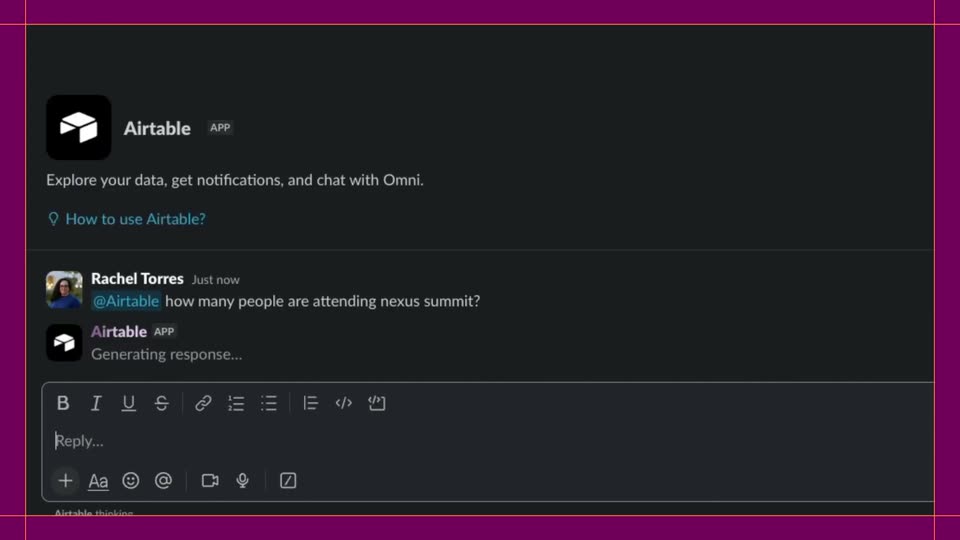
Airtable · Productivity · Oct 2026
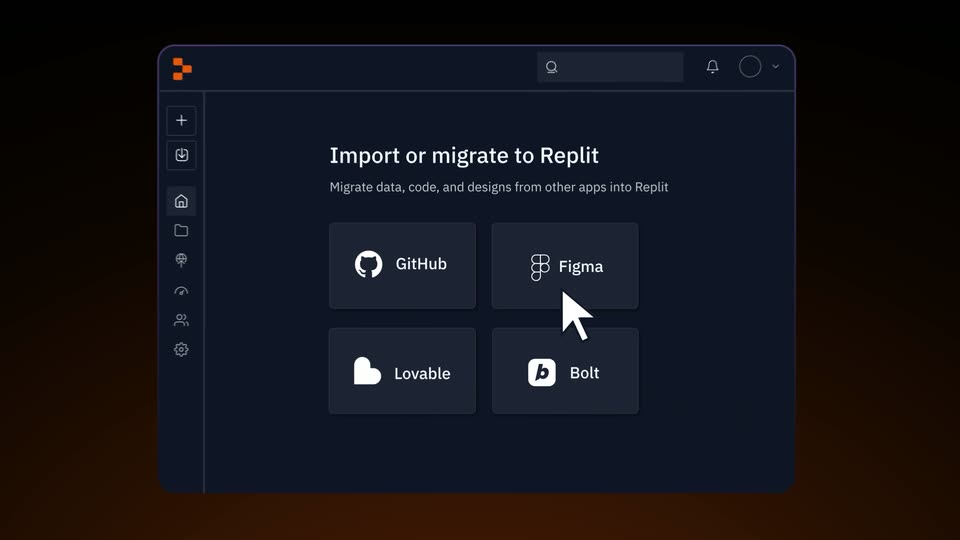
Replit · Developer tools · Jun 2025
A man in a white shirt sits at a white desk, head in hands. Notification cards with app logos pop up around him as a red badge counts to 99+. The cards vanish; he looks up at the camera, face lit green by his laptop.
Camera: Pull out
A young man in a white collared shirt stares fixedly into the camera against a plain gray wall, lit with a cool, dim light and a dark vignette. The frame tightens slowly on his face.
Camera: Push in
Extreme close-up of a person's eye in dim green light. The dark pupil holds a tiny reflection of a glowing screen. The eye stays fixed, the reflection flickering slightly, while the voiceover questions whether messages could handle themselves.
Camera: Push in
Extreme close-up of a single eye in dim green-tinted light. A small green robot character on a laptop screen is reflected in the pupil. The eye drifts slowly right while the caption Meet Griddy. sits static below, then the caption disappears.
On-screen text: “Meet Griddy.”
Camera: Push in
A black frame holds the tagline Your work, handled. in white and green, the line fading up from dim to full brightness while staying locked in place.
On-screen text: “Your work, handled.”
Camera: Static
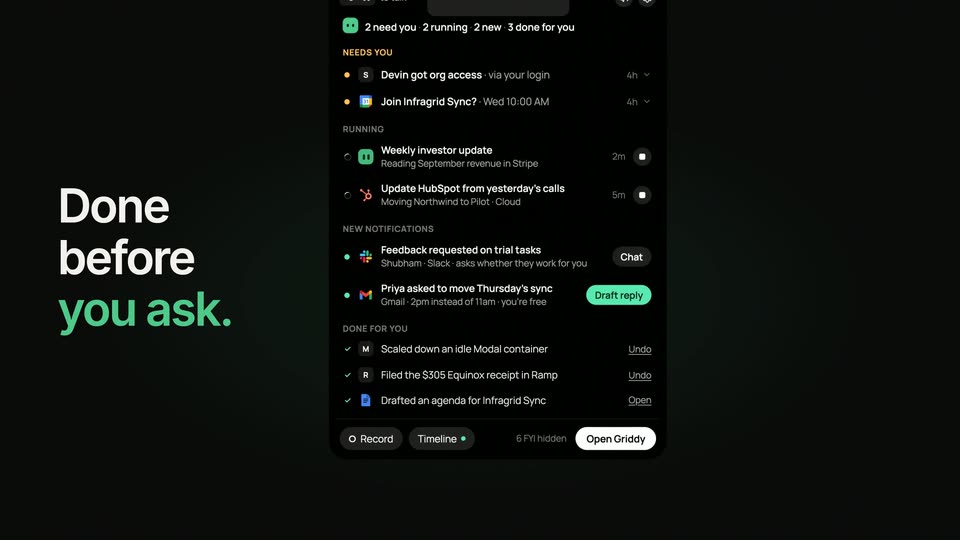
A dark task-list panel holds the right side of the frame, showing sections like Needs You and Done For You. On the left, a large white headline fades in word by word, the final two words tinted green, settling on Done before you ask.
On-screen text: “Done before you ask.”
Techniques: Kinetic type
Camera: Static
A dark task-list panel fills the right side while the headline “Done before you ask.” sits left in white and green. The whole frame whips into a heavy motion blur as the scene exits.
On-screen text: “Done before you ask.”
Camera: Static
A tilted 3D view of a drafts interface. A bold black headline resolves above two reply cards, the word You fading in, while a cursor rests on the Send in Slack button.
On-screen text: “Drafts ready. You”
Techniques: 3D mockup, Kinetic type, Cursor demo
Camera: Static
A tilted white product screen in 3D perspective shows a Gmail draft card on the left and a Gridly approval card on the right, under a bold headline. The body text resolves from motion blur into sharp focus as a cursor rests on the Approve button.
On-screen text: “Drafts ready. You just send.”
Techniques: 3D mockup, Cursor demo
Camera: Static
Under a black headline, an email card and a handoff card slide apart and blur out. The frame crossfades to a centered green Griddy logo with a caught-up message and a dark button, which sharpens into focus on a tilted white panel.
On-screen text: “Drafts ready. You just send.”
Techniques: 3D mockup
Camera: Static
On a black background, the white headline “Griddy found” sits above a glowing green pill reading “3 suggestions” with a sparkle icon. A tilted white document mockup rises from below in 3D perspective, sharpening from blur into focus beneath the text.
On-screen text: “Griddy found”, “3 suggestions”
Techniques: 3D mockup
Camera: Static
A notifications interface tilts in 3D against a black background, then the camera pushes in and flattens it to a front view. A green-bordered idea card, Log each customer call in HubSpot, settles at center and gains a soft green halo.
Techniques: 3D mockup, UI zoom
Camera: Push in
A blurred runbook canvas fills the frame behind large white text that builds word by word into 'It writes the runbook,' the last word in green. The text fades as the interface sharpens and zooms in to reveal the connected step cards.
On-screen text: “It writes the runbook.”
Techniques: Kinetic type, UI zoom
Camera: Push in
A blurred workflow summary fills the frame with the tagline Then runs it. overlaid in white and green. The blur clears and the view pushes in to a sharp interface showing a step-by-step run log on the left and a details panel on the right.
On-screen text: “Then runs it.”
Techniques: UI zoom
Camera: Static
A dark stage holds a grid of rounded square tiles under a counter reading 99+ tasks left. White app notification cards scatter outward with motion blur as the number ticks down to 0, leaving only the grid.
On-screen text: “99+ tasks left”, “64 tasks left”, “21 tasks left”, “0 tasks left.”
Techniques: Kinetic type
Camera: Static
A 9-by-5 grid of dark rounded squares, a few tinted green, dissolves until only a single green square remains at center, while the caption '0 tasks left.' fades out above.
On-screen text: “0 tasks left.”
Camera: Static
A green rounded-square icon with two dark dots sits centered on a near-black field, then shifts left as the white wordmark Infragrid fades in beside it. The lockup holds steady, then dims to black.
On-screen text: “Infragrid”
Camera: Static