0:36

Create, Control, and Personalize Your Listening Across Every Moment — Spotify
Spotify · Consumer · May 2026
ElevenLabs · Sep 2025 · 0:41 · Full motion · AI-annotated
ElevenLabs’s 0:41 launch film runs 13 scenes, about 3.2 s each. The product is on screen from the first frame. There is no explicit call to action; a voiceover carries the film. Built as a brand lockup, a continuous frosted-glass interface tour, and a closing wordmark over one slow gradient. Pacing is calm and uniform, with type-on captions, morphing glass cards and a single spinning orb as the signature moves.
Is this your launch? to your site or press kit.
Spotify · Consumer · May 2026
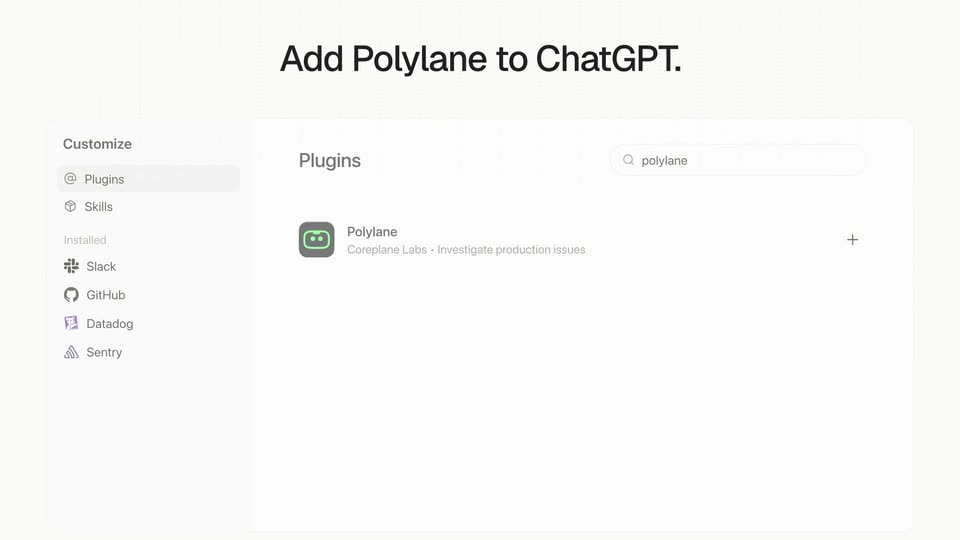
Polylane
Films whose music sounds like this one, voice left out
Opusense AI · Upbeat electronic
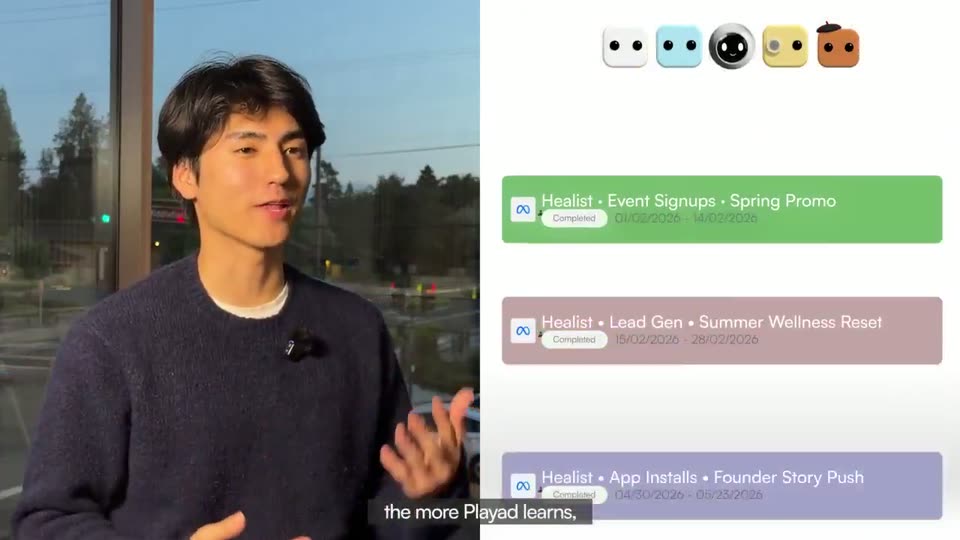
Playad · Upbeat electronic
A soft blue and pink gradient holds a centered white “II” mark that fills in, then expands into the “IIElevenLabs” wordmark. The tagline “Agent Testing” fades in below as thin white circles draw around the lockup.
On-screen text: “Agent Testing”
Techniques: Kinetic type
Camera: Static
A circular mark with a swirling blue and pink gradient sits centered on a soft blue-to-pink gradient. Thin white spiral lines trace the circle's edge at the start, then fade away as the mark settles. The ElevenLabs wordmark scales in beside it.
On-screen text: “IIElevenLabs”
Techniques: Kinetic type, Morph
Camera: Static
A glossy pinwheel sphere in blue and pink spins at the center of a soft blue-to-pink gradient. Lines of JavaScript code scroll down behind it, sharpening from blur, while a white dotted ring draws itself around the sphere.
Camera: Pull out
A blurred block of monospace code drifts downward across a blue gradient backdrop while a sharp circular emblem with a pink and blue pinwheel and a dashed outer ring holds steady in the center.
Techniques: Parallax
Camera: Static
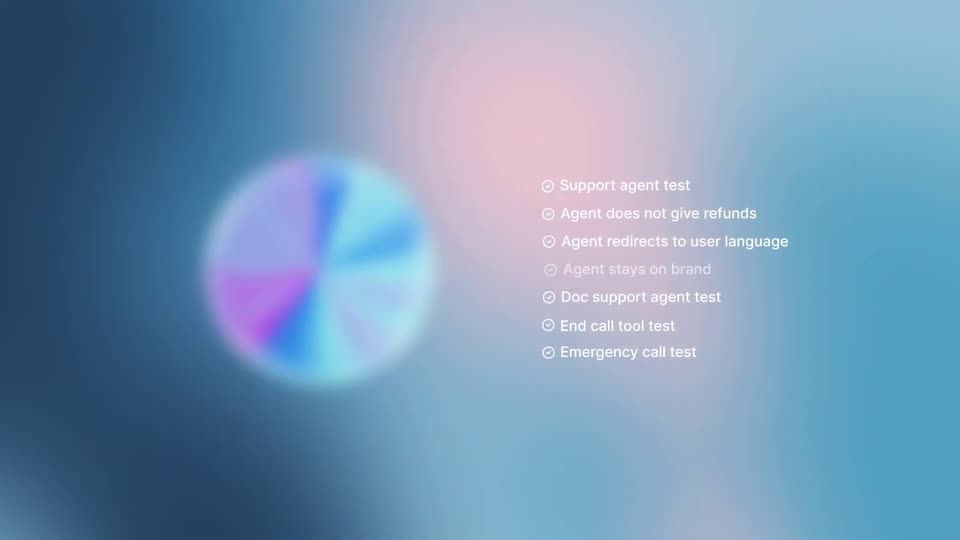
A soft blue-to-peach gradient fills the frame. A glowing circular orb with a pink-and-blue pinwheel pattern grows on the left while a list of white test-case lines with ringed bullets resolves on the right, sliding from an overlapping stack into a clean column.
On-screen text: “Support agent test”, “Agent does not give refunds”, “Agent redirects to user language”, “Agent stays on brand”, “Doc support agent test”, “End call tool test”, “Emergency call test”
Techniques: Kinetic type
Camera: Static
A test form on a blurred blue and pink gradient. The fields type themselves in, filling the test name, success criteria and failure criteria, while a small caption slides in. The frame stays locked off.
On-screen text: “© Agent does not give refunds”
Camera: Static
A frosted glass panel holds test labels and a list of dates with Successful and Failed pills; a dotted selection frame with corner handles draws around the area, and the content crossfades from the list into a chat thread of three message bubbles.
Camera: Static
A chat thread of three message bubbles sits inside a dashed selection frame on a blue-to-pink gradient. The bubbles scale in one by one while an arrow cursor drifts across them, then a caret types a caption into a box at lower left.
On-screen text: “Success criteria”
Techniques: Cursor demo, Kinetic type
Camera: Static
A blurred chat sits behind a white box with a typed 'Success criteria' caption. The chat sharpens as closing messages, a 'Call ended' pill and a test-passed bar slide in, then the view resets and the user's emergency message scales up into a large outlined caption.
On-screen text: “Success criteria”, “When user says goodbye, call must end.”, “This is an emergency, I need a doctor right now!”
Techniques: Kinetic type
Camera: Pull out
A translucent chat bubble with a thin white outline floats on a soft blue gradient. White sans-serif text fills it, the first line reading the message while the second line scales in, the bubble extending off the right edge of the frame.
On-screen text: “This is an emergency, I need”, “a doctor right now!”
Techniques: Kinetic type
Camera: Static
On a soft blue gradient, a glass card expands from a phone icon and types out a test log with a JSON payload for an emergency call, then the card morphs into a CI/CD list of pull request builds.
Techniques: Kinetic type, Morph
Camera: Static
A frosted glass card on a blue gradient holds a checklist of seven CI/CD test names with smiley check icons. The lines settle into place at the start, then the card morphs into a horizontal pill as the lines fade out.
On-screen text: “Elevenlabs agent test”, “Build and Deploy / test-api-split (2) (pull_request)”, “Build and Deploy / test-api-split (3) (pull_request)”, “Pre-Commit / pre-commit (pull_request)”, “Publish XI preview / preview (xi-backend-server) (pull_request)”, “Agent is polite”, “Agent stays on brand”
Techniques: Kinetic type, Morph
Camera: Static
A glowing white toggle outline sits at the center of a soft blue gradient, then a grid of small luminous dots drifts across the frame. The caption 'and testing' fades in at center, then the bold 11Labs wordmark forms and holds.
On-screen text: “and testing”, “IIElevenLabs”
Techniques: Particles, Kinetic type
Camera: Pull out