0:40
Introducing ElevenMusic
ElevenLabs · AI · Apr 2026
ElevenLabs · Jan 2026 · 0:51 · Code only · AI-annotated
ElevenLabs’s 0:51 launch film runs 25 scenes, about 2.1 s each. The product is on screen from the first frame and 2 features are revealed, with social proof. The call to action lands at 0:44 (86% in), over a voiceover. The video opens with a logo morph into a V2 mark, then alternates black stat cards with light-gray feature demos, each feature opened by a centered headline that slides off frame. Signature moves: morphing gradient blobs, drifting circle tunnels, and white pill tags snapping onto misspelled words, all set on a faint layout grid.
Is this your launch? to your site or press kit.
ElevenLabs · AI · Apr 2026
Google · AI · Feb 2024
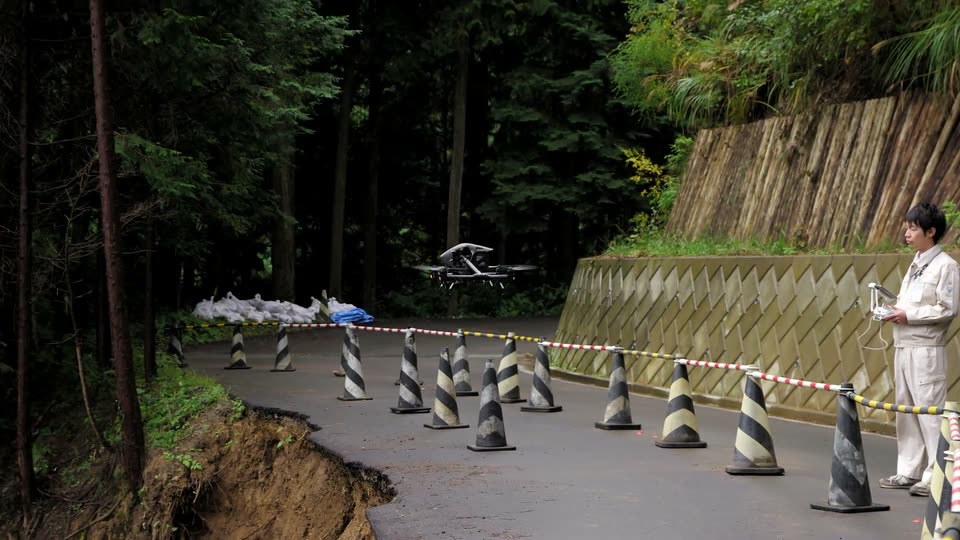
DJI · Hardware · Jan 2017
Films whose music sounds like this one, voice left out
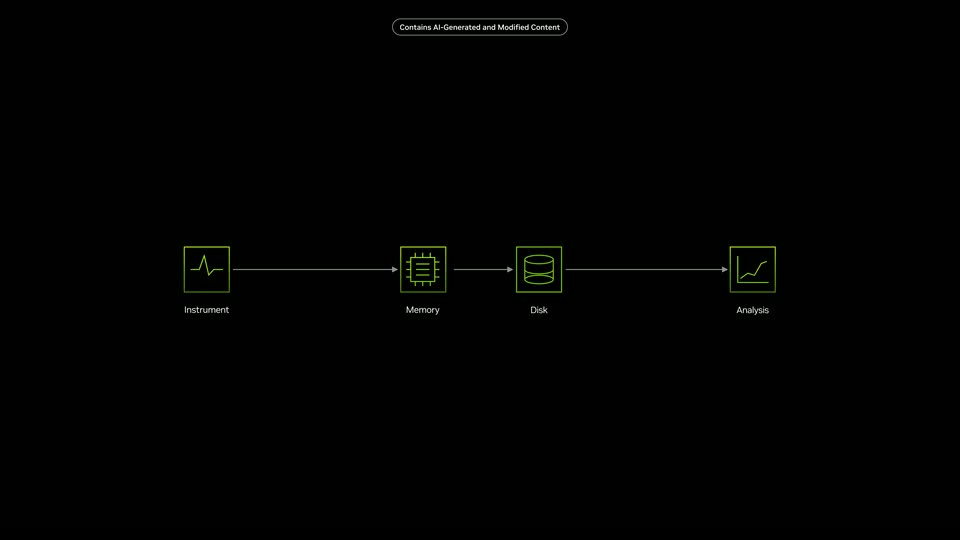
NVIDIA · Electronic
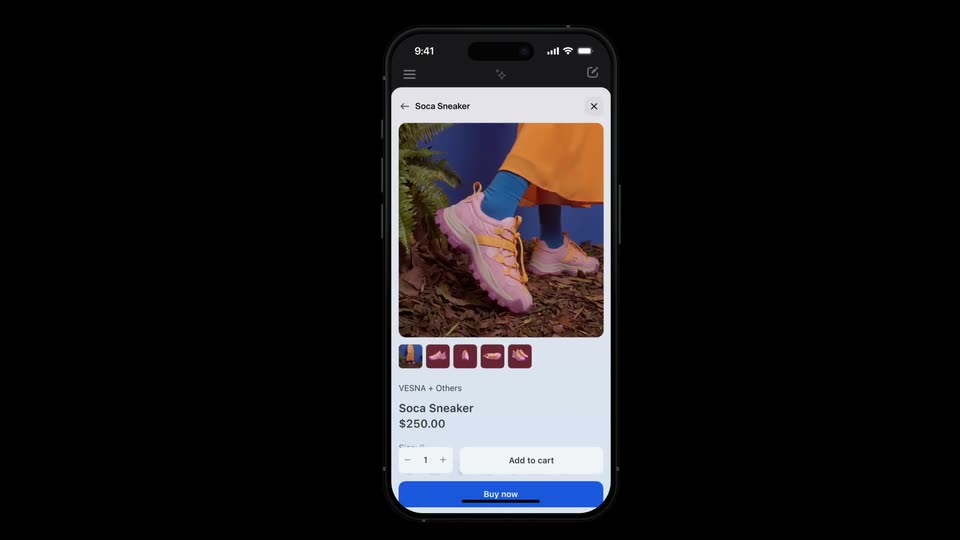
Shopify · Electronic
Phaze · Modern electronic
A small gray square with a faint cross at its center scales up on a plain light field. Thin crosshair lines extend outward from its edges, and the square's blurry texture sharpens into a soft diagonal gradient as it grows.
Camera: Static
On a light gray background with a faint layout grid, four square tiles holding blurred gray, orange and teal color fields pop in one by one, settling into a centered 2x2 arrangement with white gutters.
Camera: Static
On a pale gray grid, four blurred gradient tiles (teal, purple, orange, blue) sit in a 2x2 layout, then merge into one square that tilts into a diamond as thin lines radiate outward from its center.
Techniques: Morph
Camera: Static
A blurred teal-and-orange disc sits at the center of a pale grid, its jagged edges easing into a smooth circle. White V2 text scales up inside the disc while the thin grid lines rotate to a straight alignment.
On-screen text: “V2”
Techniques: Kinetic type, Morph
Camera: Static
A soft gradient blob in teal, blue and orange morphs and rotates on a light gray grid background. White text V2 stays fixed at its center while the colored shape continuously reshapes around it.
On-screen text: “V2”
Techniques: Morph
Camera: Static
On a black field, a thin progress bar labeled Gemini 2.5 Pro fills left to right as a percentage counter climbs from 49.0% to 100%. A small orange-and-blue gradient sphere drifts right and shrinks in the upper area.
On-screen text: “Gemini 2.5 Pro”, “49.0%”, “79.5%”, “99.2%”, “100%”
Camera: Static
On a black background, three horizontal bars compare transcription models. The top bar fills left to right with a multicolor gradient as its percentage counts up to 95.7%, above static gray bars for GPT 4o Transcribe at 90.4% and Gemini 2.5 Pro at 93.9%.
On-screen text: “GPT 4o Transcribe”, “90.4%”, “Gemini 2.5 Pro”, “93.9%”, “ElevenLabs Scribe v2”, “95.7%”
Techniques: Kinetic type
Camera: Static
On a black background, a white line reads “Dynamic multilingual detection across” while the line below, “90+ languages.”, swaps into Hindi and Polish with a quick scale change. Both lines then slide left off frame, leaving the screen black.
On-screen text: “Dynamic multilingual detection across”, “90+ languages.”, “90+ भाषाओं में”, “90+ języków.”
Techniques: Kinetic type
Camera: Static
Black screen with a horizontal audio waveform of thin white bars and timecode labels above; white and teal words flash in the center, then the timeline scrolls left.
Techniques: Kinetic type
Camera: Static
A dark transcription timeline of thin vertical bars drifts slowly to the right, timecodes above and two speaker markers T4 and T5 below. An orange line draws itself between the two markers, forming a shallow V, then fades out.
Camera: Static
A black screen holds the heading Detecting Voices above three speaker rows, each marked by a colored dot and a label. The transcript text types in word by word under Speaker 01, 02 and 03 in sequence.
Techniques: Kinetic type
Camera: Pull out
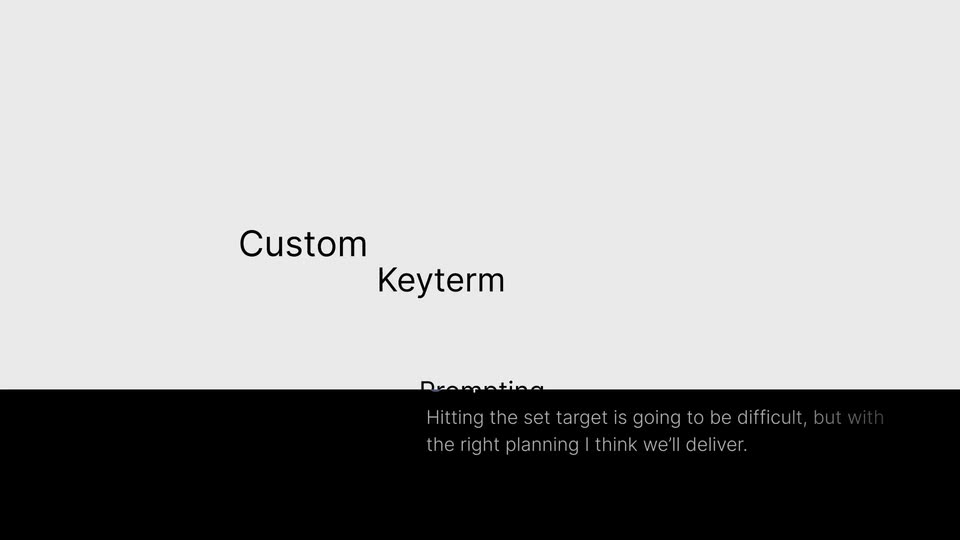
A dark transcript list with three speaker entries fills the frame; the view slides down as a white panel wipes in from the top, carrying the black headline “Custom Keyterm Prompting”.
On-screen text: “Custom Keyterm Prompting”
Techniques: Kinetic type
Camera: Static
On a light gray field, the headline Custom Keyterm Prompting sits centered while small white pill tags type out around it with keywords. The headline then slides to the left edge and off, as a faint gray word Marius fades in on the right and the tags shrink back.
On-screen text: “Custom Keyterm Prompting”
Techniques: Kinetic type
Camera: Static
On a light gray field, the name Mariusz Dąbrowski sits centered, its surname inside a white pill, and scales up. Behind it, ghosted gray words slide left: Keyterm Prompting, a misspelled Debroske with a red wavy underline, and a Rec.709 UHD pill, while small tag pills drift at the left edge.
On-screen text: “Custom Keyterm Prompting”, “Mariusz Debroske”, “Rec.709 UHD”, “Mariusz Dąbrowski”, “Rec.709”
Techniques: Kinetic type, Parallax
Camera: Static
A row of transcript words with red spellcheck underlines slides left across a plain gray field, each carrying a white pill tag beneath. Wreck 709 with Rec.709 and UHD exits left as Laura with LoRA centers, then Predicti enters from the right.
On-screen text: “Wreck 709”, “Rec.709”, “UHD”, “Laura”, “LoRA”, “Predicti”
Techniques: Kinetic type
Camera: Static
On a pale gray background, “Word by word” and “Syllable by syllable” type in letter by letter on two staggered lines. Then “Word” and “Syllable” slide into thin gray circle outlines while a faint “Predicti” scales at the right edge.
On-screen text: “Predicti”, “Word by word”, “Syllable”
Techniques: Kinetic type
Camera: Static
On a pale gray field with thin drifting circle outlines, the words Word and Syllable slide across the frame in sequence. Then Unmatched Accuracy types in at center with a blinking text caret as the circles keep drifting.
On-screen text: “Word”, “Syllable”, “Unmatched Accuracy”
Techniques: Kinetic type
Camera: Static
The headline “Unmatched Accuracy” sits centered on a pale gray field, with thin outlined circles receding into a perspective tunnel on the right. The circles drift slowly along the depth axis while the word “Accuracy” fills in with orange and teal color.
On-screen text: “Unmatched Accuracy”
Camera: Static
On a light gray background, the headline Unmatched Accuracy in dark and orange sits over a trail of thin circles receding right. The line exits right as Entity Detection scales in at center, then holds while the next line rises from the bottom edge.
On-screen text: “Unmatched Accuracy”, “Entity Detection”
Techniques: Kinetic type
Camera: Static
A flat light-gray field opens tight on the centered title Entity Detection, then pulls back to reveal a two-column table of entity labels and descriptions under Label and Description headers. The rows settle into place and drift upward as the title shrinks toward the top.
On-screen text: “Entity Detection”
Techniques: UI zoom
Camera: Static
A two-column table of entity labels scrolls upward past the fixed Label and Description headers while the Entity Detection title scales and fades out at the top. The list settles on the credit_card row, highlighted with an orange-to-teal gradient bar.
On-screen text: “Entity Detection”
Techniques: Kinetic type
Camera: Static
A light interface list scrolls down, moving a highlighted row out of view and revealing a timeline at the bottom. A vertical line marks a position in a block of faint text.
Camera: Static
A light gray transcript paragraph holds on a pale field, set off by a green-yellow gradient dot and a thin vertical rule at left. A time ruler with tick marks and minute labels runs along the bottom. The composition stays static.
Camera: Push in
A light gray call transcript fills the frame; three values are highlighted in green, blue and orange above a timecoded timeline with colored ticks. The block scrolls up, then cuts to a black pause icon centered on a plain background.
Camera: Push in
Light gray background. The bold black wordmark “IIScribe v2” reveals left to right, then the card switches to “IIElevenLabs” with the same wipe, and the URL fades in beneath it.
On-screen text: “IIScribe v2”, “IIElevenLabs”, “elevenlabs.io/speech-to-text”
Techniques: Kinetic type, Masking
Camera: Static