0:30
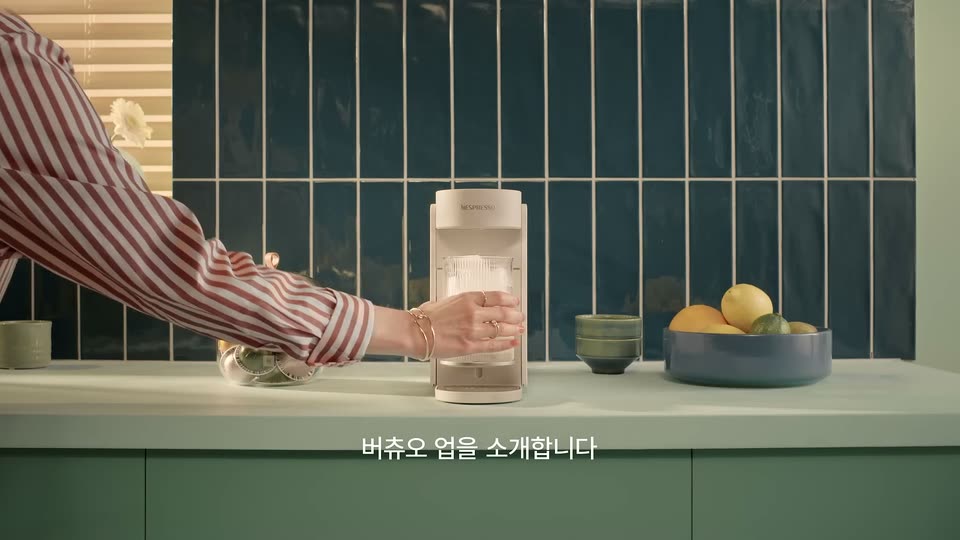
[네스프레소/Nespresso] NEW 버츄오 업: 홈카페를 업그레이드 - Hero 30" | KR 16x9
Nespresso · Mar 2026
Doks.AI’s 0:20 launch film runs 11 scenes, about 1.8 s each. The product is on screen from the first frame and 2 features are revealed. The call to action lands at 0:17 (85% in). The video is a tight feature tour: it opens on the brand and headline, walks the chat flow from search bar to typed answer, then shows chat styles and data sources before a tagline and a Get started card. Its signature moves are UI cards rising into 3D perspective, letter-by-letter typing with glow ripples, and the recurring green star that bridges every section.
Is this your launch? to your site or press kit.
Nespresso · Mar 2026
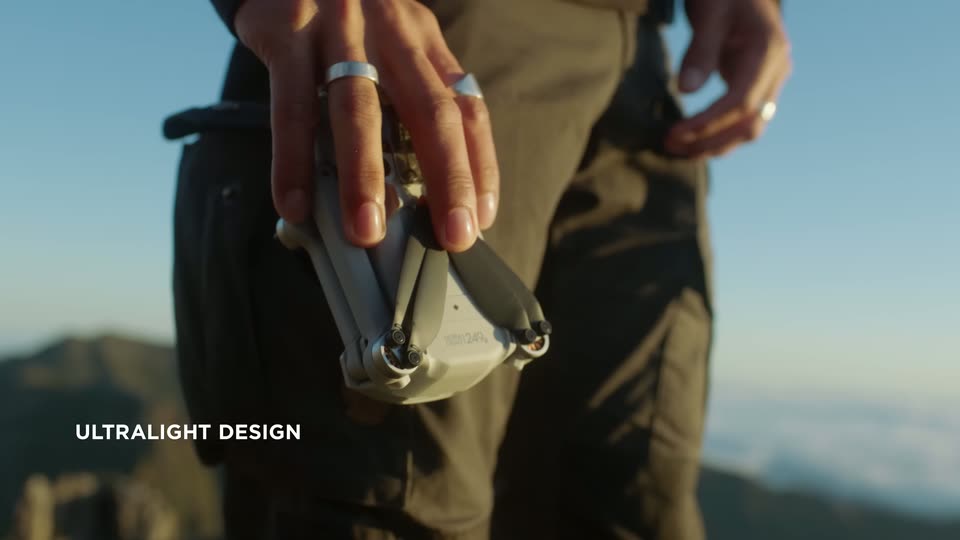
DJI · Hardware · May 2022
Brex · Mar 2023
Films whose music sounds like this one, voice left out
CrowdReply · Lo-fi hip-hop / Chillwave
Kita · Modern electronic
Clueso · Electronic dance music
A dark green-glowing backdrop holds the Doks.ai logo and a large cyan AI chatbot headline. A tilted tablet rises from below, revealing an AI chat interface with a search bar and a code answer, while green 3D stars float beside it.
On-screen text: “Doks.ai”, “AI chatbot”
Techniques: 3D mockup
Camera: Pull out
A dark 3D scene builds a glowing search bar reading Search docs with AI with an Ask AI button above a fanned stack of three chat cards, Doks AI Bot and AI Support Assistant, that rise and settle in perspective, flanked by glossy green star shapes.
On-screen text: “Doks.ai”
Techniques: 3D mockup, Parallax
Camera: Pull out
A dark rounded command bar sits on a teal gradient, its placeholder text sliding left out of frame. The 'Ask AI' pill on the right edge fills with bright green and glows as thin concentric ripple rings expand outward from it.
Camera: Static
A glowing teal bar fills upward, then the field rounds and clears as the query 'How can I ask AI to build a website for my business' types out letter by letter. Circular icons fade in around the field on a dark grid.
Techniques: Kinetic type, Morph
Camera: Static
On a dark grid background, two glowing chat bubbles sit centered. The user bubble's question scales in, then the AI bubble's typing dots are replaced by a step-by-step answer that types in.
Techniques: Kinetic type
Camera: Static
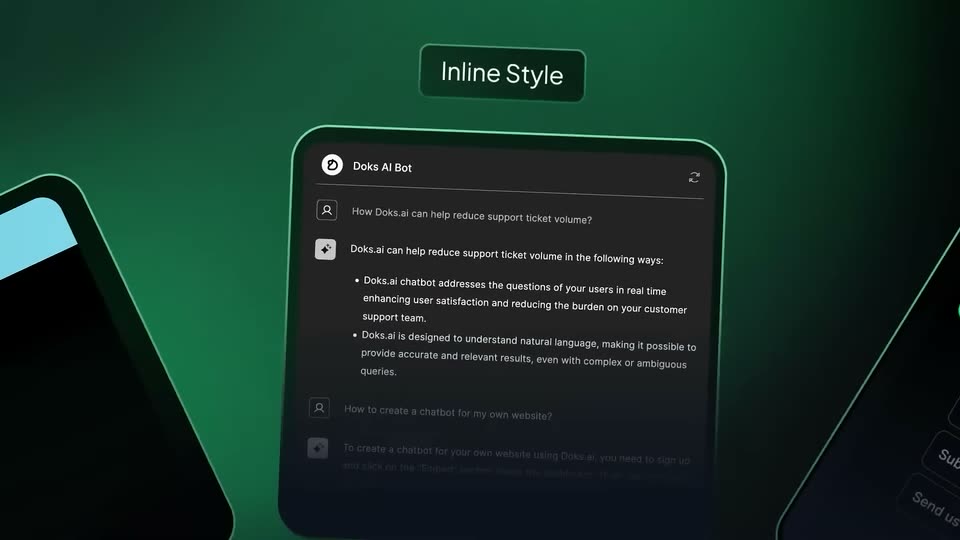
A tilted phone mockup on a dark green gradient shows a chat thread, with an “Inline Style” caption floating above it. The camera drifts across the 3D row of phones as the chat scrolls to reveal a second question and answer.
On-screen text: “Inline Style”
Techniques: 3D mockup, Parallax
Camera: Pull out
Three tilted phone mockups float in 3D perspective on a dark green gradient. The center phone shows an AI Support Assistant chat, the right a Doks AI Bot list, each tagged with a rounded label, as the row rotates into alignment.
On-screen text: “Message Style”, “Inline Style”, “Easily bring your data”
Techniques: 3D mockup
Camera: Pull out
A dark teal gradient holds a green star logo and the headline 'Connect any source'. A green-outlined panel with the caption 'Easily bring your data' and a grid of integration icons scales up from a small card into a larger 3D-tilted panel, the headline shifting from gray to green.
On-screen text: “Connect any source”, “Easily bring your data”
Techniques: 3D mockup
Camera: Pull out
A tilted 3D grid of rounded icon tiles, GitHub, a green notebook, a leaf, a database, a book, a white Z monogram, an XML file, and WordPress, fills a dark teal space. The teal headline sits along the top. The camera drifts slowly across the perspective, with faint outline tiles glowing below.
On-screen text: “Easily bring your data”, “Connect any source”
Techniques: 3D mockup
Camera: Pull out
A green glass four-point star spins and shrinks at the center of a dark field. The tagline builds word by word into 'The future of your business is here', then the line resets to 'with Doks.ai' flanking the star.
On-screen text: “Easily bring your data”, “The future of your business”, “is here”, “with”, “Doks.ai”
Techniques: Kinetic type
Camera: Static
A near-black frame with a soft green glow along the bottom edge. A small green star and the dim words “with Doks.ai” sit at center, then the green Doks.ai wordmark scales up over them, and a white “Get started” caption with a small sparkle fades in below.
On-screen text: “with”, “Doks.ai”, “Get started”
Techniques: Kinetic type
Camera: Static