3:47
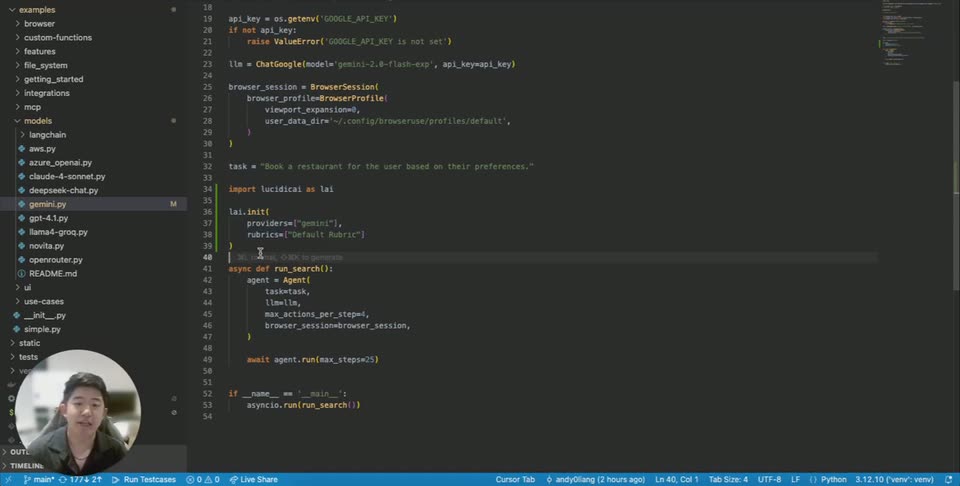
Lucidic HN Demo
Lucidic AI · B2B · Jul 2025
Composio · Mar 2026 · 1:29 · Full motion · AI-annotated
Composio’s 1:29 launch film runs 12 scenes, about 7.4 s each. The product is on screen from the first frame and 1 feature is revealed. The call to action lands at 1:19 (89% in), over a voiceover. The video is built as a screen-recorded tutorial that moves from a docs page to terminal and browser actions while a circular presenter inset stays pinned lower right. Motion uses slow zooms, crossfades, and cursor-driven clicks to keep the pace calm and legible.
Is this your launch? to your site or press kit.
Lucidic AI · B2B · Jul 2025
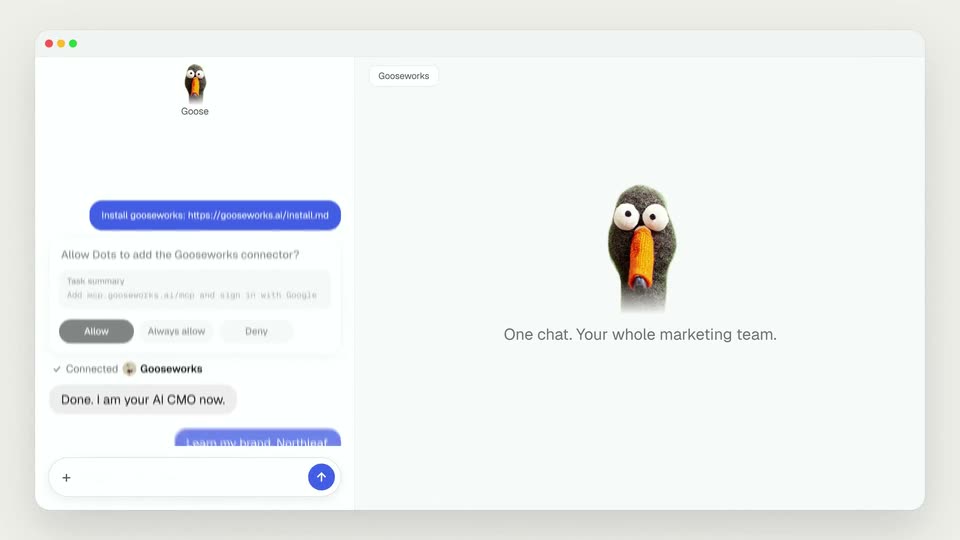
Gooseworks · Oct 2026
Agent 37 · B2B · May 2026
A Composio docs page for the CLI fills the frame, with navigation and code blocks visible. A circular webcam of a presenter sits in the lower right, gesturing, while the screen slowly zooms into the main content.
Techniques: UI zoom
Camera: Static
A Composio docs page dissolves in over a warm gradient, a circular webcam of a gesturing presenter sits lower right. The view zooms to the Installation block as a cursor selects the curl command.
Techniques: UI zoom, Cursor demo
Camera: Push in
A terminal over a macOS dock shows the cursor typing a curl install command; progress lines print, then the view morphs into a docs page with the install output card. A circular webcam of the presenter stays in the corner.
On-screen text: “(base)→~ curl -fsSL https://composio.dev/install | bash”
Techniques: Morph, Kinetic type
Camera: Pull out
A docs page zooms into its embedded terminal as the command composio login is typed and output lines appear. The terminal then opens a Claude Code welcome window. A circular webcam feed of a man stays in the bottom-right corner.
Techniques: UI zoom
Camera: Push in
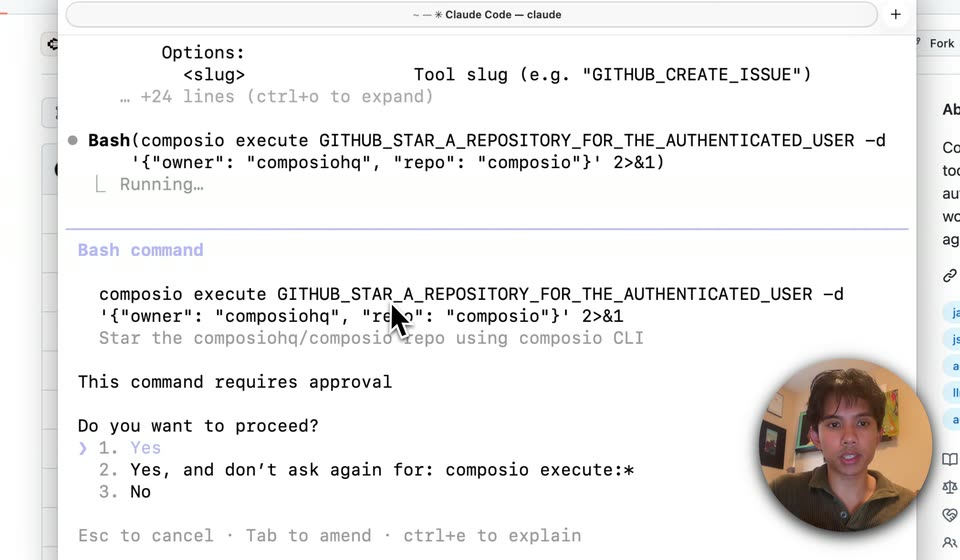
A Claude Code terminal with a pixel-robot welcome panel fills the frame; the prompt types a command to star a GitHub repo, then scrolls as bash approval blocks stack up. A circular webcam of a man speaking sits bottom-right.
Camera: Pull out
A white authentication card with three icons and a success message holds center on a dotted gray field, a cursor drifts beside it, then the frame crossfades to a terminal window listing the starred repo output, while a circular webcam of the presenter stays in the bottom right.
Techniques: Cursor demo
Camera: Push in
A terminal window displays monospace output confirming a GitHub account link and a Bash command starring a repository, with a circular webcam feed of a young man in the lower right corner. The frame zooms in on the terminal text.
Techniques: UI zoom
Camera: Push in
A white terminal window fills the frame, showing monospace CLI output about linking a GitHub account and running a star-repo command, with a blinking block cursor at the prompt. A circular webcam inset of a young man sits in the lower right corner.
Camera: Static
A success card with Composio and GitHub logos and a green check scales in on a dotted gray background, then the camera pulls back to reveal the full browser window with a colorful top bar. A circular webcam feed of a young man stays in the bottom right corner.
Techniques: UI zoom
Camera: Push in
A GitHub repository page for Composio fills the frame and zooms in slightly, with a circular webcam of the presenter pinned to the bottom right. A cursor appears near the search bar as small captions confirm the connection.
On-screen text: “Successfully connected”, “Composio to GitHub”
Techniques: UI zoom, Cursor demo
Camera: Push in
A screen recording of the Composio GitHub repo page. A cursor moves to the Star button and clicks it, flipping it to a yellow Starred state, then the view cuts to the CLI documentation page with install commands. A circular webcam of the presenter sits in the bottom right.
Techniques: Cursor demo
Camera: Pull out
The Composio CLI documentation page fills the frame after a brief crossfade, with a left nav sidebar and a right table of contents. Code blocks for installation and getting started sit in the center. A circular webcam inset of a young man speaks in the bottom right corner.
Camera: Pull out