0:30

Cursor - Origin, our code hosting platform, is now live. It's fast, easy to u
Cursor · Developer tools · Aug 2026
Claude’s 1:11 launch film runs 19 scenes, about 3.7 s each. The product is on screen from the first frame and 4 features are revealed. There is no explicit call to action; a voiceover carries the film. The video plays as one continuous family conversation, alternating clean cream UI cards and app panels with softly blurred live action, and each new app is introduced by a small icon that morphs into a floating panel. Pacing is slow and steady, built on letter by letter typewriter text, gentle zooms into photos, and the recurring starburst mark.
Is this your launch? to your site or press kit.
Cursor · Developer tools · Aug 2026
Microsoft · AI · Sep 2026
Microsoft · AI · Nov 2026
A beige chat bubble on a cream background types a user prompt letter by letter, growing from a small pill to three lines, then settles at the upper right. An orange asterisk logo appears below it, and a serif reply about finding a cabin types in beneath.
Techniques: Kinetic type
Camera: Pan
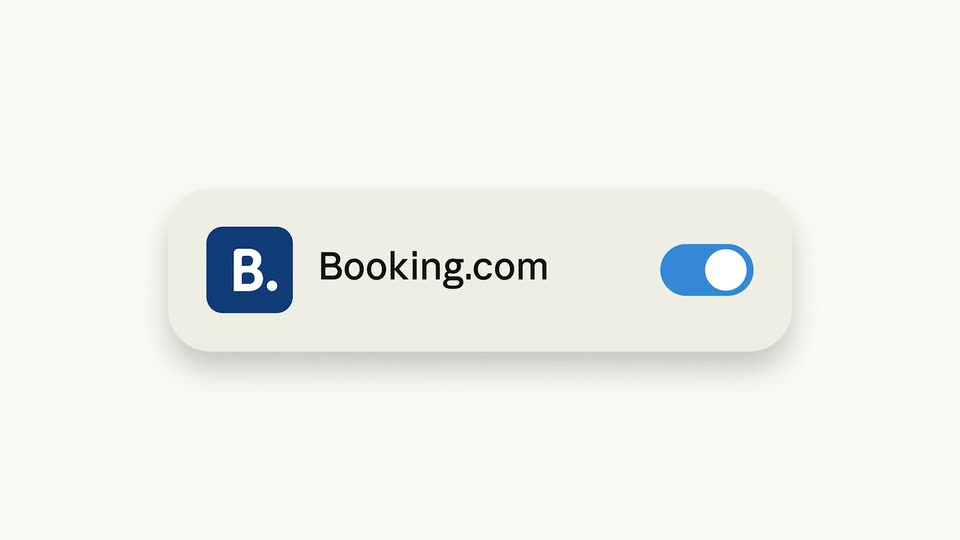
A chat bubble with a gray Booking.com card and an off toggle fades out. The card scales up and centers, its label turns black, and the toggle slides on to blue.
On-screen text: “Booking.com”
Techniques: UI zoom
Camera: Static
A cream background holds a horizontal pill with the dark blue B. icon, the Booking.com wordmark, and a blue toggle switch. The pill quickly collapses into a centered rounded square showing only the B. icon.
On-screen text: “Booking.com”
Techniques: Morph
Camera: Static
A blue Booking.com logo tile scales down from the center to the top-left corner, then the search results screen fades in: a heading, a date line, and three property cards with photos and ratings appear in a row.
Camera: Static
A Booking.com results view of three cabin cards starts zoomed and blurred, then pulls back to a sharp wide frame. A serif caption types out beneath the cards, and a cursor rises to hover over the middle Cozy Cabin card.
On-screen text: “Here are a few options that work for your dates — all family-friendly with outdoor space for the kids. Cozy Cabin has the most reviews for the price. Worth a 10”
Techniques: UI zoom, Kinetic type, Cursor demo
Camera: Static
A booking page for a Cozy Cabin listing shows a photo carousel of an A-frame cabin in autumn; a white cursor hovers the image, then the view zooms into the cabin photo, pushing the listing text out of frame.
Techniques: Cursor demo, UI zoom
Camera: Push in
White serif text reveals line by line on the left over a locked-off shot of a wooden A-frame cabin in an autumn forest. The first two lines are present from the start; the second paragraph builds up below a small white starburst icon.
On-screen text: “This should work perfectly for the four of you.”, “Mia and Leo will really enjoy the hot tub and backyard fire pit.”
Techniques: Kinetic type
Camera: Push in
A blurred cabin interior with tall windows and warm lamps holds a static frame. A rounded chat bubble fades in at top right with a guest's message, then a white serif reply builds phrase by phrase in the lower left beside a small starburst mark.
On-screen text: “We're already settling in! Any outdoor recommendations to keep this hyper 5-year-old distracted?”, “How about a short hike? There's lots of wildlife for Leo to see around the trails here. Let me find a few options nearby.”
Techniques: Kinetic type
Camera: Static
Over a blurred cabin interior, two chat messages sit in white text with a small starburst icon. A green rounded-square icon with a white mountain outline scales in at center, then the messages and icon settle into a white rounded card that frames the conversation.
Camera: Static
A flat AllTrails phone panel floats over a blurred cabin. A map with pins drops in above a row of trail cards that scroll right to highlight one, while a recommendation types out below, then the view reframes to that trail's detail page.
Techniques: UI zoom
Camera: Push in
A sunlit forest of green conifers and yellow aspens with a low mountain in the distance under a clear blue sky, the camera drifting slowly through the trees. A white serif caption fades in line by line on the left, above a small white asterisk mark.
On-screen text: “Nice choice. Remember, elk are out and about, so keep a safe distance if you see any.”
Camera: Push in
A frosted-glass chat bubble with white text hovers over a heavily blurred forest clearing at dusk. A small white asterisk mark sits at lower left. The frame stays locked off while the bubble text holds still.
Camera: Static
A frosted chat bubble with a user's question floats over a blurred, slowly drifting forest backdrop. Below it, a white serif reply types on word by word beside a small white starburst icon.
On-screen text: “No elk today, but the kids chased some chipmunks! Now we're all starving. What's an easy dinner we can make at the cabin?”, “How about taking advantage of the grill?”, “Burgers are Mia's favorite. I'll pull together an order that arrives right when you”
Techniques: Kinetic type
Camera: Static
A blurred dusk landscape of a pine tree and field drifts slowly behind a translucent chat bubble at upper right and a white serif paragraph at lower left, with a small starburst mark beneath. All text stays locked in place.
On-screen text: “No elk today, but the kids chased some chipmunks! Now we're all starving. What's an easy dinner we can make at the cabin?”, “How about taking advantage of the grill? Burgers are Mia's favorite. I'll pull together an order that arrives right when you do.”
Camera: Static
A small white card with the Instacart icon morphs into a full chat panel over a blurred outdoor backdrop. The grocery order card scales in, the patties quantity flips from 1 to 2 with a green flash, the subtotal updates, and the frame zooms onto the Checkout button.
Techniques: Morph, UI zoom
Camera: Push in
A checkout card on a cream background lists the delivery address, item subtotal and a photo-filled Checkout button. The cabin image inside the button zooms to fill the whole screen as the label fades, while a serif caption sits below.
On-screen text: “Here’s an order I can send straight to the cabin. Let me know if you want to swap anything.”
Techniques: UI zoom
Camera: Static
A blurred campfire glows behind a dark comment bubble of white sans text. A white asterisk sits lower left, then a white serif line appears word by word. The frame defocuses as an orange book icon with radiating waves pops in center above a dark Sonnet 4.6 pill.
On-screen text: “Kids are tucked in and we're ALL ready for bed. Know any cozy audiobooks we haven't heard yet?”, “Perfect end to a big day out. Here are a few stories the whole family can snuggle up with tonight.”
Techniques: Kinetic type
Camera: Static
A dark rounded UI panel floats over a blurred warm background. An orange book icon glides from the center up into the header, then rows of audiobook titles with cover art, authors and star ratings scroll upward.
Camera: Static
A starry night sky over a black treeline holds still as a white serif tagline fades in at center, then fades out. A coral starburst mark grows and the white Claude wordmark fades in beside it, holding to the end.
On-screen text: “Your favorite apps,”, “now in one conversation”, “Claude”
Camera: Static