1:49
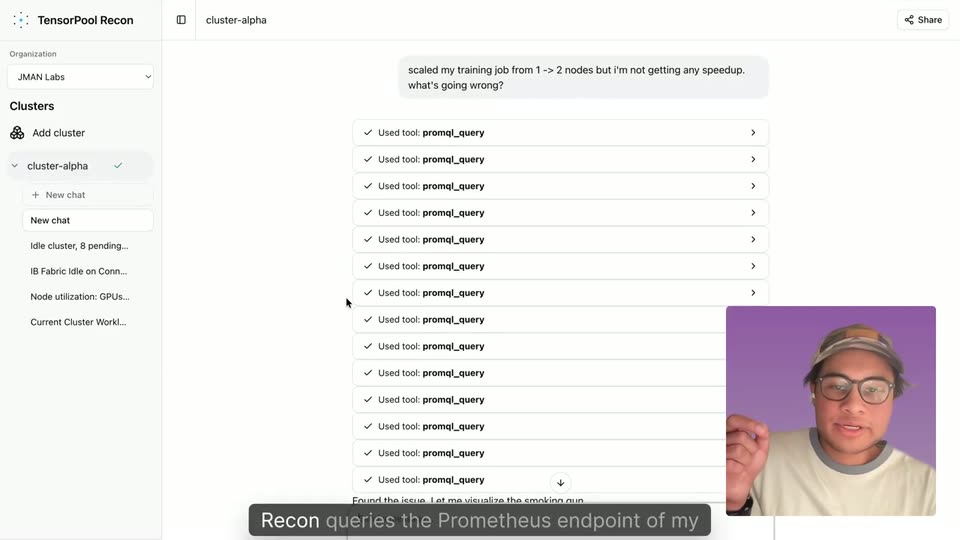

TensorPool - Introducing TensorPool Recon Chat-based observability for Prometheus
TensorPool · B2B · May 2026
Cal.com · Jul 2022 · 1:46 · Full motion · AI-annotated
Cal.com’s 1:46 launch film runs 9 scenes, about 12 s each. The product is on screen from the first frame and 3 features are revealed. There is no explicit call to action; a voiceover carries the film. The video is a release notes tour built as a run of flat title cards, each naming one feature, followed by a clean screen recorded UI demo, all on a plain off white field. A fixed circular webcam of the presenter anchors the lower right corner throughout, and the pace is steady with simple hard cuts between the title cards and the demos.
Is this your launch? to your site or press kit.
Films whose music sounds like this one, voice left out
Hermeus · Electronic, Corporate
Ledger · Modern electronic, corporate tech launch
NVIDIA · Electronic
A plain off-white card shows the title Cal.com v1.8 with a gray pill of feature names, and a circular webcam of a presenter in the lower right. It cuts to a Routing Forms headline beside a flat diagram of a form card connected to two blue person icons.
On-screen text: “Cal.com v1.8”, “Routing forms, Workflows, CMD+K & more”, “Routing Forms”
Camera: Static
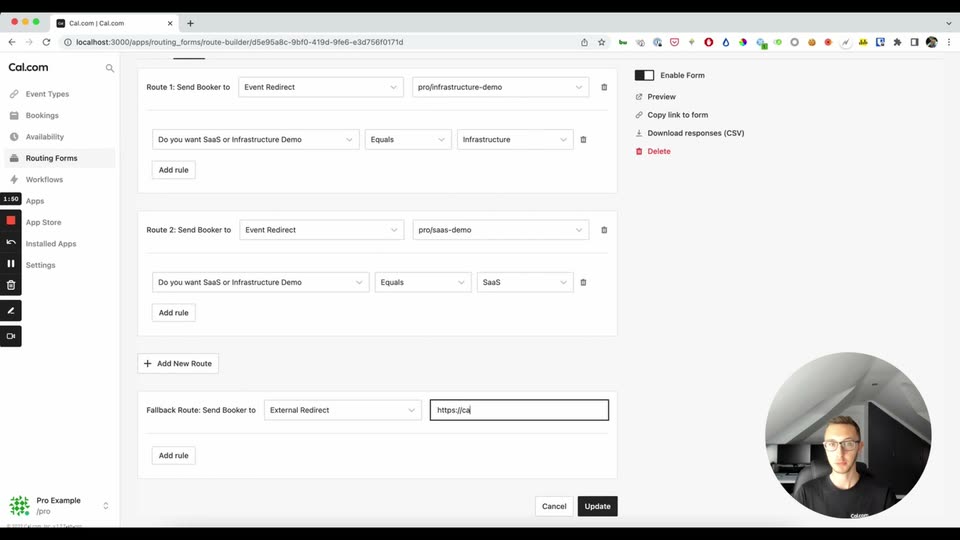
A browser window shows the Cal.com editor as a cursor types a question label, opens a field-type dropdown, then sets routing rules that redirect to different pages. The public form submits and redirects to a July 2022 booking calendar; a webcam circle sits bottom-right.
On-screen text: “Routing forms, Workflows, CMD+K & more”
Techniques: Cursor demo
Camera: Static
A flat calendar mockup on the left shows a blue '1hr before event' bar over a beige 'Weekly meeting' block, with a black 'Send agenda to all attendees' pill. Bold black 'Workflows' sits right, with a circular webcam of a man at bottom right. Locked-off.
On-screen text: “Workflows”
Camera: Static
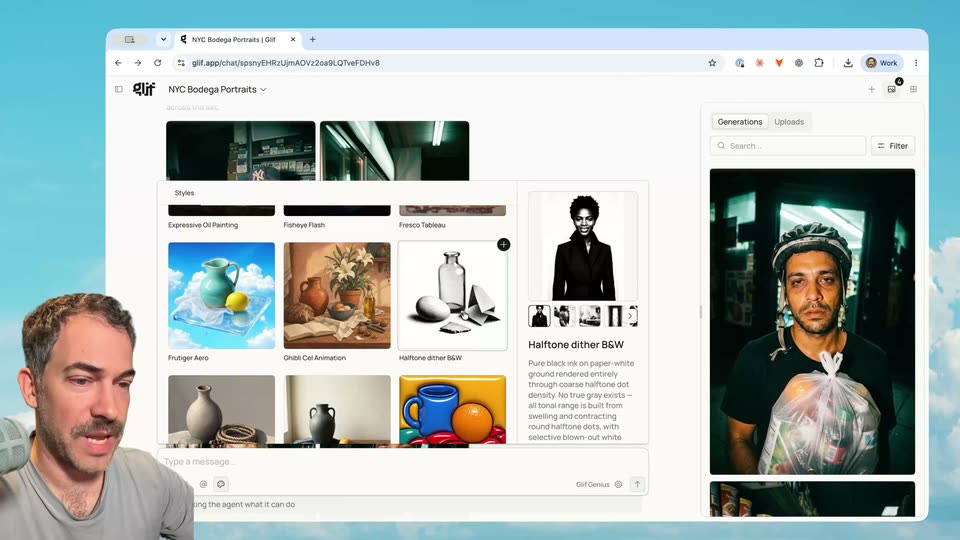
A white 'Add a new workflow' modal sits centered over a dimmed dashboard, with a small circular presenter video in the lower right. A cursor types a name, opens the trigger dropdown to pick an option, then opens the action dropdown to choose an email action.
Techniques: Cursor demo
Camera: Static
The Cal.com Workflows screen shows a Hiring Call Reminder builder with trigger and action cards. A cursor opens the Active on dropdown, checks Hiring Call, then the view scrolls down. A circular webcam of a presenter sits bottom right with a green success toast.
Techniques: Cursor demo
Camera: Static
A flat command palette mockup sits under a bold black title and gray caption. Two dark keycaps, command and K, with blue outlines rest beside the bookings list. A circular inset shows a man in glasses talking at bottom right. The frame holds static throughout.
On-screen text: “Command Palette”, “Activate with CMD+K”
Camera: Static
A static Cal.com App Store screen fills the frame, showing a left sidebar, a row of category cards and a trending apps list. A circular webcam of a man in a black shirt sits in the bottom right corner, his head moving slightly as he speaks.
Camera: Static
A dimmed Cal.com page sits behind a centered white command palette, its list scrolling down through categories as the cursor moves and rows highlight in turn. A small circular webcam of the presenter is pinned to the bottom right corner.
Techniques: Cursor demo
Camera: Static
A centered list of five bold black lines sits on a plain white background, unchanged for the full shot. A small circular webcam inset of a man in glasses occupies the lower right corner while he speaks.
On-screen text: “Zoom fixes”, “Easier username upgrades”, “New video providers”, “Webhook improvements”, “API improvements”
Camera: Static