

1:04
Explore
Cal.com releases version 2.0
Cal.com · Sep 2022 · 0:54 · Full motion · AI-annotated
- Length
- 0:54
- Scenes
- 23 · 2.4 s avg
- Product on screen
- 0:08
- Features shown
- 2
- Call to action
- 0:46 · 86%
- Voiceover
- Yes
- Views
- 1K on YouTube
as of November 27, 2026
00:00:00 / 00:54:21
- Length
- 0:54
- Scenes
- 23 · 2.4 s avg
- Product on screen
- 0:08
- Features shown
- 2
- Call to action
- 0:46 · 86%
- Voiceover
- Yes
- Views
- 1K on YouTube
as of November 27, 2026
Cal.com’s 0:54 launch film runs 23 scenes, about 2.4 s each. The product shows up at 0:08 and 2 features are revealed. The call to action lands at 0:46 (86% in), over a voiceover. The video alternates locked-off centered text cards with 3D-tilted interface mockups that rotate and flatten to a front view, cutting on a steady beat. Its signature moves are the perspective-to-flat camera settle on UI screens and the crossfading bold headlines on a plain off-white field.
No filming indicatedEstimated needs: 4 capture groups — your screens or recordings · 1 graphic passage — draw or supply · 8 3D passages — build or supply
Is this your launch? to your site or press kit.
More like this
1:06
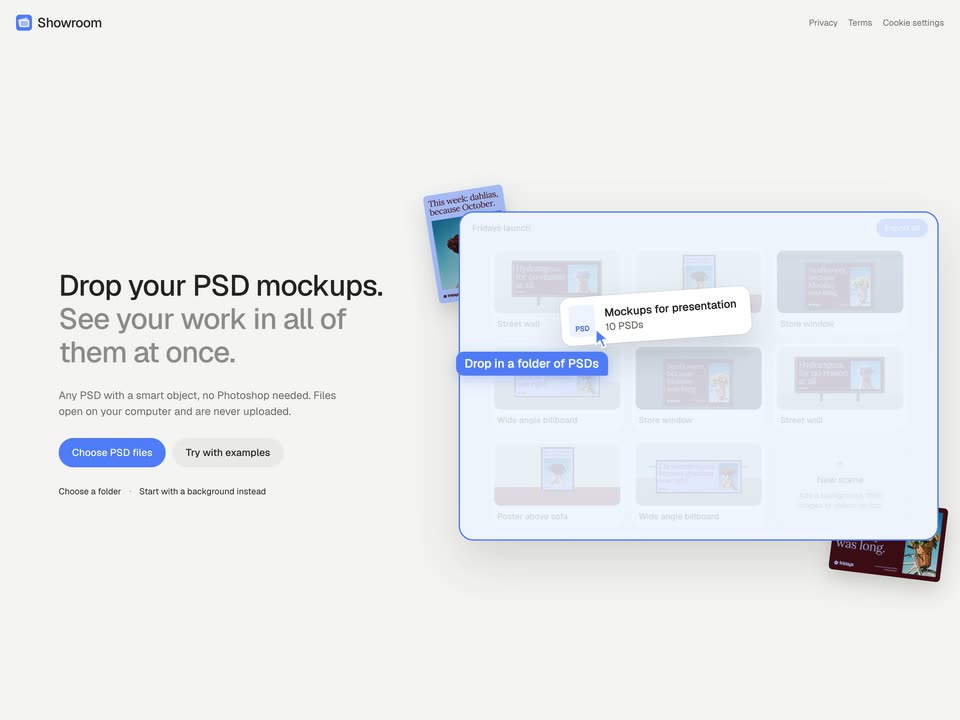

Seyi - Introducing Showroom, an app that lets you see your designs in every
Showroom · Oct 2026
0:47
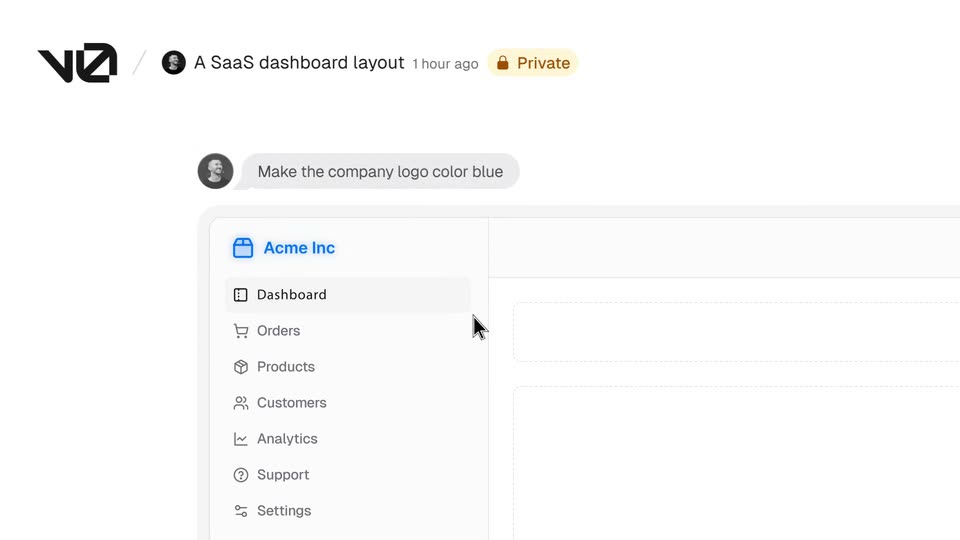

Introducing v0: Generative UI
Vercel · Developer tools · Oct 2023
Similar soundtrack
Films whose music sounds like this one, voice left out
1:26

Best AI Saas Product Launch Video | Snowfire
Snowfire · Modern funk, disco, and electronic dance music
1:01

0:53

Spot Cam 2 | Boston Dynamics
Boston Dynamics · Modern funk-rock
Cal.com releases version 2.0, scene by scene
· 23 scenes as text
01 · Hook · 0:00–0:04
Two centered lines of black text sit on a plain off-white background. Around the third second they crossfade into a second pair of lines, while the first fades to light gray.
On-screen text: “We've spent the last year building a scheduling product that's packed with features.”, “We built so much, we needed a new way to present all these features.”
Camera: Static
02 · Hook · 0:04–0:07
A centered black headline sits on a plain light background, then the type scales up as a faint design-tool interface fades in behind it, showing input fields, a URL bar and gray color swatches.
On-screen text: “We built so much, we needed a new way to present all these features.”
Techniques: Kinetic type
Camera: Push in
03 · Hook · 0:07–0:08
A white design canvas is crowded with spec-annotated components: input fields, a dropdown, a URL bar, a button, a gray color palette and a modal, all marked with red and green measurement guides. A large light-gray headline fades in over the center, then swaps to a second line.
On-screen text: “We built so much, we needed a new”, “way to present all these features.”, “So, we went back to the drawing board.”
Camera: Static
04 · Product intro · 0:08–0:11
A static collage of annotated UI spec sheets fills the frame while a large dark gray headline crossfades in the center from “So, we went back to the drawing board.” to “And now, we’re proud to introduce Cal.com v2.0”.
On-screen text: “So, we went back to the drawing board.”, “And now, we're proud to introduce Cal.com v2.0”
Techniques: Kinetic type
Camera: Static
05 · Product intro · 0:11–0:13
A single line of black bold text sits centered on a plain off-white background, held static and locked-off for the full duration of the shot.
On-screen text: “And now, we're proud to introduce Cal.com v2.0”
Camera: Static
06 · Demo · 0:13–0:15
A white-background shot frames a 3D monitor in perspective. The screen, showing the Cal.com Event Types page with a sidebar and event rows, rotates from a steep side-on tilt to face the camera, settling into a flat front view.
Techniques: 3D mockup
Camera: Push in
07 · Demo · 0:15–0:16
A 3D-tilted screen shows the Cal.com Event Types page. The sidebar labels and list rows begin doubled and offset, then settle into a clean layout.
Techniques: 3D mockup, Morph
Camera: Static
08 · Demo · 0:16–0:18
A Safari window showing the Cal.com event editor floats in 3D perspective over a ghosted copy of itself. A cursor clicks down the left sidebar from Availability to Limits, and the main panel switches to the Working Hours table as the camera pushes in.
Techniques: 3D mockup, Cursor demo, UI zoom
Camera: Push in
09 · Demo · 0:18–0:19
A coaching app settings screen sits in 3D perspective, its left sidebar showing the Limits item highlighted while a cursor hovers beside it. The frame stays still, only the menu-bar clock advancing a second.
Techniques: 3D mockup
Camera: Static
10 · Demo · 0:19–0:21
A tilted Mac screen shows the Cal.com scheduling interface in 3D perspective. A cursor hovers the left sidebar and the main panel crossfades from the Advanced settings to the Recurring Event form, its toggle already on. The menu bar and browser chrome frame the top edge.
Techniques: Cursor demo, 3D mockup
Camera: Static
11 · Demo · 0:21–0:22
A monitor in 3D perspective shows a scheduling app on its screen, then the camera moves to a close-up of the perforated metal back, where the model name appears at right.
On-screen text: “Pro Display XD”
Techniques: 3D mockup
Camera: Static
12 · Demo · 0:22–0:23
The back of a Pro Display XD, with its perforated metal surface and handle, rotates in 3D around a vertical axis. The turn swings from a flat rear view to an angle where the dark front screen shows a calendar app with a Design Workshop entry.
Techniques: 3D mockup
Camera: Static
13 · Demo · 0:23–0:25
A dark monitor in 3D perspective shows the Cal.com scheduling page with event details, a June calendar and a list of time slots. The camera eases from an angled view to a flat front-on frame as the doubled text sharpens into focus.
On-screen text: “Cal.com”
Techniques: 3D mockup
Camera: Push in
14 · Feature reveal · 0:25–0:27
A single line of black text sits centered on a plain off-white background, held static for the full duration of the clip.
On-screen text: “Packed with apps to connect the services you love.”
Camera: Static
15 · Feature reveal · 0:27–0:31
The Cal.com App Store opens as a tilted 3D mockup that flattens to a front view, then zooms into the Trending apps row. A cursor clicks Install on the Google Meet card and a setup dialog with three trigger options pops up over the dimmed screen.
Techniques: 3D mockup, UI zoom, Cursor demo
Camera: Static
16 · Feature reveal · 0:31–0:32
A Zapier app store page fills the frame: a left menu, two dark teal cards with workflow illustrations, and a right details panel with the Zapier logo and an Install app button. The view eases out a touch, revealing the full logo and more of the sidebar.
Camera: Pull out
17 · Feature reveal · 0:32–0:34
The Cal.com App Store page opens slightly blurred and zoomed, then sharpens into a full view. Two dark teal cards list a three-step Zapier workflow on the left, while the right panel shows the Zapier logo, an Install app button and description text.
Techniques: UI zoom
Camera: Static
18 · Feature reveal · 0:34–0:36
A black headline sits centered on a plain white background, locked off and still, then the frame cuts to the Cal.com Workflows page where a trigger and an action card are laid out and the name field reads 'Coaching Reminder'.
On-screen text: “Build powerful workflows around your scheduling.”
Camera: Static
19 · Feature reveal · 0:36–0:41
The Cal.com workflow editor shows a typed workflow name and an open event-type dropdown. The camera pans right and zooms onto the Action card, where a cursor opens the Do this menu, listing email and SMS options.
Techniques: UI zoom, Cursor demo
Camera: Pan
20 · Pricing · 0:41–0:44
A plain off-white background holds two centered lines of black text in sequence: “And best of all,” then “Cal.com is now completely free for individuals.” Each line holds still on a locked-off frame.
On-screen text: “And best of all,”, “Cal.com is now completely free for individuals.”
Camera: Static
21 · Pricing · 0:44–0:45
A plain off-white card holds the small black line 'Cal.com is now completely free for individuals.' centered, then the line is replaced by the larger centered phrase 'No limits'. Both texts sit still on the locked-off frame.
On-screen text: “Cal.com is now completely free for individuals.”, “No limits”
Camera: Static
22 · Pricing · 0:45–0:46
Black sans-serif text sits centered on a plain white background. The phrase “No limits” holds in place, then the frame cuts to “No restrictions” in the same centered position, both static.
On-screen text: “No limits”, “No restrictions”
Camera: Static
23 · CTA · 0:46–0:54
A plain off-white card holds centered black text that swaps in sequence: a question line fades in and out, then a short answer, then a sign-up line with a URL that holds and fades out at the end.
On-screen text: “No restrictions”, “Sounds too good to be true?”, “Well, it isn't.”, “Sign up for your free account at cal.com/signup”
Camera: Static