0:44
Alex Ksendzovsky - today, we introduce a little mischief to the world. for four years,
Biological Computing Company · Oct 2026
Ava Studio · Nov 2026 · 0:33 · Full motion · AI-annotated
Ava Studio’s 0:33 launch film runs 15 scenes, about 2.2 s each. The product shows up at 0:02. The call to action lands at 0:28 (84% in). The video is one continuous lateral camera move through a dark node graph, with each pipeline stage (prompt, brand, research, make, review, learn) revealed as a panel that the green connector lines stitch together. Its signature moves are scrambled-text title cards that resolve and blur out, plus blur-and-slide panel transitions, all cut to a steady 120 bpm pulse.
Is this your launch? to your site or press kit.
Biological Computing Company · Oct 2026
Input Systems · Oct 2026
Google · AI · Jan 2026
Films whose music sounds like this one, voice left out
Aqua Voice · Electronic, lo-fi hip-hop, deep house
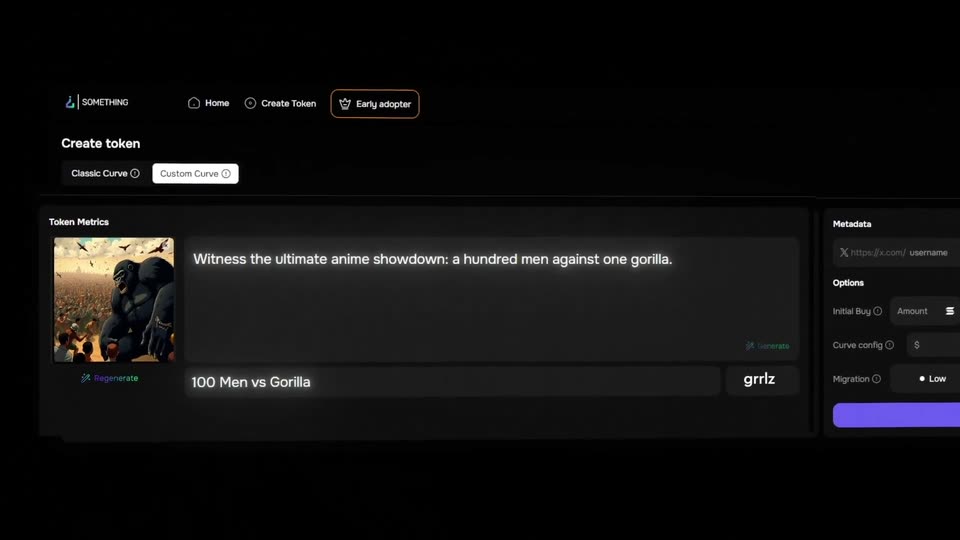
Something · Electronic
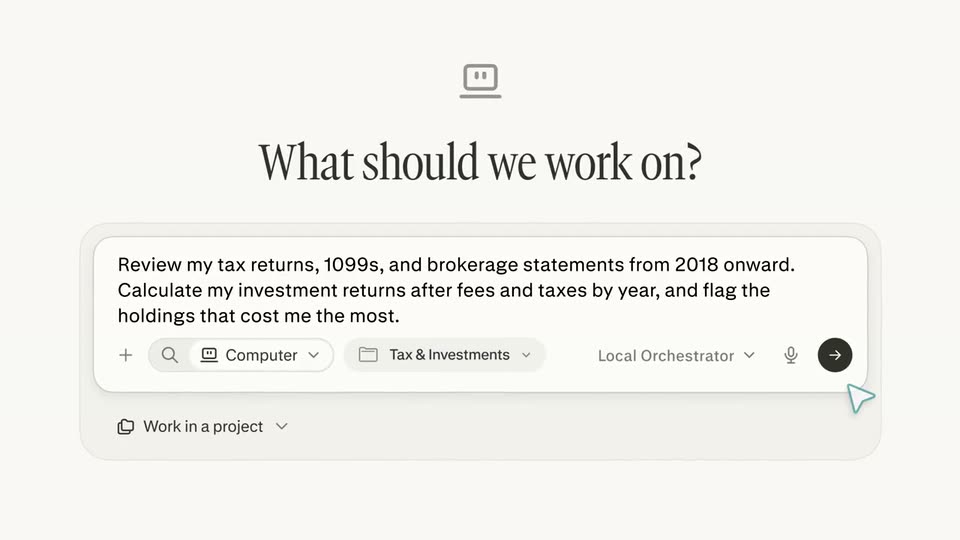
Perplexity · Electronic dance music
On a dark grid background, scrambled characters resolve into the white line Software factories ship code., which scales, slides up and blurs out. The line Model factories train models. then resolves in the center and scales into place.
On-screen text: “Software factories ship code.”, “Model factories train models.”
Techniques: Kinetic type
Camera: Push in
On a dark grid backdrop, the white headline “Meet your Content Factory.” with “Content Factory.” on a green highlight scrolls upward and blurs, while a tilted Claude interface card labeled “Ava Studio” slides in from the bottom.
On-screen text: “Model factories train models.”, “Meet your Content Factory.”
Techniques: Kinetic type, 3D mockup, Parallax
Camera: Pull out
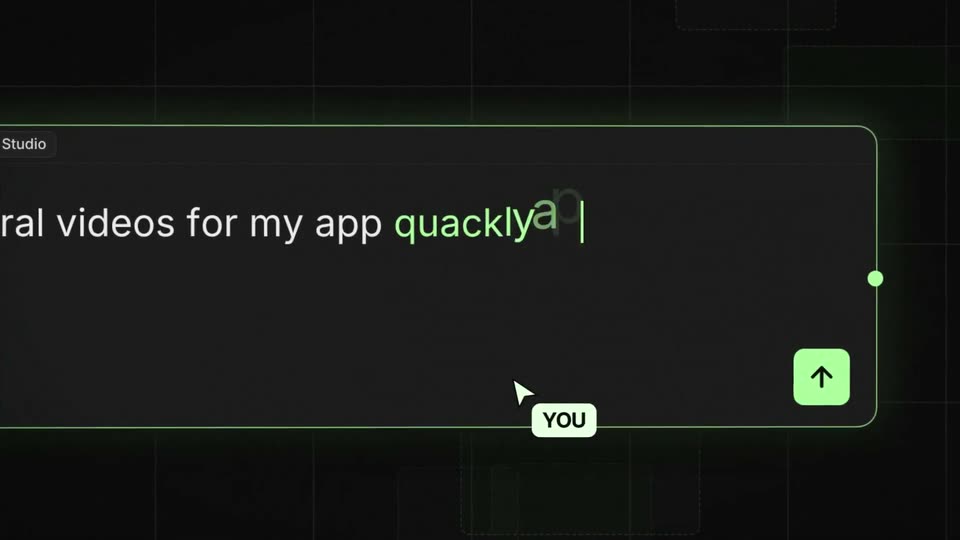
A dark Claude chat card with an Ava Studio toggle glides left across a faint grid while a green caret types a prompt about viral app videos. A YOU tag and a green send button track the caret, then the card blurs and exits.
On-screen text: “quacklyapp.com”
Techniques: Kinetic type, 3D mockup, Speed ramp
Camera: Pan
On a dark grid canvas, a glowing BRAND card settles into the center as a green line draws in from a left node. The camera pulls back while a cursor hops to the right node and an AVA tag pops in beside it.
On-screen text: “quacklyapp.com”, “YOU”, “AVA”
Techniques: Cursor demo, UI zoom
Camera: Push in
A dark grid canvas holds a horizontal flow of cards: a BRAND card with the Quackly logo and quacklyapp.com, a second BRAND card, and a green AVA pill joined by a green line. The camera pans right to reframe on a RESEARCH panel titled 'What's working on TikTok right now' showing three vertical video thumbnails, while the AVA pill slides to the panel's bottom edge.
On-screen text: “quacklyapp.com”
Techniques: UI zoom
Camera: Push in
A dark grid backdrop holds a bordered research panel titled in white. A row of three vertical TikTok clips sits above two insight cards that cycle their thumbnails and captions. A green cursor points to the AVA logo pill at the bottom right.
On-screen text: “What's working on TikTok right now”
Camera: Pull out
On a dark grid, a green wireframe panel labeled MAKE holds a dashed circle. A cursor taps the AVA pill as four feature labels pop in at its corners, and a fan of video cards slides in from the right, linked by green lines.
Techniques: Cursor demo, Parallax
Camera: Push in
A dark node graph with a MAKE panel on the left; green lines branch to video cards, then creator cards for Maya, Ivy, Jay and Kai. The camera tracks right as the cards populate, ending on a review panel with a phone mockup and timeline.
Techniques: Parallax, UI zoom
Camera: Push in
A dark video-review interface with a vertical preview of a woman in a room, a frame timeline and a caption field reading ready for a productive morning.., sits over a grid. Clip thumbnails on the left link to the panel with green connector lines. The camera pans slowly right across the flat layout.
Camera: Pan
Dark editing UI on a green grid. A vertical clip of a woman pointing at her face fills the center preview, a timeline with green tracks runs below, and a phone on the right plays a clip of a woman in a green sweater. REVIEW slides in at top left.
On-screen text: “REVIEW”
Camera: Pan
A dark grid background frames a split layout: a video editor interface on the left and a flat phone mockup on the right, joined by a green connector line. The phone screen scrolls from a woman's selfie to a kitchen clip with a green Posted tag.
Techniques: Split screen
Camera: Pan
Two device mockups, an angled tablet on the left and a phone on the right, sit on a dark grid background crossed by green timeline lines. The screens play short clips of a woman in a kitchen while a green Posted badge sits at the top of the phone.
Techniques: 3D mockup
Camera: Pull out
A dark grid backdrop holds a green-outlined panel marked LEARN. Three vertical video thumbnails slide in from the left, and a winner card with a looping video and a title slides in from the right, overlapping the panel as the layout recenters.
Camera: Pull out
A black screen fills with a network of small profile cards and photo tiles joined by thin green lines, the whole graph sliding left as the view widens. A static white headline with a green word hovers at the top.
On-screen text: “Next week, it does it again.”
Camera: Pull out
A dark grid end card resolves from a green glitch into the Avastudio logo, the headline Content Factory, the line On Claude and ChatGPT, the URL avastudio.com and a green Start for free button, with a cursor on the button.
On-screen text: “Content Factory”, “On Claude and ChatGPT”, “avastudio.com”, “Start for free”
Techniques: Kinetic type
Camera: Push in