
0:19
Explore
OpenAI - Astra for Law: Frontier intelligence built for your practice. A new
Astra for Law · Sep 2026 · 1:17 · Full motion · AI-annotated
- Length
- 1:17
- Scenes
- 27 · 2.9 s avg
- Product on screen
- 0:00
- Features shown
- 3
- Voiceover
- No
- Views
- 16M on X
as of November 28, 2026
00:00:00 / 01:17:18
- Length
- 1:17
- Scenes
- 27 · 2.9 s avg
- Product on screen
- 0:00
- Features shown
- 3
- Voiceover
- No
- Views
- 16M on X
as of November 28, 2026
Astra for Law’s 1:17 launch film runs 27 scenes, about 2.9 s each. The product is on screen from the first frame and 3 features are revealed. There is no explicit call to action. The video alternates locked-off kinetic type cards on white with brief UI demos, building each claim through word-by-word typing and trailing-word color swaps. Signature moves are the radial galaxy warp, the oval ring of partner icons, and fast zoom-through reframes of the chat interface, all cut to a steady 130 BPM pulse.
No filming indicatedEstimated needs: 1 capture group — your screens or recordings · 1 official logo — reused across the film · 8 graphic passages — draw or supply
Is this your launch? to your site or press kit.
More like this


0:27


Introducing Whop Ads
Whop · May 2026
1:41


Introducing the Street View snowmobile
Google · AI · Feb 2010
Similar soundtrack
Films whose music sounds like this one, voice left out
2:36
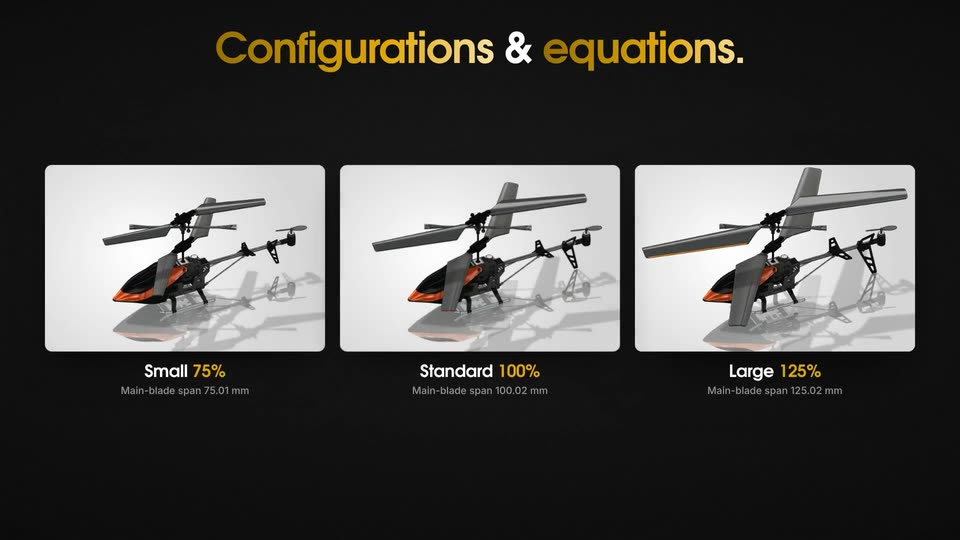

MecAgent - Introducing MecAgent V2.0.0 - The Future of AI & CAD.
MecAgent · Electronic
0:47

The Credit Card for the AI Stack | ernd (YC F26)
ernd · Electronic, House, Lo-fi Hip-hop, Chillwave
1:25
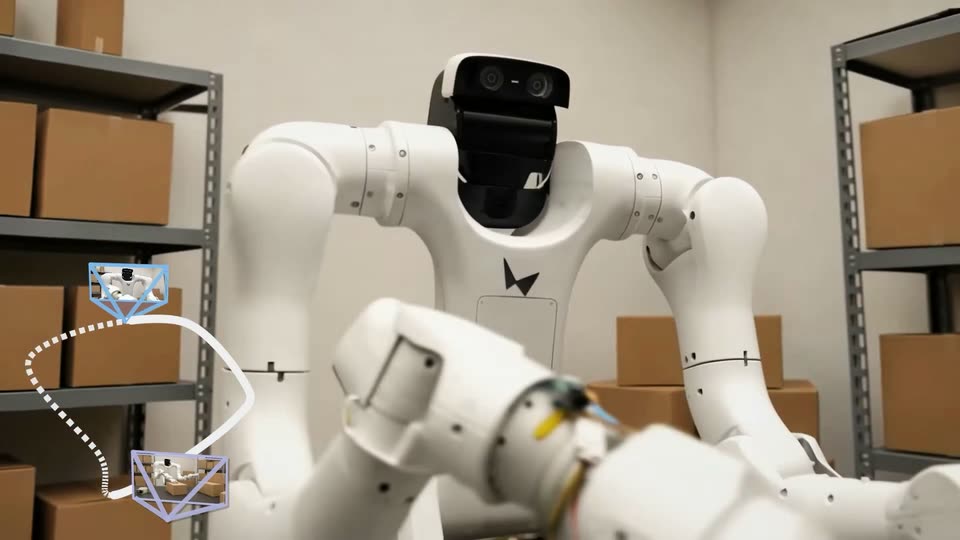

World Labs - Introducing Atlas: The world's first multimodal world model that gen
World Labs · Electronic
OpenAI - Astra for Law: Frontier intelligence built for your practice. A new, scene by scene
· 27 scenes as text
01 · Product intro · 0:00–0:02
A plain white frame holds centered text. OpenAI appears in black, then for and Law follow, with Law fading in from light pink to blue.
On-screen text: “OpenAI for Law”
Techniques: Kinetic type
Camera: Static
02 · Product intro · 0:02–0:03
A centered headline reads OpenAI for Law, the word Law in blue, on a plain off-white background. It cuts to a second centered headline, Frontier intelligence for, in black. Both frames are static with a locked-off camera.
On-screen text: “OpenAI for Law”, “Frontier intelligence for”
Camera: Static
03 · Product intro · 0:03–0:05
A black two-line headline sits centered on a plain off-white background. The line reads “Frontier intelligence for professional legal work,” and the final word “work” slides in to complete the second line before the frame holds still.
On-screen text: “Frontier intelligence for professional legal work”
Techniques: Kinetic type
Camera: Static
04 · Product intro · 0:05–0:06
A plain off-white background holds the black word Powered centered. The word by enters in grey over the d, then slides right into place and turns black, completing the phrase.
On-screen text: “Powered by”
Techniques: Kinetic type
Camera: Static
05 · Product intro · 0:06–0:07
On a plain white background, a small olive dot with a thin red ring sits at center and swells outward into a large circle, then contracts into a small dark navy dot.
Techniques: Morph
Camera: Static
06 · Product intro · 0:07–0:10
White bold title “Astra for Law” holds centered over a black starfield. Radial light streaks converge and swirl into a rotating spiral galaxy of white particles behind the text.
On-screen text: “Astra for Law”
Techniques: Particles
Camera: Static
07 · Product intro · 0:10–0:10
A spiral of white star particles rotates on a black space field behind the centered title. The frame then warps into a radial blur as if flying through the galaxy.
On-screen text: “Astra for Law”
Techniques: Particles, Speed ramp
Camera: Static
08 · Feature reveal · 0:10–0:14
On a plain white background, the black phrase Build your stays fixed while the trailing word swaps and recolors: blue expertise, purple knowledge, pink methods. The line then slides off left as Into ChatGPT for Your Firm appears in black.
On-screen text: “Build your expertise”, “Build your knowledge”, “Build your methods”, “Into ChatGPT for Your Firm”
Techniques: Kinetic type
Camera: Static
09 · Feature reveal · 0:14–0:18
A row of rounded-square law firm logo tiles slides left beneath the static headline. A cursor arrow clicks the red Cooley tile, which scales up to the center of the frame as the other tiles and the headline exit.
On-screen text: “Into ChatGPT for Your Firm”
Techniques: Cursor demo
Camera: Static
10 · Feature reveal · 0:18–0:25
The red Cooley logo hovers above a chat input bar. The view zooms into the field as a prompt about drafting an S-1 shell mapping for Innovation, Inc. types itself out word by word, then reframes to show the full completed prompt with the send button active.
Techniques: UI zoom, Kinetic type
Camera: Pull out
11 · Feature reveal · 0:25–0:27
The word Thinking in light gray slides horizontally across a plain off-white background, the frame locked off and the text held left of center.
On-screen text: “Thinking”
Techniques: Kinetic type
Camera: Static
12 · Feature reveal · 0:27–0:30
A white transcript view holds a gray “Worked for 34s” header above a thin divider. Below it, the agent's message types out word by word, then a wrench icon with a gray status line fades in.
Techniques: Kinetic type
Camera: Push in
13 · Feature reveal · 0:30–0:38
A close-up of a chat interface streams a response as status lines fade in, then scrolls down to reveal a file card and a moving cursor, before a fast zoom-out shows the whole window on a warm gradient background.
Techniques: Cursor demo, UI zoom
Camera: Pan
14 · Feature reveal · 0:38–0:42
A chat assistant panel and a document window showing an SEC Form S-1 sit on a soft orange-to-purple gradient. The document window slides right to clear the chat panel, then the pair drifts right and fades into the background.
Camera: Pan
15 · Feature reveal · 0:42–0:48
A bold black headline builds word by word in the center of a white field. From about 2.5s, small rounded app icons pop in one after another, tracing an oval ring around the text until the loop is full.
On-screen text: “Access the legal tools”, “you know and trust”
Techniques: Kinetic type
Camera: Pan
16 · Feature reveal · 0:48–0:49
A centered black headline sits on a white background, framed by an oval ring of partner app icons. The icons fade in and out around the ring while the text stays fixed.
On-screen text: “Access the legal tools you know and trust”
Camera: Static
17 · Feature reveal · 0:49–0:50
On a white field, large dark headline reads “Access the legal tools you know and trust” as small app icons and label chips drift around it. The headline swaps to “27+ skills, 25+ integrations” while the icons settle into a new arrangement.
On-screen text: “Access the legal tools you know and trust”, “27+ skills, 25+ integrations”
Techniques: Kinetic type
Camera: Static
18 · Feature reveal · 0:50–0:54
A bold black headline, '40+ skills, created by the community', sits centered on white while its number counts up from 36. White skill cards and small colored icons drift around the edges, growing larger, then fall out of focus as the camera settles on the text.
On-screen text: “40+ skills, created by the community”
Techniques: Kinetic type, Parallax
Camera: Pan
19 · Feature reveal · 0:54–0:58
The blurred product list behind the headline '40+ skills, created by the community' fades to a clean white background. The new headline 'All bound by legal-grade trust and controls' types in word by word in black, holds, then fades to gray as 'Your' begins to appear with a blue dot.
On-screen text: “40+ skills, created by the community”, “All bound by legal-grade trust and controls”, “Your”
Techniques: Kinetic type
Camera: Static
20 · Feature reveal · 0:58–1:02
The word Your sits beside a row of blue dots, which vanish as the text types out letter by letter with a blinking caret, completing two centered lines on a white field.
On-screen text: “Your data stays private.”, “Zero data retention.”
Techniques: Kinetic type
Camera: Static
21 · Feature reveal · 1:02–1:03
A blurred white document card sits centered on a pale background. A blue crossed-eye icon in the middle scales up and deepens in color while small blue dots drift outward from the edges.
Camera: Static
22 · Feature reveal · 1:03–1:05
A plain white frame holds the bold black line 'Automated safeguards.' centered, while a second line, 'No human eyes.', fades in directly below it. The frame stays locked and static throughout.
On-screen text: “Automated safeguards.”, “No human eyes.”
Camera: Static
23 · Feature reveal · 1:05–1:09
On a light gray background, black bold sans-serif text builds word by word into two left-aligned lines, “So you can maintain the trust you’ve earned.” The final words fade from gray to black, then a small document icon with a green checkmark pops in at the line’s end.
On-screen text: “So you can maintain the trust you've earned”
Techniques: Kinetic type
Camera: Static
24 · Other · 1:09–1:12
On a plain off-white field, the black phrase “Scale your firm's” holds center while the final word cycles through colored versions: blue “expertise”, green “ambitions”, purple “value”, each swapping in place.
On-screen text: “Scale your firm's expertise”, “Scale your firm's ambitions”, “Scale your firm's value”
Techniques: Kinetic type
Camera: Static
25 · Other · 1:12–1:13
A centered headline reads “Scale your firm’s value” in bold dark sans, the last word in pale lavender, on a plain off-white field. The line then clears, leaving a small orange circle at the center.
On-screen text: “Scale your firm's value”
Camera: Static
26 · Other · 1:13–1:14
On a white background, a bold black headline builds word by word to read “With OpenAI for Law”, the last word in pink. Around it float a striped tie, scales of justice, an Excel icon, a bar chart, a line graph and a small ChatGPT interface mockup.
On-screen text: “With OpenAI for Law”
Techniques: Kinetic type
Camera: Pull out
27 · Outro · 1:14–1:17
A small dark dot sits at the center of a white frame, then expands into a black line-drawn knot logo. The rounded interwoven strokes draw themselves in around the center, settling into a static mark by the end.
Techniques: Morph
Camera: Static