
4:00
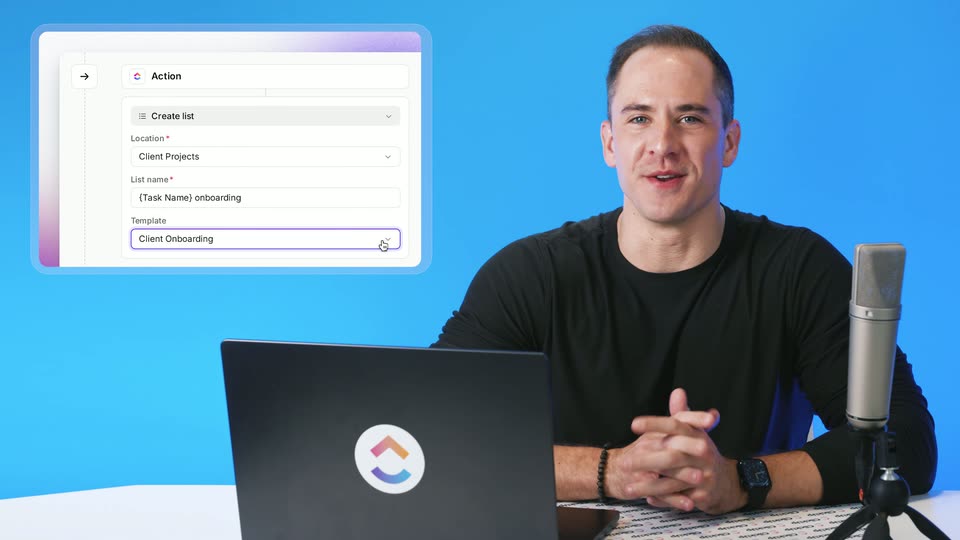

ClickUp Release 4.09: List Templates in Automations, Parent Task Date Sync, and more!
ClickUp · Productivity · Oct 2026
Jinko · Nov 2026 · 0:19 · AI-annotated
Jinko’s 0:19 launch film runs 10 scenes, about 2.0 s each. The product is on screen from the first frame and 1 feature is revealed. There is no explicit call to action. The video opens on the logo, demos the Find Dates feature over a serene meadow by typing prompts and scrolling a grid of flight cards, then resolves the search into a single frosted result card. It closes on plain white with typed value-prop lines and the logo, using a blinking cursor and self-drawing underlines as its signature moves.
Is this your launch? to your site or press kit.
ClickUp · Productivity · Oct 2026
Adobe · Feb 2025
ElevenLabs · AI · Nov 2026
The Jinko logo, a black rounded square holding a white-to-pink gradient circle, sits centered on a blue sky with thin clouds. The logo scales up and drifts upward while fading out, then the word Introduces fades in at the center.
On-screen text: “Introduces”
Camera: Pan
A blue sky holds the word Introduces in white as it scales, then the frame locks on rolling green hills dotted with wildflowers. The title Find Dates slides into the center, a pink underline drawing beneath it.
On-screen text: “Introduces”, “Find Dates”
Techniques: Kinetic type
Camera: Pan
Over a static meadow-and-sky photo, white text types in with a blinking cursor while an airplane and a lightbulb icon pop above key words. The text is replaced by a frosted chat input that types a flight query, then a Thinking tag appears.
On-screen text: “Your user has a destination in mind, but is not sure when to go”, “Find the cheapest flight from SF to Japan next summer.”
Techniques: Kinetic type
Camera: Static
A chat input field holds the prompt to find the cheapest flight from SF to Japan next summer, beside a small Thinking status card. The view cuts to a dense grid of flight cards, each pairing a route with a pink price, that scrolls vertically.
Camera: Push in
A grid of black rounded cards on a white field scrolls horizontally, each card showing a white route label such as SFO / Sapporo, a large red price, and a small white date range, panning left to reveal new columns of cities.
Camera: Push in
A grid of dark flight-price cards fills the frame, the SFO/Tokyo card glowing green with a checkmark. The view pulls back to reveal the grid floating over a sunlit field of wildflowers under a blue sky.
Techniques: UI zoom
Camera: Pull out
A frosted glass card appears over a bright grassy valley. It fills with a travel result: Tokyo, August 4 to 11, and $545, while white square outlines assemble along the bottom.
On-screen text: “Al Agent”, “Cheapest option found”, “Tokyo”, “August 4 to 11”, “$545”
Camera: Static
White background. The sentence “Your user picks the destination.” types out behind a thin cursor, while blue pixel squares dissolve from the top edge.
On-screen text: “Your user picks the destination.”
Techniques: Particles, Kinetic type
Camera: Static
Two lines of black text type out on a pale off-white background. A red underline draws under destination as a small red airplane icon pops in above it, then a green underline and checkmark finish the second line. The whole text fades out at the end.
On-screen text: “Your user picks the destination.”, “Jinko helps your agent find the best dates.”
Techniques: Kinetic type
Camera: Static
On a plain off-white field, the Jinko logo, a black rounded square with a peach gradient circle, and its wordmark fade in at center. Below, the tagline types out line by line with a blinking caret, then holds.
On-screen text: “The Travel Infrastructure”, “for AI Agents”
Techniques: Kinetic type
Camera: Static