1:20

Robin Choy - We're launching Adside today, a swarm of agents that finds the most p
Adside · B2B · Nov 2026
Tilion’s 1:21 launch film runs 34 scenes, about 2.4 s each. The product shows up at 0:22, with social proof. The call to action lands at 1:09 (85% in), over a voiceover. The video is built as a tight problem-to-product arc: a postal metaphor (stamps, task forms, returned-to-sender marks) dramatizes agents getting blocked, then a black-and-white horse reveal and benchmark leaderboards introduce Tilion, and a run of CRT confirmation screens proves it works at any scale before a single-line CTA and a locked-off logo card close it. Its style is defined by a near-black palette punctuated by red, blue and gold accents, a mix of 3D renders, live-action cutaways and typ
Is this your launch? to your site or press kit.
Adside · B2B · Nov 2026
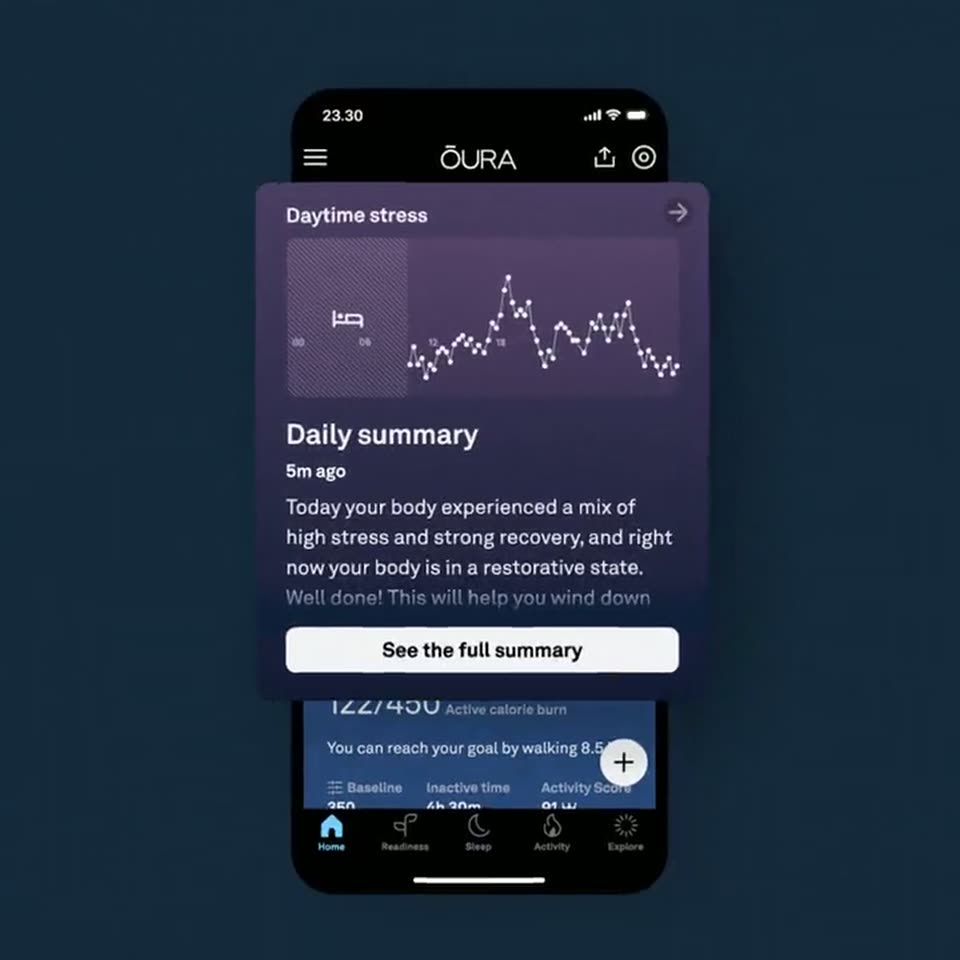
Oura · Hardware · Oct 2023
Films whose music sounds like this one, voice left out
Webflow · Cinematic orchestral with electronic elements
GitHub · Electronic, Orchestral
ByteAsk · Cinematic Orchestral and Electronic
A laptop in 3D perspective sits against a blue radial burst background, its screen showing an Amazon error page with two white dogs. The word agents in orange sits static on the left side of the page.
On-screen text: “agents”
Techniques: 3D mockup
Camera: Push in
A dark laptop in 3D perspective rests on a purple gradient, its screen dimmed over a Quick verification dialog. The gold word agents sits left of the screen and get fades in on the right.
On-screen text: “agents”, “get”
Techniques: 3D mockup
Camera: Push in
A serif word
On-screen text: “Blocked”
Techniques: Masking
Camera: Push in
A cream paper-like task card floats tilted in 3D against black, listing BOOK A FLIGHT, RESERVE A TABLE, GO SHOPPING and ASSIGNED TO AN AGENT. The camera pushes in and tilts up across the surface, bringing the type into closer view while a vertical rule and a SENT TO A BROWSER column sit at the right edge.
Techniques: 3D mockup, Parallax
Camera: Static
A sheet of colorful postage-style stamps, each labeled with an AI agent name and 2026, lies on a cream surface. The camera tilts up across the sheet with shallow focus while the caption agents need a browser holds static in the center.
On-screen text: “agents need a browser”
Camera: Static
A cream paper postcard fills the frame. Typewriter text reads To A Browser at left, while a green postage stamp labeled Instinct Personal Agent 2026 sits top right. The image settles from a soft blur into sharp focus.
On-screen text: “To”, “A Browser”, “Instinct”, “Personal Agent 2026”
Camera: Pull out
A locked-off view through an airplane window at dusk, the wing and cloud deck lit orange, framed in a black letterbox. The white words
On-screen text: “booking”, “flights”
Camera: Static
A hand in a white chef's cuff sets a spoon on a maroon table beside a white plate holding a chocolate dome dessert topped with a strawberry and gold leaf. Two white lowercase labels hover over the plate, one each side of the dessert.
On-screen text: “flights”, “booking”, “restaurant”, “reservations”
Camera: Static
Top-down shot of a pile of stickered oranges, a hand reaches in and grabs one. White lowercase words flash in the center, cycling through restaurant, reservations, shopping, each revealed and wiped by a horizontal mask.
On-screen text: “restaurant”, “reservations”, “shopping”
Techniques: Kinetic type, Masking
Camera: Static
Extreme close-up of a beige paper envelope bearing a green stamp and a red hand-shaped 'RETURNED TO SENDER' stamp. A white caption sits at center over the paper. The frame holds steady with a faint drift.
On-screen text: “when browser gets blocked”
Camera: Static
A beige postal form illustration sits on a black field. The left column lists tasks in typewriter type, the right shows a cluster of colorful agent stamps above a purple address line and a red hand-pointing 'returned to sender' mark. The card drifts slightly forward as the type settles.
On-screen text: “TASK”, “BOOK A FLIGHT”, “RESERVE A TABLE”, “GO SHOPPING”, “ASSIGNED TO AN AGENT”, “SENT TO A BROWSER”, “To A Browser”, “RETURNED TO SENDER”
Camera: Push in
White text “none of it gets done” holds centered on a black background while a blurred newspaper edge slides out of the bottom of the frame at the start, leaving the line alone.
On-screen text: “none of it gets done”
Camera: Static
A young man in a maroon hoodie sits at a window with an ocean view, gesturing as he talks. Red words pop in one by one across the sky, spelling a fragment of the voiceover.
On-screen text: “teams”, “fight”, “the”, “blocks”, “themselves”
Techniques: Kinetic type
Camera: Static
A dim, sepia-lit pile of old documents and a scroll lies on a dark table. White handwritten words pop in one by one in the center: PROXIES, CAPTCHAS, FINGERPRINTS. Then a hand-drawn oval circles the phrase Fix Everything as the camera slowly pushes in.
On-screen text: “PROXIES”, “CAPTCHAS”, “FINGERPRINTS”, “Fix Everything”
Techniques: Kinetic type
Camera: Push in
A black screen holds, then the small white lowercase line “so we built” fades in at center and stays locked off for the rest of the shot. The frame is static with no other elements.
On-screen text: “so we built”
Camera: Static
Black-and-white footage of galloping horses, framed close on the legs, fills the frame. A white Tilion logo and wordmark hold center, then large white words SUPER FAST and UNBLOCKABLE pop in at the top and bottom, with a small centered caption reading browser infra for agents.
On-screen text: “so we built”, “Tilion”, “SUPER”, “FAST”, “UNBLOCKABLE”, “browser infra for agents”
Camera: Pan
White text lines sit centered on a black background and hold still, cutting from “and the benchmarks back it up” to “tillion is state of the art” in time with the voiceover.
On-screen text: “browser infra for agents”, “and the benchmarks back it up”, “tillion is state of the art”
Camera: Static
A dark leaderboard table fades in, ranking browsers by agent action speed with Tilion on top. It then morphs into spin-up and stealth rankings as rows reorder and the title crossfades, while a bottom caption builds up to name all three metrics.
On-screen text: “tilion is state of the art”, “number one for agent action speed”, “number one for agent action speed, spin-up, and stealth”
Techniques: Morph
Camera: Static
A curved wall of small website screenshots fills in from a few tiles to a full grid above a dark reflective floor. A white caption reads out of 100 e-commerce sites, then swaps to tilion clears all. The frame stays locked off.
On-screen text: “out of 100 e-commerce sites”, “tilion clears all”
Techniques: 3D mockup
Camera: Static
Centered white lowercase text reads “yes, all of them” on a black background, then a hard cut lands on a white screen holding a black rounded rectangle with “Tillion clears all” in white.
On-screen text: “yes, all of them”, “Tillion clears all”
Camera: Static
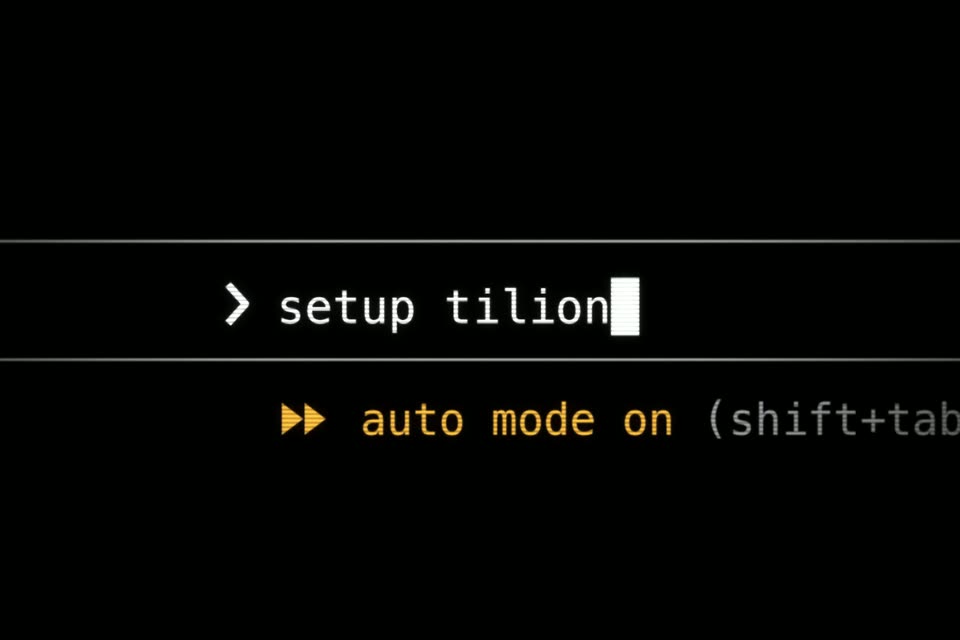
A black terminal screen with two thin horizontal rules frames a command line. A white prompt arrow sits left of a line that types out the URL letter by letter behind a blinking block cursor, while an orange fast-forward glyph and a shortcut hint sit on the lower line.
On-screen text: “setup tilion.com”
Techniques: Kinetic type
Camera: Static
A tight crop of a dark interface panel on a black background, framed to the right. The header row with a laptop icon and folder icon scrolls out of frame, and the panel's bottom row swaps from a shield icon with text to a segmented control with two buttons, while the domain title stays fixed.
On-screen text: “setup tilion.com”
Techniques: UI zoom
Camera: Static
A dissolve fades in a dark close-up of a search field. A circular plus button sits left of a rounded pill containing the typed URL setup tilion.com, a blue caret blinking at the end. A suggestion bar and partial keyboard occupy the bottom. The frame holds still.
On-screen text: “setup tilion.com”
Camera: Static
A silhouetted speaker in profile stands before a fan of blue stage-light beams. Small white text reads “once done”, then “tilion handles”, while huge bold words CAPTCHAS, FINGERPRINTS and PROXIES swap in one at a time above it.
On-screen text: “setup tilion.com”, “once done”, “tilion handles”, “CAPTCHAS”, “FINGERPRINTS”, “PROXIES”
Techniques: Kinetic type
Camera: Static
A dark silhouette of a speaker in profile stands before a fan of blue stage-light rays. The large headline above swaps from PROXIES to EVERY SITE CHANGE while the small tagline “tilion handles” stays fixed below.
On-screen text: “FINGERPRINTS”, “PROXIES”, “tilion handles”, “EVERY SITE CHANGE”
Techniques: Kinetic type
Camera: Static
A Delta booking confirmation page fills the frame behind a scanline, CRT-like static overlay. The green check, headline, flight details table and two buttons stay locked in place while the screen texture flickers and the edges bow slightly.
On-screen text: “tilion handles”, “EVERY SITE CHANGE”
Camera: Static
A centered confirmation view with a red checkmark, bold headline and a three-row details table above two buttons. The OpenTable reservation screen cuts to an Airbnb confirmation screen, keeping the same layout.
Camera: Static
A flat confirmation screen with horizontal scanlines cross-dissolves from a ride booking to a hotel booking. The green checkmark turns blue as the headline shifts from Ride confirmed to Booking confirmed and the detail rows swap.
Techniques: Morph
Camera: Static
Two confirmation screens crossfade on a striped gray backdrop: a black-check Car reserved card dissolves into a green-check Flight booked card, their headings and detail rows overlapping mid-transition. Horizontal scanlines overlay the whole frame.
Techniques: Morph
Camera: Push in
A booking confirmation screen covered in horizontal scanlines cross-fades between three states, Table booked with an orange check, Trip booked, and Booking confirmed with a blue check, the headings and buttons dissolving into one another.
Camera: Static
Ten black globe icons ring the center of a red scanline field. They multiply into a full grid, then condense into a dotted world map that fills into a solid black globe. Center text reads '10 browsers', then '10 million browsers'.
On-screen text: “10 browsers”, “10 million browsers”
Techniques: Morph
Camera: Pull out
Silhouetted horses gallop through golden dust toward a locked-off camera. Words of a sentence pop in one by one, scattered across the frame, dark over the bright mist and light over the dark bodies.
On-screen text: “10 million browsers”, “soon”, “billions”, “of”, “agents”, “working”, “for”, “you”, “will”, “show up at the web's door”
Techniques: Kinetic type
Camera: Push in
Black screen. 'soon' scales in, then white lowercase 'tilion lets them in' holds center before switching to 'tell your agent to setup tilion.com', the middle word cycling through muse, poke, codex, opencode, devin in accent colors.
On-screen text: “soon”, “tilion lets them in”, “tell your agent to setup tilion.com”, “tell your muse to setup tilion.com”, “tell your poke to setup tilion.com”, “tell your codex to setup tilion.com”, “tell your opencode to setup tilion.com”, “tell your devin to setup tilion.com”
Techniques: Kinetic type
Camera: Static
A small white emblem of a knight on horseback holding a lance holds dead center on a pure black field, locked off and motionless. A single caption line reads in the lower area, also static.
On-screen text: “tell your agent to setup tilion.com”
Camera: Static