0:10


Loom - 😎 Record with confidence: Loom AI automatically removes the ums, ah
Loom · Productivity · Sep 2023
Telegram · Apr 2024 · 0:09 · AI-annotated
Telegram’s 0:09 launch film runs 4 scenes, about 2.3 s each. The product is on screen from the first frame and 1 feature is revealed. There is no explicit call to action. The video is built as a continuous 3D phone mockup tour, moving from settings to landing page to chat reply with smooth slide, tilt, and type-on text. Its style relies on a flat purple backdrop, glossy UI cards, and quick perspective shifts to keep the feature demo energetic.
Is this your launch? to your site or press kit.
Loom · Productivity · Sep 2023
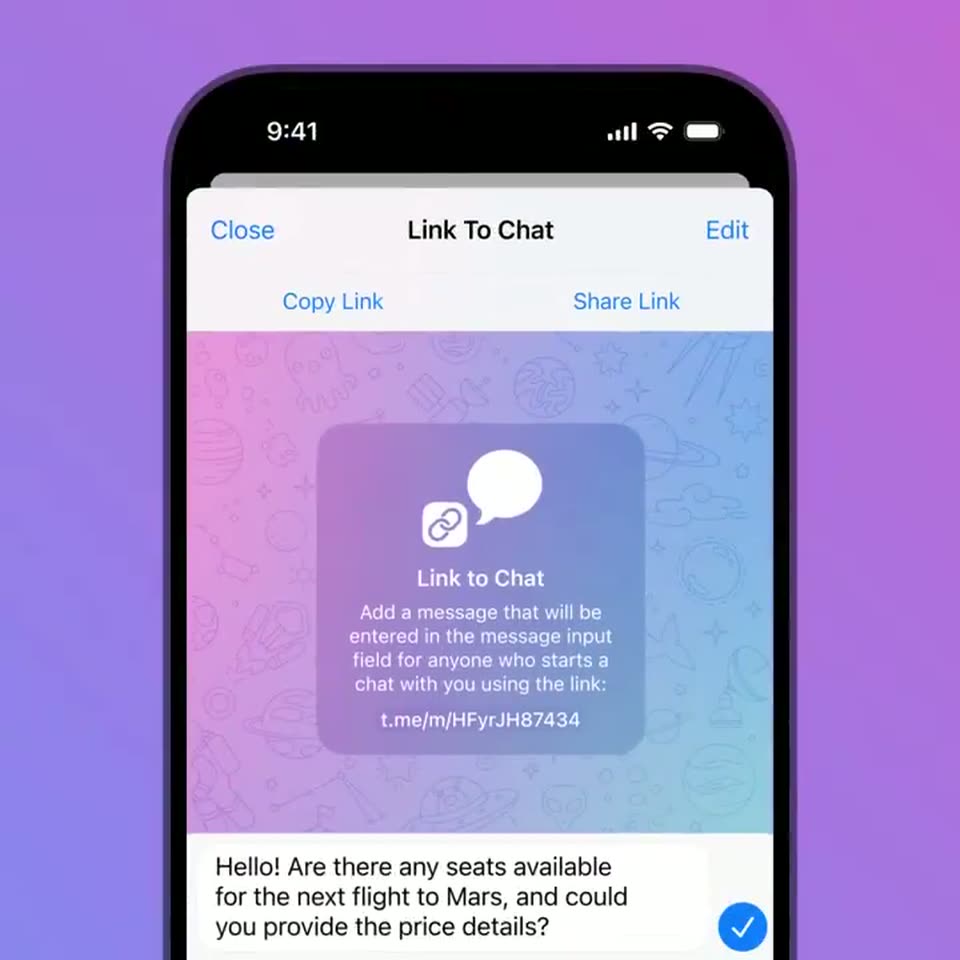
A 3D smartphone mockup on a purple background displays a chat link interface. A preview card slides up, and a message about a Mars flight types itself into the input field. The view then scrolls to reveal a space background.
Techniques: Kinetic type
Camera: Pull out
A smartphone mockup on a purple background displays a space-themed webpage. An orange button with the text 'Contact Tour Operator' types out, then the screen slides left to reveal a new view.
On-screen text: “teleport.to.mars”
Techniques: Kinetic type, Masking
Camera: Pull out
A front-facing phone mockup on a purple field shows a chat app. The welcome card fades out and a reply bubble drops in, then the phone tilts into 3D perspective, revealing a second screen edge behind it.
Techniques: 3D mockup
Camera: Pull out
A flat phone mockup on a purple gradient shows the 'Links to Chat' settings screen. At the start a pink chat view slides off to the right, revealing the settings list with a chain icon and link entries, which then holds still.
Camera: Push in