1:37

Samora (YC W26): Multilingual and Production Grade Voice Agents
Samora AI · B2B · Mar 2026
Slack · Sep 2023 · 1:13 · Full motion · AI-annotated
Slack’s 1:13 launch film runs 15 scenes, about 4.9 s each. The product is on screen from the first frame and 2 features are revealed. There is no explicit call to action; a voiceover carries the film. Flat 2D mockups on plain white carry a logo open, an interface tour, an email-chaos problem, two feature reveals, a benefit payoff and a logo close. Signature moves are slow zooms and slide-ins, a recurring faint dotted grid, and Slack purple with small brand-color accents.
Is this your launch? to your site or press kit.
Samora AI · B2B · Mar 2026
Cardboard · B2B · Sep 2026
Apple · Hardware · Sep 2026
Films whose music sounds like this one, voice left out
Flowtica · Upbeat, modern electronic
Illume Labs · Electronic
Boxes.dev · Modern electronic
On a pale off-white background, the colorful Slack hashtag icon and gray lowercase wordmark pop into the center while cropped faces and app icons, a green phone, a purple Word file and a red Adobe mark, sit at the edges.
Camera: Pull out
The Slack logo stays still at the center of a white background while three photo avatars and five line icons, an envelope, a phone, a Word file, a red file and an image, float gently around it in a slow bobbing loop.
Camera: Push in
A large black lowercase 'slack' wordmark sits on white as a purple app window slides in from the right, covering the text and showing a sidebar plus a Channels list with gray loading bars.
On-screen text: “slack”, “W”
Camera: Push in
A flat purple chat app mockup. The frame opens zoomed in on the sidebar, pulls back to reveal the full window with its channel list, then pushes in on the channels and the placeholder message rows.
Techniques: UI zoom
Camera: Pan
Stylized white email cards with blue headers and envelope icons slide in one after another, each new card settling in front of a growing stack of header bars, against a static dotted grid on the right.
Camera: Pull out
Flat email cards with blue headers multiply and scatter over a white dotted background; yellow exclamation badges and red warning triangles pop in with gray To, Cc, Bcc and Reply all chips, then the badges fade and the camera pushes in on the central card.
Camera: Static
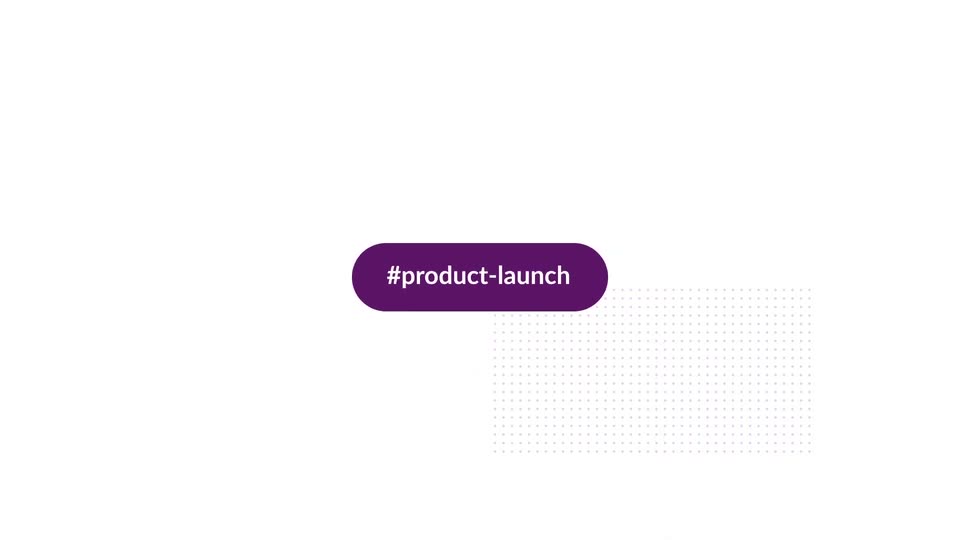
A purple pill badge reading #product-launch in white bold sans sits center-left on white over a faint dotted grid, scaling up slowly. Near the end a small tilted document mockup slides in from the right behind the badge.
On-screen text: “#product-launch”
Techniques: Kinetic type, 3D mockup
Camera: Push in
A flat chat app window on a light background plays a conversation as messages and reactions appear. The view zooms in while colored channel pills slide in over the sidebar, then zooms out; a cursor clicks a channel, switching to an external channel beside a green partner window.
On-screen text: “# proj-print-ads”, “# product-launch”, “# team-design”
Techniques: UI zoom, Cursor demo, Split screen
Camera: Pull out
Two flat chat windows sit side by side on a white field, a purple one and a green one, each showing the same external channel. The message list scrolls upward as new lines appear, and a rounded pill label names each company beneath its window.
On-screen text: “Acme Inc.”, “Big Corp”
Techniques: Split screen
Camera: Static
Two floating chat mockups sit side by side on a light gray field, a purple Acme Inc window and a green Big Corp window, each open on a shared external channel. The frame zooms in as the left window scales up and slides forward to overlap the right, with a pill label resting beneath each.
On-screen text: “Acme Inc.”, “Big Corp”
Techniques: 3D mockup, UI zoom, Parallax
Camera: Push in
A purple chat app window fills the frame. A hand cursor clicks the top search bar, which zooms in as it expands. The cursor types a query, the view shifts to a results list, then a filter dropdown opens and picks a channel, narrowing the list to two cards.
Techniques: UI zoom, Cursor demo
Camera: Push in
A white message card with an avatar, sender name and a file attachment collapses into a slim row with a green check and a Review Brief label. A hand cursor hovers over the attachment at the start, over a dotted grid backdrop.
Techniques: Cursor demo, Morph
Camera: Static
Four white task cards stack vertically on a white field, each pairing a green check circle, a small avatar and a label (Review Brief, Finalize Proposal, Approve Budget, Measure Results). They slide in one by one beside a faint dotted grid, then the list drifts right.
Camera: Static
On a pale background, a loose cluster of small colored dots slides and stretches into a four-armed plus made of rounded pills, then the word lack pops in to its right in heavy dark type.
On-screen text: “lack”
Techniques: Morph
Camera: Static
The Slack logo, a four-color hashtag mark beside the black lowercase word slack, holds centered on a plain white background, static for the full shot.
Camera: Static