0:47

Agent Mode is Here: Build & Edit Spreadsheets with Copilot in Excel
Microsoft · AI · Jan 2026
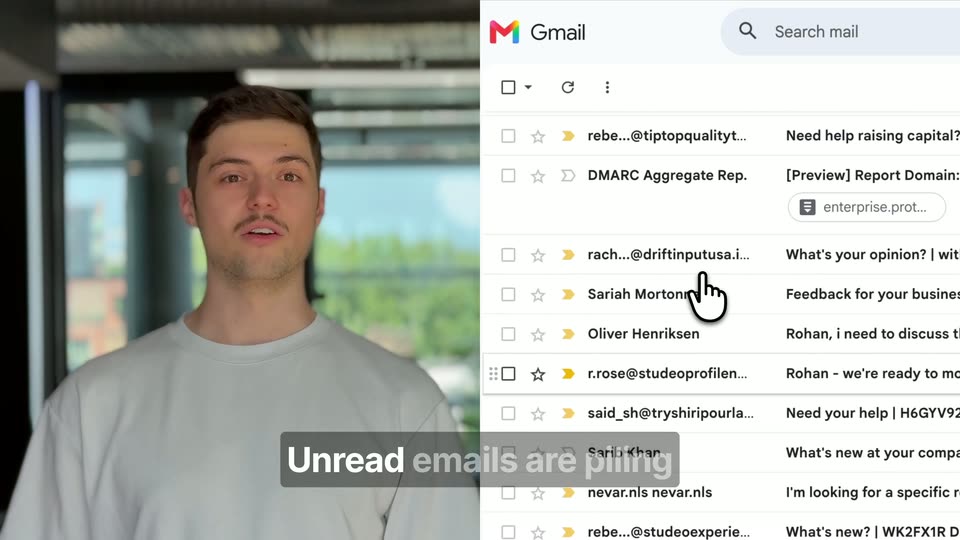
Roma’s 1:24 launch film runs 24 scenes, about 3.5 s each. The product is on screen from the first frame and 3 features are revealed. The call to action lands at 1:18 (94% in), over a voiceover. A single host talks to camera in a warm home office, cutting to full-screen dark UI demos and split-screen halves as each feature is shown, with white pill captions narrating every step. Pacing is steady and conversational at roughly 89 bpm, and the video closes on a solid orange logo card with the sign-up URL.
Is this your launch? to your site or press kit.
Microsoft · AI · Jan 2026
Orchestrator.inc · Oct 2026
Films whose music sounds like this one, voice left out
Google · Upbeat electronic
Anthropic · Lo-fi hip-hop, electronic
Replit · Upbeat corporate tech
Locked-off medium shot of a mustached man in a black t-shirt talking to camera at a desk with a laptop, in a home office with a leafy plant, lamp and framed art. A white logo sits top left; serif title text overlays the lower left.
On-screen text: “ROMA / CHANGELOG”, “Changelog 011”, “September 21 - 27, 2026”
Camera: Static
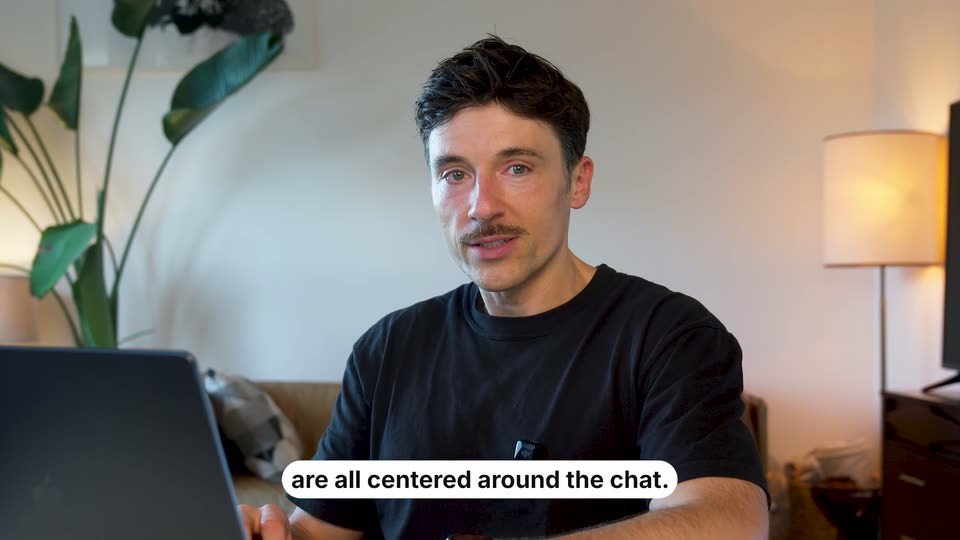
A man with a mustache in a black t-shirt sits at a laptop in a sunlit living room, speaking to camera in a locked-off medium shot. White pill-shaped subtitles appear at the bottom as he talks, then a static changelog title card with the date and number holds at the end.
On-screen text: “ROMA/ CHANGELOG”, “Changelog 011”, “September 21 - 27, 2026”, “6”, “First,”, “we have an”, “important update”, “to the Operator.”, “Most AI”, “are all centered around the chat.”
Camera: Static
A man in a black t-shirt sits at a desk with an open laptop, speaking to camera in a warmly lit room with plants and lamps. He gestures with his right hand mid-sentence. Locked-off medium shot; white subtitle pills cycle at the bottom.
On-screen text: “are all centered around the chat.”, “But we actually prefer”, “to do our work in artifacts”, “and have the chat”, “be the assistant”, “to the artifact.”
Camera: Static
A mustached man in a black t-shirt sits at a laptop in a bright living room, speaking to camera. Subtitle captions swap in at the bottom of the frame while the shot stays locked off and static.
On-screen text: “to the artifact.”, “And that's why we changed”, “the model in Roma.”
Camera: Static
A man in a black t-shirt sits at a desk with a laptop in a warm-lit room, talking to camera and gesturing with his right hand. White subtitle pills swap at the bottom center as he speaks.
On-screen text: “In Roma you can chat”, “about anything,”, “especially about your workspace,”, “with the Operator centered.”, “I'll show you here.”
Camera: Static
Split screen: a dark chat interface sits static on the left while a man in a black tee talks to camera on the right. White caption pills at the bottom swap phrase by phrase, transcribing his speech about creating a task.
On-screen text: “He, can you create a task”, “to prepare for our”, “our company retreat”, “and look at what we've packed”, “just create a list of items”, “we need to bring”
Techniques: Split screen, Kinetic type
Camera: Static
A dark task interface shows a task card above a prompt box. As the typed sentence completes, a white rounded pill highlights the final phrase at the bottom center, while a cursor rests on a small icon at the lower right corner.
On-screen text: “with us this time.”
Camera: Static
A split screen shows a dark chat interface on the left and a man in a black shirt gesturing at a desk on the right. A new task card appears in the chat as black captions in white boxes swap at the bottom.
On-screen text: “The Operator creates the task,”, “and as soon as I click”
Techniques: Split screen
Camera: Static
A dark chat view shows a You/Operator conversation with two stacked task cards. A hand cursor hovers at the lower right of the second card. A white rounded caption pill at the bottom reads the Operator slides to the right.
On-screen text: “the Operator slides to the right”
Techniques: Cursor demo
Camera: Static
A split view pairs a checklist document on the left with a chat thread on the right. The right panel slides in from the edge and settles into place, while a white caption pill at the bottom reads the line about the task.
On-screen text: “and the task is right there”
Techniques: Split screen
Camera: Static
A dark two-column interface shows a checklist document on the left and an Operator panel on the right. A white pill caption at the bottom updates from one phrase to the next while a cursor rests in the middle.
On-screen text: “and the task is right there”, “for me to work on.”
Camera: Static
A man in a black t-shirt sits at a laptop in a softly lit living room, talking to camera. White pill-shaped caption boxes with black text sit at the bottom center, swapping from the first line to the second.
On-screen text: “That's the Operator”, “keeping you focused.”
Camera: Static
A man in a black t-shirt sits at a desk facing a laptop, speaking to the camera in a softly lit room. White rounded caption pills with black text sit at the bottom center, swapping as he talks. The frame is locked off.
On-screen text: “keeping you focused.”, “Next, we made”, “task creation quicker.”
Camera: Static
A dark task list on black. A cursor clicks New task, an inline row opens at the top, and a task is typed, pushing rows down. A second task is typed via keyboard shortcut, then the view zooms into its detail page. White pill captions narrate each step.
On-screen text: “There's a new inline row”, “of your task list”, “or any project”, “Simply click on New task”, “type a thought, hit enter,”, “Or you can just”, “use a Keyboard.”, “type a thought, hit enter.”, “The task is created.”, “task creation quicker.”
Techniques: Cursor demo, UI zoom
Camera: Static
A dark task view shows the heading 'Create LinkedIn Post for launch day' above an empty notes field. A due-date picker with a September 2026 calendar opens, then a project list and status menu appear in turn. White pill captions at the bottom narrate each shortcut.
On-screen text: “Hit enter again”, “and you're inside the task.”, “Cmd+D for the due date,”, “Cmd+P to set a project,”, “and Cmd+S to set the status,”
Camera: Static
A man in a black t-shirt sits at a desk with a laptop, speaking directly to the camera in a room with a plant and a lamp. A subtitle at the bottom of the frame reads all by the keyboard.
On-screen text: “all by the keyboard.”
Camera: Static
A man in a black t-shirt sits at a desk in a sunlit room, typing on a laptop and speaking to camera. White rounded caption pills with black text appear at the bottom center, swapping phrases as he talks.
On-screen text: “all by the keyboard.”, “But of course,”, “you can add a task”, “all by voice.”
Camera: Static
A man in a black t-shirt sits at a desk and speaks, framed right of a dark Operator chat panel. White pill captions at the bottom swap phrase by phrase with his voice command, ending on “all by voice.”
On-screen text: “Hey, create a task”, “to start a competitor”, “research analysis.”, “Pull in the latest reports”, “on recruiting trends”, “from Reddit and X,”, “and remind me”, “all by voice.”
Techniques: Split screen, Kinetic type
Camera: Static
A dark task app screen shows a 'Prepare for company retreat' card above a text field where a dictated prompt types out, ending with 'At 10 a.m.' A white chip below confirms the time while a waveform icon pulses and a cursor rests at the right.
Techniques: Kinetic type
Camera: Static
Split screen: a dark task-chat interface on the left receives new messages and a task card while a mustached man in a black T-shirt talks to camera on the right. White caption pills swap phrases at the bottom center.
On-screen text: “We love AI”, “and capturing things by voice,”, “it's just great to type,”, “so we built it for both.”
Techniques: Split screen
Camera: Static
A man in a black t-shirt sits at a desk with a laptop, speaking to camera in a warm-lit living room with plants and a lamp. White caption pills with black text appear at the bottom center, swapping phrases.
On-screen text: “Make sure to check out”, “the iPhone app.”
Camera: Static
A mustached man in a black t-shirt sits at a laptop in a warm, softly lit living room, facing the camera and speaking. White rounded caption pills with black text appear at the bottom center, each line holding still before swapping to the next.
On-screen text: “the iPhone app.”, “There are a bunch”, “of smaller fixes throughout.”, “Especially, the chat”, “is now feeling a lot”, “cleaner and lighter.”
Camera: Static
A man in a black tee sits at an open laptop in a warmly lit living room, smiling and talking to camera. A large white serif line, See you next week., sits locked across the lower frame, with roma.app beneath it and CHANGELOG 011 in the top right corner.
On-screen text: “cleaner and lighter.”, “See you next week.”, “roma.app”, “CHANGELOG 011”
Camera: Static
A locked-off end card on a solid orange field. The black Roma wordmark and its notched square icon hold the center, with a smaller black sign-up line beneath. Nothing moves across the frame.
On-screen text: “Sign up at roma.app”
Camera: Static