
1:47
Explore
00:00:00 / 01:24:05
- Length
- 1:24
- Scenes
- 43 · 2.0 s avg
- Product on screen
- 0:22
- Features shown
- 1
- Call to action
- 1:18 · 93%
- Voiceover
- Yes
- Views
- 424 on X
as of November 25, 2026
Risely AI’s 1:24 launch film runs 43 scenes, about 2.0 s each. The product shows up at 0:22 and 1 feature is revealed. The call to action lands at 1:18 (93% in), over a voiceover. The video alternates locked-off white type cards that build sentences word by word, each word sweeping from pale lavender to deep indigo, with fast zoom-and-scroll product UI cutaways. Signature moves include the two-tone fill sweep on text, stacked-copy glitch on the legacy screens, and dashed connector lines that map integrations around the Risely badge.
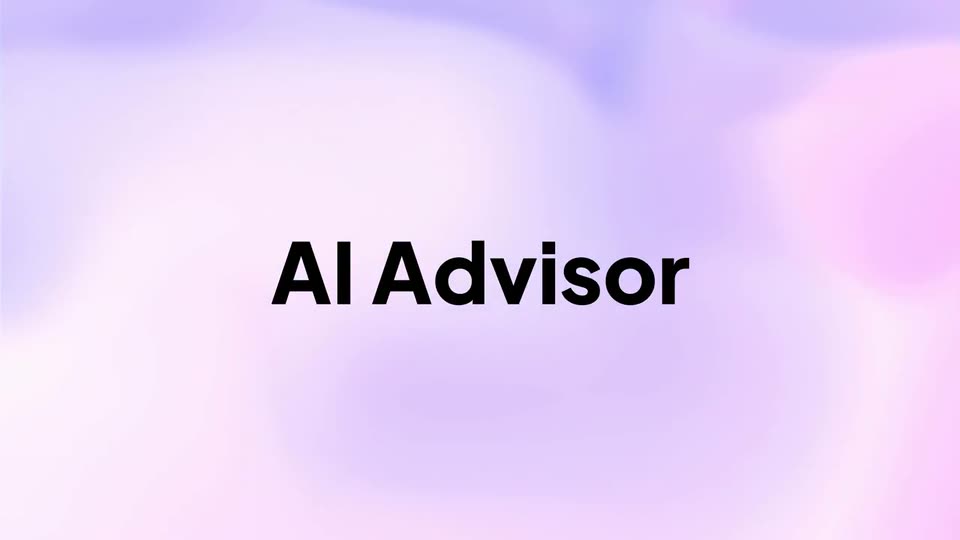
Footage neededEstimated needs: 3 capture groups — your screens or recordings · 1 official logo — reused across the film · 1 filmed passage — shoot, supply or replace · 2 graphic passages — draw or supply · 4 3D passages — build or supply
Is this your launch? to your site or press kit.
More like this


Similar soundtrack
Films whose music sounds like this one, voice left out
3:24
Hume AI - Introducing the Hume Audio Decision API. Ask anything: How many spea
Hume AI · Upbeat electronic
2:30
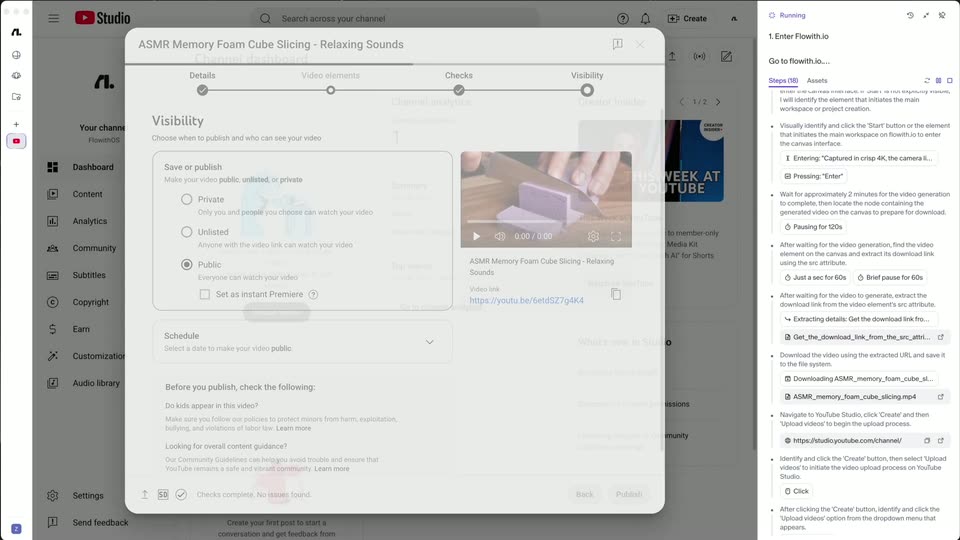

Derek Nee - introducing the OpenAI Atlas killer. might be the last browser you'll
Flowith · Modern Electronic
1:46
Alex Wendland - Excited to share Adaptive Innovation’s (@joinadaptive) $50M Series A
Adaptive Innovation · Corporate promotional soundtrack
Risely AI - We're live! Introducing Risely - AI agents that automate admin tasks, scene by scene
· 43 scenes as text
01 · Problem · 0:00–0:01
The word Colleges sits centered on a plain white field. Its fill shifts from pale lavender to deep indigo over the clip while the word stays locked in place.
On-screen text: “Colleges”
Camera: Static
02 · Problem · 0:01–0:01
On a plain off-white background, the lowercase word 'tens' in navy sits centered, then it is replaced by 'MILLIONS' in large light purple capitals.
On-screen text: “tens”, “MILLIONS”
Techniques: Kinetic type
Camera: Static
03 · Problem · 0:01–0:04
Centered on a white background, single words appear one after another in dark blue sans-serif: MILLIONS, dollars, years, recruiting, then students in lighter lavender. Each word holds still before the next replaces it, matching the voiceover about college spending.
On-screen text: “MILLIONS”, “dollars”, “years”, “recruiting”, “students”
Techniques: Kinetic type
Camera: Static
04 · Problem · 0:04–0:09
A curly-haired student rests his head in his hands at a wooden desk piled with papers, blurred office workers moving in the background. White centered captions swap phrase by phrase over the frame, timed to the voiceover.
On-screen text: “only to have”, “in”, “3”, “students drop out”, “poor student service”
Techniques: Kinetic type
Camera: Push in
05 · Problem · 0:09–0:12
On a plain white background, the title Academic advisors fades in from pale lavender to deep indigo, then gives way to the line the front line of student support, typed out letter by letter with a blinking cursor.
On-screen text: “Academic advisors”, “the front line of student support”
Techniques: Kinetic type
Camera: Static
06 · Problem · 0:12–0:13
On a plain white card, a single line of navy lowercase sans-serif text reads 'the front line of student support'. The line reveals left to right as the trailing letters fade from light gray to full navy, then holds locked in the center.
On-screen text: “the front line of student support”
Techniques: Kinetic type
Camera: Static
07 · Problem · 0:13–0:13
A beige retro computer sits on a low-poly table against a stylized sky and mountains. Its CRT screen scrolls lines of code while floating code snippets drift in the background. The color grade cycles from green to blue to pink.
Techniques: 3D mockup
Camera: Static
08 · Problem · 0:13–0:14
A beige retro computer with a keyboard sits on a concrete ledge by the sea under a blue sky. Its screen cycles through blue, green and red code, while white code lines float in the air on either side.
Techniques: 3D mockup
Camera: Static
09 · Problem · 0:14–0:15
A retro beige computer sits on a white ledge by a sunlit harbor, its screen filled with blue boot text. White code snippets float around it with a pixel glitch, and the shot opens under a blue color wash that clears.
Camera: Static
10 · Problem · 0:15–0:15
A glitching neon-green 3D laptop with floating code cuts to an Oracle course-search screen. A cursor hovers over a dense results table. The palette is distorted purple and green.
Techniques: 3D mockup, Cursor demo
Camera: Static
11 · Problem · 0:15–0:16
An Oracle attendance roster screen is shown. The clip opens with several blurred, offset copies of the same interface stacked together, which quickly collapse into a single sharp view of the form and its data table.
Camera: Pan
12 · Problem · 0:16–0:17
A student success dashboard quickly transitions from a cluttered attendance roster form to a clean alert view. Two blue bar charts for school and grade level sit above a filtered alerts table.
Camera: Static
13 · Problem · 0:17–0:18
A student-success dashboard shows an alert detail with category lists on the left and a record panel on the right. The frame then zooms out to reveal a browser header bar above the interface. A cursor hovers over the attendance dropdown.
Techniques: Cursor demo, UI zoom
Camera: Static
14 · Problem · 0:18–0:20
The Sofia Student Case Record screen settles on the Behavior tab while the Courses table dissolves out behind it. The shot then moves to a spreadsheet of student rows, one cell filled green in the middle column.
Camera: Static
15 · Other · 0:20–0:21
A plain off-white card holds the centered phrase that changes now., which wipes in from left to right, shifting from pale purple to deep indigo as it locks into place.
On-screen text: “that changes now.”
Techniques: Masking, Kinetic type
Camera: Static
16 · Other · 0:21–0:22
A dark sans-serif sentence slides across a flat gray field, then the frame cuts to black.
On-screen text: “that changes now.”
Techniques: Kinetic type
Camera: Static
17 · Product intro · 0:22–0:25
A giant light-gray copy of the headline fills the frame, then dissolves to reveal the locked-off line centered. A purple rocket logo with a pink flame pops in at the top right, then fades out.
On-screen text: “Introducing risely”
Techniques: Kinetic type
Camera: Pull out
18 · Product intro · 0:25–0:25
Centered on a white field, the black word “Introducing” sits beside the purple “risely” wordmark, both locked in place; the frame then clears to white.
On-screen text: “Introducing risely”, “AI Advisor”
Camera: Static
19 · Feature reveal · 0:25–0:27
A bold black AI Advisor title holds center on a blurred pastel lavender field. The Risely app window fades in behind it, showing the AI Advisor chat screen with a greeting line and a grid of action cards, the title staying legible on top.
On-screen text: “AI Advisor”
Camera: Static
20 · Feature reveal · 0:27–0:28
A product interface for risely fills the frame on a purple gradient. The left sidebar lists recent prompts, and the main panel shows the AI Advisor greeting, an input field, and six action cards. A cursor glides down from the center to the input box.
Techniques: Cursor demo
Camera: Static
21 · Feature reveal · 0:28–0:31
A white product interface shows a greeting headline above a purple-outlined input box. A cursor types a query into the box, then a dropdown of student names slides in as the cursor moves down to hover over the list.
Techniques: Cursor demo
Camera: Push in
22 · Feature reveal · 0:31–0:34
Nine circular partner logos (Salesforce, Google, Box and others) drift gently on a white background. The purple risely wordmark with a small rocket fades in at center as the badges dim to low opacity.
Camera: Static
23 · Feature reveal · 0:34–0:38
A grid of circular app logos orbits a central risely badge on a white field. The icons settle into place as a glint sweeps the badge, then dashed lines draw outward from the center to each logo and turn solid black, mapping the integrations.
Techniques: Light sweep
Camera: Static
24 · Feature reveal · 0:38–0:40
The risely Triage Center screen shows a student list with recommendation rows. Magnified callouts of the “# Days Since Creation: 1 Day” label, the red “Critical” badge and the “Schedule Meeting” and “Defer” buttons float over the list, then the view zooms into one row as a hand cursor hovers over the purple “Schedule Meeting” button.
Techniques: UI zoom, Cursor demo
Camera: Push in
25 · Feature reveal · 0:40–0:42
A form's message field scrolls upward, revealing more of the email body, while a hand cursor icon hovers at the lower right corner.
Techniques: Cursor demo
Camera: Pan
26 · Feature reveal · 0:42–0:44
A white email form scrolls up to reveal a character count and the Cancel and Send Email buttons. A hand cursor slides in from the right and hovers over the purple Send Email button, set against a dimmed list background.
Techniques: Cursor demo
Camera: Static
27 · Feature reveal · 0:44–0:46
A light app interface shows a loading spinner over a success plan, then zooms into the generated document. The view scrolls down through Academic, Personal and Wellbeing, and Professional goal cards, ending on a Tips and Suggestions list. A cursor rests in the side chat panel.
Techniques: UI zoom
Camera: Push in
28 · Feature reveal · 0:46–0:47
A light UI panel shows a list of student goal cards, then cuts to a fetching status list where two rows turn green with checkmarks while two rows spin, and a hand cursor rests at the bottom.
Techniques: Cursor demo
Camera: Static
29 · Feature reveal · 0:47–0:48
A white task list under a purple sparkle icon shows four rounded rows with circular status icons. The third row's purple dot spinner resolves into a green check circle, while the fourth row keeps spinning.
Camera: Static
30 · Feature reveal · 0:48–0:50
A green status overlay with checkmark cards and a fetching banner sits over a student profile page, then fades out to expose the full snapshot: a profile row, an orange risk notice, and a purple insights block.
Camera: Pull out
31 · Feature reveal · 0:50–0:58
A chat interface fills with a typed AI summary of a student, key phrases flashing yellow as they appear. The view scrolls to a second question typed into the input bar, and a new answer begins to type out.
Techniques: Cursor demo
Camera: Push in
32 · Other · 0:58–1:00
A plain off-white background holds a single lowercase sentence that slides in word by word. Newly arriving letters appear in light purple and settle into dark navy as the line completes.
On-screen text: “and this is just the beginning”
Techniques: Kinetic type
Camera: Static
33 · Other · 1:00–1:01
A flat phone mockup of the Sidekick app sits centered behind a large indigo headline that slides in across the frame. The shot then zooms into the phone, filling the screen with the recovery-plans list and its action buttons.
On-screen text: “and this is just the beginning”
Techniques: Kinetic type, UI zoom
Camera: Push in
34 · Other · 1:01–1:03
A phone mockup displays the Sidekick app's Recovery Plans list with two action cards. A translucent tap cursor hovers over the Book button, then the button flips to a gray Booked state with a green checkmark.
Techniques: 3D mockup, Cursor demo, Morph
Camera: Static
35 · Other · 1:03–1:05
A light dashboard with a left sidebar and a grid of metric cards fills the frame. The view then zooms in on the Total Time Savings card, holding on the figure 62,856 Hours Saved.
Techniques: UI zoom
Camera: Push in
36 · Other · 1:05–1:07
A blurred close-up of a white stat card sharpens as the view pulls back, revealing a dashboard grid of metric cards with large numbers and colored department bars.
Techniques: UI zoom
Camera: Pull out
37 · Other · 1:07–1:09
A plain off-white background holds a left-aligned navy sentence that builds word by word, each new word fading in from a lighter tint to full color. The frame stays locked off throughout.
On-screen text: “Risely's AI agents automate administrative tasks”
Techniques: Kinetic type
Camera: Static
38 · Other · 1:09–1:12
A single line of dark navy text holds centered on a white field, then the frame cuts to the phrase across campus, which scales up into the center as the second word fills from light purple to navy.
On-screen text: “Risely's AI agents automate administrative tasks”, “across campus”
Techniques: Kinetic type
Camera: Static
39 · Other · 1:12–1:13
On a plain white background, the centered headline 'improving retention' holds in a locked-off frame. The first word sits in dark navy while the second fades from a pale gray-blue into the same navy over the first half-second.
On-screen text: “improving retention”
Techniques: Kinetic type
Camera: Static
40 · Other · 1:13–1:18
On a plain white background, centered phrases fade in as light lavender and settle into dark navy before being replaced. The sequence runs staff productivity, and efficiency, then ditch the manual work, which scales into place.
On-screen text: “staff productivity”, “and efficiency.”, “ditch the manual work”
Techniques: Kinetic type
Camera: Static
41 · CTA · 1:18–1:20
A lavender tagline runs vertically along the right edge and scales out as “graduate to” fades in at center, then “Risely” completes the line in dark navy. The text clears and the Risely rocket logo with “risely.ai” fades in as a sign-off.
On-screen text: “ditch the manual work”, “graduate to Risely”, “risely.ai”
Techniques: Kinetic type
Camera: Static
42 · Outro · 1:20–1:23
A purple rocket icon and the dark indigo wordmark risely.ai sit centered on a plain background. The background shifts from white to gray while the logo and text remain locked in place.
On-screen text: “risely.ai”
Camera: Static
43 · Outro · 1:23–1:24
A dark gray background holds the Risely rocket logo and wordmark centered, then the frame fades to black.
On-screen text: “risely.ai”
Camera: Static