0:19
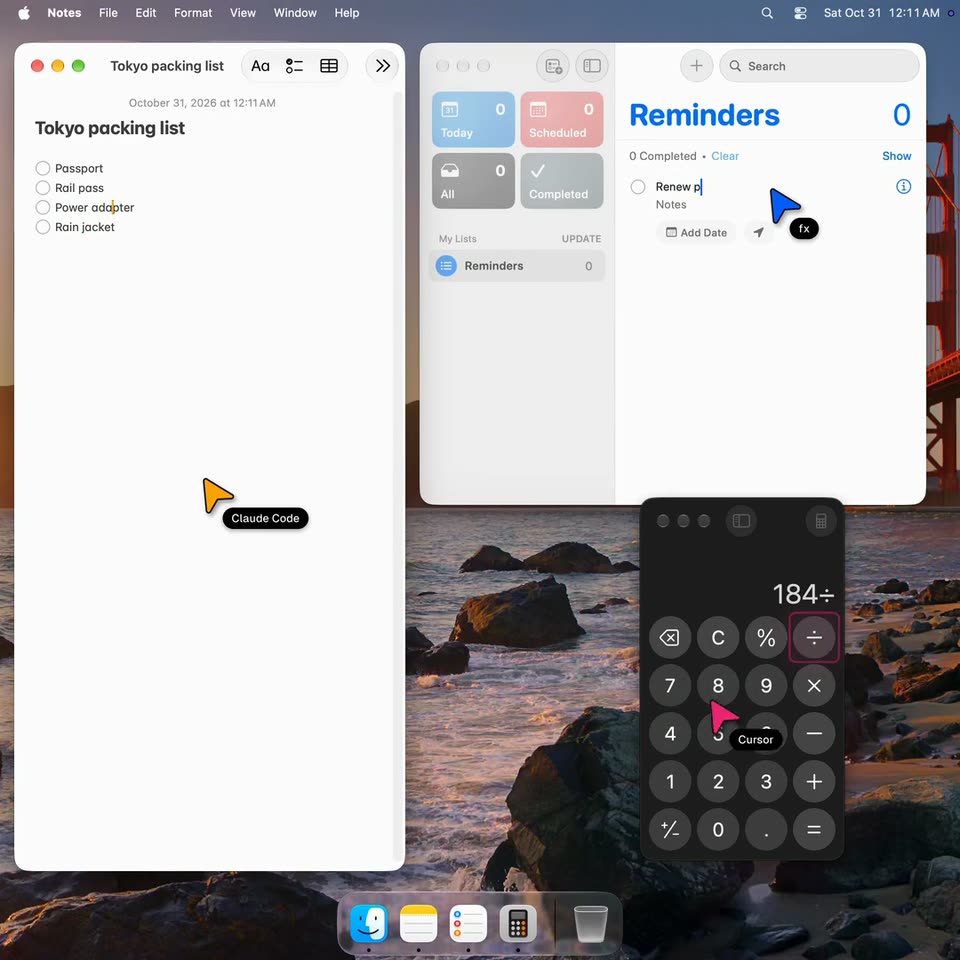
Chris Tate - Introducing agent-desktop agent-browser, for your whole computer →
Vercel Doctor · Oct 2026
ProvenMetal · Nov 2026 · 0:08 · Clip · AI-annotated
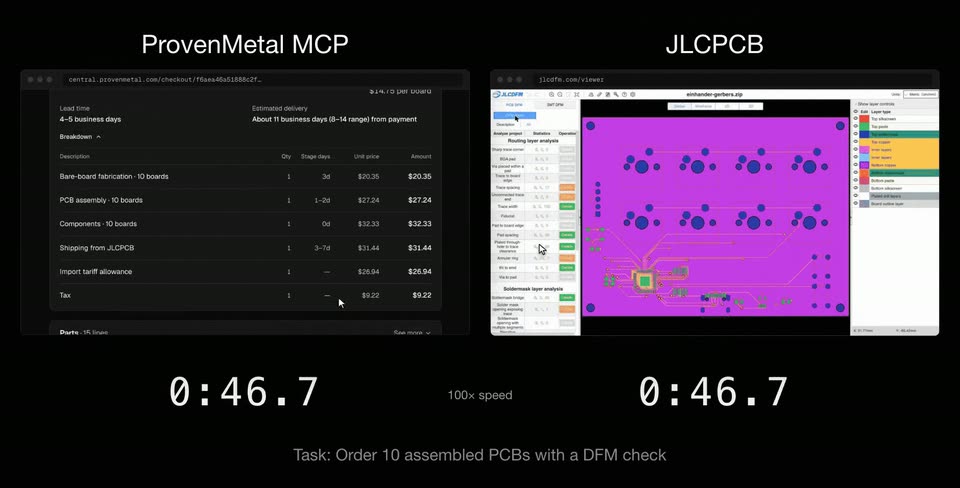
ProvenMetal’s 0:08 clip runs 3 scenes, about 2.7 s each. The product is on screen from the first frame. A static split screen freezes the ProvenMetal checkout at 0:56.0 while a 100x-speed JLCPCB recording counts up to 10:40.0, letting the time gap carry the message. The style is a dark, minimal UI comparison built on monospace timers, green and red accents, and a single cursor driving the right panel.
Is this your launch? to your site or press kit.
Vercel Doctor · Oct 2026
Deploy · Industrials
Super Code AI · Sep 2026
A split-screen layout pairs a chat terminal on the left with a PCB web viewer on the right, each under a white title. The left scrolls through a DFM checklist as the right cycles magenta and green board layouts, a cursor moving over the viewer.
On-screen text: “ProvenMetal MCP”, “JLCPCB”, “100x speed”, “Task: Order 10 assembled PCBs with a DFM check”
Techniques: Split screen, Cursor demo
Camera: Static
A split-screen comparison: a static dark ProvenMetal checkout on the left, a 100x-speed JLCPCB browser recording on the right cycling through its pages. Green and white timers count up beneath each, with a task caption below.
On-screen text: “ProvenMetal MCP”, “JLCPCB”, “0:56.0”, “100x speed”, “2:06.0”, “Task: Order 10 assembled PCBs with a DFM check”
Techniques: Split screen
Camera: Static
A split screen compares a frozen 0:56.0 order summary on the left with a live browser window on the right cycling through a PCB design view, a billing dialog and a checkout form. A cursor clicks the right panel as its timer counts up to 10:40.0.
On-screen text: “ProvenMetal MCP”, “JLCPCB”, “0:56.0”, “100x speed”, “7:43.3”, “Task: Order 10 assembled PCBs with a DFM check”, “8:40.0”, “9:36.7”, “10:40.0”
Techniques: Split screen, Cursor demo
Camera: Static