
1:00

Ramp - 98% of companies don't have a procurement team. The ones that do are
Ramp · Finance · Apr 2026
Polymorph’s 0:59 launch film runs 31 scenes, about 1.9 s each. The product shows up at 0:15 and 4 features are revealed. The call to action lands at 0:55 (94% in), over a voiceover. The video stitches meme-style cutaways (corgi, anime, pixel town) to clean pastel UI demos, each feature opened by a single bold caption card. It holds a steady 100 BPM with about 14 cuts a minute, relying on typed-in text, sliding stat cards, and pop-in tiles as its signature moves.
Is this your launch? to your site or press kit.
Ramp · Finance · Apr 2026
Google · AI · Sep 2026
Films whose music sounds like this one, voice left out
boot.dev · Comedic tech parody with cinematic and corporate elements
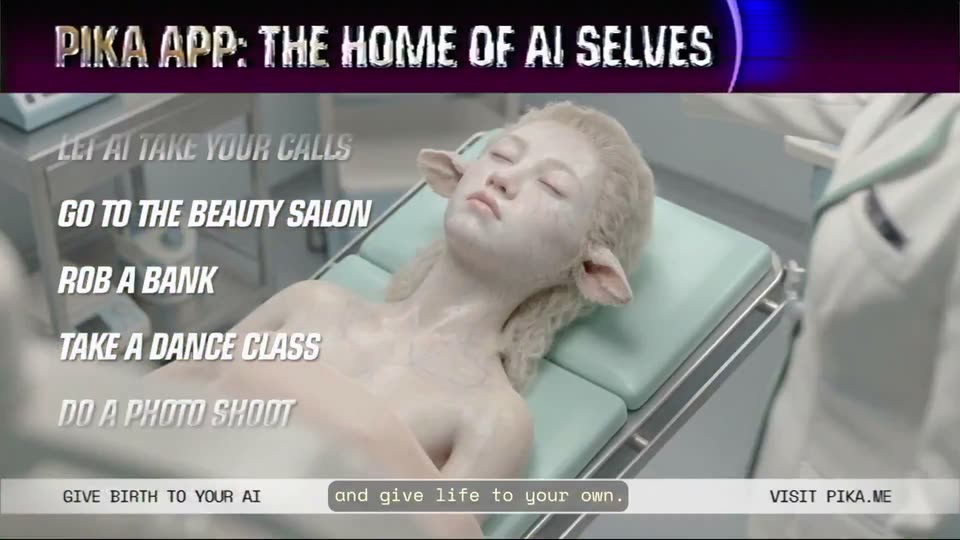
Pika · Electronic, synth-pop, ambient
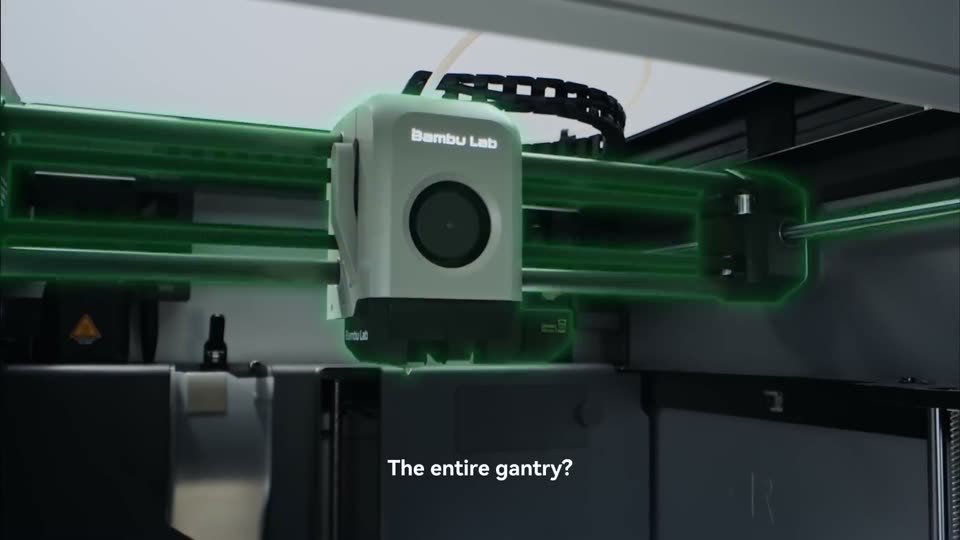
Bambu Lab · Modern electronic
A locked-off wide shot of a grassy coastal meadow, calm water and distant hills under a blue sky. A dark brown serif sentence types itself out word by word in the sky, then clears for a second line that types in.
On-screen text: “every user is telling you something”, “you're just not listening..”
Techniques: Kinetic type
Camera: Static
A green meadow, the sea, and distant hills under a blue sky carry a brown serif caption in the sky. A corgi head cutout slides in from the left, covering the frame, as a white sans-serif line slides across the center.
On-screen text: “you're just not listening..”, “consumer and self-serve teams”
Techniques: Kinetic type
Camera: Static
A corgi sits at a desk in front of a monitor showing analytics charts. The camera arcs from a close-up of its head to a side view revealing a keyboard and a small teddy bear. White text overlays the center.
On-screen text: “consumer and self-serve teams”, “look like this”
Techniques: Kinetic type
Camera: Pull out
A corgi sits at a desk facing a wide monitor filled with analytics dashboards, then the view zooms into the screen as the white caption 'drowning in' slides across.
On-screen text: “look like this”, “drowning in”
Techniques: UI zoom, Kinetic type
Camera: Push in
A 3D cartoon control room packed with colorful data stacks. A green-haired character gestures at a glowing dashboard while a headphone-wearing character reacts, as white captions 'endless dashboards' and 'mountains of data' appear over the scene.
On-screen text: “endless dashboards”, “mountains of data”
Camera: Push in
3D cartoon server room packed with towering stacks of purple and teal data boxes and glowing dashboard monitors. Three stylized characters struggle among the piles, one pushing boxes, one clutching a floppy disk. Cables and disks litter the floor. White caption lines overlay the scene, the last line sliding in.
On-screen text: “endless dashboards”, “mountains of data”, “infinite queries”
Techniques: Kinetic type, Particles
Camera: Static
Two images flash in quick succession: a 3D isometric wall of stacked colorful data blocks, then a close-up of an anime character with blue hair and a white gloved hand. Diagonal black bars and a red-blue glitch effect overlay both.
Camera: Static
A blue-haired anime character raises a hand, then the frame cuts to an extreme close-up of the face and glowing blue eyes. The white caption say no more holds centered over the cheek while the blurred hand stays in the foreground.
On-screen text: “say no more”
Camera: Static
A pixel-art town square shows a hooded figure with glowing blue eyes and a floating orb, then a lineup of chibi characters. The frame stays locked while large white lowercase text overlays the scene.
On-screen text: “say no more”, “introducing”
Techniques: Kinetic type
Camera: Push in
Locked-off 2D game view of a town square: a row of chibi characters stands behind a blue egg that rises as a small wizard hatches from it. The characters spread into a wider line as the egg settles at the top of frame.
On-screen text: “introducing”, “A”, “polymorph”
Techniques: Kinetic type
Camera: Pull out
A row of chibi fantasy adventurers stands in a 3D town square before a stone gate. A blue egg held at the center flares white, then returns to blue. The large 'polymorph' wordmark over the scene is replaced by a bottom caption.
On-screen text: “polymorph”, “your automated growth engine”
Techniques: Particles
Camera: Static
A centered line reads “we process” in light weight and “billions of signals” in bold on a soft peach gradient. It is replaced by two lines, “0 connected” and “0 errors”, with a slashed zero, fading in on the shifting pastel backdrop.
On-screen text: “we process billions of signals”, “0 connected”, “0 errors”
Techniques: Kinetic type
Camera: Static
White stat cards slide left in a row on a light background. The Integrations card, showing 9 connected and 0 errors, gives way to the Signals card with 2.0B total and 6.9M today, each framed by a right-pointing chevron.
Camera: Static
A horizontal row of white rounded cards scrolls left across a pale background. Each card shows a line icon, a bold title (Knowledge, Analysis) and two bulleted stats; thin chevron arrows sit in the gaps between cards.
Camera: Static
A light dashboard pans left across a row of stat cards. A Notifications card with a bell icon and pending and total counts sits center, then a Delivery card with a paper-plane icon and delivered and failed counts slides in under a Timeline header.
Camera: Pull out
A flat white panel titled Pipeline sits centered on a soft pastel gradient, holding six stat cards in a row with icons and colored dots. The frame is locked off and static throughout the clip.
On-screen text: “through one-click integrations”
Camera: Static
A centered line of black text holds on a soft cream and lavender gradient wash. The word through sits in a light weight, while one-click integrations follows in bold. The frame stays locked and still throughout the clip.
On-screen text: “through one-click integrations”
Camera: Static
A single column of white integration cards expands into a full three-column grid over a soft pastel gradient. The cards show app names, status dots and data counts. The phrase to build fades in large and pale across the center.
On-screen text: “to build”
Techniques: UI zoom
Camera: Pan
A faint grid of app names and icons fades out behind centered text on a soft peach and lavender gradient. The line stays locked in place while the background clears to a plain wash.
On-screen text: “to build living profiles of each user”
Camera: Static
A centered gray caption reads on a soft pastel gradient, then it fades as a white profile card slides in, showing a pixel-art avatar, the bold label API Power User, and a signals count with a timestamp on the right.
On-screen text: “to build living profiles of each user”
Techniques: Kinetic type
Camera: Static
A white user-profile card with rounded corners sits on a soft peach-to-lavender gradient. The card scrolls upward, revealing a summary list, a row of event pills, a weekday activity heatmap, and experiment bullets in sequence.
Camera: Static
A light UI panel on a soft gradient background. A 'LAST ACTION' card with a green checkmark sits above a 'NEXT ACTION' card with a purple sparkle icon. The panel scales in and the lower card fades in.
Camera: Static
A UI panel slides out of frame to the left, leaving a soft peach and lavender gradient. A line of dark gray text then assembles word by word, each word sliding in from the left.
On-screen text: “and automatically personalize their experience”
Techniques: Kinetic type
Camera: Static
A charcoal headline sits centered on a soft peach-to-lavender gradient. It slides up as a vertical stack of white rounded notification cards, each with a colored icon and a right-aligned timestamp, pops in one by one and scrolls upward.
On-screen text: “and automatically personalize their experience”
Techniques: Kinetic type
Camera: Static
A list of white activity cards on a soft gradient background cuts to a plain white screen. A large white logo mark with a yellow dot sweeps across the center, partially covering the line of text so only the ends are visible.
On-screen text: “so you customers”
Techniques: Morph
Camera: Static
Three animated characters sit on a grassy cliff by the sea, chatting and gesturing as the camera slowly pulls back to a wide coastal view. White lowercase captions swap in at the center, one phrase per line, timed to the voiceover.
On-screen text: “so your customers”, “onboard faster”, “deepen their engagement”, “and keep coming back”
Techniques: Kinetic type
Camera: Pull out
A man in a dark leather jacket stands on a grassy hill under a blue sky, facing the camera and gesturing with both hands as he speaks. The white caption “your users” sits centered over his chest while he talks.
On-screen text: “and keep coming back”, “your users”
Camera: Static
A man in a blue sweatshirt stands on a grassy hill beneath a blue sky, facing the camera and speaking. The word deserve sits in white across his chest, static over the locked-off frame.
On-screen text: “deserve”
Camera: Static
A man in a light blue sweatshirt stands center frame on a grassy hill under a clear blue sky, speaking directly to the camera. A white lowercase word sits locked over his chest. The shot is static, with a dark sculpture to the right.
On-screen text: “special”
Camera: Static
A man in a yellow-and-white striped shirt stands on a grassy hill under a blue sky, facing the camera and speaking, with a dark perforated arch sculpture in the background. The white caption 'use polymorph' is locked over his chest for the duration of the shot.
On-screen text: “special”, “use polymorph”
Camera: Static
A corgi sprints toward the camera across a sunlit wooden deck, the handheld shot backing up to keep pace. A white URL sits centered and still over the mid-frame.
On-screen text: “usepolymorph.com”
Camera: Push in